
Sailfeed


Feed reader for Nextcloud News on Sailfish OS, with a clean reader mode
New in 1.2: settings per feed, a compact list view, oldest first, swipe to the next article, better on slow connections, and old read articles are cleaned up.
I built Sailfeed for myself after moving partly from Android to Sailfish OS: my RSS feeds should be in the same state everywhere – read on the phone, read on the tablet. Nextcloud News keeps them in sync, Sailfeed is the native reader for it, based on libfuoten. I use it every day and share it for anyone who finds it useful.
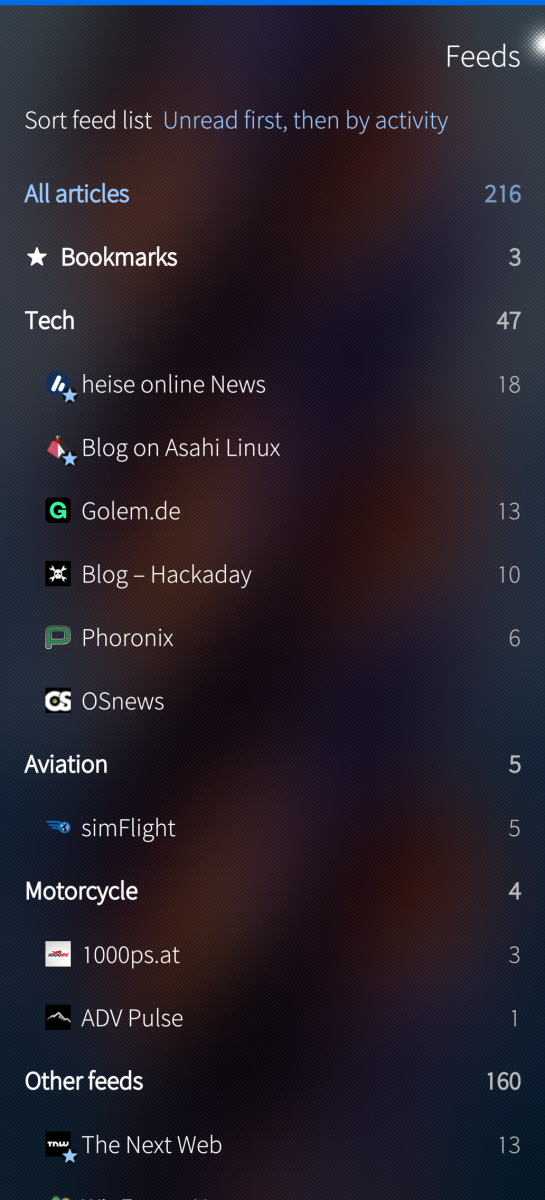
Feeds
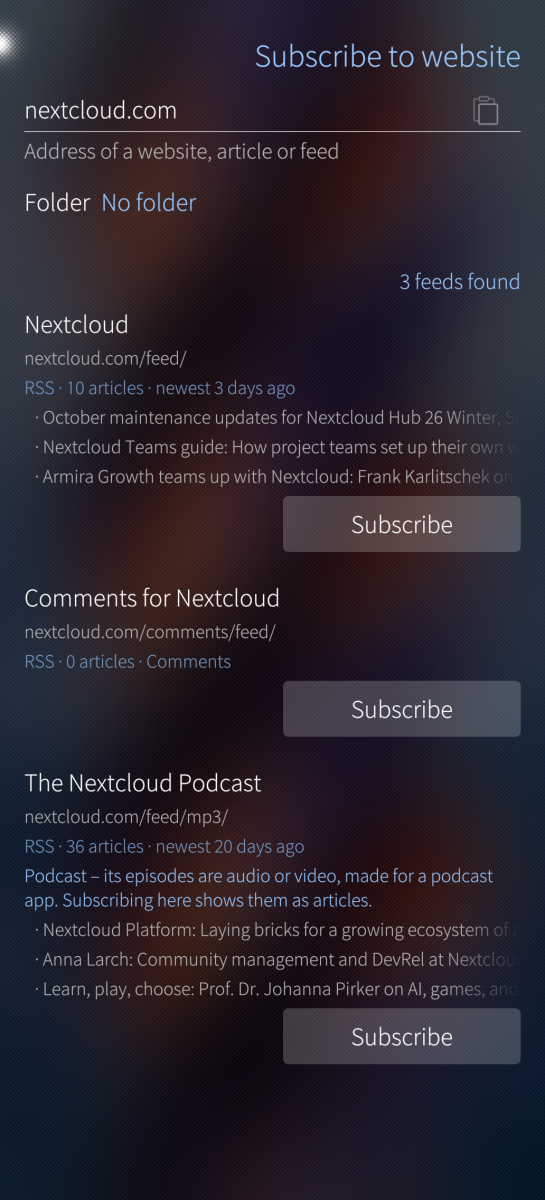
- Subscribe to website: paste the address of a site or an article – Sailfeed finds its feeds and shows their newest articles
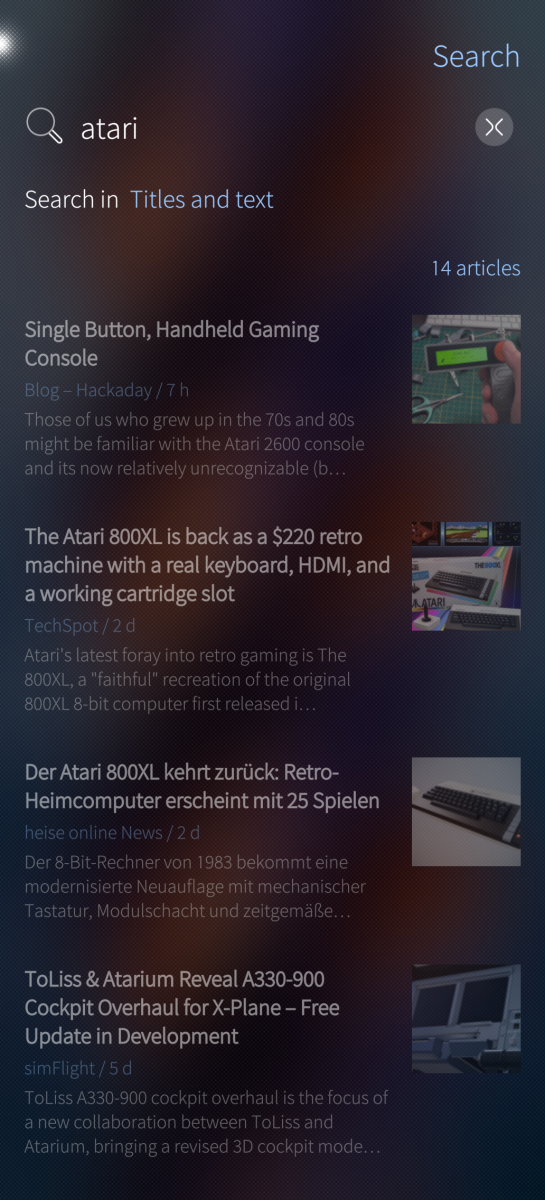
- Search in the articles on your device and in feed titles
- Folders, favorite feeds, bookmarks, several sort orders; rename, move, delete
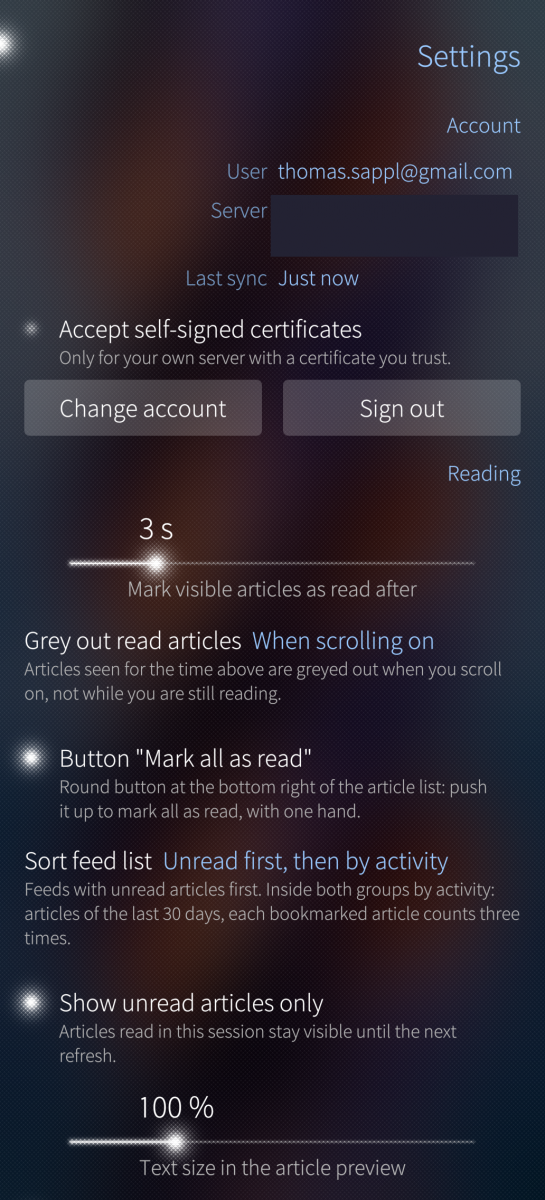
- Settings per feed: list view, preview, how the full article opens
Reading
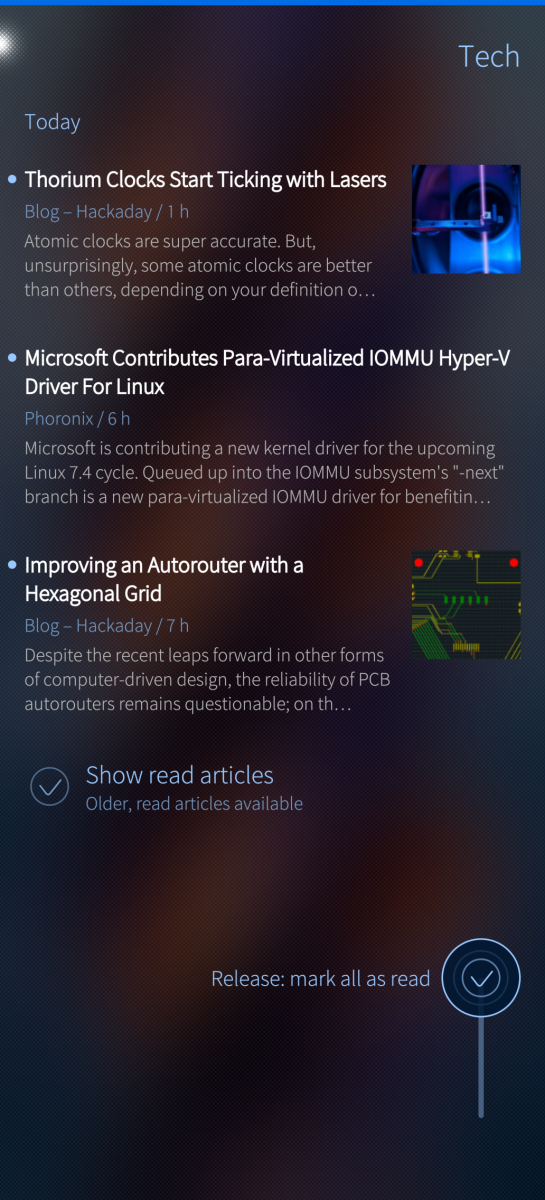
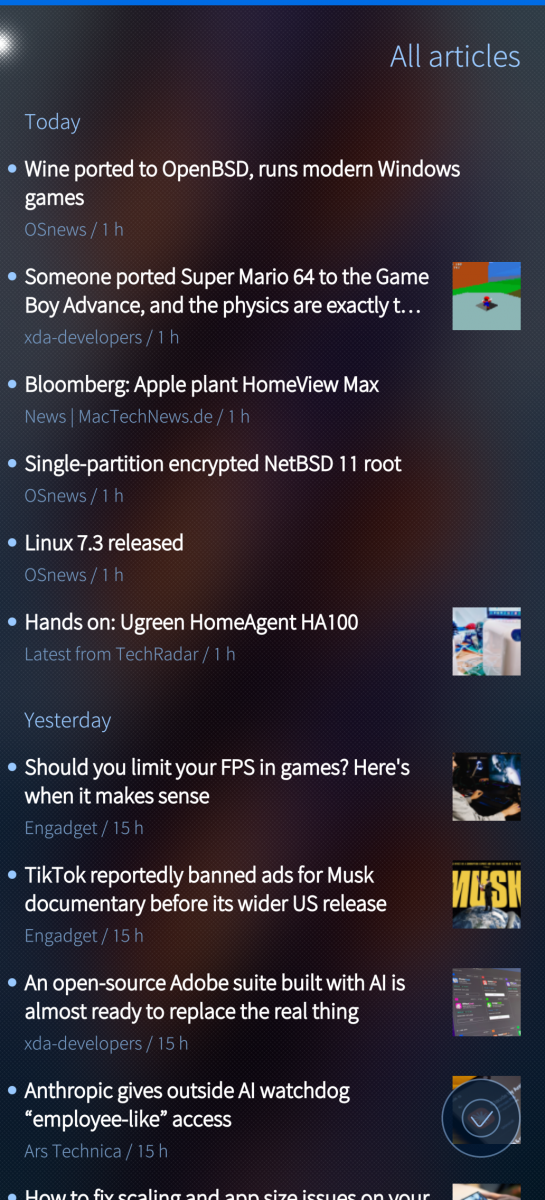
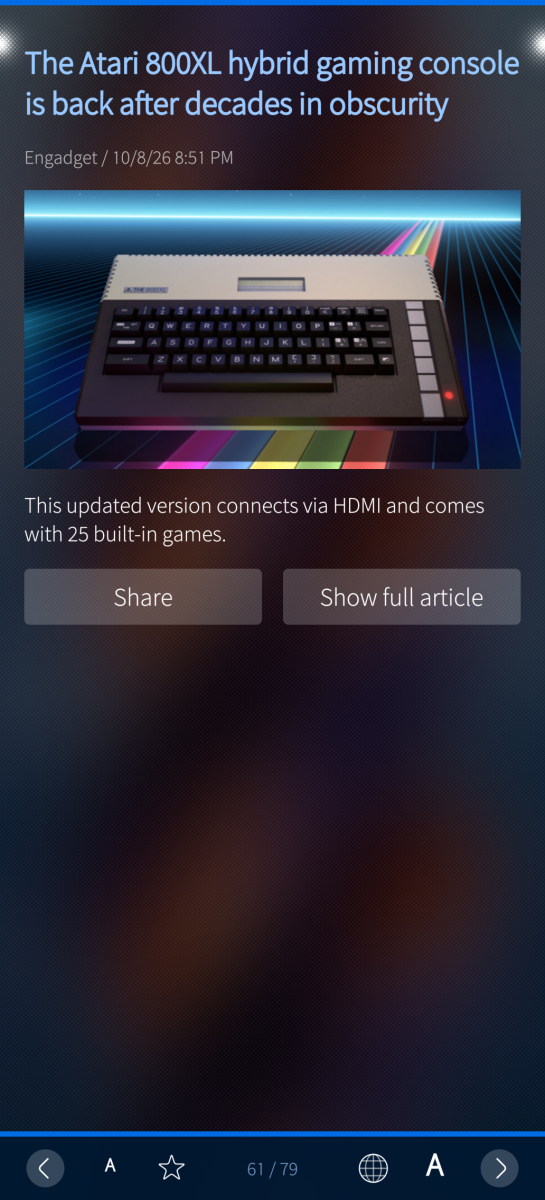
- Article list grouped by day – detailed or compact, newest or oldest first –, page-wise scrolling with one hand, read articles greyed out automatically
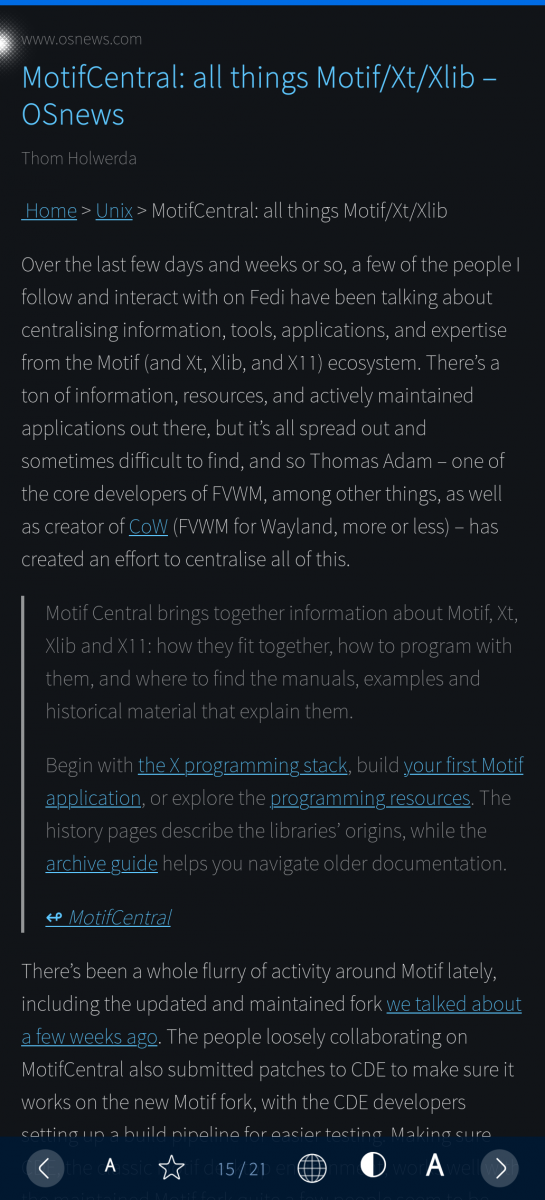
- Swipe from the preview to the full article in a clean reader mode – no ads, no cookie banners; font, colors and spacing as you like, text size remembered per feed
- Bottom bar for one-handed reading: previous / next, text size, bookmark, light / dark, reader mode or original website; swipe left for the next article
- Links in articles open in reader mode or in the browser
- Mark as read with one hand (push-up button) or by long press – always with undo
- Works offline: read and bookmark changes are sent with the next sync; old read articles are cleaned up to save space
- Settings backup in your Nextcloud files, app password in Sailfish Secrets, Sailjail, cover actions, portrait and landscape, English and German
Requirements: a Nextcloud server with the News app installed and running. Sailfeed is only the reader and fetches no feeds itself.
Use of AI: Developed with the assistance of an AI model (Claude by Anthropic). The developer specifies all features, makes all design and technical decisions, tests every change on a Jolla Phone (2026) and uses the app every day.
Privacy: no tracking, no ads, no data to the developer (privacy policy).
License: GPL-3.0-or-later · Source and issues: github.com/t-sappl/harbour-sailfeed
Screenshots:
Category:
Keywords:
Application versions:
| Attachment | Size | Date |
|---|---|---|
 harbour-sailfeed-1.2.0-1.aarch64.rpm harbour-sailfeed-1.2.0-1.aarch64.rpm | 657.18 KB | 19/10/2026 - 11:20 |
| harbour-sailfeed-1.2.0-1.armv7hl.rpm | 621.87 KB | 19/10/2026 - 11:20 |
| harbour-sailfeed-1.2.0-1.aarch64.rpm | 657.18 KB | 19/10/2026 - 11:20 |
Changelog:
Changelog 1.2.0
- New: Feed settings – long press a feed or use the pulley of its article list: name, folder, and the feed's own list view, preview and full article mode
- New: compact list view (title and source, about twice as many articles per page), also per feed
- New: order "oldest first"
- New: swipe left in reader mode for the next article
- Articles without text in the feed open the full article directly
- Slow connections: reader mode keeps waiting instead of starting over, offers the feed's text or the browser after 10 s, no more blank page
- Storage: old read articles are deleted after a chosen time (bookmarks and unread ones always stay; off after an update, with a hint); image cache size and "Clear image cache"
Changelog 1.1.0
- New, more distinguishable Icon
- New: Subscribe to website – finds the feeds of a website or article and shows them with their newest articles; recognises feeds you already subscribe to; also from the web view pulley
- New: Search in the articles on the device (titles and text, also read ones) and in feed titles – in the pulley of the article list and the feed list
- New: links in articles open in reader mode or in the browser, long press for the other way
- Easier first start: explanations on the sign-in page and in empty lists, tips for the hidden gestures
- Reading: reader mode ↔ original website in the bottom bar, shorter pulley with share; calmer reader mode, smoother previous/next; calmer article preview
- Article list: better paging, reliable mark-as-read at the end
- Settings: main page with sub-pages (incl. "Nextcloud" for account and backup), live preview of the reader mode
- Better readable in light ambiences
Changelog 1.0.0
- First public release.
Comments
Dokuz
Mon, 2026/10/19 - 14:55
Permalink
Good design iconss its PERFECT