
iLG remote


A native Sailfish OS remote control for LG webOS televisions. It speaks the LG SSAP WebSocket protocol (over TLS) directly - d-pad, volume, channels, inputs, media keys, a pointer/touchpad, a number pad and app launching - and powers the TV on with Wake-on-LAN. Switched-on TVs are found by SSDP discovery with a scan of the local subnet behind it, and several TVs can be stored and switched between. A TV that is asleep answers nothing and cannot be discovered — switch it on once, and from then on the app knows it and can wake it.
Everything runs on the device and stays on your own network: it talks only to the TV you paired with. The first connection shows a pairing prompt on the TV; the key the TV returns is stored locally on the phone. No account, no cloud, no telemetry.
FEATURES
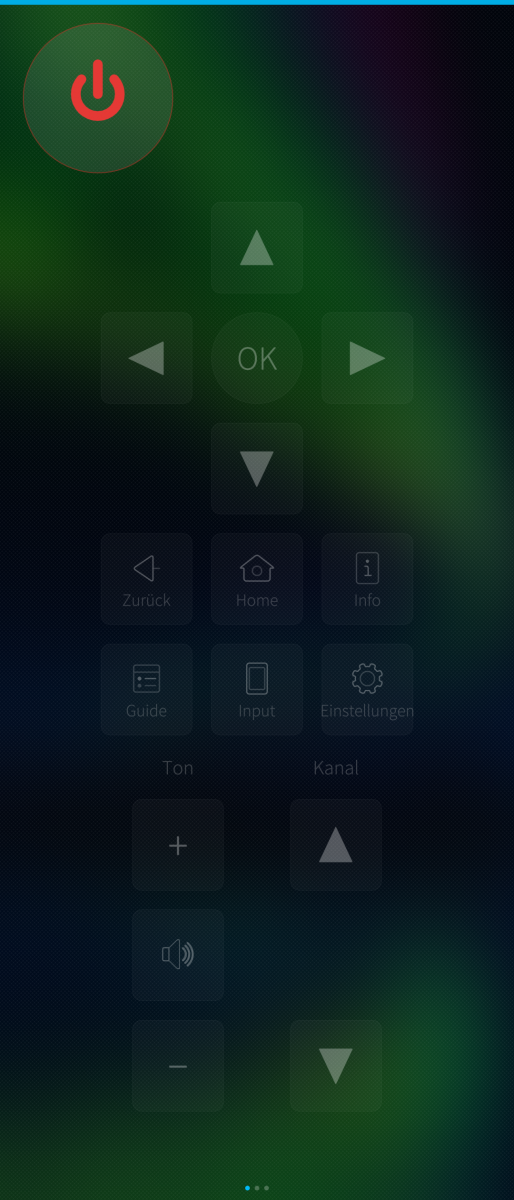
- Full remote: d-pad, OK/back/home, volume and channel, inputs, media transport keys
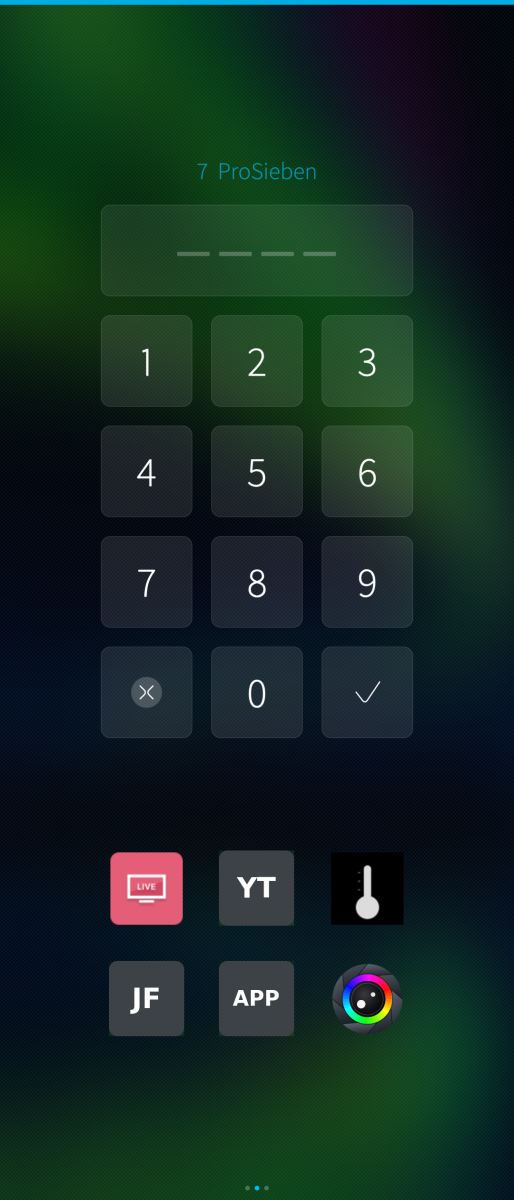
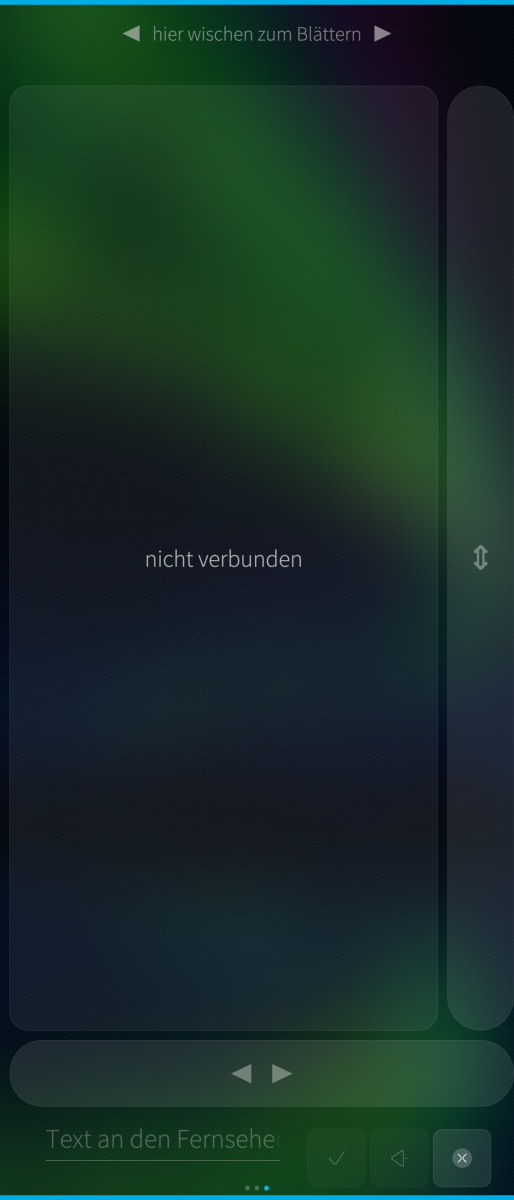
- Pointer / touchpad mode and a number pad
- Six quick-launch tiles: five you assign yourself (press and hold one and pick
any app or input the TV reports), plus a fixed one that takes a screenshot of
the TV and puts it in the gallery
- Apps and inputs listed with the icons the TV serves, sorted by name
- Wake-on-LAN power-on; SSDP discovery, with a fallback scan of the local subnet
- Store several TVs and switch between them
- Auto-reconnect: the connection keeps itself alive and comes back on its own
- The TV's certificate is pinned on the first connection and checked from then on
- Error log and glossary, both under About
STATUS
Proof of concept / work in progress, shared as is, no warranty. Built and used on a Sony Xperia 10 III (Sailfish OS 5.x). English user interface with a German translation. Works with newer LG webOS models that speak SSAP.
ARCHITECTURES
aarch64 (Sailfish OS 5.0+). No armv7hl build.
Written with Claude Code (Anthropic).
Source, issues, releases: https://github.com/JimKnopfIoT/harbour-ilg-remote
Screenshots:
Category:
Application versions:
| Attachment | Size | Date |
|---|---|---|
 harbour-lgremote-1.1.6-1.aarch64.rpm harbour-lgremote-1.1.6-1.aarch64.rpm | 208.86 KB | 05/10/2026 - 06:18 |
| harbour-lgremote-1.1.6-1.armv7hl.rpm | 201.29 KB | 05/10/2026 - 06:24 |
Changelog:
- Power and sound keys: own symbols. The update from SailfishOS 5.2.0.17 to 5.2.0.18 drops the Twemoji font, which drew the symbols for power and sound (on/mute) - power became an empty box, the speakers took Noto's shape. The symbols are now self-drawn SVG, in the same place and size as before. - About page: shows the right version again.
Comments
projectmoon
Sat, 2026/08/22 - 12:43
Permalink
Oh also, sending text to TV doesn't seem to send the text, but it seems to press a key on the onscreen keyboard.
JimKnopfIoT
Sat, 2026/08/22 - 20:40
Permalink
@projectmoon Please try the new 1.1.2 Version. The app wakes the TV with a magic packet that needs its MAC address which is now stored.
Try a long press — it opens the list of inputs and apps and switches directly. The short tap sends the remote's input key, which not every model acts on.
Text is a webOS limitation. Some apps draw their own keyboard that can't be skipped or i didn't found a way to skip it. YouTube is one of them. On top of that the app used to press ENTER first to open the keyboard,
and when no field was focused that simply hit whatever was highlighted.
The text row now (1.1.2) has two separate buttons: the check mark sends text into a field on the TV, and the magnifier sends your term to YouTube as a launch parameter, without any keyboard involved.
That second one is the reliable way to search.
projectmoon
Sat, 2026/08/22 - 12:42
Permalink
Generally seems to work. Can't turn my TV on with it (app only seems to find TV while it'd on). And source input button doesn't work. Everything else important does.
Vieno
Fri, 2026/08/21 - 19:50
Permalink
Hi,
this app work brilliant with my LG TV. Auto discovery didn't work, but after keying in the IP and MAC all was good. Thanks a lot for sharing it.
Best regards,
Wolfgang
JimKnopfIoT
Sat, 2026/08/22 - 10:20
Permalink
@Vieno You may retry auto discover with the actual version (=> 1.0.1).
Vieno
Sun, 2026/08/23 - 10:47
Permalink
Now discovery works smoothly, but it does not draw the MAC address from the found TV. Hence, no WOL.
One minor glitch I found is that if you add a shortcut, such as Netflix, to the second page, the icon remains blank if it hasn't been loaded onto the selection list yet. Once all the icons have been loaded, everything is fine.
What is the meaning of the symbol that looks like a lens with a rainbow circle around it? Is it for TVs with cameras?
JimKnopfIoT
Sun, 2026/08/23 - 20:30
Permalink
@Vieno I added error log function, fixed the tile issue and changed the Screenshot Icon. This Button let you take a screenshot from TV. It's stored on your phone. Please try the new v1.1.3.
Vieno
Sun, 2026/08/23 - 23:18
Permalink
I've just tried again. Now I can access the MAC address — I mean, a lot of them! Wi-Fi, LAN and Wi-Fi Direct.
The screenshot button is a cool feature. In the meantime, I figured it out myself, stumbling upon all the new pictures in the gallery ;-)
Thanks again for the app and for resolving the issues so quickly.