
Sailwave


Sailwave is a native interface for browsing and listening to radio stations streams from the community database radio-browser.info
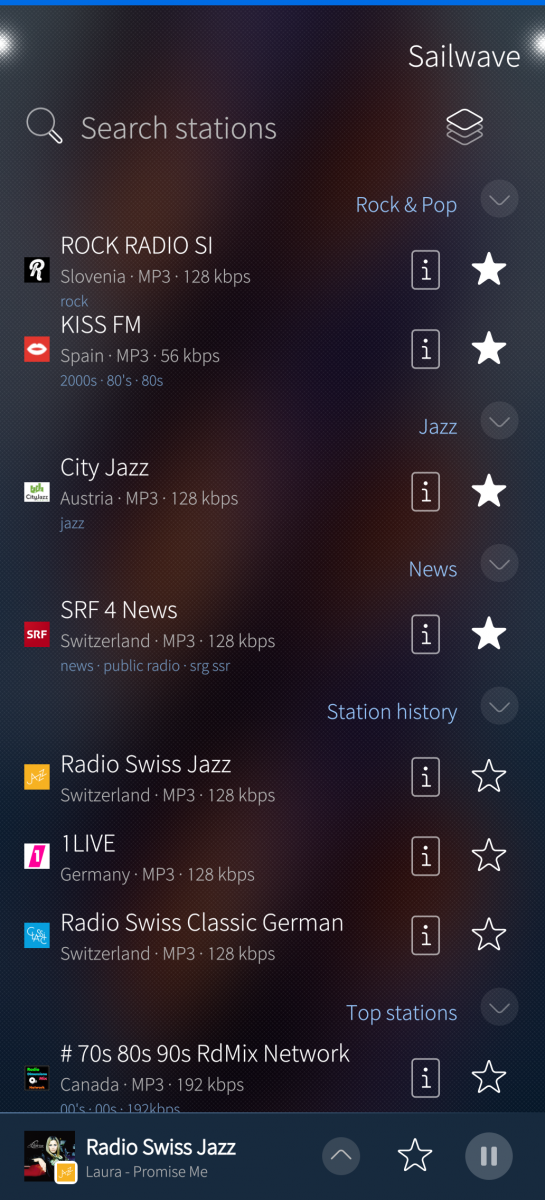
- Discover: top stations matched to your listening, station history and a quick search
- Advanced search: filters for genres, languages, countries, audio quality and sorting
- Favorites: save stations as favorites, arrange favorites as groups
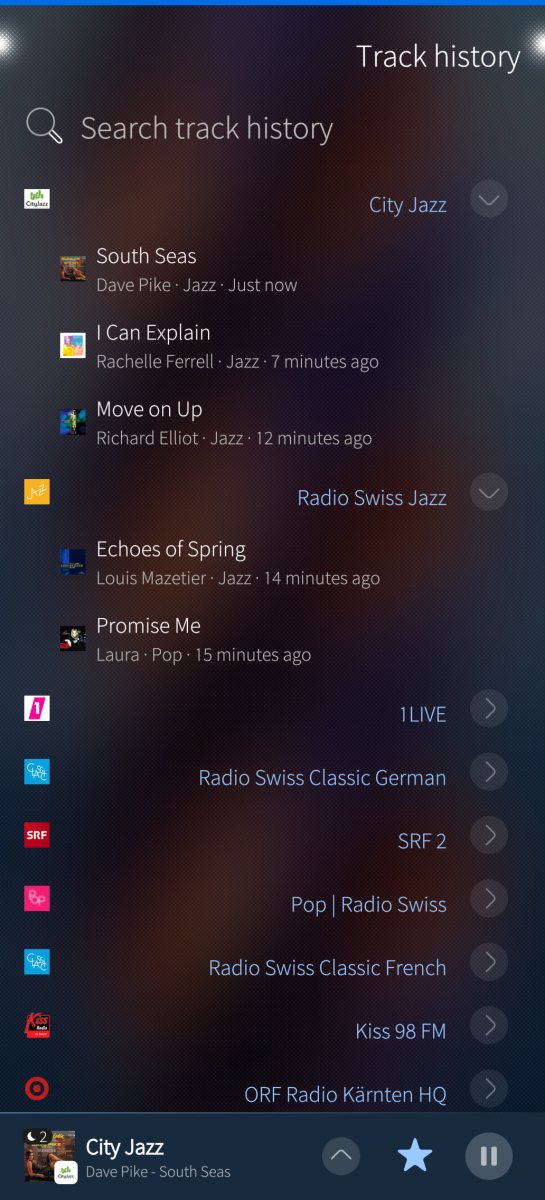
- Track history: what was playing, with album covers, album and genre (optional, via iTunes API)
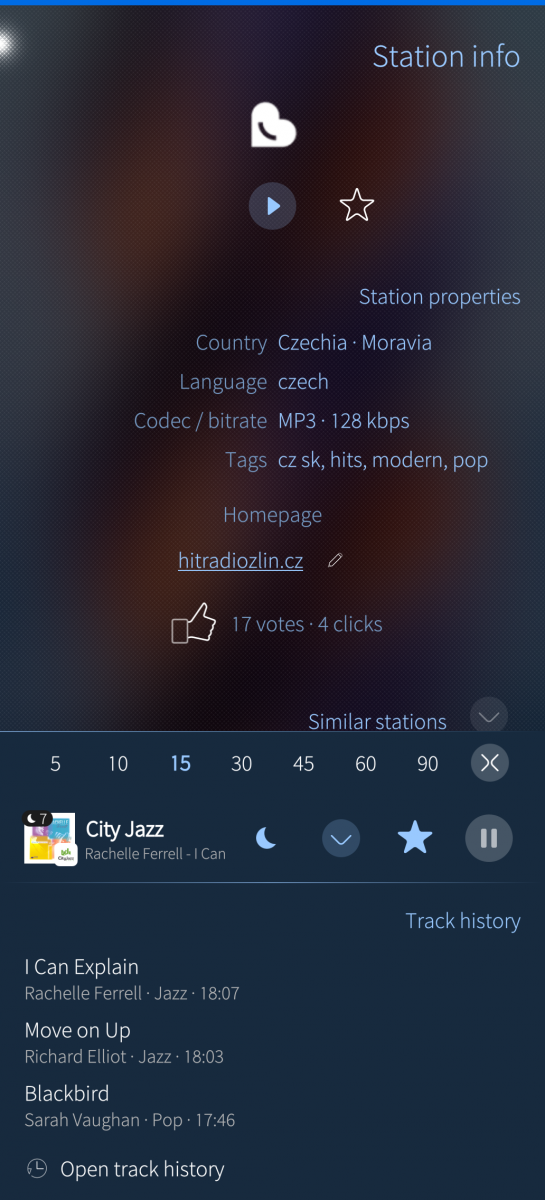
- Station info: details, votes (on radio-browser.info), similar stations
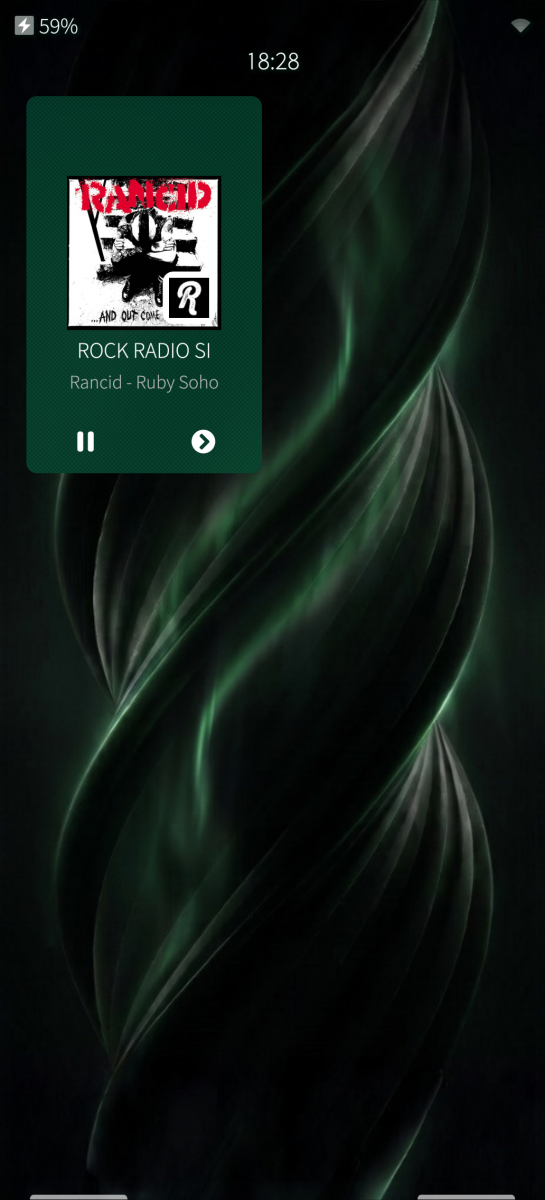
- Player: player bar on every page, sleep timer with fade-out, app cover and lock screen controls (with Next/Prev station switching, customizable to loop within the active favourite group)
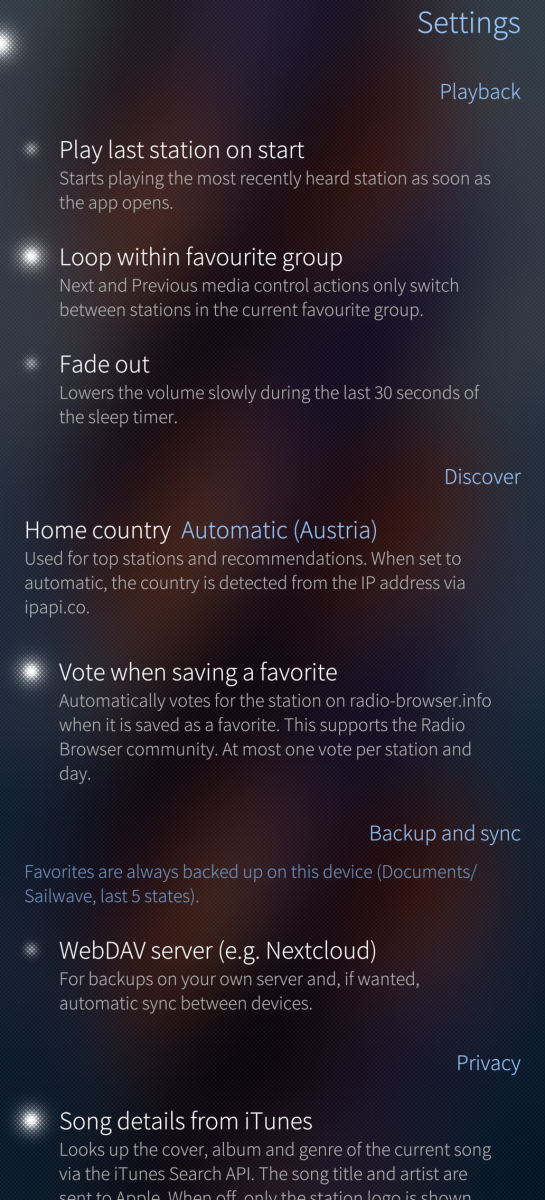
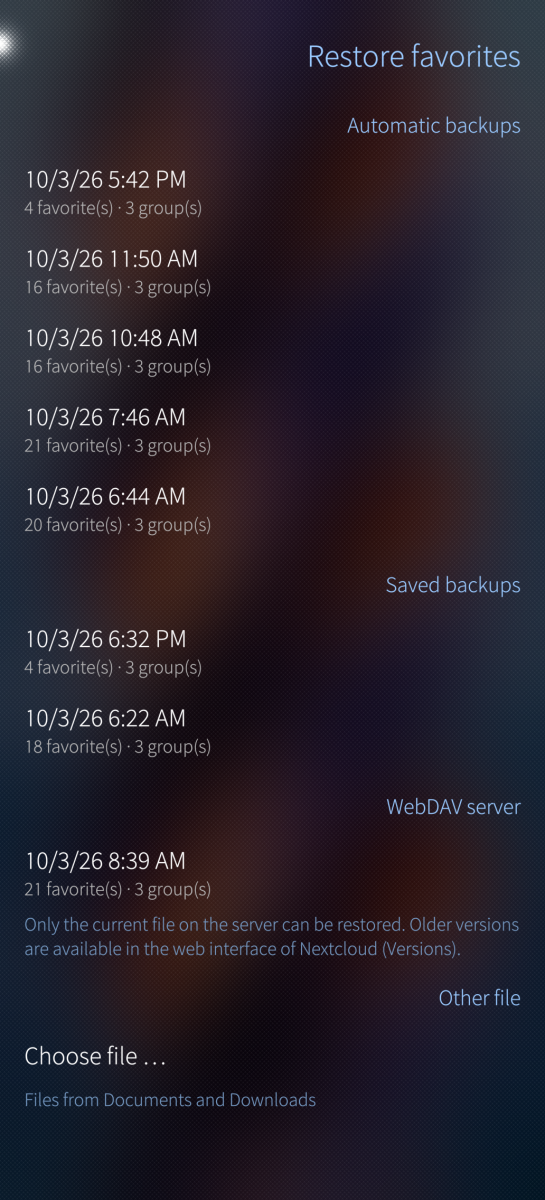
- Backup and sync: automatic backup on the device, backups and playlists (M3U) with date and time, sharing via the share menu, optional sync with a WebDAV server (tested with Nextcloud) – the password is kept in Sailfish's secure storage Secrets
- Privacy: no account, no tracking, no ads
Languages: English, German (native translations), French, Spanish (with help of Claude AI)
Open source (GPL-3.0-or-later): https://github.com/t-sappl/harbour-sailwave
Developed with AI assistance; all technical and design changes are fully specified, reviewed and tested on a Jolla Phone (2026) by the developer.
Screenshots:

Category:
Application versions:
| Attachment | Size | Date |
|---|---|---|
 harbour-sailwave-1.0-1.aarch64.rpm harbour-sailwave-1.0-1.aarch64.rpm | 207.01 KB | 11/10/2026 - 07:55 |
| harbour-sailwave-1.0.1-1.i486.rpm | 210.54 KB | 11/10/2026 - 07:55 |
| harbour-sailwave-1.0.1-1.armv7hl.rpm | 204.69 KB | 11/10/2026 - 07:55 |
Changelog:
V1.0.1
- New Feature: Added Next and Previous control buttons on the lock screen and cover page.
- New Setting: Added option to restrict Next and Previous media actions to the current favourite group instead of cycling through all favourites.
V1.0
initial Release
Comments
fingus
Sat, 2026/10/10 - 21:30
Permalink
Cool! Please add switch to next/previous favorite Radio-Station with the media-controls
tsappl
Sun, 2026/10/11 - 08:01
Permalink
Hello,
thanks for your positive feedback and your helpful suggestion!
In the new version (1.0.1) I have now added Prev and Next media controls (see Change log).
Greetings,
Thomas
fingus
Wed, 2026/10/14 - 16:51
Permalink
Thank you for adding it to the AppCover, but the overall system control is still missing (lock screen buttons for the prev/next station are missing for me and, consequently, car control of the app with MPRIS).
Also, a landscape mode would be awesome, as I use it like that in my car.
zarosky
Sat, 2026/10/10 - 19:48
Permalink
Great! Work very well. Thanks