
WhatsUp - a native WhatsApp client for Sailfish OS (with voice and video calls)


WhatsUp is back, and better than ever!
A familiar name returns to Sailfish OS! Enjoy your conversations in a native app, with voice and video calls, more freedom, and features worth getting excited about!
To use WhatsUp, you need an existing WhatsApp account. Link WhatsUp as a companion device using the official WhatsApp app on your main phone.
Unique features
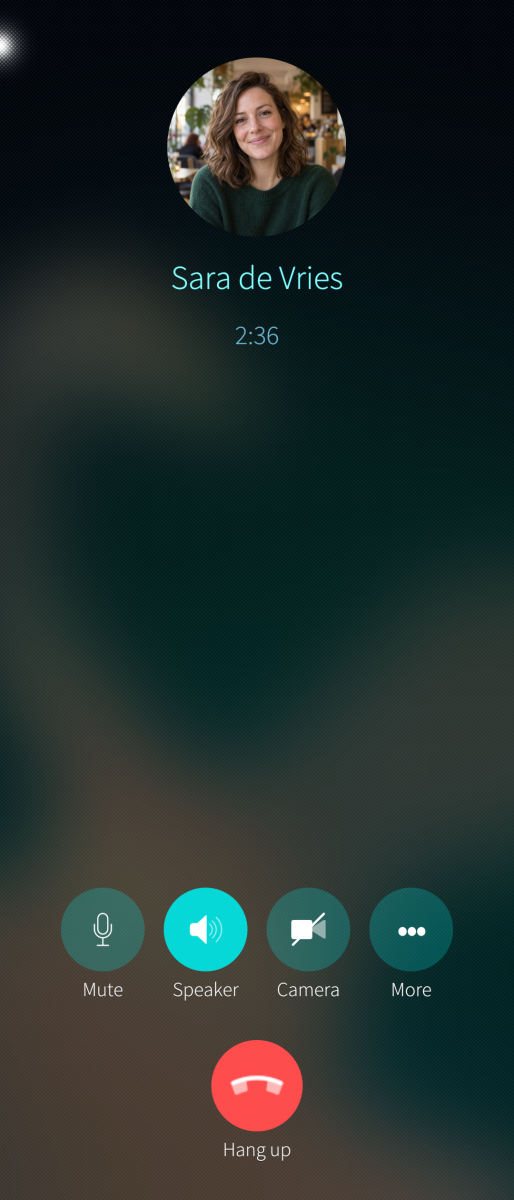
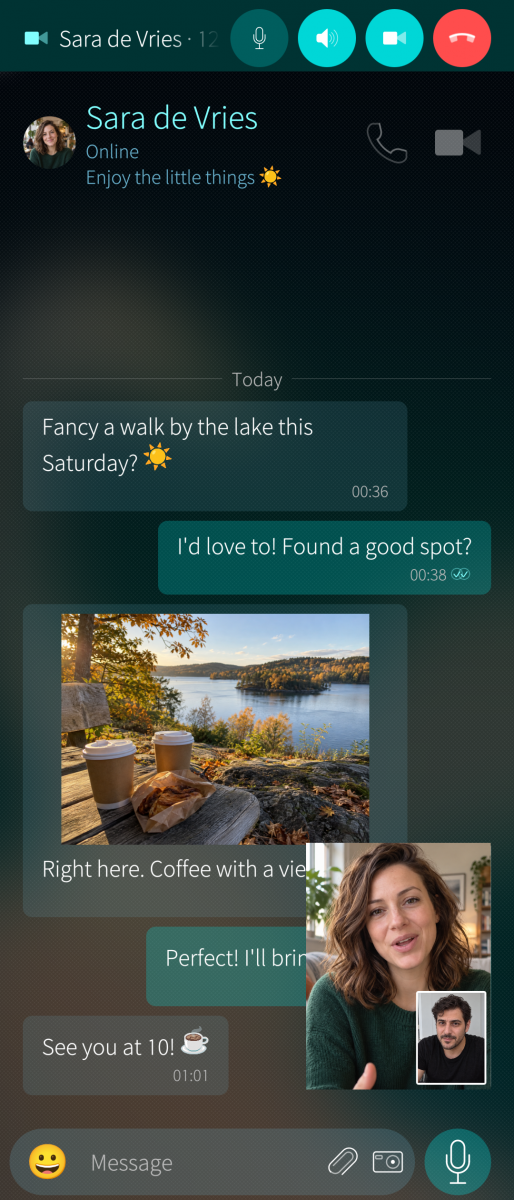
- Make voice and video calls! Bring friends together in group calls too!
- Keep your call on screen! Use picture-in-picture while you do something else!
- Connect multiple accounts! Switch between them whenever you like!
- Read on your terms! Choose when messages are marked as read!
- Keep view-once photos and videos! View them and save the moments you want to remember!
- Don’t lose the conversation! Still see messages you received even after they’ve been deleted!
- Never miss a status! Revisit statuses you received after they expire or are deleted, and choose who can see the ones you post!
- Save profile pictures! Keep a picture even after someone changes it!
- Make space for privacy! Protect selected chats, control who can call you, and switch to Offline mode when you want a break!
- Send messages at the perfect time! Schedule them once or set them to repeat!
- Reach everyone easily! Create broadcast lists and set up automatic replies!
- Bring your chats to life! Send stickers and find GIFs with KLIPY or GIPHY!*
- Make it yours! Choose sounds and notifications for individual contacts and groups!
And of course, enjoy the essentials: chats, groups, photos, videos, voice messages, reactions, pinned messages, text formatting and more!
* GIF setup: To search for and send GIFs from the built-in picker, add your own free, rate-limited API key from KLIPY or GIPHY in WhatsUp’s settings. Receiving GIFs ado not require a key.
WhatsUp is an independent, unofficial client and is not affiliated with WhatsApp or Meta.
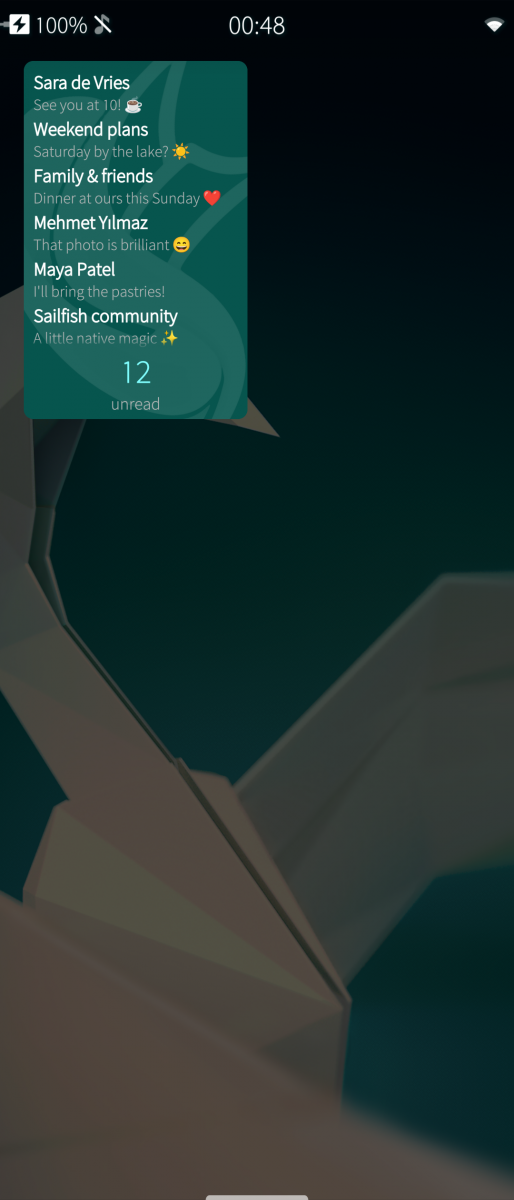
Screenshots:
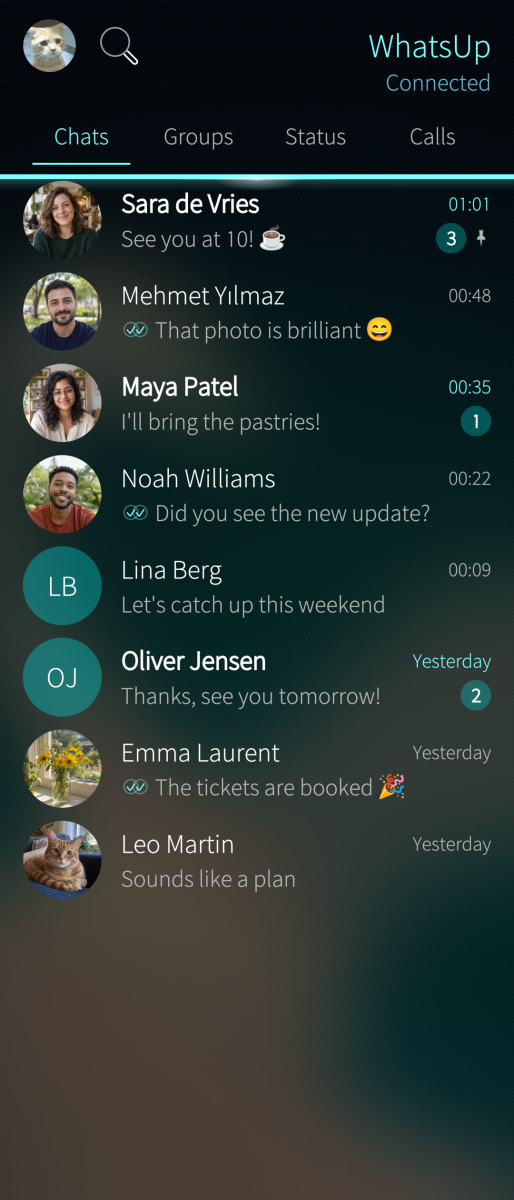
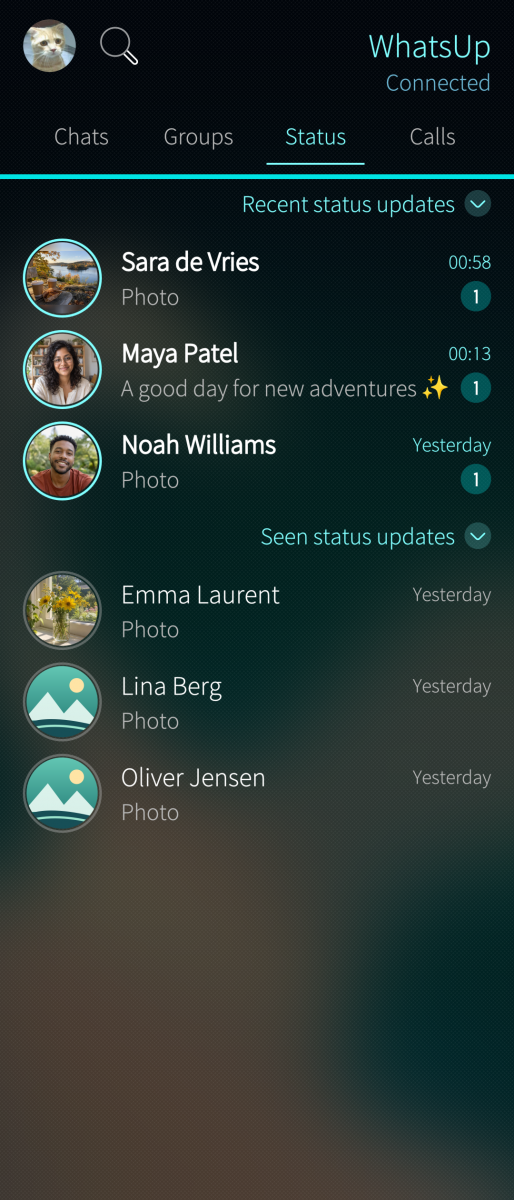
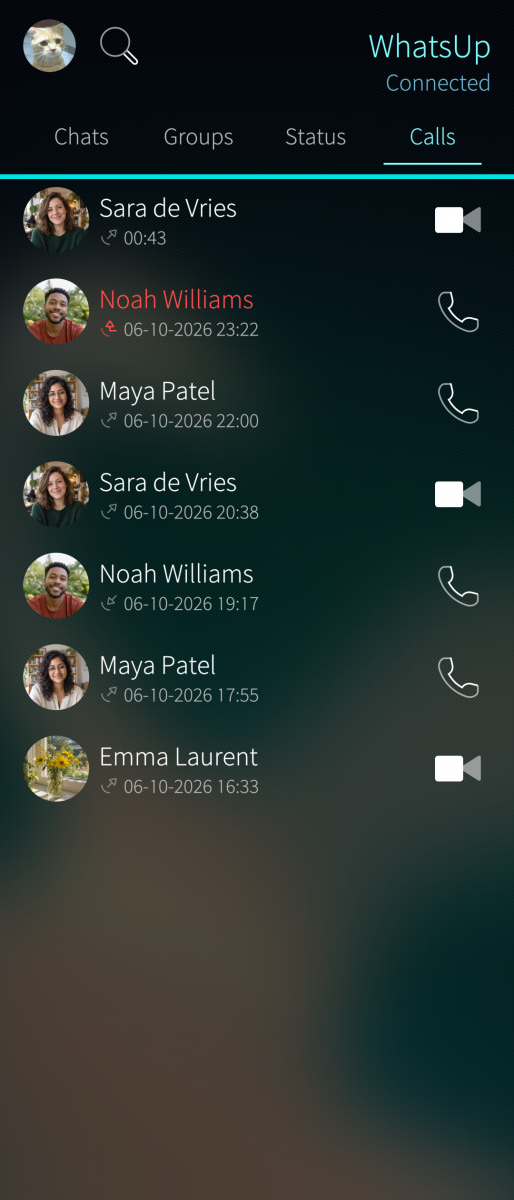
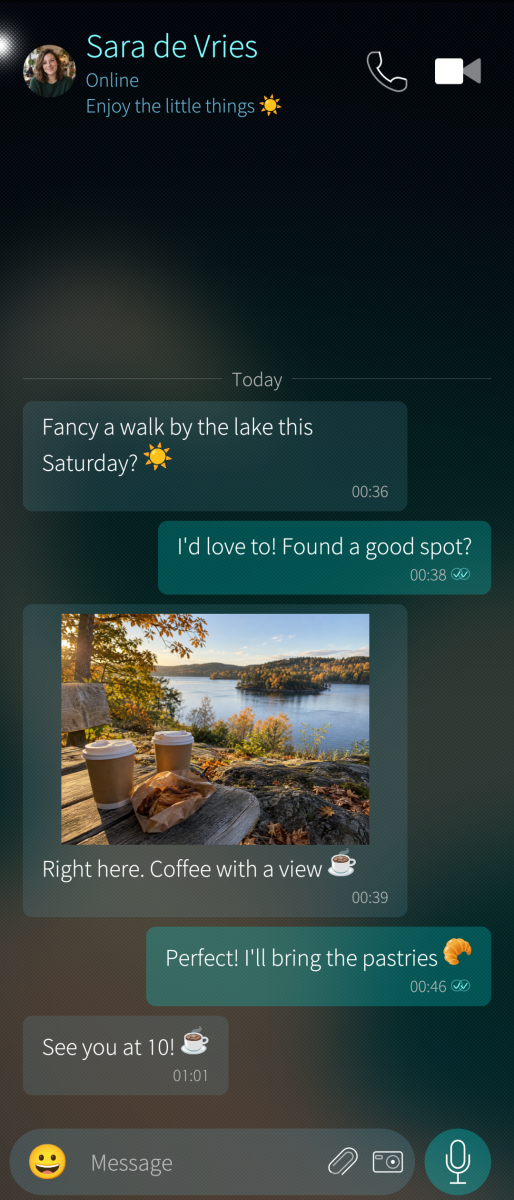


Category:
Application versions:
| Attachment | Size | Date |
|---|---|---|
 harbour-whatsup-1.0.0-1.aarch64.rpm harbour-whatsup-1.0.0-1.aarch64.rpm | 36.98 MB | 07/10/2026 - 02:22 |
| harbour-whatsup-1.0.0-1.armv7hl.rpm | 37.24 MB | 07/10/2026 - 02:22 |
| harbour-whatsup-1.0.0-1.i486.rpm | 37.53 MB | 07/10/2026 - 02:22 |
Changelog:
1.0.0 - Initial release
Comments
malibu
Wed, 2026/10/07 - 04:08
Permalink
"Could not download the required Sailfish components. Check your connection and try again. qt5-qtdeclarative-import-location is unavailable from the Sailfish repositories"
HtheB
Wed, 2026/10/07 - 04:38
Permalink
@malibu Which architecture do you have? armv7hl or aarch64?
Edit: And could you please run the following command in the terminal of your phone and share the results please?
pkcon resolve qt5-qtdeclarative-import-location