
Rockpool

"Marginally less" unofficial Pebble smartwatch support for Sailfish.
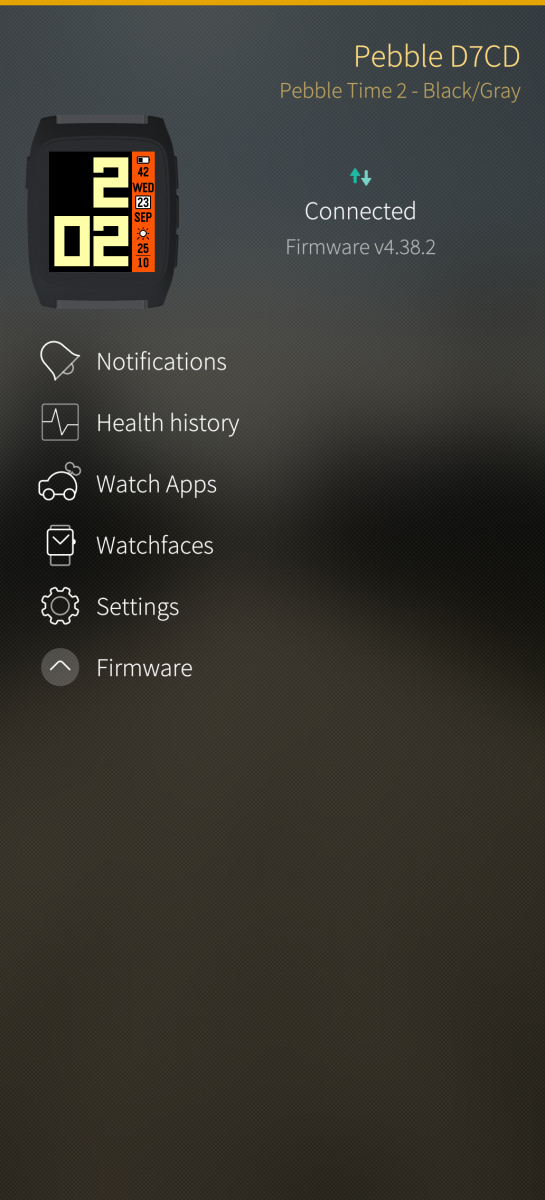
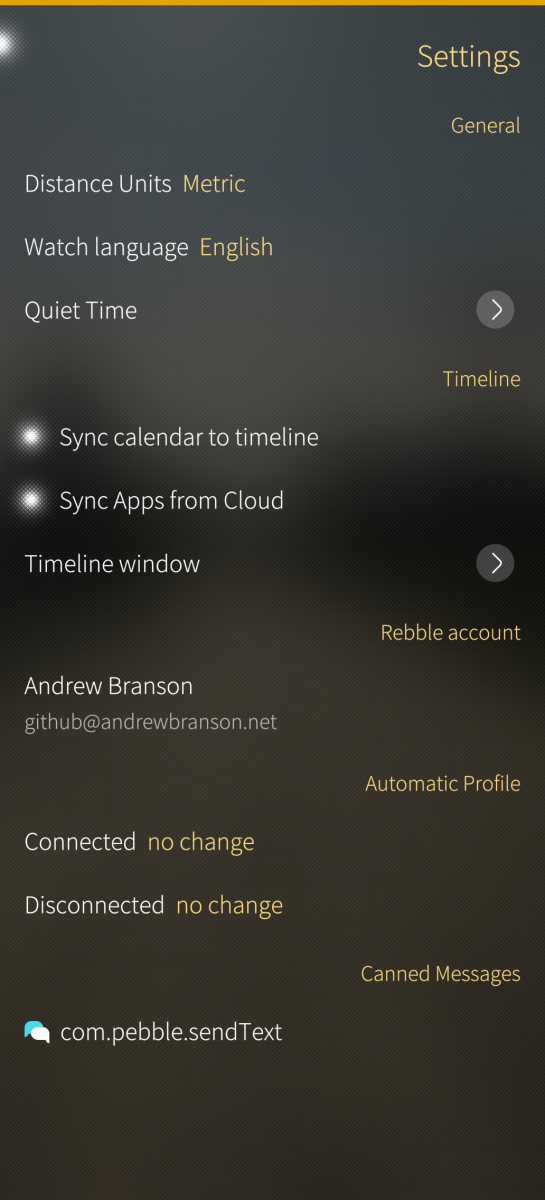
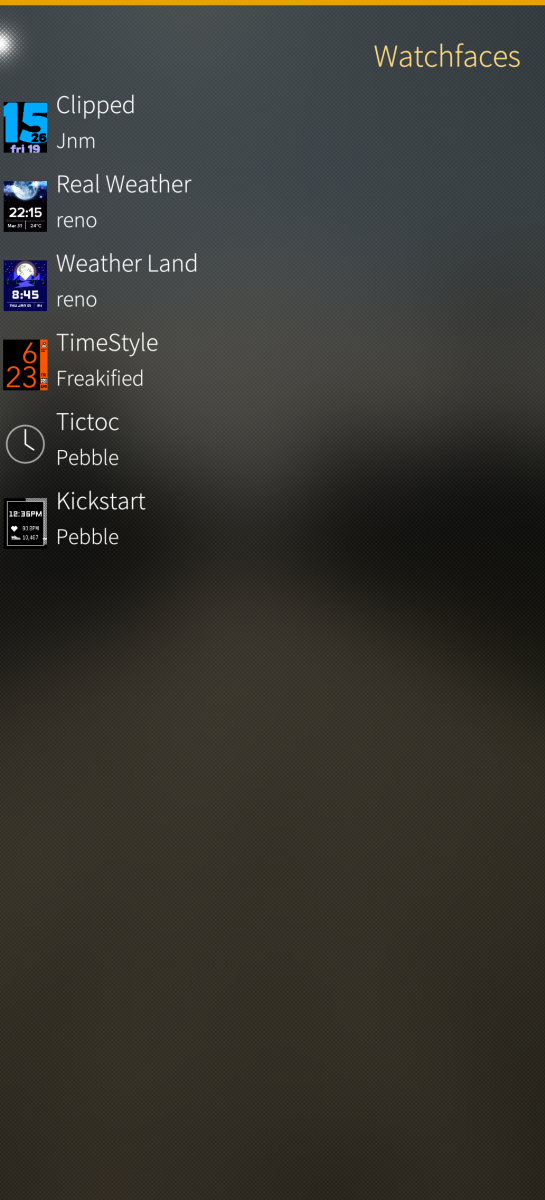
Rockpool 2.0 is a substantial rewrite of the original app. It no longer uses the Rockwork libpebble, but instead builds a new libpebble3d daemon from the official app Kotlin source (slightly modified), and sticks a Sailfish OS adapter onto it. The UI has extra bits for watch pairing, viewing health data, setting quiet time and much more. It should support all Pebble watches, old and new.
Some older devices might have trouble connecting to the BLE watches. It definitely works with the new Jolla phone though, and I think the C2. I recommend removing AppSupport Bluetooth Bridge for now, as it has a bug where Android will block the Pebble after a while, that should be fixed in an upcoming SailfishOS release.
Contributions are welcome on GitHub, either by filing issues or chipping in. New translations are always welcome on https://hosted.weblate.org/projects/rockpool/translations/!
My OBS build is retired for now, until I figure out how to build this Kotlin thing on OBS. This is the only place to get 2.0. Aarch64 only for now - will get round to 32bit and 486 later.
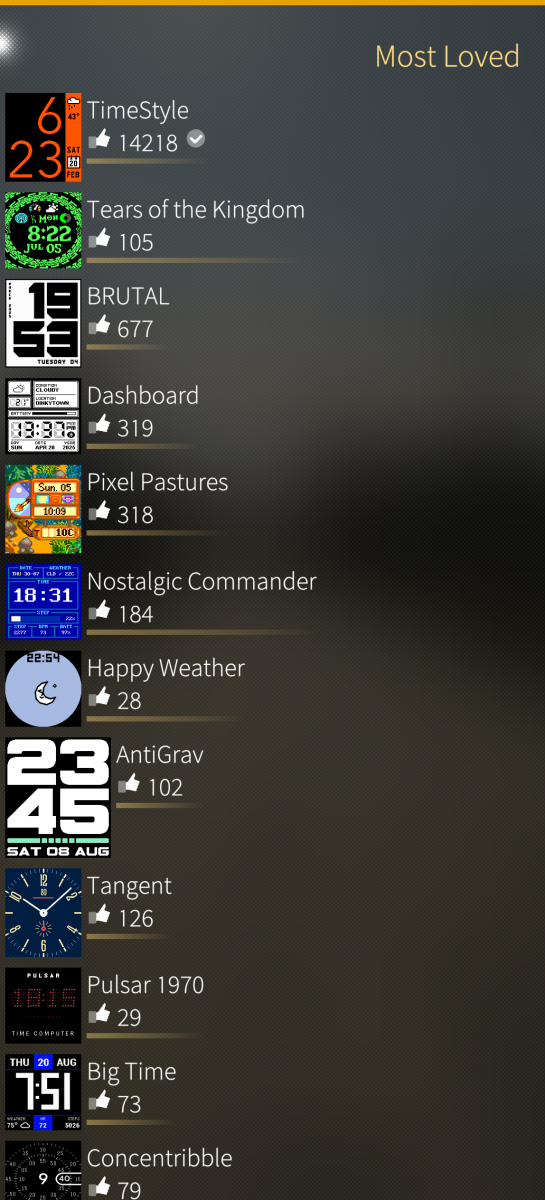
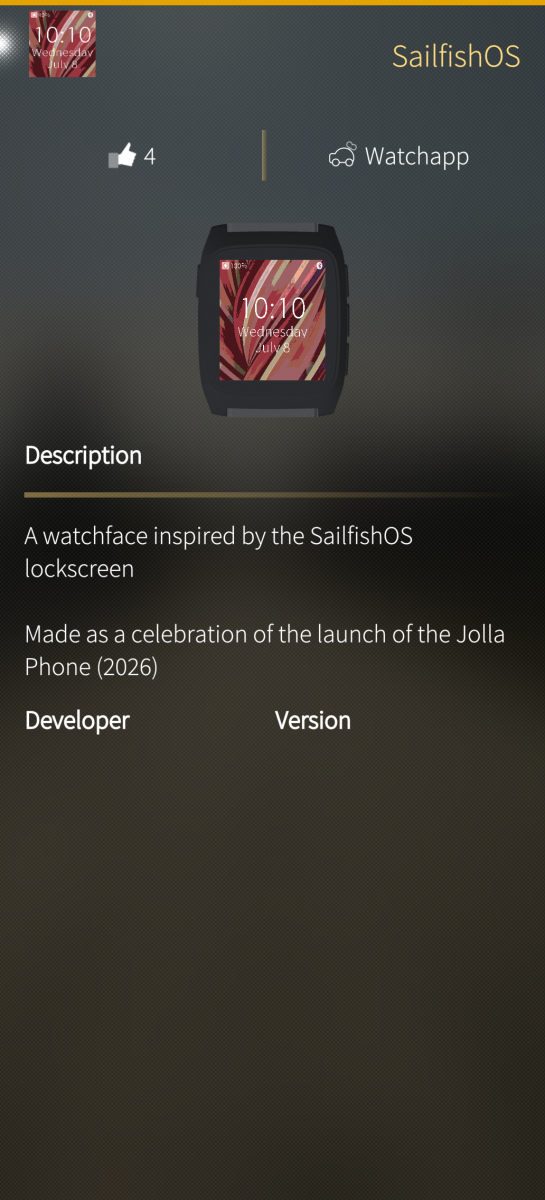
Screenshots:
Category:
Keywords:
Application versions:

Changelog:
2.0.1: Fix firmware checks; add language-pack sideloading.
2.0!
Comments
abranson
Wed, 2017/04/05 - 10:55
Permalink
Yes I'll do a 2.1.0 version when it's released.
pbh
Mon, 2017/02/20 - 23:05
Permalink
Unfortunately Rockpool doesn't work on my Jolla tablet any more (Sailfish OS 2.0.5.6). I assume this is because there isn't a rockpool-1.3-2 version for i486? Any chance to get Rockpool working on a Jolla tablet again?
abranson
Mon, 2017/02/20 - 23:18
Permalink
Sorry, I didn't do an x86 build last time because I didn't know anyone was using it! I'm away this week, but I'll try to get one done when I get back.
Sanpo
Sun, 2017/02/19 - 15:01
Permalink
Hope there is Pebble 2 support coming soon ;)
abranson
Mon, 2017/02/20 - 23:19
Permalink
It's not planned by me yet sorry.
cemoi71
Thu, 2017/02/09 - 12:46
Permalink
Hello, i find that's great app. huge job is done. respect.
Is there a known issue that make the watch unable to change its language?
By submitting the french or german language, it appends nothing and its stay on the eng-us one...
Have good continuation.
penzin
Thu, 2017/01/12 - 22:16
Permalink
It will be great if you add support for Pebble 2 watches =)
btux
Sat, 2016/10/15 - 12:23
Permalink
Since about 12 hours I am not able to see any settings pages of apps anymore. Every app is affected.
The settings pages just do not open, I see a spinner and nothing afterwards. Anyone else having this?
I already resinstalled rockpool and resetted ~/.local/share/rockpoold . Did not help.
By the way, after starting from deleted rockpoold dir all my apps and configuration got lost from the pebble. I still have a backup of my latest rockpoold dir and moved it back in place - but how to synchronize its apps to the pebble again? It does not do automatically.
UPDATE Got the apps resynced by deleting blobdb/appsyncstate.conf
ct_berlin
Fri, 2016/06/10 - 15:04
Permalink
Thanks for the tremendous work done with rockpool. I'm following the progress here as well as in the TMO-Thread. I love the app.
Somehow my timeline is broken since yesterday. When I use the up and down button my pebble steel resets itself (displaying "pebble" and returing to the menu). I have been factory resetting the watch and reinstalled the app, nothings has helped this far. I've also tried the rockpool beta, which doesn't reset the pebble but is not syncing anything to the timeline either. Notifications and watch-apps work flawlessly. Do you have any hints on what to do?
abranson
Fri, 2016/06/10 - 15:33
Permalink
Wow that sounds intense. It could be that your rockpool data directory has some weird things in it. If you have a file manager on your phone, or you can use a terminal, uninstall Rockpool and delete /home/nemo/.local/share/rockpoold
Failing that, we'll have to get some logs out of you.
ct_berlin
Fri, 2016/06/10 - 16:07
Permalink
We have to do that then ;-) I've removed the data directory, the problem persists. How can I generate some logs?
abranson
Fri, 2016/06/10 - 16:27
Permalink
Open a terminal (though an ssh session would be easier to paste from), switch to root with 'devel-su' and your password, then type 'journalctl -fla' to follow the log. Disconnect and reconnect your watch to see the timeline stuff load. I think you might have something in one of your events that is breaking things.
ct_berlin
Fri, 2016/06/10 - 16:57
Permalink
OK, thanks. The timeline is functional again after fiddling around activating and deactivating my calenders. Haven't found the faulty entry though. Thanks for the effort. I'm looking forward for further releases ;-)
abranson
Fri, 2016/06/10 - 17:21
Permalink
Did you have to leave a calendar deactivated? If so, is there an odd event coming up in the next few days?
ct_berlin
Fri, 2016/06/10 - 17:37
Permalink
No, I deactivated all calenders and reactivated them one after another. Now all previously deactivated calendars are all up again. Nothing in particular that seems odd. It might have been the event from this morning, but I didn't see anything about it in the log.
But I'll look out for it and do some debugging with the log, when the problem occurs again.
abranson
Fri, 2016/06/10 - 17:47
Permalink
Thanks!
ct_berlin
Mon, 2016/06/13 - 11:24
Permalink
Short update: I identified the entries. Seem to be an issue with syncing from CalDav to IBM Notes to Jolla. So it is quite uncommon and probably the fault of IBM Notes (which it is in most cases ;-)).
ruff
Sat, 2016/06/18 - 22:07
Permalink
Can you re-try this lotus stuff with the latest beta? There was a release with broken calendar so that might be the one which was not syncing. I wonder how would it behave now on new timeline engine.
ct_berlin
Tue, 2016/06/28 - 17:45
Permalink
Thanks, I've installed the beta and added the calendar again. It's not crashing anymore. However I only have one event in the next days. I'll observe the behavior with more events coming up and give you feedback, when the error occurs again.
ct_berlin
Thu, 2016/06/30 - 18:12
Permalink
Working alright even with multiple entries. Problem is solved in beta. Thanks for the great work!
alanmorford
Sun, 2016/05/01 - 17:55
Permalink
You'll have to forgive me but for the life of me I can't get my pebble steel with latest firmware to stay connected to my N4 with the latest Sailfish port. It sees the watch and both confirm the connection but it won't stay connected and rockpool can't see it. I'd appreciate any tips. Thanks.
abranson
Sun, 2016/05/01 - 18:14
Permalink
You might be able to see what's going on with the daemon output. If you have developer mode enabled, stop the Rockpool service from the 'Developer Tools' page, then launch it manually from Terminal or over an ssh connection by typing 'rockpoold'. You should see what the problem is in there.
alanmorford
Sun, 2016/05/01 - 23:33
Permalink
So this is weird but all I did was ps aux | grep roockpoold to get the PID. Then issued the 'kill pid#' command with it's PID and the watch autoconnected immediately. *shrug*
alanmorford
Mon, 2016/05/02 - 03:35
Permalink
I restarted and had the same problem. Issued the same commands and autoconnected again. Basically I have to kill the process to get it to work. Why?
ruff
Thu, 2016/05/12 - 19:33
Permalink
that happens when you have concurring apps - eg two rockpools or pebbled and rockpool running. so once you kill one of them - remaining picks up the connecton.
Can you check with ps axf|egrep 'pebble|rockpool' what's actually running and what number. There should be one rockpool and one rockpoold only.
systemd should not pick up properly stopped service, as well as app is not trying to restart it constatntly (only on start under certain conditions) so when you kill rockpoold client app should start showing rotating busy indicator till service is started.
w32blaster
Fri, 2016/04/29 - 19:26
Permalink
Thank you very much for this handy app! It works fine, but when I connected to Jolla, it removed all my watchfaces and apps. Otherwise, it's great! Cheers!
ruff
Sun, 2016/05/01 - 00:25
Permalink
Apps, faces, notifications and timeline are all stored in blobdb and when you connect pebble blobdb is synchronized. On first connect it's apparently empty so it wipes the pebble off the data.
When I added my pebble to my android tablet it also wiped the data which was added by jolla (rockpool) so I think it's consistent behaviour for both :).
w32blaster
Tue, 2016/05/03 - 13:37
Permalink
Ok, thanks anyway.
R1v3r
Sun, 2016/04/24 - 15:38
Permalink
Hello,
I am not sure, if it is this application, but when I updated, I lost all my notification managed already. (Ok this is not bad, because I can add these disabled again, when they appear in the first time.
But I noted that it is not found this Situations app notifications anymore.. It was on the last version thoug?
So to be clear. Situations notifications are shown in watch, but can´t be disabled. (rockpool app does not rexcognize..)
BR,
Mikko
abranson
Sun, 2016/04/24 - 16:10
Permalink
Hi, I've changed the notifications filters in 0.10-1, which is why your old ones disappeared. I did mention this in the changelog and above though. It wasn't possible to migrate the old ones, because they were using an unreliable key.
The situations things is fixed, and is waiting for release in 0.10-2. I've got something to finish elsewhere before that'll be released though, but it should be in the next day or so.
Pages