
Ghosteel Terminal


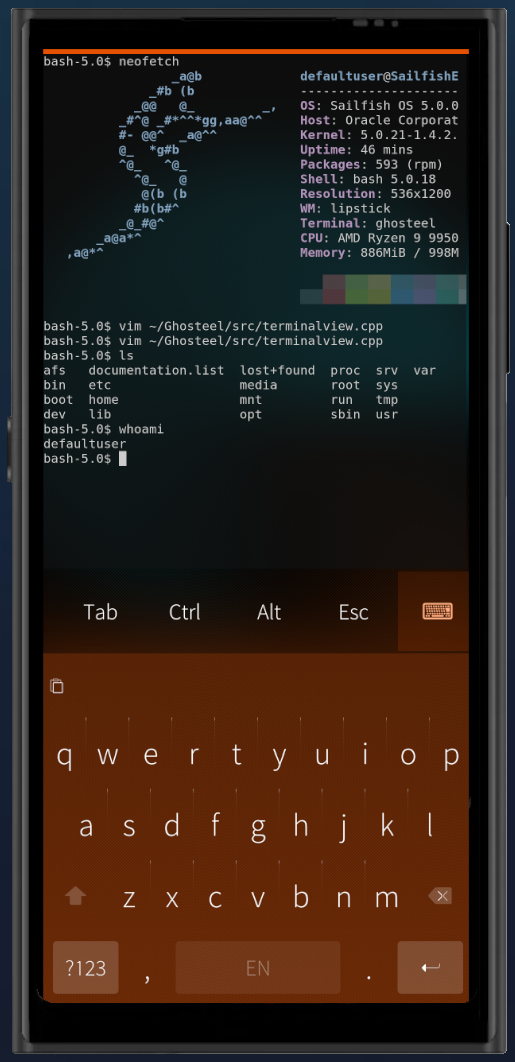
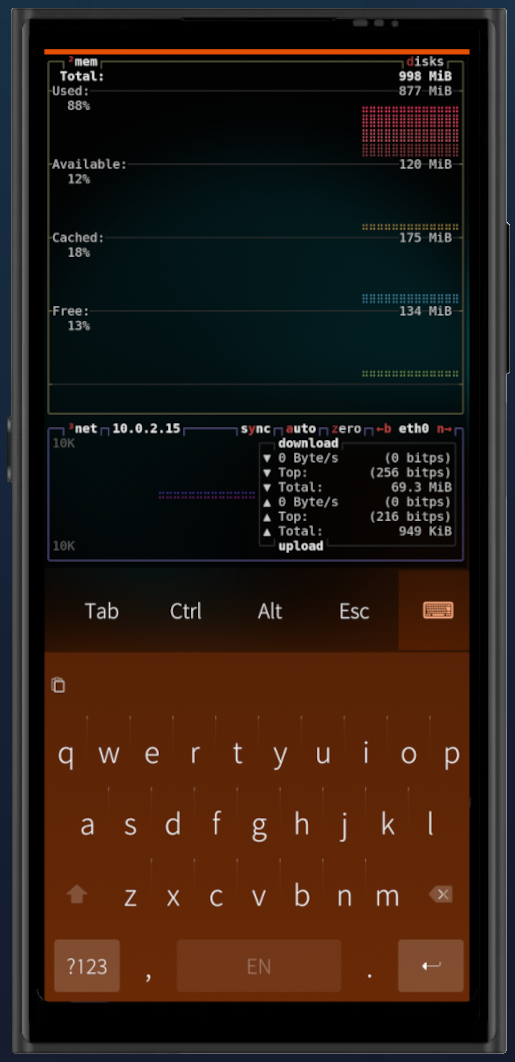
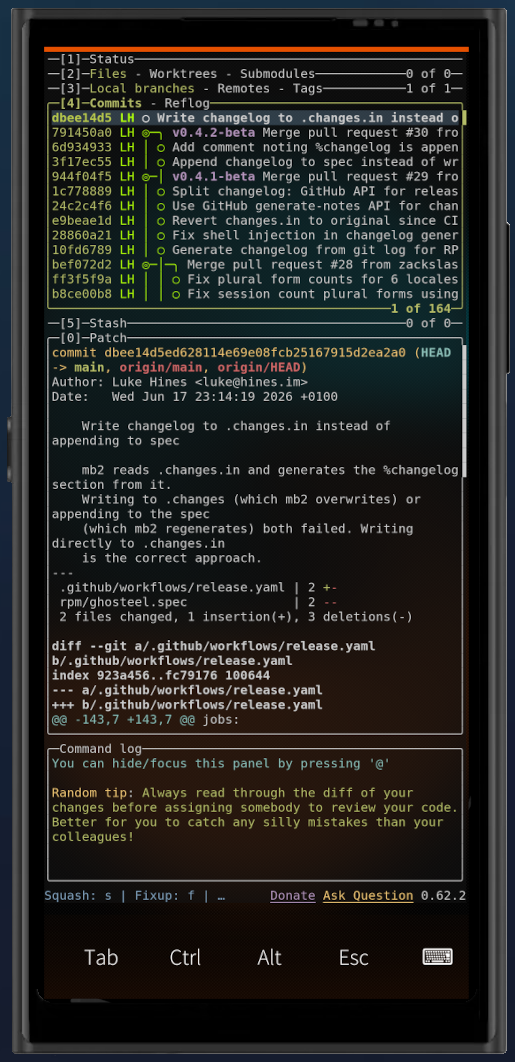
Ghosteel brings a modern terminal engine to SailfishOS. Most mobile terminals use legacy VT parsers that struggle with complex TUI apps. Ghosteel uses the same engine that powers Ghostty, giving you accurate rendering for tmux, neovim, htop, and other TUI applications.
- Ghostty VT engine with full escape sequence support, 24-bit truecolor, alternate screen buffer
- GPU rendering via OpenGL ES 2.0/3.0 with cursor trail shaders
- Launch TUI apps from desktop shortcuts (ghosteel -e htop)
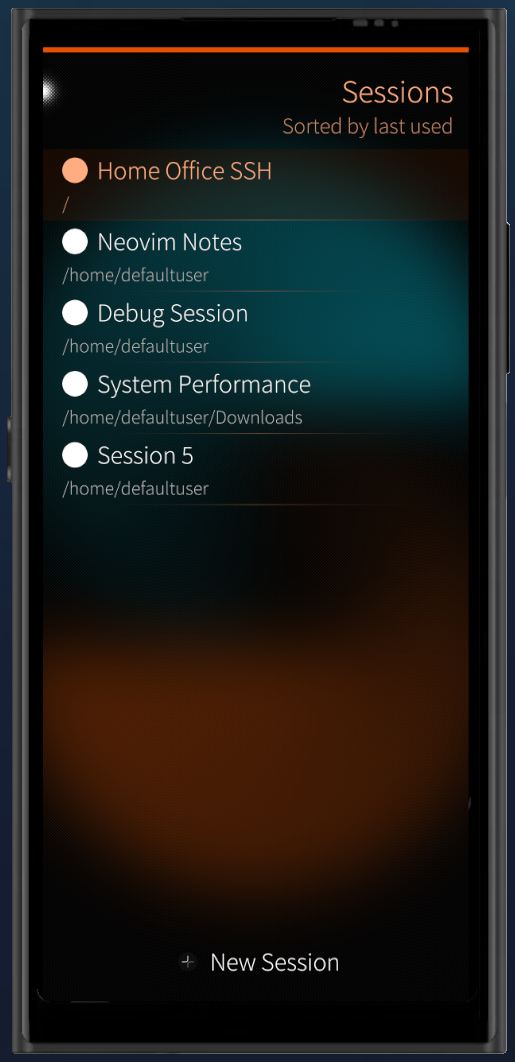
- Multi-session support with named sessions, switching, and persistence
- Touch text selection with Sailfish-style magnifier and double/triple tap
- Configurable extra keys bar with sticky Ctrl/Alt modifiers, arrow keys, F1-F12, PgUp/PgDn
- Automatic URL detection and hyperlinks, tap to open in browser
- Inline images via Kitty Graphics Protocol with PNG decoding
- Encrypted scrollback via Sailfish Secrets (configurable 7-365 day retention)
- Dark and Light color schemes with adjustable opacity
Source code: github.com/zackslash/Ghosteel
License: MIT
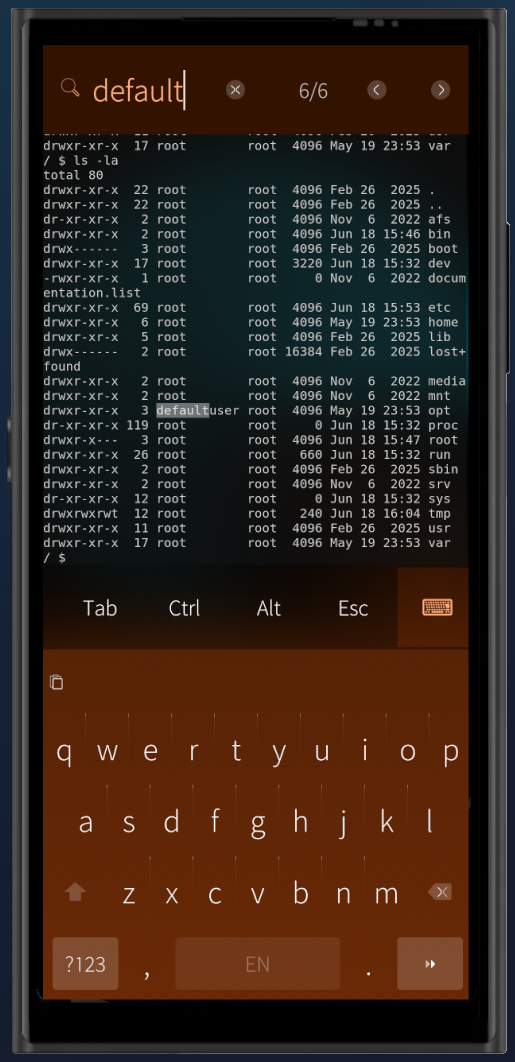
Screenshots:
Category:
Application versions:
| Attachment | Size | Date |
|---|---|---|
 ghosteel-1.2.1-1.i486.rpm ghosteel-1.2.1-1.i486.rpm | 1.47 MB | 08/09/2026 - 19:30 |
| ghosteel-1.2.1-1.armv7hl.rpm | 1.4 MB | 08/09/2026 - 19:30 |
| ghosteel-1.2.1-1.aarch64.rpm | 1.35 MB | 08/09/2026 - 19:30 |
Changelog:
v1.2.1:
- Fixed phantom clicks in TUI apps when scrolling with one finger
- Updated the terminal core (ghostty) with upstream fixes
v1.2.0:
- Consider display 'notch' in terminal placement
- Add "hold-to-repeat" to keybar keys
Comments
kan
Mon, 2026/06/22 - 20:23
Permalink
Thank you for your reply but this is not what I need. I am looking for a solution like "-e" switch in fingerterm, to be able create a .desktop file for runnig terminal apps from a grid. Just like in Arcanechat TUI. At the moment I am using fingerterm but looking for a terminal with a better keyboard.
zackslash
Mon, 2026/06/22 - 20:34
Permalink
Ah I see, that's a great use case. I can see how a param for a .desktop file would be really useful.
I'm going to investigate adding this to the next release. The idea would be something like `ghosteel -e htop` to launch directly into a terminal session running that command, with optional `session` param too so the same desktop icon always opens the same ghosteel session.
Thanks for the feedback!
Pages