
SaneFish - What Jolla Forgot


A whole new Sailfish OS experience is waiting for you with SaneFish!
YOUR PHONE! YOUR LOOK! YOUR RULES!!!
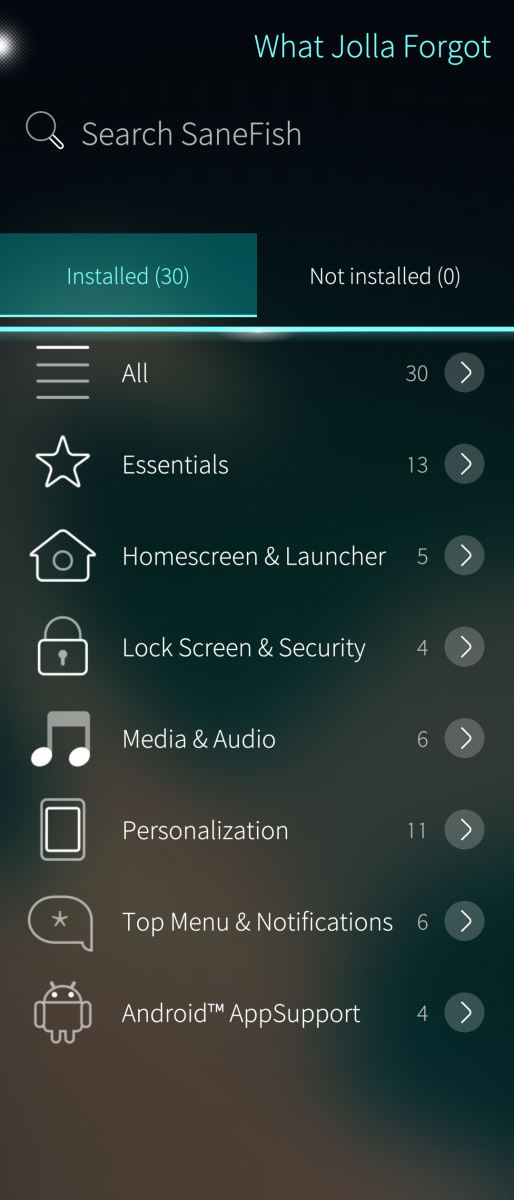
SaneFish brings a growing collection of Sailfish OS patches and apps together inside the Settings.
Discover them! Install them! Customize them!
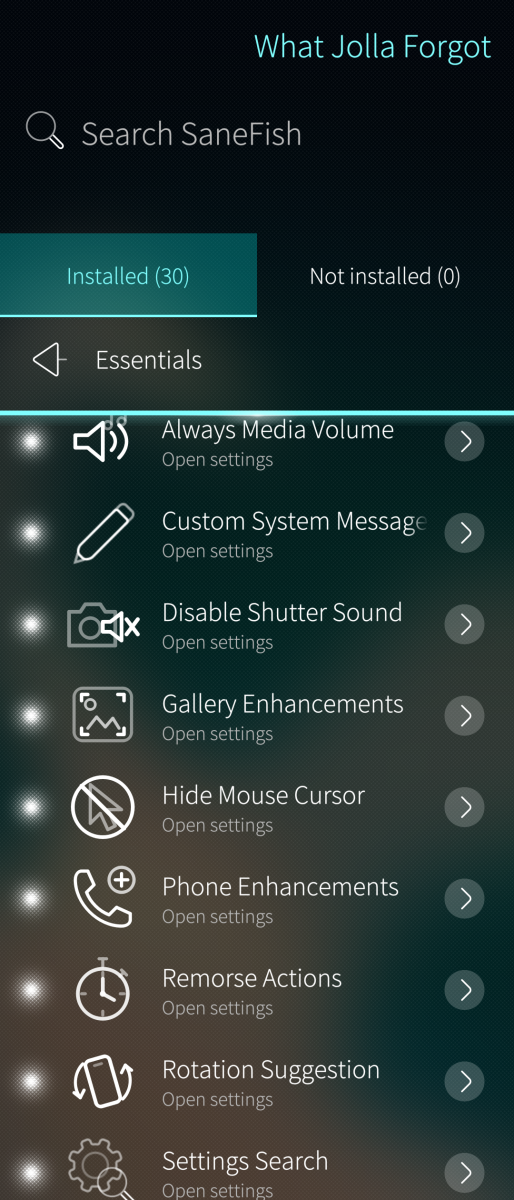
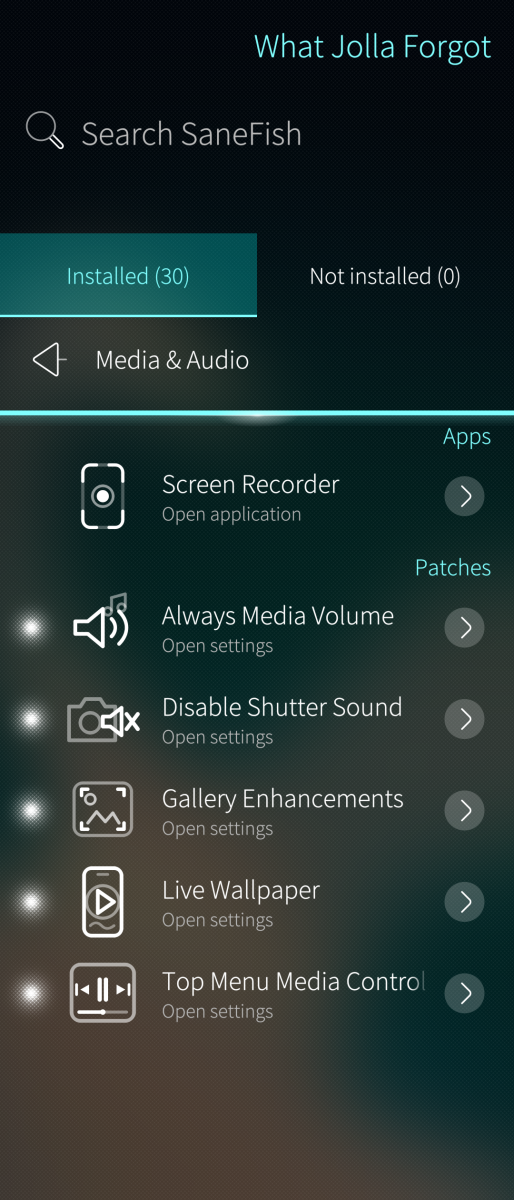
Always Media Volume
Take control before the sound starts! Make your volume buttons adjust media volume even when nothing is playing!
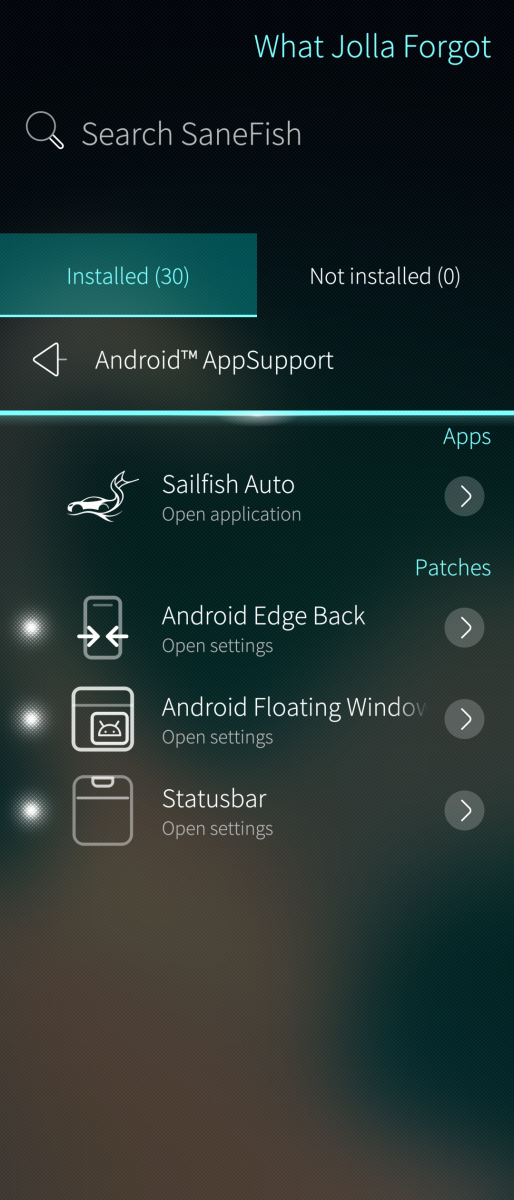
Android Edge Back
Swipe back YOUR way! Customize the activation zones and gesture behavior separately for portrait and landscape!
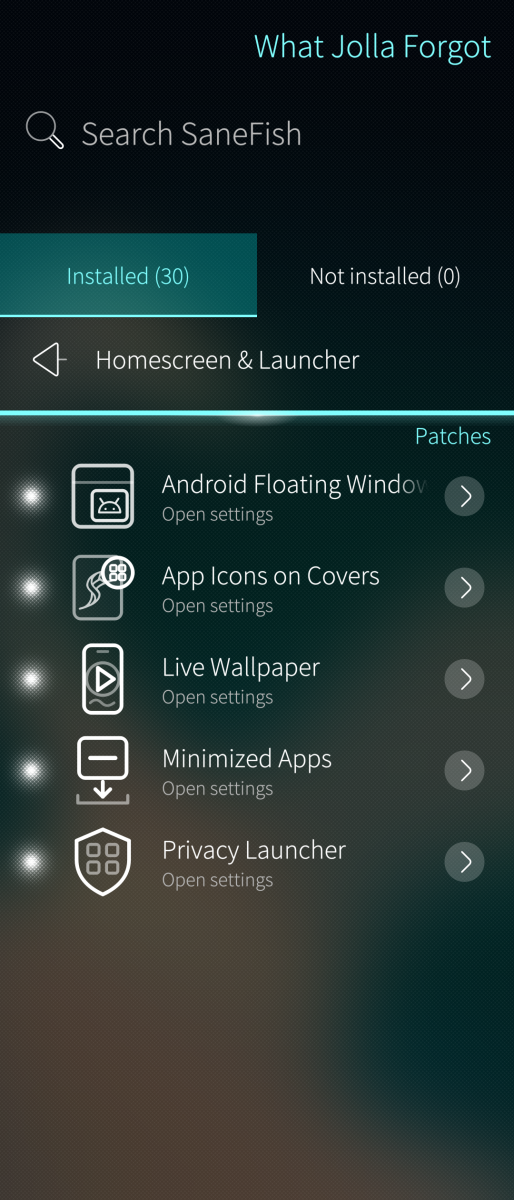
Android Floating Windows
Keep supported Android overlays accessible above native Sailfish views! Move between worlds without losing those floating controls!
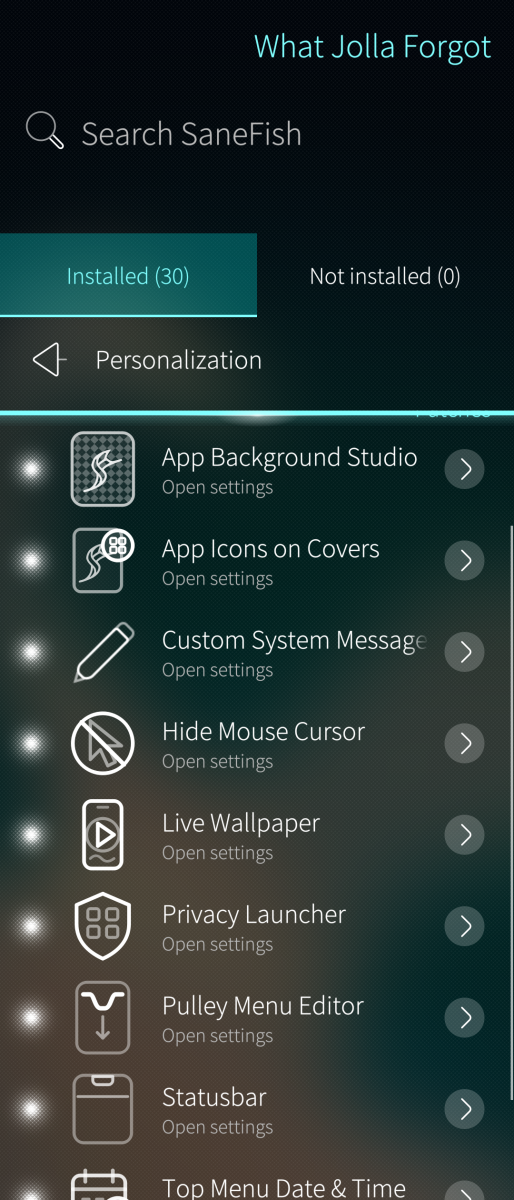
App Background Studio
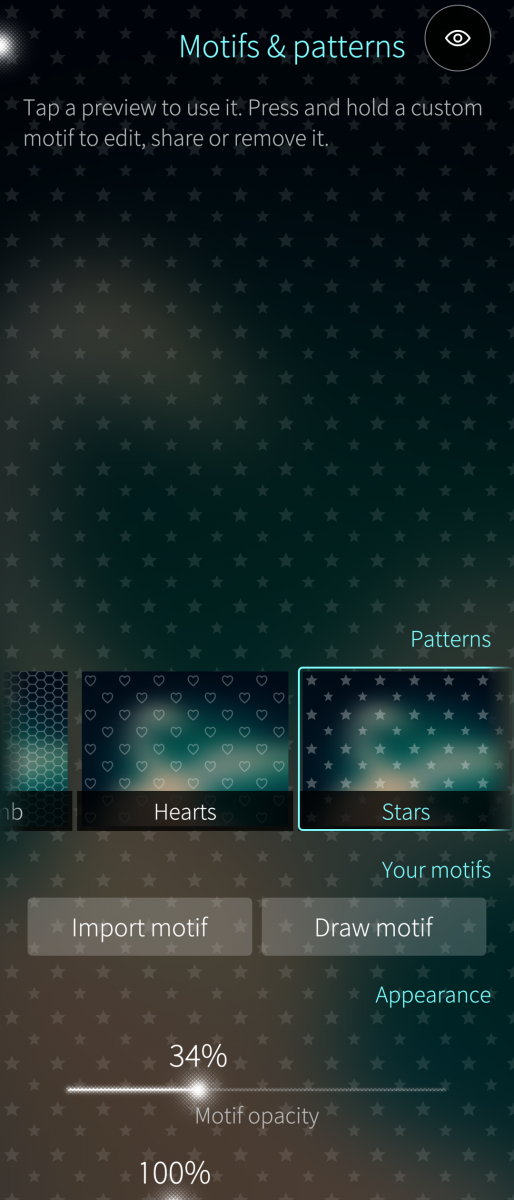
Give your apps a whole new atmosphere! Explore blur, glass styles and patterns, or draw, import and share your own motifs!
App Icons on Covers
Spot your running apps at a glance! Add their icons to the cover cards and choose where they belong!
Custom System Messages
Give your phone something NEW to say! Rewrite the shutdown, reboot and empty-notification messages with your own words!
Disable Shutter Sound
Choose what makes a sound! Control screenshot, camera-photo and video-recording sounds independently!
Gallery Enhancements
Share several photos TOGETHER! Share directly from thumbnails! Grab the crop handles and frame your pictures exactly how YOU want!
Hide Mouse Cursor
Keep the pointer working without that cursor getting in your way! Hide the visual pointer while retaining its input!
Inari Notification LED
Make your Jolla Phone 2026 light up! Customize LED notifications for apps, calls and messages!
Live Wallpaper
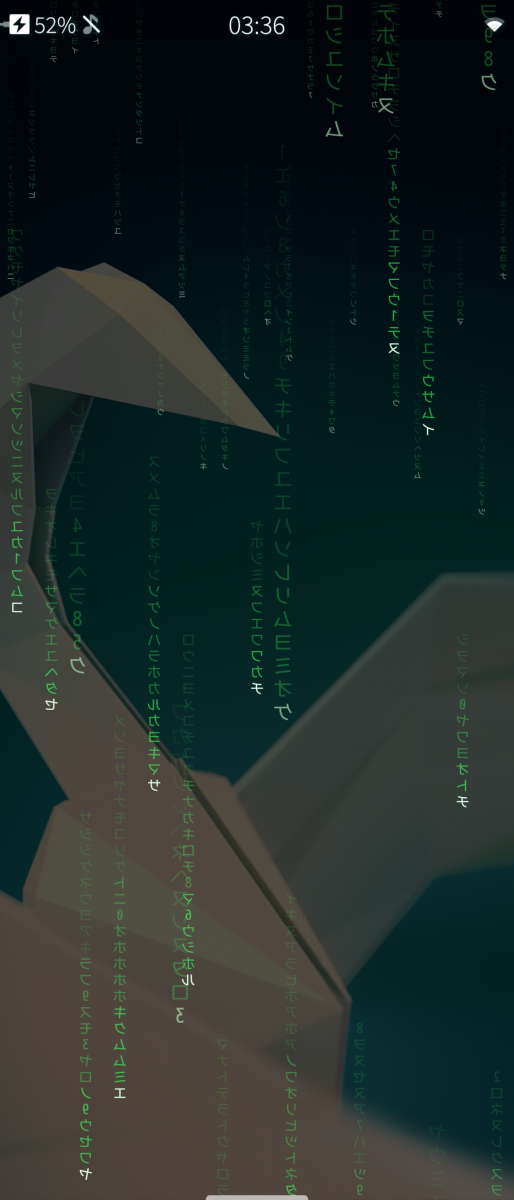
Bring your home screen ALIVE! Explore animated waves, waving flags, Pong, visualizers, weather effects and looping videos!
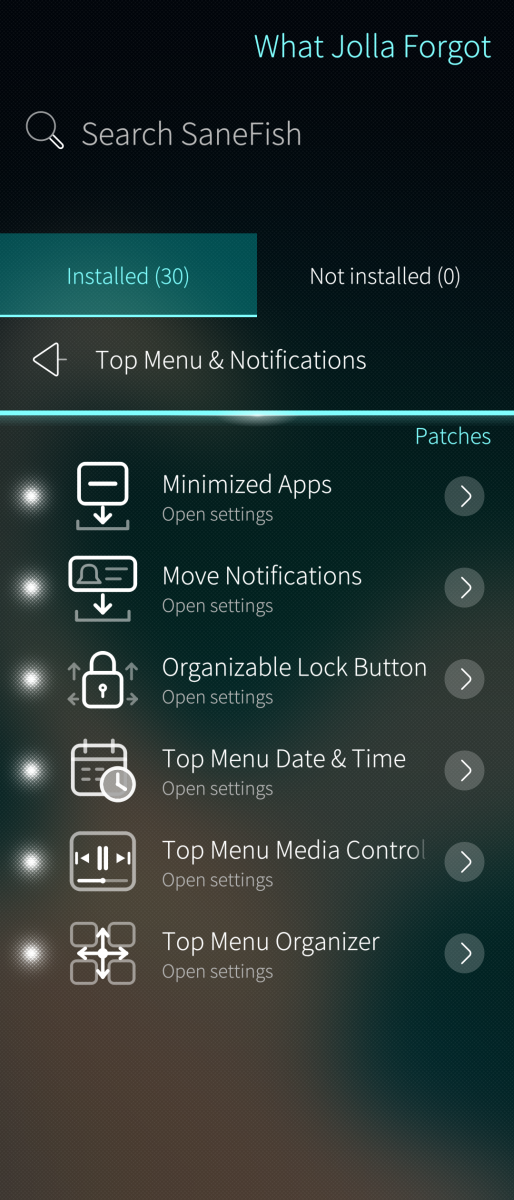
Minimized Apps
Keep selected apps running without filling your card view! Reach them from the Top Menu using a list or configurable grid!
Move Notifications
Put notifications where YOU want them! Move individual alerts or entire apps into a collapsible Top Menu section!
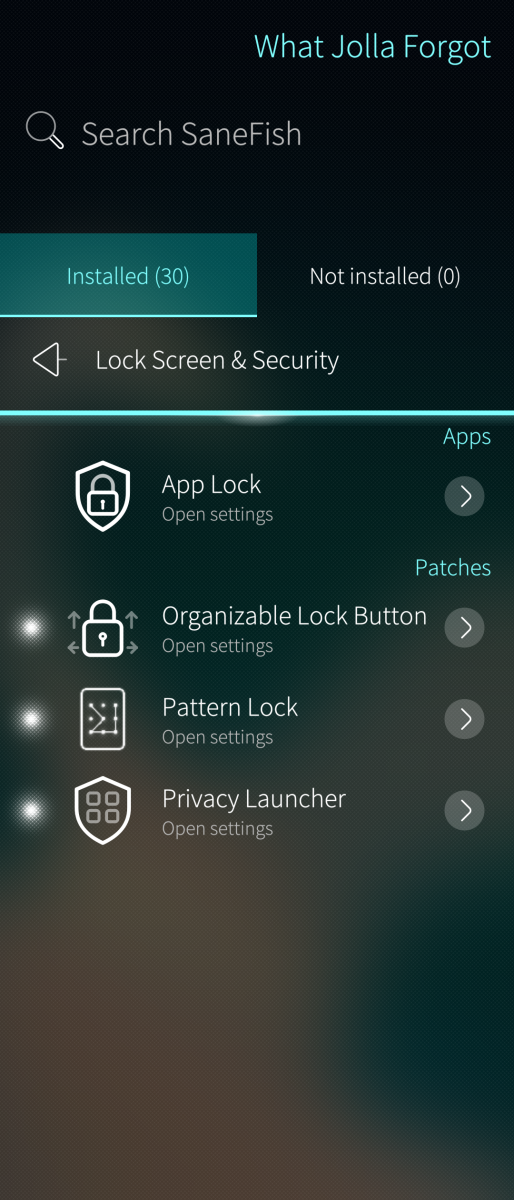
Organizable Lock Button
Make room in your Top Menu! Add a compact Lock shortcut and decide whether that large original button stays!
Pattern Lock
Draw your way through unlocking! Customize the pattern grid, line visibility, positioning and vibration!
Phone Enhancements
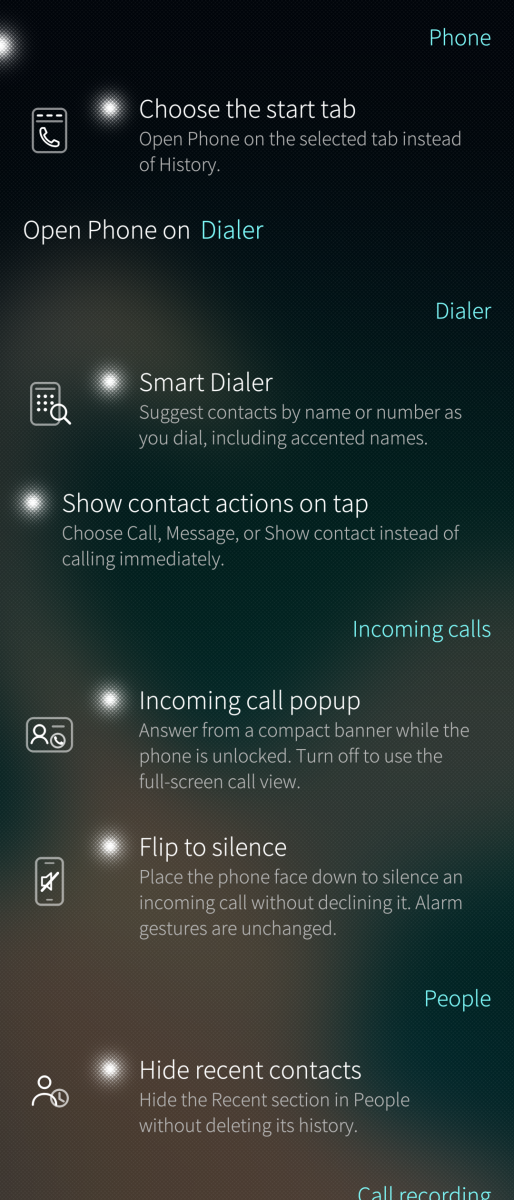
Find contacts AS YOU DIAL! Choose your starting tab, hide recent contacts and decide which call recordings to save!
Privacy Launcher
Build your launcher YOUR way! Customize folders, sizing, labels and scrolling, with an optional protected Private Drawer!
Pulley Menu Editor
Make every pull look GOOD! Customize colors, opacity, bloom and lens flare, with an optional line that curves around your camera cutout!
Remorse Actions
Make those countdowns work for YOU! Change their duration, enable smooth movement, switch to Yes/No confirmation or act immediately!
Rotation Suggestion
Rotate when YOU decide! Get a handy rotation button while keeping orientation lock enabled!
Settings Search
Find the setting instead of hunting through menus! Choose a search bar or pulley-menu access and jump straight to matching settings!
Statusbar
Rearrange it! Resize it! Choose what stays visible! Customize the clock, battery presentation, indicators and active-call shortcut!
Text Selection Actions
Select your text and choose what happens next! Cut, copy, paste, select all or share without automatically replacing your clipboard!
Top Menu Date & Time
Put time in its place! Add dates, seconds and a second time zone, with compact, full-width, separate or stacked layouts!
Top Menu Media Controls
Keep your music within reach! Control native and Android media sessions from a movable Top Menu player with artwork and track information!
Top Menu Organizer
Take charge of your Top Menu layout! Move shortcuts, actions and full-width controls into an arrangement that works for YOU!
AND THERE’S MORE THAN THAT!
App Lock
Put selected apps behind your phone PIN or fingerprint! Keep their previews hidden from the running-app view!
FUTO Keyboard
Swipe it! Speak it! Make it yours! Explore multilingual predictions, offline voice input, configurable layouts, emoji and privacy controls!
Sailfish Auto
Bring Android Auto integration to compatible Sailfish AppSupport devices and take your setup on the road!
Screen Recorder
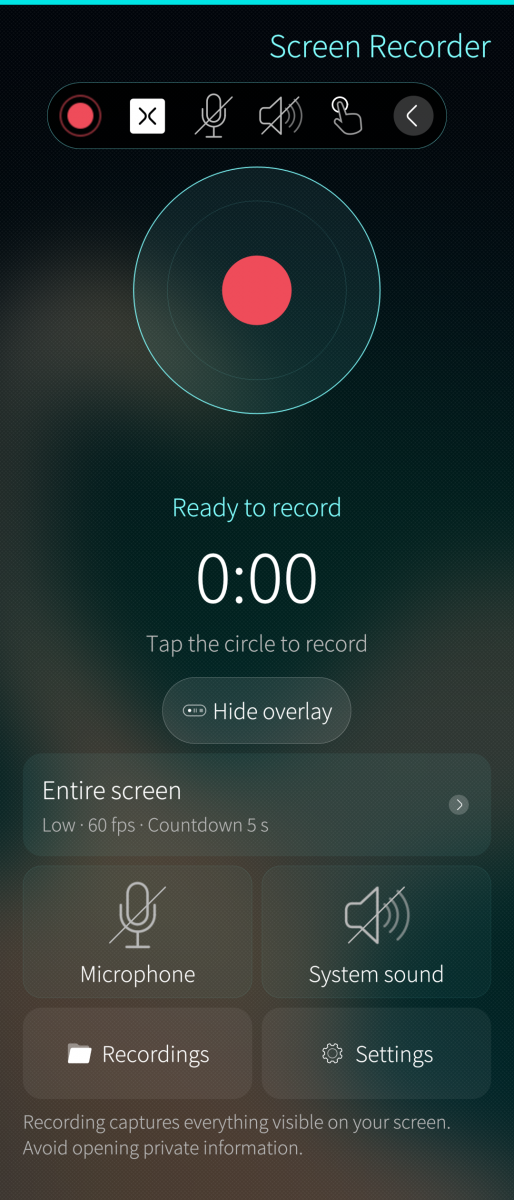
CAPTURE THE ACTION! Record your screen or a selected app, control your audio and manage your recordings from a native interface!
Pick your first addition!
Show off your setup! And Discover What Jolla Forgot!
Individual additions have device and firmware requirements. Patchmanager is required for patches.
Screenshots:
Category:
Keywords:
- sailfish
- Patch
- mod
- mods
- anrdoid
- android auto
- patching
- android edge
- edge
- screen recorder
- screenrecorder
- screen
- record
- screen record
- Sane Fish
- SaneFish
- customization
- date
- time
- lock
- unlock
- lockscreen
- pattern
- maze
- MazeLock
- volume
- Media
- mediavolume
- overlay
- pip
- whatsup
- futo
- keyboard
- Settings
- people
- phone
- enhancement
- live
- livewallpaper
- wallpaper
Application versions:
| Attachment | Size | Date |
|---|---|---|
 sanefish-1.0.0-1.aarch64.rpm sanefish-1.0.0-1.aarch64.rpm | 269.95 KB | 18/10/2026 - 05:52 |
| sanefish-1.0.0-1.armv7hl.rpm | 268.68 KB | 18/10/2026 - 05:52 |
| sanefish-1.0.0-1.i486.rpm | 272.11 KB | 18/10/2026 - 05:52 |
Changelog:
v1.0.0
- Initial public release
Comments
broncheoli
Sun, 2026/10/18 - 20:12
Permalink
Tried again til 6) but then tried to remove SaneFish (without the attemt to install MinApps) and removal worked.
broncheoli
Sun, 2026/10/18 - 20:05
Permalink
1) removed all patches from patchmanager
2) removed Patchmanager from within SaneFish
3) even removed FutoK
4) rebooted
5) reinstalled PM from storeman
6) installed Futo-K from within SaneFish
7) tried to install MinApps - fail
8) original patches from PM not installed yet.
9) SaneFish cannot be removed
I will now repeat your advice to see if one can delete SaneFish when there was no attempt to install MinApps.
broncheoli
Sun, 2026/10/18 - 19:48
Permalink
Ah, ok. The patches from Patchmanager itself I did not remove. Combined with the ertor above I winessed that when installing "Minimized Apps" thllall the patchmanager patches were first deactivated and the reactivated automatically.
Thanks for your help. I will try your advice and will tell about the outcome.
broncheoli
Sun, 2026/10/18 - 19:29
Permalink
The number of the "not installed" patches is indeed reduced to 29 (not 30) after the failed install.
broncheoli
Sun, 2026/10/18 - 19:28
Permalink
SaneFish installation log
Package: Minimized Apps
State: failed
Message: Minimized Apps was installed, but its active Patchmanager files are incomplete.
Started: 2026-10-18 18:27:16 +0200
Package title: Minimized Apps
Selected packages: 1
Package 1 of 1
Package title: Minimized Apps
Expected package: minimized-apps-htheb
/var/lib/sanefish-patches/install/batch.0lI24z/1.rpm: digests OK
Installing all 1 verified RPMs in one PackageKit transaction.
Transaction: Installing files
Status: Waiting in queue
Status: Waiting for authentication
Status: Waiting in queue
Status: Starting
Status: Resolving dependencies
Percentage: 0
Percentage: 100
Status: Installing packages
Percentage: 0
Status: Downloading packages
Package: minimized-apps-htheb-1.0.0-1.noarch
Percentage: 100
Status: Installing packages
Status: Finished
Results:
Downloaded minimized-apps-htheb-1.0.0-1.noarch (PK_TMP_DIR)
Installed minimized-apps-htheb-1.0.0-1.noarch (PK_TMP_DIR)
Installed version verified: minimized-apps-htheb 0:1.0.0-1 noarch
Patchmanager patch ID: minimized_apps_htheb
Result: failed
Error: Minimized Apps was installed, but its active Patchmanager files are incomplete.
HtheB
Sun, 2026/10/18 - 19:42
Permalink
@broncheoli I've heard that Patchmanager has some issues not related to SaneFish.
Can you please remove all patches from SaneFish (hold down on the installed items to remove them) Once removed, make sure that there are no patches in Patchmanager left.
Then in SaneFish, remove Patchmanager.
Once Patchmanager is removed, restart your phone, and reinstall Patchmanager through Storeman.
After that, try installing the patches again via SaneFish and tell me the results please
broncheoli
Sun, 2026/10/18 - 17:20
Permalink
Another problem: It won't deinstall from within Storeman. (meanimg it cannot be removed) (JP2, SFOS 5.2.0.20)
HtheB
Sun, 2026/10/18 - 17:35
Permalink
Make sure to remove all patches first before you want to remove SaneFish
broncheoli
Sun, 2026/10/18 - 19:08
Permalink
I tried to install "Minimize Apps". It ended up with the error message discribend by @churrundo. Maybe this incompletely installed patch causes this deinstall issue?
HtheB
Sun, 2026/10/18 - 19:18
Permalink
Go to the About section in SaneFish
Keep tapping on the version number until it says Debug mode enabled.
Then go back to the patch that you couldn't install and try installing it again.
After the error, it should now show you a button to show the logs.
And share the me error logs.
churrundo
Sun, 2026/10/18 - 16:53
Permalink
Oh my god this sounds amazing but I keep getting an error saying [patchname] was installed, but its active Patchmanager files are incomplete :((((
One happy exception was the AAS statusbar, which omg i've been needing it
HtheB
Sun, 2026/10/18 - 17:36
Permalink
Please share the logs within Patchmanager itself
And also tell me which phone and which firmware you're on
churrundo
Sun, 2026/10/18 - 17:56
Permalink
I'm not too sure how to get to the logs. I'm in the Jolla 2026, running Sailfish 5.2.0.20.
I enabled the dev options in patchmanager since that says it allows to read the logs of specific patches, but the patches that fail to install don't show up in patchmanager. Thank you so much for your help
HtheB
Sun, 2026/10/18 - 19:17
Permalink
Go to the About section in SaneFish
Keep tapping on the version number until it says Debug mode enabled.
Then go back to the patch that you couldn't install and try installing it again.
After the error, it should now show you a button to show the logs.
And share the me error logs.
churrundo
Sun, 2026/10/18 - 20:22
Permalink
SaneFish installation log
Package: Always Media Volume
State: failed
Message: Always Media Volume was installed, but its active Patchmanager files are incomplete.
Started: 2026-10-18 19:22:06 +0200
Package title: Always Media Volume
Selected packages: 1
Package 1 of 1
Package title: Always Media Volume
Expected package: always-media-volume-htheb
/var/lib/sanefish-patches/install/batch.AGMyp4/1.rpm: digests OK
Installing all 1 verified RPMs in one PackageKit transaction.
Transaction: Installing files
Status: Waiting in queue
Status: Waiting for authentication
Status: Waiting in queue
Status: Starting
Status: Resolving dependencies
Percentage: 0
Percentage: 100
Status: Installing packages
Percentage: 0
Status: Downloading packages
Package: always-media-volume-htheb-1.0.0-1.noarch
Percentage: 100
Status: Installing packages
Status: Finished
Results:
Downloaded always-media-volume-htheb-1.0.0-1.noarch (PK_TMP_DIR)
Installed always-media-volume-htheb-1.0.0-1.noarch (PK_TMP_DIR)
Installed version verified: always-media-volume-htheb 0:1.0.0-1 noarch
Patchmanager patch ID: always_media_volume_htheb
Result: failed
Error: Always Media Volume was installed, but its active Patchmanager files are incomplete.
Manisak
Sun, 2026/10/18 - 11:30
Permalink
“It just works!! It makes SfOs better. It’s simply a real added value!! I thank you for your work. It’s time to donate something!! Simply top!!”
dumol
Sun, 2026/10/18 - 10:54
Permalink
Thank you for finally releasing this... Been using some of your patches for a few weeks now.
Some are utilitarian, e.g. the free edit option for Gallery, and the one that silences screenshots. Some are pure candy, like the background animation for Home Screen. Enough of them are light enough on resources to always be enabled on my lowly XA2.
All very good stuff, worth trying! Quality is substantially higher than the average from PatchManager, probably the main reason why this app exists.