 musikilo-2.0.1-1.aarch64.rpm musikilo-2.0.1-1.aarch64.rpm | 512.36 KB | 06/06/2025 - 00:18 |
| musikilo-debuginfo-2.0.1-1.aarch64.rpm | 4.35 MB | 06/06/2025 - 00:18 |
| musikilo-2.0.1-1.armv7hl.rpm | 487.3 KB | 06/06/2025 - 00:18 |
| musikilo-debuginfo-2.0.1-1.armv7hl.rpm | 4.28 MB | 06/06/2025 - 00:18 |
| musikilo-2.0.1-1.i486.rpm | 528.04 KB | 06/06/2025 - 00:18 |
| musikilo-debuginfo-2.0.1-1.i486.rpm | 4.25 MB | 06/06/2025 - 00:18 |
| musikilo-2.0.2-1.aarch64.rpm | 512.54 KB | 27/09/2025 - 19:24 |
| musikilo-2.0.2-1.armv7hl.rpm | 487.4 KB | 27/09/2025 - 19:24 |
| musikilo-2.0.2-1.i486.rpm | 528.16 KB | 27/09/2025 - 19:24 |
| musikilo-debuginfo-2.0.2-1.aarch64.rpm | 4.35 MB | 27/09/2025 - 19:24 |
| musikilo-debuginfo-2.0.2-1.armv7hl.rpm | 4.28 MB | 27/09/2025 - 19:24 |
| musikilo-debuginfo-2.0.2-1.i486.rpm | 4.25 MB | 27/09/2025 - 19:24 |
| musikilo-2.1.0-1.aarch64.rpm | 563.85 KB | 20/02/2026 - 03:48 |
| musikilo-2.1.0-1.armv7hl.rpm | 531.66 KB | 20/02/2026 - 03:48 |
| musikilo-2.1.0-1.i486.rpm | 584.81 KB | 20/02/2026 - 03:48 |
| musikilo-debuginfo-2.1.0-1.aarch64.rpm | 5.69 MB | 20/02/2026 - 03:48 |
| musikilo-debuginfo-2.1.0-1.armv7hl.rpm | 5.53 MB | 20/02/2026 - 03:48 |
| musikilo-debuginfo-2.1.0-1.i486.rpm | 5.58 MB | 20/02/2026 - 03:48 |
| musikilo-2.2.0-1.aarch64.rpm | 567.65 KB | 20/05/2026 - 20:50 |
| musikilo-2.2.0-1.armv7hl.rpm | 535.74 KB | 20/05/2026 - 20:50 |
| musikilo-2.2.0-1.i486.rpm | 589.56 KB | 20/05/2026 - 20:50 |
| musikilo-debuginfo-2.2.0-1.aarch64.rpm | 5.75 MB | 20/05/2026 - 20:50 |
| musikilo-debuginfo-2.2.0-1.armv7hl.rpm | 5.59 MB | 20/05/2026 - 20:50 |
| musikilo-debuginfo-2.2.0-1.i486.rpm | 5.63 MB | 20/05/2026 - 20:50 |
| musikilo-2.3.0-1.aarch64.rpm | 595.8 KB | 22/05/2026 - 16:56 |
| musikilo-2.3.0-1.armv7hl.rpm | 560.06 KB | 22/05/2026 - 16:56 |
| musikilo-2.3.0-1.i486.rpm | 617.73 KB | 22/05/2026 - 16:56 |
| musikilo-debuginfo-2.3.0-1.aarch64.rpm | 6.48 MB | 22/05/2026 - 16:56 |
| musikilo-debuginfo-2.3.0-1.armv7hl.rpm | 6.27 MB | 22/05/2026 - 16:56 |
| musikilo-debuginfo-2.3.0-1.i486.rpm | 6.36 MB | 22/05/2026 - 16:56 |
| musikilo-2.4.0-1.aarch64.rpm | 606.22 KB | 24/05/2026 - 01:10 |
| musikilo-2.4.0-1.armv7hl.rpm | 568.53 KB | 24/05/2026 - 01:10 |
| musikilo-2.4.0-1.i486.rpm | 630.29 KB | 24/05/2026 - 01:10 |
| musikilo-debuginfo-2.4.0-1.aarch64.rpm | 6.93 MB | 24/05/2026 - 01:10 |
| musikilo-debuginfo-2.4.0-1.armv7hl.rpm | 6.73 MB | 24/05/2026 - 01:10 |
| musikilo-debuginfo-2.4.0-1.i486.rpm | 6.8 MB | 24/05/2026 - 01:10 |
| musikilo-2.4.1-1.aarch64.rpm | 616.96 KB | 25/06/2026 - 00:08 |
| musikilo-2.4.1-1.armv7hl.rpm | 577.65 KB | 25/06/2026 - 00:08 |
| musikilo-2.4.1-1.i486.rpm | 640.13 KB | 25/06/2026 - 00:08 |
| musikilo-debuginfo-2.4.1-1.aarch64.rpm | 7.05 MB | 25/06/2026 - 00:08 |
| musikilo-debuginfo-2.4.1-1.armv7hl.rpm | 6.84 MB | 25/06/2026 - 00:08 |
| musikilo-debuginfo-2.4.1-1.i486.rpm | 6.92 MB | 25/06/2026 - 00:08 |
| musikilo-2.5.0-1.aarch64.rpm | 622.68 KB | 31/07/2026 - 04:33 |
| musikilo-2.5.0-1.armv7hl.rpm | 583.37 KB | 31/07/2026 - 04:33 |
| musikilo-2.5.0-1.i486.rpm | 645.63 KB | 31/07/2026 - 04:33 |
| musikilo-debuginfo-2.5.0-1.aarch64.rpm | 7.45 MB | 31/07/2026 - 04:33 |
| musikilo-debuginfo-2.5.0-1.armv7hl.rpm | 7.24 MB | 31/07/2026 - 04:33 |
| musikilo-debuginfo-2.5.0-1.i486.rpm | 7.3 MB | 31/07/2026 - 04:33 |
| musikilo-2.6.0-1.aarch64.rpm | 631.36 KB | 06/08/2026 - 11:03 |
| musikilo-2.6.0-1.armv7hl.rpm | 591.01 KB | 06/08/2026 - 11:03 |
| musikilo-2.6.0-1.i486.rpm | 656.08 KB | 06/08/2026 - 11:03 |
| musikilo-debuginfo-2.6.0-1.aarch64.rpm | 7.62 MB | 06/08/2026 - 11:03 |
| musikilo-debuginfo-2.6.0-1.armv7hl.rpm | 7.41 MB | 06/08/2026 - 11:03 |
| musikilo-debuginfo-2.6.0-1.i486.rpm | 7.46 MB | 06/08/2026 - 11:03 |
| musikilo-2.6.1-1.aarch64.rpm | 631.62 KB | 06/08/2026 - 11:44 |
| musikilo-2.6.1-1.armv7hl.rpm | 591.16 KB | 06/08/2026 - 11:44 |
| musikilo-2.6.1-1.i486.rpm | 655.84 KB | 06/08/2026 - 11:44 |
| musikilo-debuginfo-2.6.1-1.aarch64.rpm | 7.62 MB | 06/08/2026 - 11:44 |
| musikilo-debuginfo-2.6.1-1.armv7hl.rpm | 7.4 MB | 06/08/2026 - 11:44 |
| musikilo-debuginfo-2.6.1-1.i486.rpm | 7.46 MB | 06/08/2026 - 11:44 |
| musikilo-2.6.2-1.aarch64.rpm | 630.38 KB | 08/09/2026 - 12:01 |
| musikilo-2.6.2-1.armv7hl.rpm | 593.13 KB | 08/09/2026 - 12:01 |
| musikilo-2.6.2-1.i486.rpm | 657.63 KB | 08/09/2026 - 12:01 |
| musikilo-debuginfo-2.6.2-1.aarch64.rpm | 7.72 MB | 08/09/2026 - 12:01 |
| musikilo-debuginfo-2.6.2-1.armv7hl.rpm | 7.49 MB | 08/09/2026 - 12:01 |
| musikilo-debuginfo-2.6.2-1.i486.rpm | 7.54 MB | 08/09/2026 - 12:01 |



Comments
JE281
Sun, 2026/07/19 - 13:01
Permalink
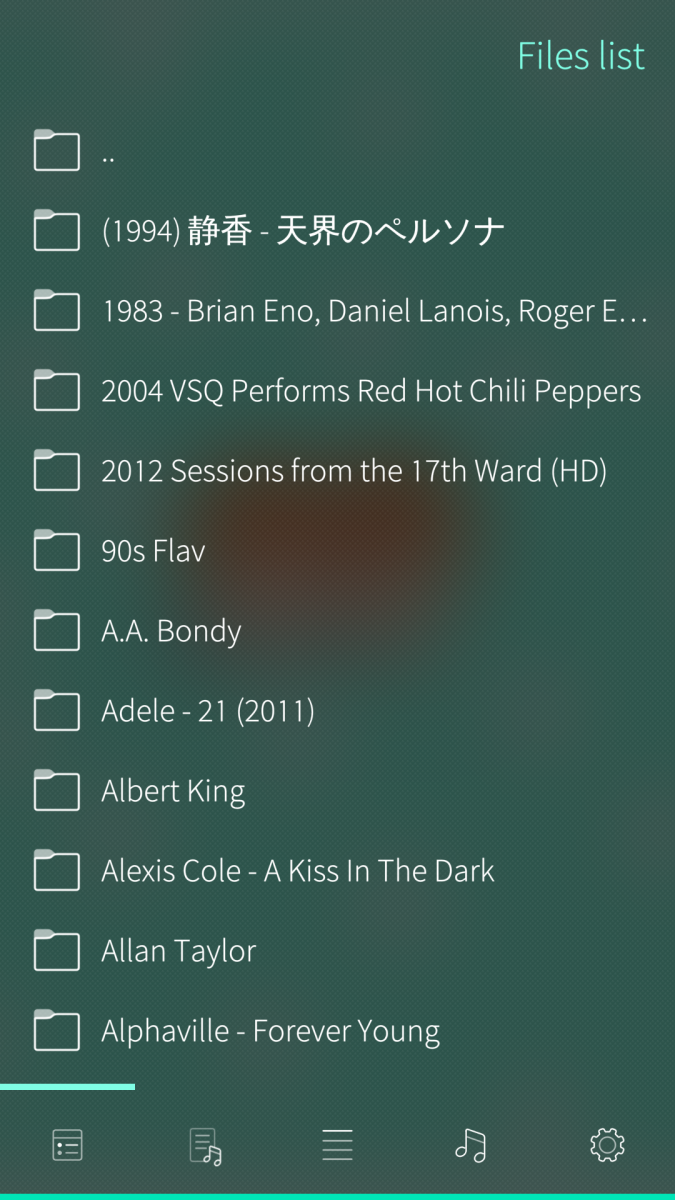
Hi! I wanted to use this app as music streaming from my nextcloud. Unfortunately I seem to not be able to get it working... The only thing i can think of (and interact with in the app) is adding a plugin, but i dont know where to set the path to so that i can browse my NC. I tried using the paths from above and from my NC install and from in the description and looked for a plugin for this app in openrepos, but was unsuccessful. I have linked my nextcloud via the settings app too, if that helps...
Can you please help me? Thank you!
Mister_Magister
Sun, 2026/07/19 - 14:27
Permalink
I have no idea what you mean but maybe you missed the fact that you can change plugin type when adding plugin?
JE281
Sun, 2026/07/19 - 15:04
Permalink
First thank you for quick answer! Yeah i haven't noticed that there are multiple types... Sorry... I didnt notice that you were supposed to click on the little text saying "file" while creating a plugin...
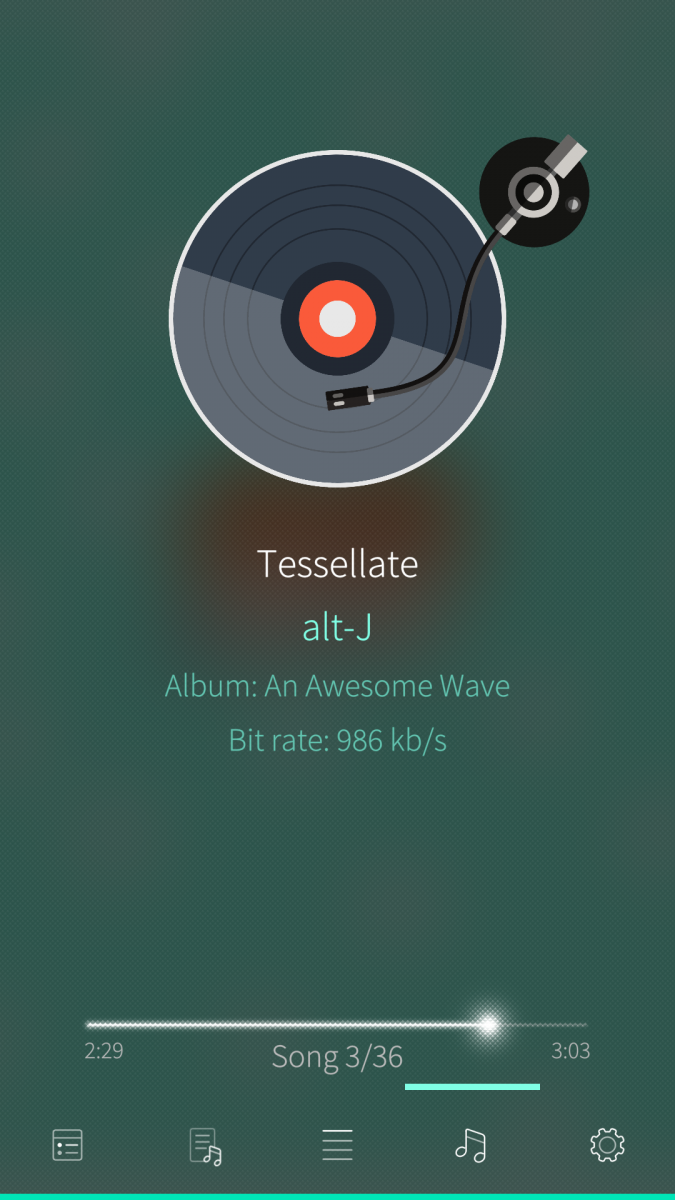
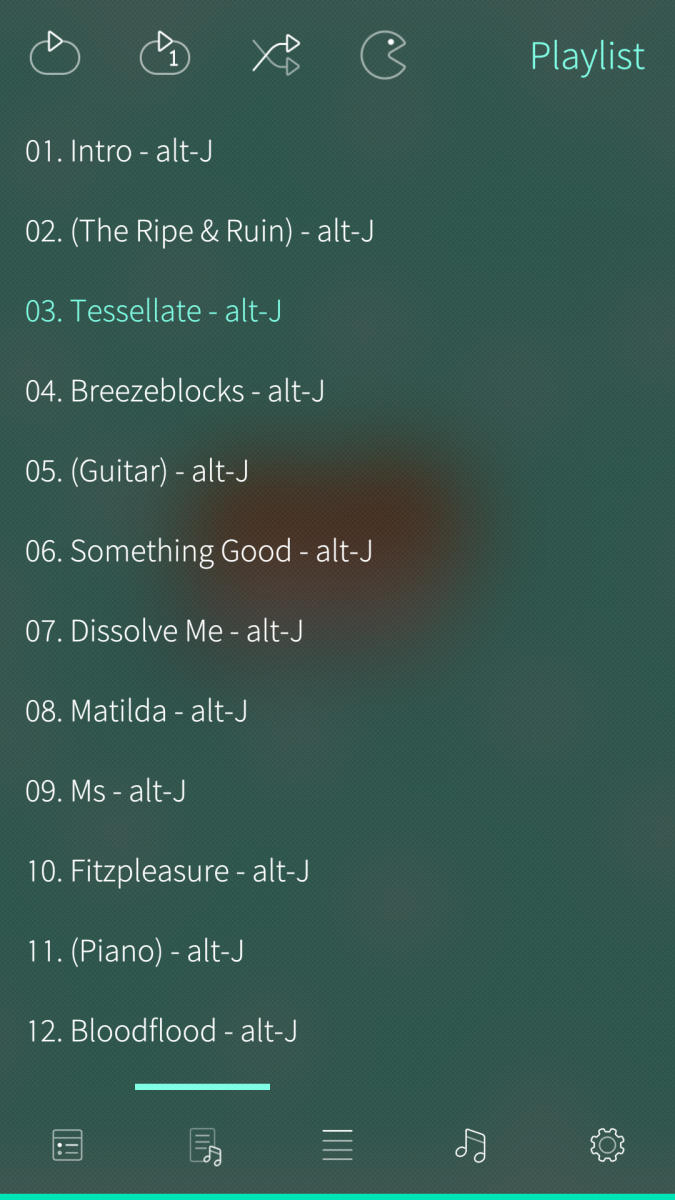
Another thing that i dont get to work is the music playback now... Am I right that when I now select a folder/file and add it to the queue and then on the page with the turntable i click on it and nothing plays? Do i have do something different to get it to play or do i have to use subsonic with nextcloud music plugin?
I feel so dumb... Sorry again.
Edit :
I have tested with local music files and they play after i tried it twice. They dont autoplay the next ones in queue.
Nextcloud does not play and it doesnt matter if i connect locally (internal IP) or externally. Subsonic via Nextcloud did not work, but thats probably my fault
Mister_Magister
Sun, 2026/07/19 - 14:41
Permalink
Blame jolla for their UI/UX :P
JE281
Tue, 2026/07/21 - 11:57
Permalink
Do you know or have an idea why Im not able to play music from nextcloud? Or do I need to configure subsonic with NC music plugin?
Mister_Magister
Tue, 2026/07/21 - 11:58
Permalink
what does subsonic have to do with nextcloud? did you add nextcloud plugin and test passed successfully?
JE281
Tue, 2026/07/21 - 13:20
Permalink
The nextcloud music plugin allows you to stream music via subsonic or Ampache. I had to use this before on Android. From your response i would guess Musikilo can stream directly nextcloud?
I tried setting up both subsonic and normal and subsonic only threw errors. Normal worked - I could browse the files, but it would never play audio files. They would show in queue though. I didnt matter if it was ogg/mp3/flac/wav/alac - none of them would play. If i downloaded the music directly from my cloud and added local directory with the downloaded same music it would work from the local source but not from the ncloud...
Mister_Magister
Tue, 2026/07/21 - 13:32
Permalink
>The nextcloud music plugin allows you to stream music via subsonic or Ampache
No it doesn't? What are you on about? Nextcloud plugin allows you to play files from nextcloud.
JE281
Tue, 2026/07/21 - 14:34
Permalink
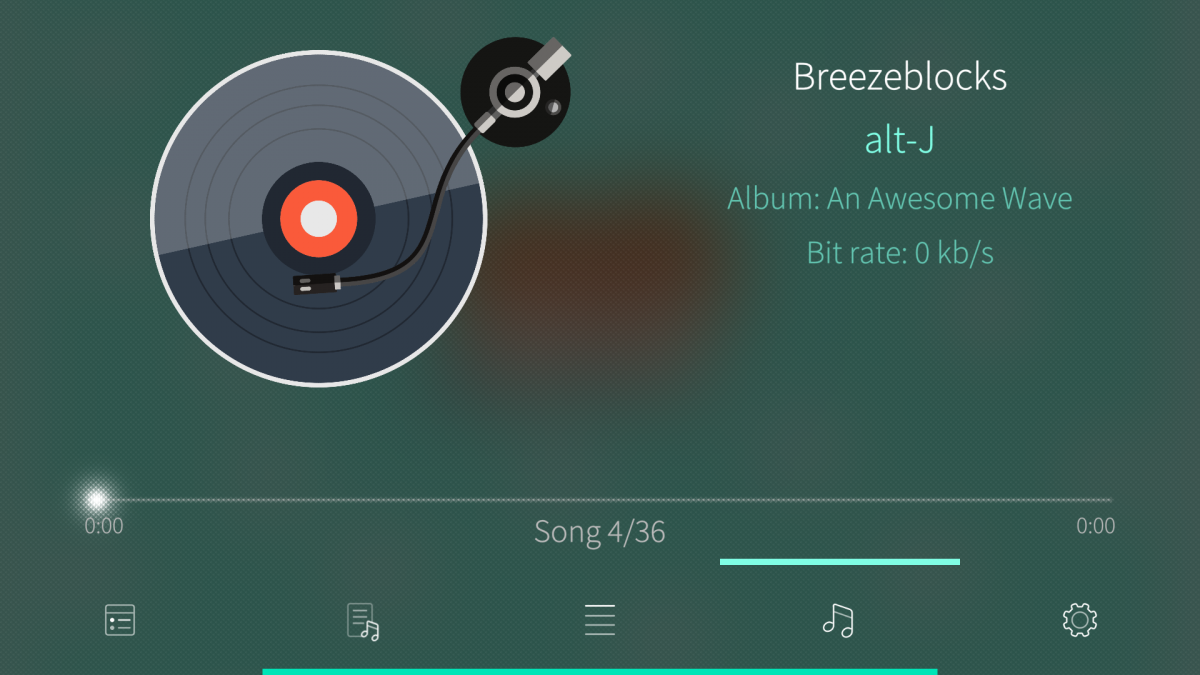
With plugin i meant the nextcloud music app/plugin installed on the nextcloud server not the plugin nextcloud in your app... Whatever. I cannot get music files to play (only says 0kb/s and unknown author) from my nextcloud server that i added to your app via the nextcloud option. Same audio files added to your app with local option works though...
Mister_Magister
Tue, 2026/07/21 - 14:35
Permalink
Could be that it won't work via https but will work via http, i remember such issue in the past
JE281
Tue, 2026/07/21 - 17:11
Permalink
Hmmm I have tried it via internal/local IP Adress with http and it does not change but it does not work either :(
Mister_Magister
Tue, 2026/07/21 - 17:12
Permalink
well then perhaps check logs of your nextcloud server or something, dunno
JE281
Tue, 2026/07/21 - 19:01
Permalink
I dont have access to the logs atm, but its basically a fresh install of nextcloud... weird
amol
Wed, 2026/06/10 - 13:06
Permalink
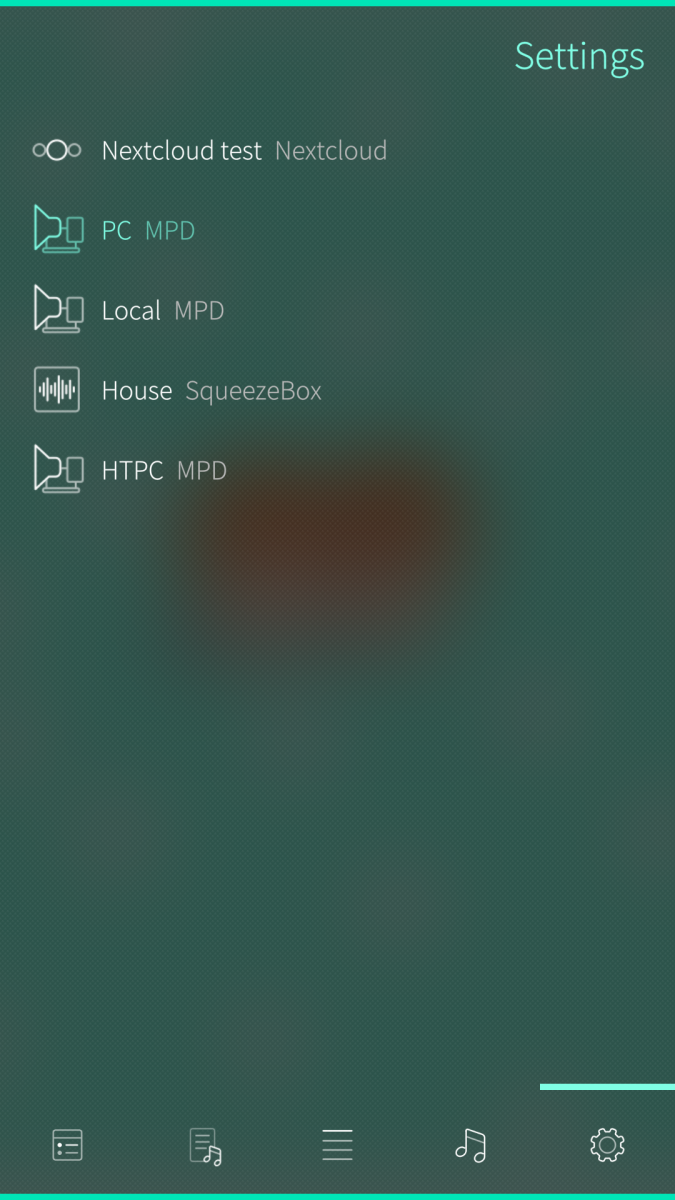
I'm missing how I am supposed to use it for Subsonic, if I do 'Add New Plugin' it just asks for the local music path
Mister_Magister
Wed, 2026/06/10 - 13:07
Permalink
Well you obvoiusly have to change plugin type from File to subsonic
amol
Wed, 2026/06/10 - 14:11
Permalink
Oh, because the "File" word acts as a selector. It wasn't clear, I thought it was just the title of the form
amol
Wed, 2026/06/10 - 14:23
Permalink
Sadly the Subsonic plugin reports 404 for any directory, but using the Android app works fine. Also I have no way to filter for my playlists or my starred songs or even just my songs which makes it hard to use on a federated Funkwhale instance with tens of thousand of songs
Mister_Magister
Wed, 2026/06/10 - 14:25
Permalink
Well I don't know about your sever but I do know it is working, musikilo in every pluin is directory based, so you're meant to nagivate directory tree
Mister_Magister
Wed, 2026/06/10 - 14:12
Permalink
That's sfos ui elements for you i guess ¯\_(ツ)_/¯
lxmx
Sat, 2020/11/21 - 14:57
Permalink
Whatever you did it started working for me with an NC 19 install with https! Nitpick: the second icon (playlists) doesn't turn black on a light colored ambience, others do.
Mister_Magister
Sat, 2020/11/21 - 17:49
Permalink
I did nothing honestly https playback should not work
lispy
Mon, 2020/06/22 - 16:21
Permalink
Any success with Nextcloud 19. Musikilo stopped working for me after Nextcloud update
lxmx
Fri, 2020/06/12 - 07:00
Permalink
Saw your comment in the Jolla Store - have you had a chance to fix SSL? My server is HTTPS
Mister_Magister
Fri, 2020/06/12 - 09:06
Permalink
Nah, i enabled http in my nextcloud and said "fffffffffffffffffffffffffffffuck it" as it was working just fine and poof stopped working
lxmx
Tue, 2020/06/09 - 08:06
Permalink
Can't get Musikilo to work with my nc 18.04 install :( I did add the remote path as per the instruction. Can't see any sensible error messages in the terminal apart from a few QML warnings. How can I debug this?
Mister_Magister
Tue, 2020/06/09 - 09:12
Permalink
Hmmm for starters when you enter data and click connect button it should either connect or show error message in gui. you can also check your nc access/error logs
lxmx
Wed, 2020/06/10 - 10:35
Permalink
That's weird. I enter all the fields in Settings, tap Connect and nothing at all happens.
The NextCloud nginx access and error logs are empty. Here is the output from the app:
[nemo@XperiaXA2 ~]$ harbour-musikilo
[D] unknown:0 - Using Wayland-EGL
[W] unknown:62 - file:///usr/share/harbour-musikilo/qml/pages/Settings.qml:62:5: QML SilicaFlickable: Binding loop detected for property "contentHeight"
[D] expression for script:251 - Warning: Slider.maximumValue needs to be higher than Slider.minimumValue
[W] unknown:157 - file:///usr/lib/qt5/qml/Sailfish/Silica/DialogHeader.qml:157: TypeError: Cannot read property 'backIndicatorDown' of null
[W] unknown:152 - file:///usr/lib/qt5/qml/Sailfish/Silica/DialogHeader.qml:152: TypeError: Cannot read property 'backIndicatorDown' of null
[W] unknown:212 - file:///usr/lib/qt5/qml/Sailfish/Silica/DialogHeader.qml:212: TypeError: Cannot read property 'forwardIndicatorDown' of
null
[W] unknown:207 - file:///usr/lib/qt5/qml/Sailfish/Silica/DialogHeader.qml:207: TypeError: Cannot read property 'forwardIndicatorDown' of
null
Wonder if the QML errors have anything to deal with this?
Mister_Magister
Wed, 2020/06/10 - 10:41
Permalink
Possibly, dialog could be not showing because of them, what's your sailfishos version?
lxmx
Wed, 2020/06/10 - 17:32
Permalink
3.3.0.16 on a XA2
lispy
Fri, 2020/01/24 - 19:58
Permalink
It works like a charm after upgrading to Nextcloud 18. My path is /remote.php/dav/files/username
Pages