
Rockpool


"Marginally less" unofficial Pebble smartwatch support for Sailfish.
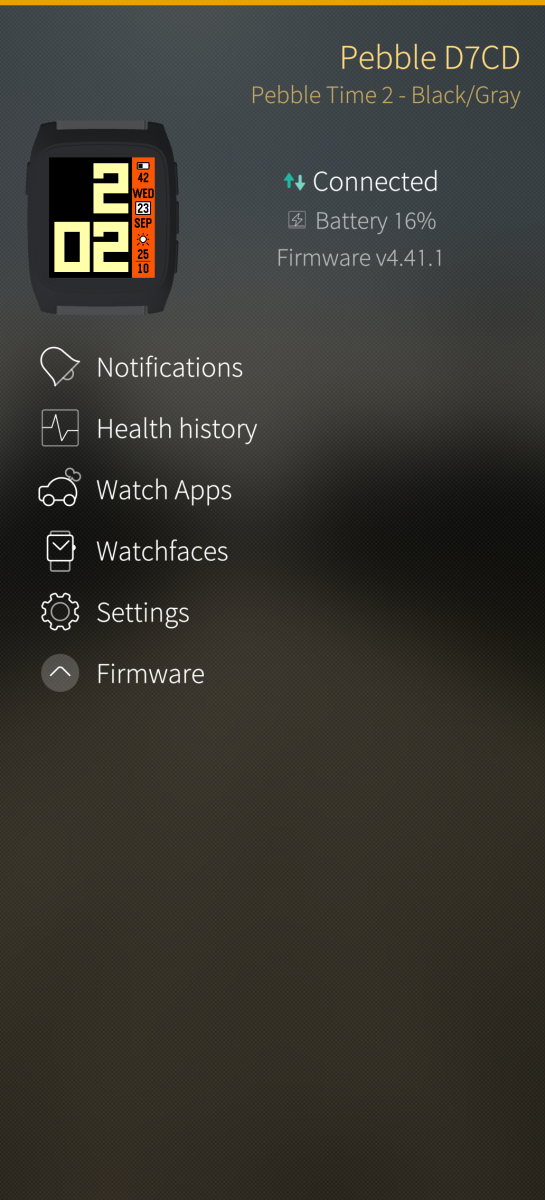
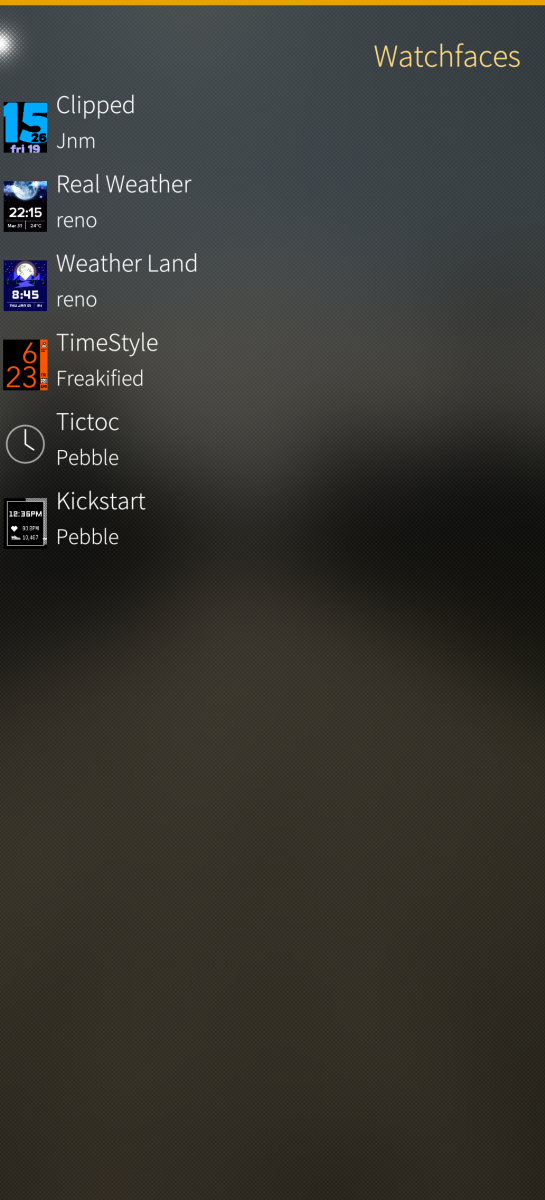
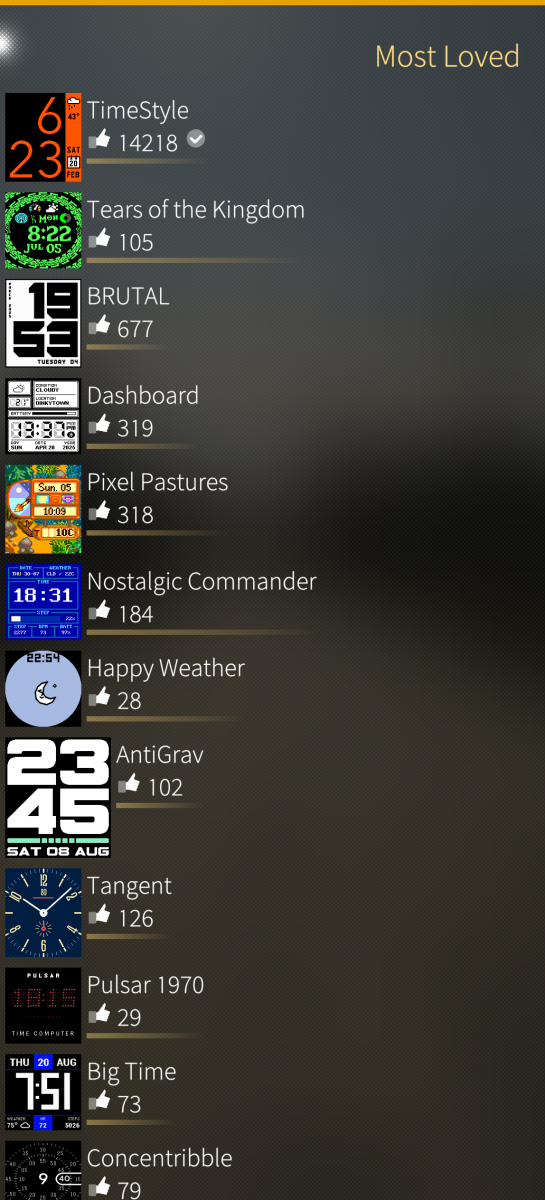
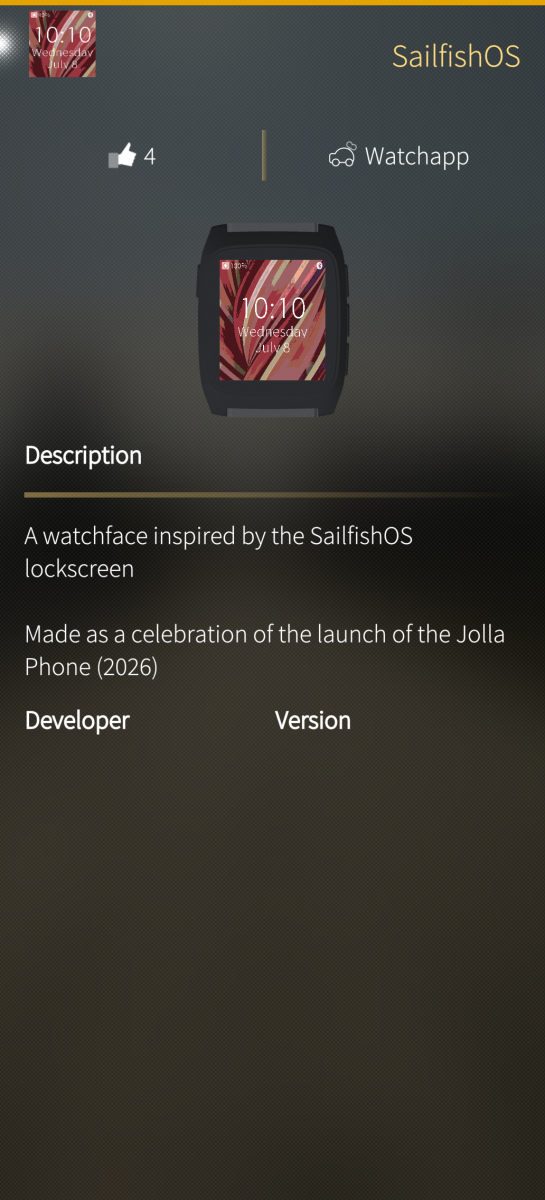
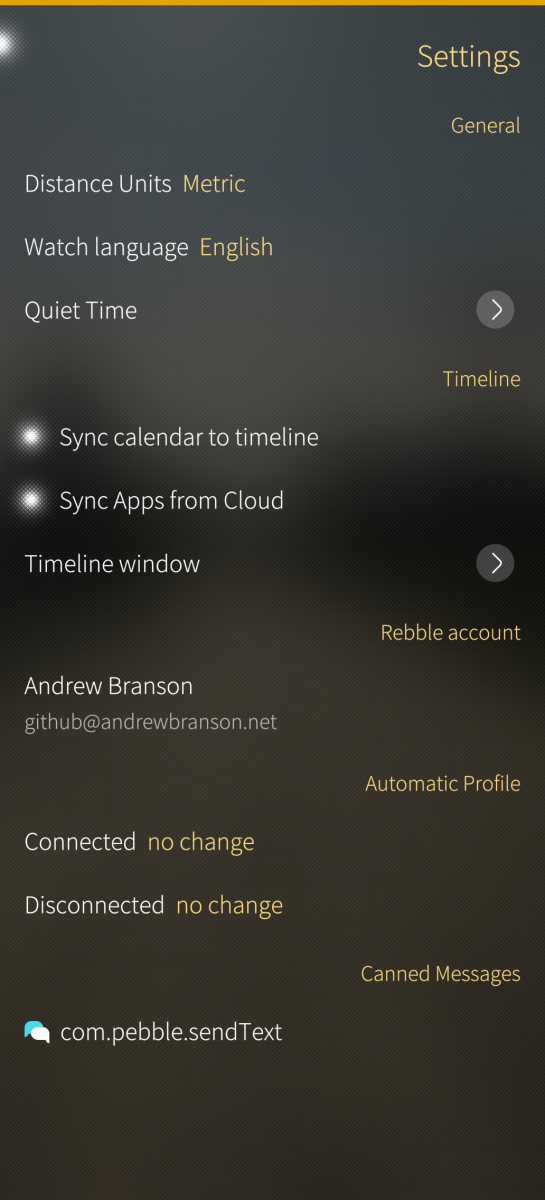
Rockpool 2.0 is a substantial rewrite of the original app. It no longer uses the Rockwork libpebble, but instead builds a new libpebble3d daemon from the official app Kotlin source (slightly modified), and sticks a Sailfish OS adapter onto it. The UI has extra bits for watch pairing, viewing health data, setting quiet time and much more. It should support all Pebble watches, old and new.
Some older devices might have trouble connecting to the BLE watches. It definitely works with the new Jolla phone though, and I think the C2. I recommend removing AppSupport Bluetooth Bridge for now, as it has a bug where Android will block the Pebble after a while, that should be fixed in an upcoming SailfishOS release.
Contributions are welcome on GitHub, either by filing issues or chipping in. New translations are always welcome on https://hosted.weblate.org/projects/rockpool/translations/!
My OBS build is retired for now, until I figure out how to build this Kotlin thing on OBS. This is the only place to get 2.0. Aarch64 only for now - will get round to 32bit and 486 later.
Screenshots:
Category:
Keywords:
Application versions:

Changelog:
- Show watch battery levels and add configurable low-battery notifications.
- Withdraw low-battery warnings when disabled or no longer applicable.
- Compact watch status layout and show battery fill and low-charge colour.
- Build native-image and Sailfish RPMs with GitHub Actions.
- Publish master-tagged builds to the zypp repository.
- Avoid downloading the Android NDK for daemon builds.
- Update Norwegian Bokmål and Swedish translations.
Comments
abranson
Mon, 2016/03/21 - 22:44
Permalink
Is your watch connected to your phone? If so then you'll get notifications, and you'll see track info in the Music app when you've got the Jolla music app open.
If so, then some logs would be helpful. Start /usr/bin/rockpool from a terminal. It's hard to help in here though - the talk.maemo.org thread is the best place.
Upp15
Mon, 2016/03/21 - 23:59
Permalink
Yes, they are connected and notifications work.
I try to find the logs.
EDIT: Ah, that was another way of starting the app, not a folder to look for the logs :-) . It complains about QtQuick 2.4 not installed.
Is that safe to import ?
abranson
Tue, 2016/03/22 - 10:47
Permalink
No, this is an error caused by the Ubuntu Touch QML files, which are replaced in the latest version. Are you definitely on v0.6-1 (or above)?
Upp15
Tue, 2016/03/22 - 11:03
Permalink
I thought I was (installed it twice from OpenRepos yesterday) ... but it seems I wasn't after all.
Now it upgraded to 0.6 and GUI starts fine !
:-)
Upp15
Tue, 2016/03/15 - 08:56
Permalink
Hi,
Just can't wait for the GUI !
I hope it will be possible to configure the apps / watchfaces with Rockpool?
tualatin
Tue, 2016/03/15 - 09:41
Permalink
AFAIK this is port of RockWork for Ubuntu Touch, so we are expecting all of its features...
abranson
Tue, 2016/03/15 - 11:33
Permalink
There are a few extra things that Sailfish supports that Ubuntu Touch can't yet do, so there'll be more! App config will come with the UI.
tualatin
Tue, 2016/03/15 - 07:53
Permalink
Sorry for asking, but how can I download pbz file of application I want from Pebble appstore?
abranson
Tue, 2016/03/15 - 11:35
Permalink
I'm not sure sorry - I think I saw a link to the pebble store somewhere in the talk.maemo.org thread.
tualatin
Tue, 2016/03/15 - 12:52
Permalink
I figured it out:
https://apps.getpebble.com/en_US/watchapps?dev_settings=true
Now I can download PBW files.
tualatin
Wed, 2016/03/09 - 11:45
Permalink
Thanks for your effort to create daemon for Pebble! Lack of Pebble support is the only reason I'm willing to change on Android :(
Fix me if I'm wrong, but now this app does not have any GUI? And it resets any watchfaces and apps installed from android phone? Can you change this behaviour?
Right now I have to install apps and whatchfaces on Android phone and then connect through Pebbled.
abranson
Wed, 2016/03/09 - 12:15
Permalink
Hello,
The GUI's not done yet, but when it is you will be able to download watchfaces and apps from the pebble store, and store them on the watch. Apps work differently in the v3 firmware: they are downloaded from the phone when they are used, so they can't be left on. Pebbled doesn't support any of this, so the cached apps from the android app will remain. In the meantime, you have to extract the pbz files (they're just zip files really) to /home/nemo/.local/share/rockpoold/apps/ to use your apps on the watch. You can do that with filecase or something.
tualatin
Thu, 2016/03/10 - 08:38
Permalink
That's great!!! Really appreciate your work. I knew about cache, I had to run all of applications at least one time connected to android phone.
Thanks!!!
gri4994
Fri, 2016/03/04 - 18:00
Permalink
Hi! I've created an icon for your app :) I hope you'll like it!
abranson
Fri, 2016/03/04 - 18:07
Permalink
Fantastic thanks! My effort is rubbish :)
gri4994
Sat, 2016/03/05 - 12:03
Permalink
Little fix :) I forgot about rounded corners
gri4994
Fri, 2016/03/04 - 23:34
Permalink
You're welcome! :)
Upp15
Fri, 2016/03/04 - 09:56
Permalink
How does this relate to Pebble/Pebbled, if I have that installed ? Need to uninstall before installing Rockpool ?
abranson
Fri, 2016/03/04 - 11:12
Permalink
No you just need to turn the daemon off (uncheck the 'Active' switch in pebbled). It's better to uninstall Rockpool if you want to switch back - the possibility to disable that will be in the UI later.
birdzhang
Fri, 2016/03/04 - 04:34
Permalink
Thanks for your work.
BTW,there is also another tool https://openrepos.net/content/smoku/pebble
abranson
Fri, 2016/03/04 - 11:19
Permalink
Yeah this is based on that. Pebbled has been quiet for a long time, and has only had quick hacks applied so far to partially support the new v3 firmware. Michael Zanetti used it as a base for his RockWork Ubuntu app. Those guys cleaned it up a lot, separating the core pebble interaction from the platform specific stuff, writing a direct pebble store client instead of a web one like we had, and implementing pretty much all of the v3 API. Unfortunately they moved it to Launchpad and dropped the Sailfish support :(
So I'm trying to put that back in, and when it's ready then I aim to merge it with RockWork on launchpad so we have a combined effort on the Pebble API side of things.
Pages