
Stripe-menu


Turn your phone into a game console.
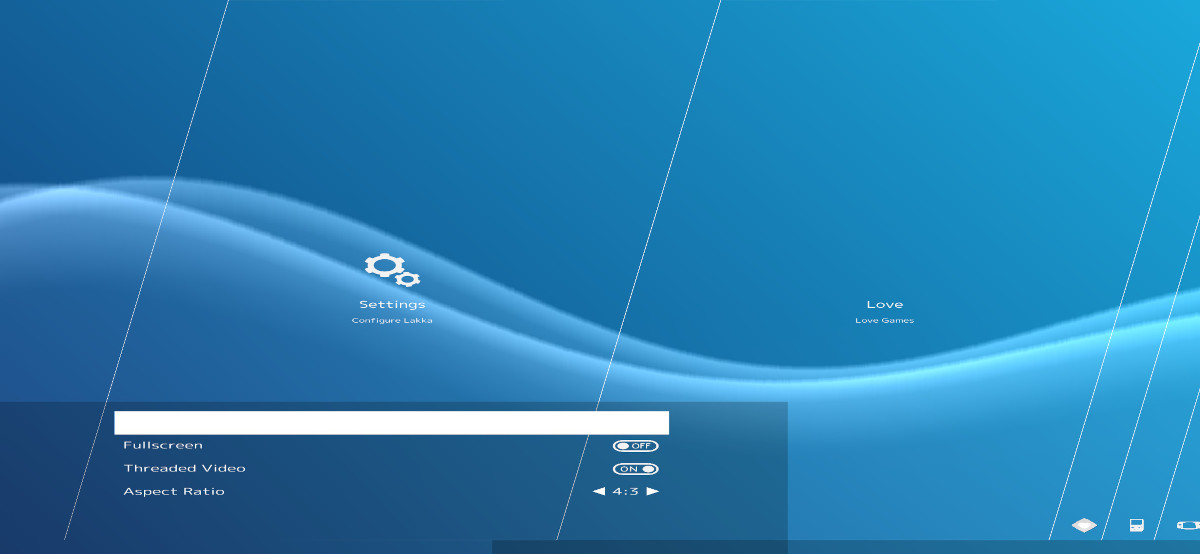
This is a modified version of the Stripe Menu launcher created by 'Ḱivutar' (https://github.com/kivutar/stripe-menu), originally intended for Lakka (https://www.lakka.tv/) ,
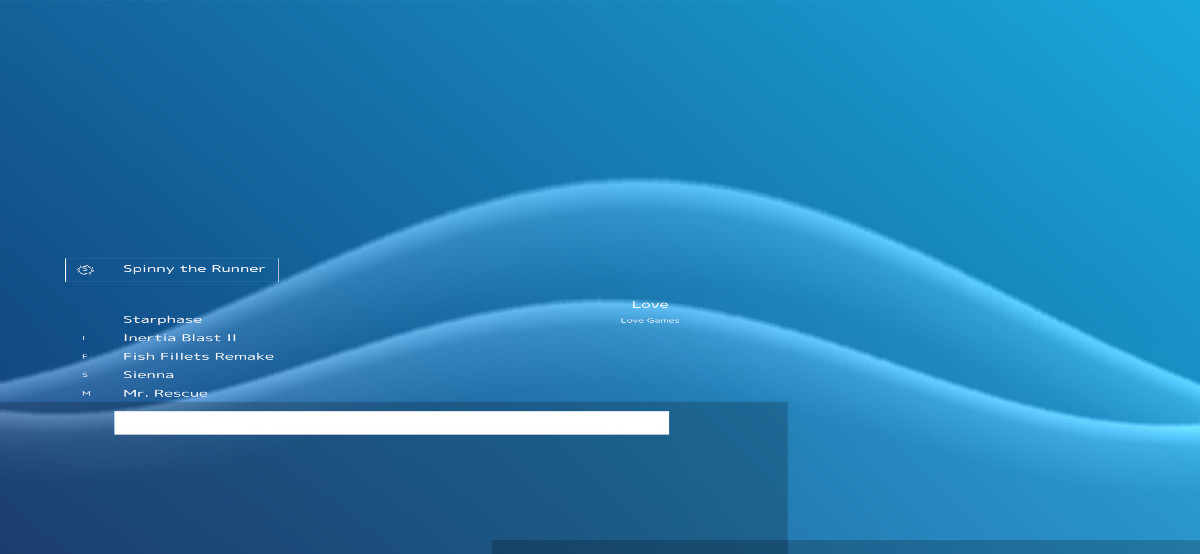
I have added support for LÖVE (Love2D) games, including a dedicated engine entry and a separate list for LÖVE titles.
How to use
Copy your LÖVE games into the games folder located in the root directory of the Stripe Menu installation.
Each game should be placed in the games folder inside the root of the Stripe Menu's folder.
Important notes
This fork introduces several changes to the original launcher. In the process, some features were removed or may no longer function correctly, including:
- Online thumbnail fetching
- RetroArch game loading (original functionality may be partially or fully broken — feedback is welcome)
New features
This version includes the following additions and improvements:
- Mobile-friendly interface with support for both portrait and landscape orientations
-
Dedicated LÖVE engine section (runs games natively, not through RetroArch)
- Note: LÖVE games can only be run through RetroArch using Lutro, see the RetroArch documentation for details
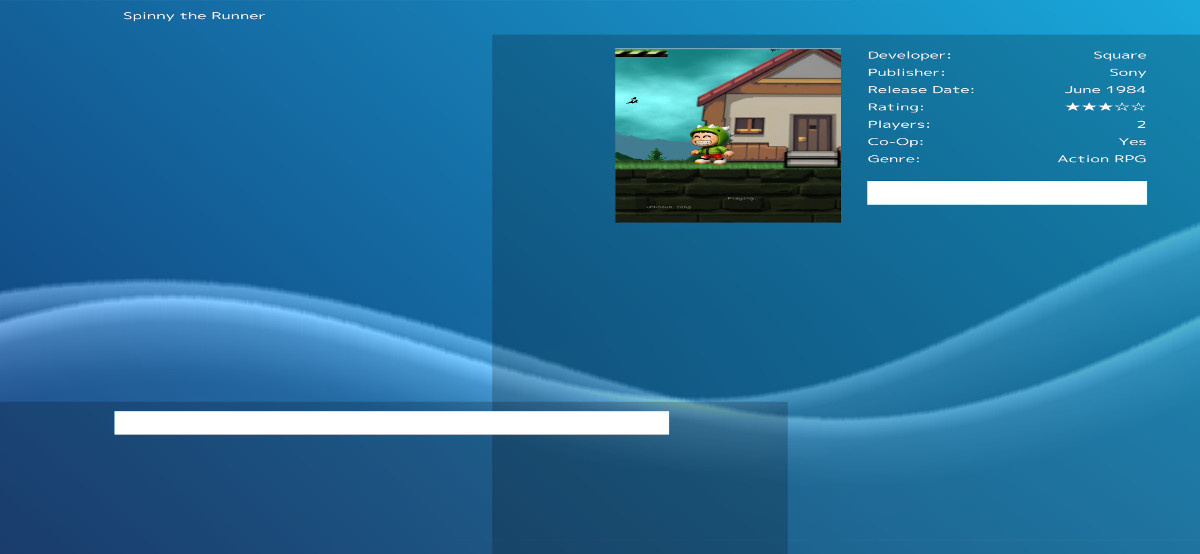
- Local thumbnail support for LÖVE games
Please read before downloading
This launcher is designed to behave like a console-style interface, not a touchscreen app.
- No touch controls are implemented
- Intended for use with a gamepad or keyboard
- If you do not have either connected, the launcher will not be usable on your device
If you need a touch-friendly alternative, consider this project instead:
https://openrepos.net/content/glitchapp/love-launcher
Game installation on Sailfish OS
LÖVE games installed via RPM packages on Sailfish OS will not be detected or run by this launcher.
At the moment, the only supported method is manual installation by copying games into the games folder.
This limitation may be related to packaging or filesystem restrictions (possibly encryption or sandboxing), but this is not confirmed.
v0.2 Update
v0.2 Update
v0.2 introduces a functional music player and expands the core launcher experience.
What you can do now with the Stripe menu
- Turn your phone into a portable game console
- Play native LÖVE games (no RetroArch or Lutro required)
- Listen to music through the built-in player
This effectively turns the project into a lightweight launcher for both native LÖVE games and local music playback.
Notes
- Music tracks are automatically scanned from the music/ folder
- Games are loaded from games.json
- To add more LÖVE games, you must manually edit this JSON file
Distribution
The project is currently built and distributed as an RPM package to make testing easier.
However, if you want fewer permission issues and a more flexible setup, it is recommended to:
- Download the source version
- Place it inside your home directory instead of system folders
Supported music formats
The music player currently supports:
- .mp3
- .ogg
- .wav
- .mod
- .xm
- .s3m
- .it
Support can be extended to all formats available in LÖVE:
https://love2d.org/wiki/Audio_Formats
Additionally, SunVox formats can be supported via MoonVox:
https://github.com/9912/moonvox/blob/master/README.md
Future improvements:
- Video playback may be added in the future
- Likely limited to Ogg Theora format
- However, practical usefulness may be limited due to compression efficiency
Requirements
- Designed primarily for gamepad use
- A gamepad is required for proper navigation and usability
Important changes
This launcher was originally designed to work with RetroArch, but that functionality has been removed or broken during development changes.
If you need RetroArch support, a dedicated touch-friendly RetroArch launcher is recommended instead of this project.
Feedback Contributions
If you have any questions, issues, or compatibility reports, feel free to reach out.
Contributions
This project is open source, feel free to provide feedback or fork it from: https://codeberg.org/glitchapp/stripe-menu
Enjoy!
Screenshots:
Keywords:
Application versions:
| Attachment | Size | Date |
|---|---|---|
 stripemenu-0.1-1.noarch.rpm stripemenu-0.1-1.noarch.rpm | 28.38 MB | 02/05/2026 - 13:47 |
| stripemenu-0.2-1.noarch.rpm | 34.66 MB | 06/05/2026 - 10:48 |
Changelog:
v0.2 Update
v0.2 introduces a functional music player and expands the core launcher experience.
What you can do now with the Stripe menu
- Turn your phone into a portable game console
- Play native LÖVE games (no RetroArch or Lutro required)
- Listen to music through the built-in player
This effectively turns the project into a lightweight launcher for both native LÖVE games and local music playback.
Notes
- Music tracks are automatically scanned from the music/ folder
- Games are loaded from games.json
- To add more LÖVE games, you must manually edit this JSON file
Distribution
The project is currently built and distributed as an RPM package to make testing easier.
However, if you want fewer permission issues and a more flexible setup, it is recommended to:
- Download the source version
- Place it inside your home directory instead of system folders
Supported music formats
The music player currently supports:
- .mp3
- .ogg
- .wav
- .mod
- .xm
- .s3m
- .it
Support can be extended to all formats available in LÖVE:
https://love2d.org/wiki/Audio_Formats
Additionally, SunVox formats can be supported via MoonVox:
https://github.com/9912/moonvox/blob/master/README.md
Future improvements:
- Video playback may be added in the future
- Likely limited to Ogg Theora format
- However, practical usefulness may be limited due to compression efficiency
Requirements
- Designed primarily for gamepad use
- A gamepad is required for proper navigation and usability
Important changes
This launcher was originally designed to work with RetroArch, but that functionality has been removed or broken during development changes.
If you need RetroArch support, a dedicated touch-friendly RetroArch launcher is recommended instead of this project.
Recent comments