
3DM Viewer


3DM Viewer opens a CAD file on the phone, draws it, and lets you turn it around. It is a viewer and nothing else: there is no editing and no save path anywhere in the program, so it can never write over the file you opened. Everything runs on the device - no network, no telemetry, no cloud.
FORMATS (one renderer for all five)
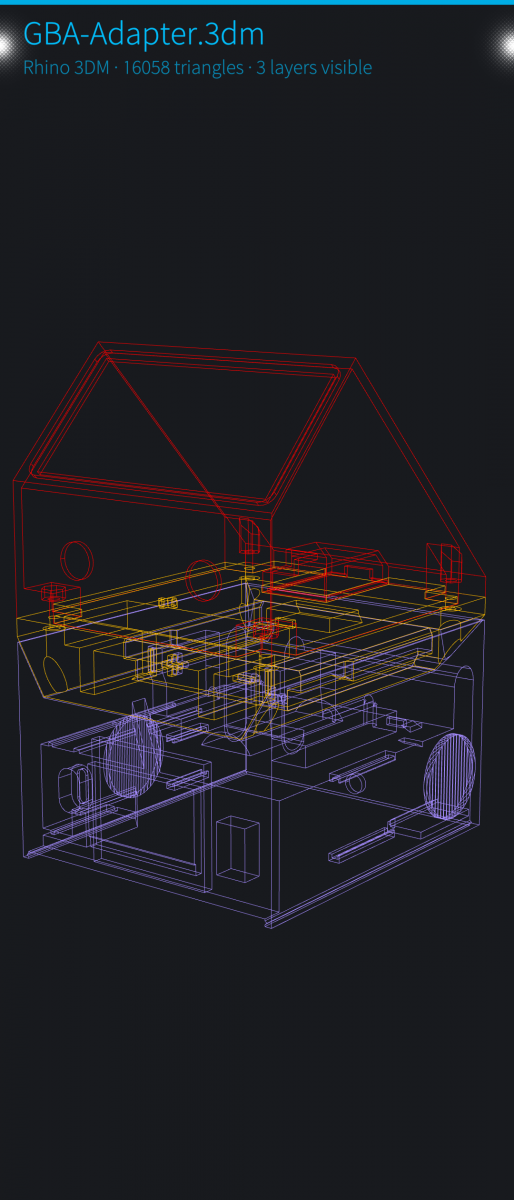
- .3dm - Rhino models, from the render meshes stored in the file
- .stp / .step - STEP solids: planes and cylinders, tessellated on the phone
- .stl - binary and ASCII
- .3mf - objects, instances and colours, as slicers save them
- .bgcode - PrusaSlicer binary G-code, drawn as the toolpath it is
FEATURES
- Turn it around: orbit with one finger, pinch to zoom, double tap to fit
- Locked views (X / Y / Z square-on, each tap a quarter turn) plus a free 3D view
- Three display modes: solid, wireframe, see-through
- A switch per layer: Rhino layers, STEP solids, 3MF objects, or the extrusion types of a sliced file, starting from the visibility stored in the file
- A print-layer slider for sliced files: peel layers from the top and bottom like the slicer's own preview
- Model info: counts, bounding size, and the application that wrote the file
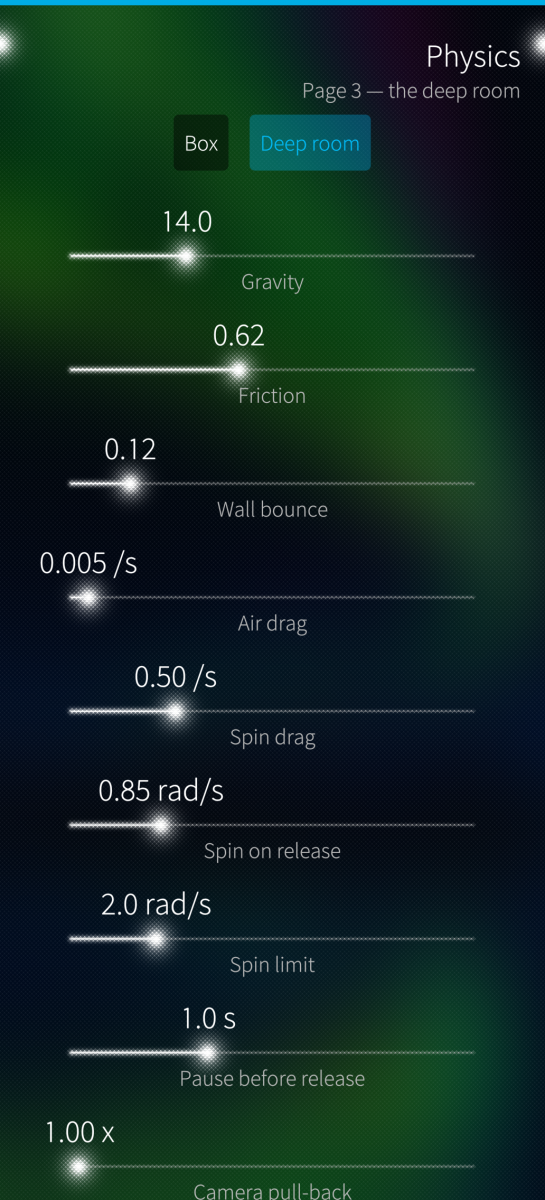
- A drop simulation: the model tumbles onto its real corners, the accelerometer steering gravity
- No sample models are shipped - bring your own, that is what the file picker is for
WHAT IT WILL NOT DO
Whatever cannot be shown is said out loud, never left silently missing. Rhino needs render meshes in the file (Save Small has none); STEP draws planes and cylinders and reports any other surface type; 3MF skips beam lattices, slice stacks, textures and ZIP64.
STATUS AND RESPONSIBLE USE
Proof of concept / work in progress, shared as is, no warranty (GPLv3). It is a viewer, not a measuring instrument: a shape that looks plausible is not a promise it is right - do not take a dimension off the screen and cut metal to it. Verified on one device (Sony Xperia 10 III, Sailfish OS 5.1); it has been reported to crash on a different device and that report is open - if it happens to you, please file an issue with your device model and the output of the app launched from the phone's Terminal.
ARCHITECTURES
aarch64 (Sailfish OS 5.0+). No armv7hl build. Tested on Xperia10III and Jolla J2.
Written with Claude Code (Anthropic).
Source, issues, releases: https://github.com/JimKnopfIoT/harbour-3dmviewer
Screenshots:
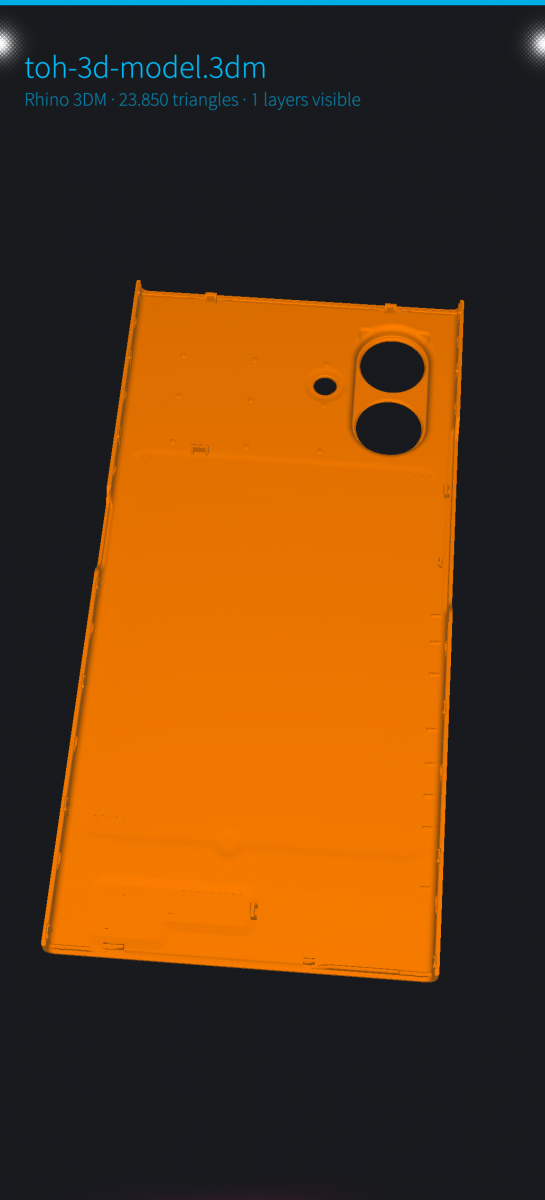
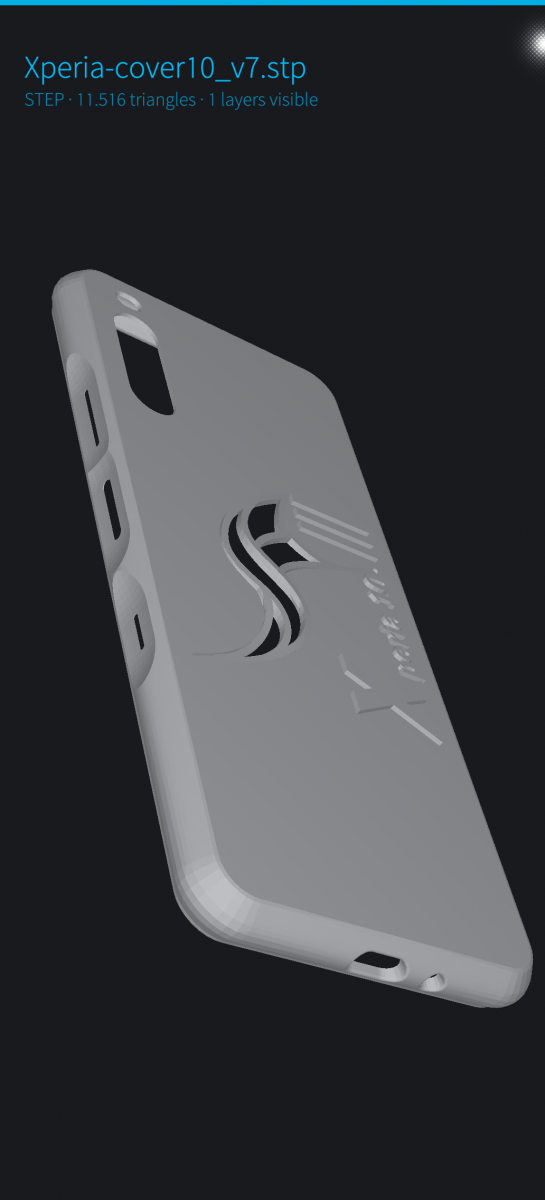
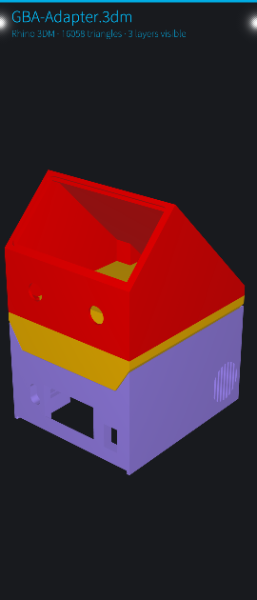
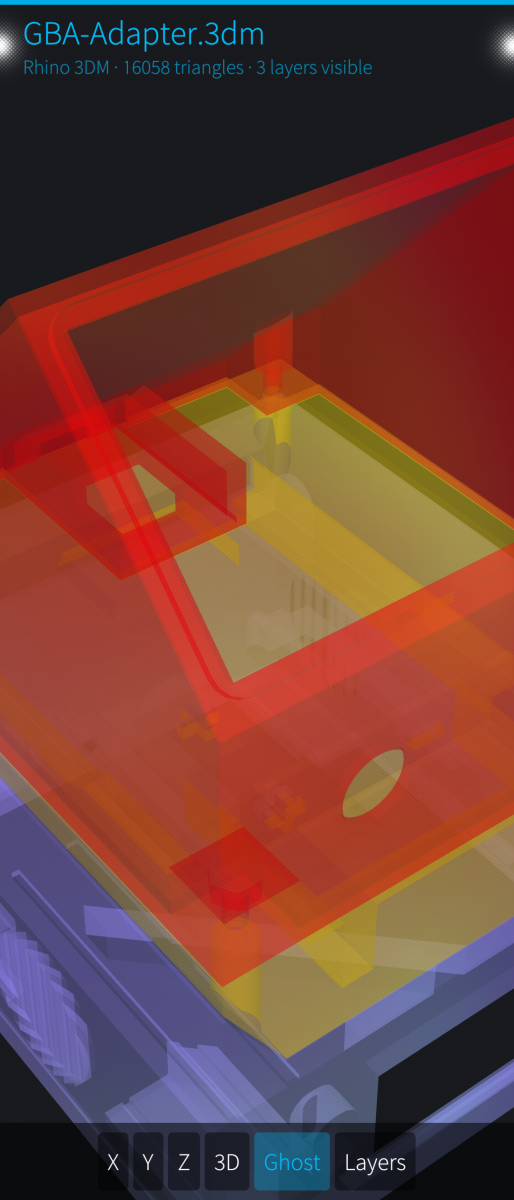
Category:
Application versions:
| Attachment | Size | Date |
|---|---|---|
 harbour-3dmviewer-0.1.4-1.aarch64.rpm harbour-3dmviewer-0.1.4-1.aarch64.rpm | 2.24 MB | 02/09/2026 - 11:26 |
Changelog:
- Move the About page's "Physics workbench" switch up to just below the opening description. It used to sit between the limitations and the credits, far enough down that it was off the first screen and easy to miss entirely.
Comments
skremsler
Wed, 2026/10/07 - 00:04
Permalink
[deleted because of duplication]
skremsler
Mon, 2026/10/05 - 11:56
Permalink
Hi! Thanks for making this. How about integrating openscad support for open source interop? It is a text format which one would be able to edit on the phone to then see the results with your viewer. I use it to create 3D models for printing.
JimKnopfIoT
Mon, 2026/10/05 - 12:29
Permalink
That would go beyond the scope and purpose of 3dm-viewer. 3dm-viewer displays finished results/geometries in supported formats.
In contrast, a .scad file is not a finished result but rather a recipe or a set of instructions. To do that, OpenSCAD would have to be ported to SailfishOS. The data would need to be interpreted. That’s different from simply displaying geometries. It’s a much larger project than 3dm-viewer.
skremsler
Wed, 2026/10/07 - 00:05
Permalink
fair
windes
Wed, 2026/09/02 - 14:35
Permalink
If possible to open parasolid .x_t files - then it will be more useful.
JimKnopfIoT
Wed, 2026/09/02 - 16:08
Permalink
Thanks for the suggestion. This is a .3dm viewer that grew a few more formats along the way;
Parasolid .x_t is pure B-Rep and would need a substantially bigger tessellator, so it's out of
scope here.
Two things that may help anyway: every program that writes .x_t also writes STEP, and STEP already
works in this viewer, so re-exporting from the source CAD system is the path today. And the code
is open source: if you want an .x_t viewer, everything here is available to build one from.