
LocalSend (Unofficial App)


LocalSend (Unofficial App)
Send files to nearby devices. No account, no cloud, no Internet (well, kind of, it still needs the Sailjail Internet permission to do anything at all).
LocalSend is AirDrop in the open: two devices on the same network find each other and exchange files directly. This is a LocalSend client for Sailfish OS, written in Qt and Silica, speaking the same v2 protocol as the official Android, iOS, Windows, macOS and Linux apps.
It's an unofficial app (in case you didn't read it the first time), not affiliated with the LocalSend project, so if it misbehaves, do not go and shout at them about it.
Nothing goes through a server. No account, no sign-up, no "we've updated our privacy policy". The only thing your files touch is the other device.
What it does
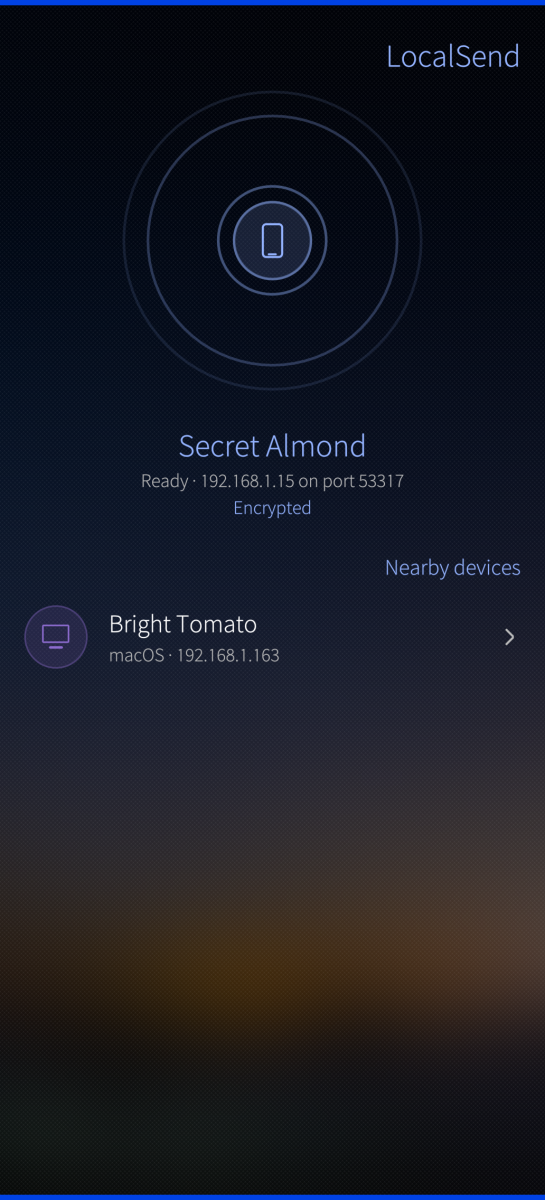
- Finds devices by itself. Multicast announcements, the same as everyone else. When a network eats multicast (guest Wi-Fi nearly always does, because of course it does) a manual sweep of the local subnet finds them anyway, and the app tells you that is what happened instead of showing an empty list and letting you wonder
- Sends anything. Photos, documents, archives, several files at once, picked in either order: choose a device and then the files, or stage the files first and pick a device after. Nobody agrees on which order is the right one, so both work
- Sits in the Sailfish share sheet. Share a photo from Gallery, or anything from the file manager, and LocalSend is one of the destinations
- Encrypts by default. TLS between the two devices, with a certificate the phone generates for itself because a local network has no certificate authority, and pretending otherwise is how you end up with a padlock icon that means nothing. A fingerprint check does the job instead
- Shows you what is arriving before it lands. Sender, file names and total size, with Accept and Decline. Revolutionary, apparently
- Optional PIN, so a sender has to know a code before you are even asked
- A blocklist. A blocked device is refused without asking and vanishes from the list. Blocking follows the key rather than the name, so renaming does not undo it. Sorry
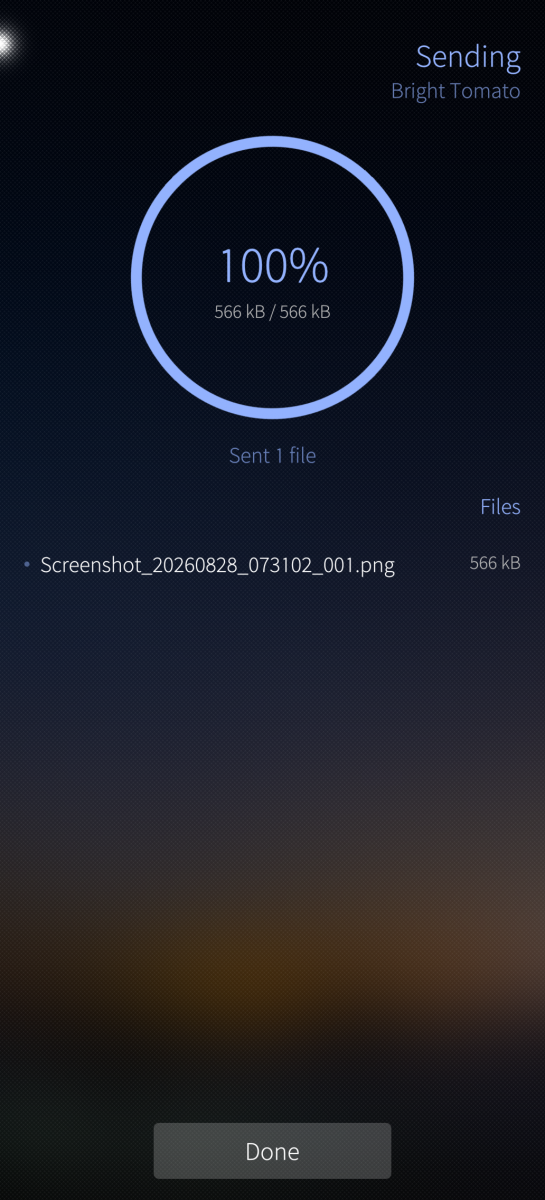
- Per-file progress, speed and time remaining, on the page and on the cover
- Keeps going with the screen off, which is the difference between a 2 GB transfer finishing and a 2 GB transfer stopping at 94%. It costs battery. It is worth it
- Seven languages: English, French, German, Spanish, Finnish, Italian and Norwegian Bokmål. Only English and French have had a native speaker (or almost native, don't judge me) anywhere near them, so apologies to the other five and corrections gratefully accepted
Security
Every device is its own certificate authority, which is exactly as reassuring as it sounds, and it means X.509 chain validation has nothing useful to say. What replaces it:
- The fingerprint a device announces is checked against the certificate it actually presents. A mismatch aborts the connection, rather than being politely reported and then ignored, which is the default behaviour, and is how a security check quietly becomes a suggestion
- Mutual TLS: both ends present a certificate
- The TLS key, the known-device list and the history are encrypted at rest with AES-256-GCM, using a key from the Sailfish secrets store. If the keystore does not answer, the app says so on the About page and falls back to plaintext rather than refusing to start
- The PIN is not stored at all, encrypted or otherwise. Only a salted PBKDF2-SHA256 hash of it, at 120 000 iterations, which is why it can be changed but never shown again
- File names from the network are sanitised before anything is written. No, a peer cannot call a file ../../.bashrc. Yes, the test suite tries it every single build
- An upload cannot exceed the size it declared, and a file that does not match its stated SHA-256 is dropped
- PIN guesses are rate limited, discovery cannot be used as a reflector, and the HTTP server has a limit on everything a peer controls
The Sailjail permissions are justified line by line in the .desktop file: each one is there because something visibly stops working without it, not because it seemed like a good idea at the time.
A word of caution
I have tried to think hard about all of the above, and every choice here is written down and tested rather than assumed. But this is the work of one person (and well, an AI to help me, I'm a dev but I'm not Superman), and anyone who tells you their software is flawless is selling something. Use it at your own risk. If you find a hole, the issue tracker is the fastest way to get it closed.
What it does not do
The protocol's download mode (prepare-download) is not implemented, and the app says so honestly on the wire rather than advertising it and then failing. Both devices must be on the same network: no Bluetooth, no Wi-Fi Direct, no magic.
Source, technical detail and bug reports:
https://github.com/nicosouv/harbour-localsend (MIT licence)
If you read all of this and you still want to enjoy the app as much as I do, thank you!
Screenshots:
Category:
Application versions:
| Attachment | Size | Date |
|---|---|---|
 harbour-localsend-0.2.0-1.i486.rpm harbour-localsend-0.2.0-1.i486.rpm | 317.24 KB | 28/08/2026 - 21:26 |
| harbour-localsend-0.2.0-1.armv7hl.rpm | 288.86 KB | 28/08/2026 - 21:26 |
| harbour-localsend-0.2.0-1.aarch64.rpm | 299.51 KB | 28/08/2026 - 21:26 |
Changelog:
(none)
Comments
Erik
Tue, 2026/09/29 - 04:06
Permalink
Thank you very much for this app. One more android app i can uninstall and replace with a native app.
So far it has worked for sending and receiving to localsend on non sailfish devices.