
SysMetrics


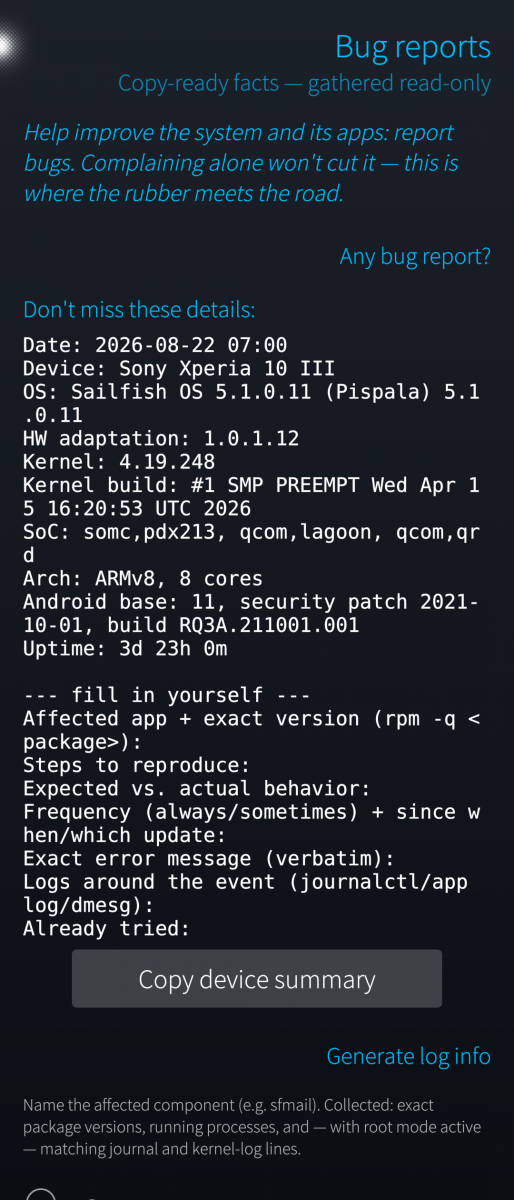
SysMetrics is an on-device deep system and hardware diagnostics tool for Sailfish OS. Intended primarily for developers, testers and advanced users. Some features require elevated privileges.
It reads /proc, /sys and the system D-Bus locally and shows what the device reports about itself. Everything runs on the device: it collects nothing, transmits nothing, and has no network or cloud component. The only data it ever shows is that of the phone it runs on.
What it shows:
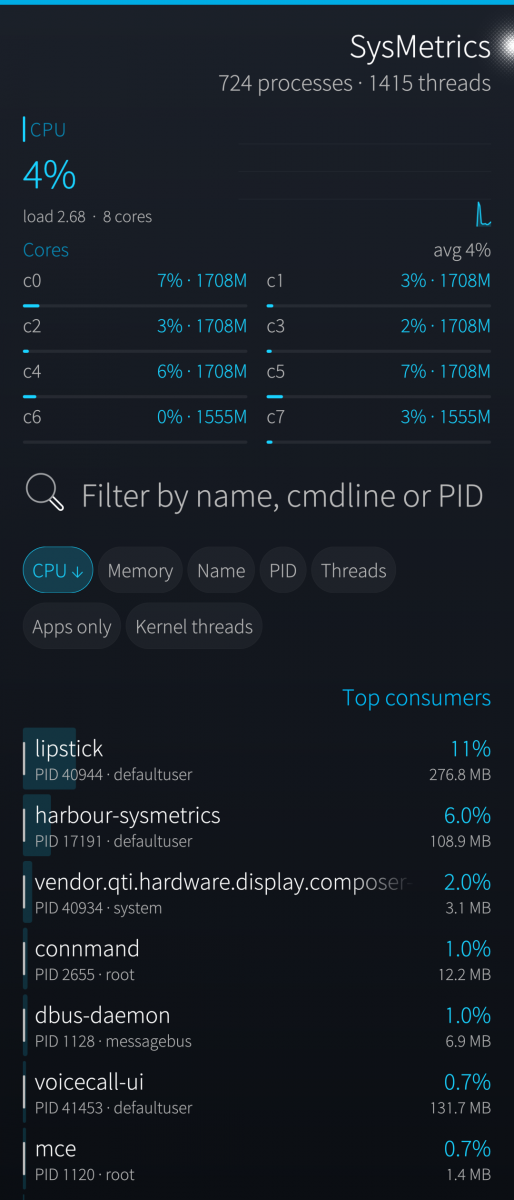
- Processes — a live list sorted by CPU with a collapsible top-10 view; the order freezes while you touch it so a row can be tapped without jumping. Each process opens a detail page: per-process CPU, memory, I/O, scheduling, open files, device nodes and network sockets.
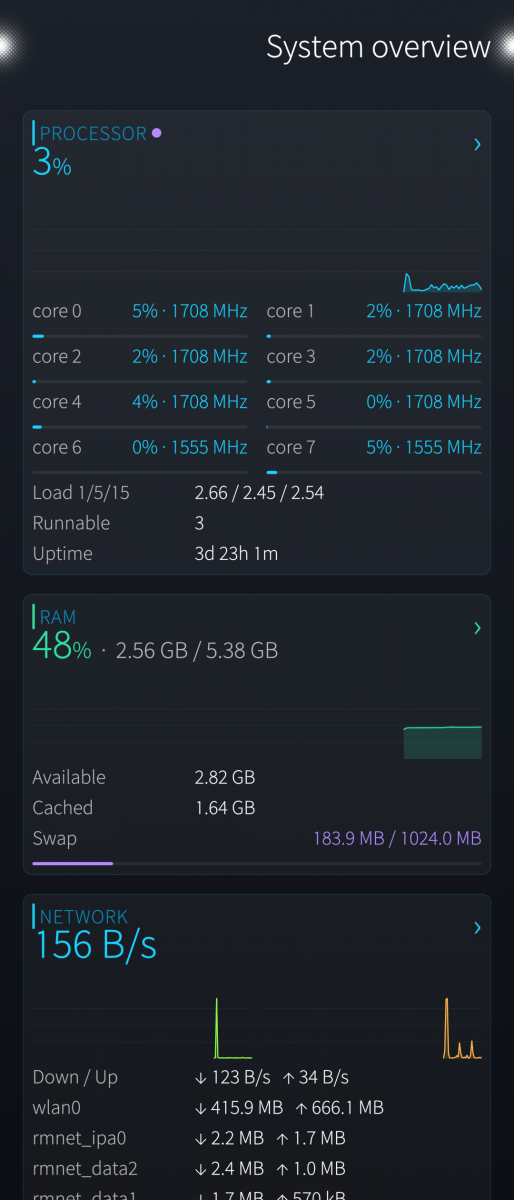
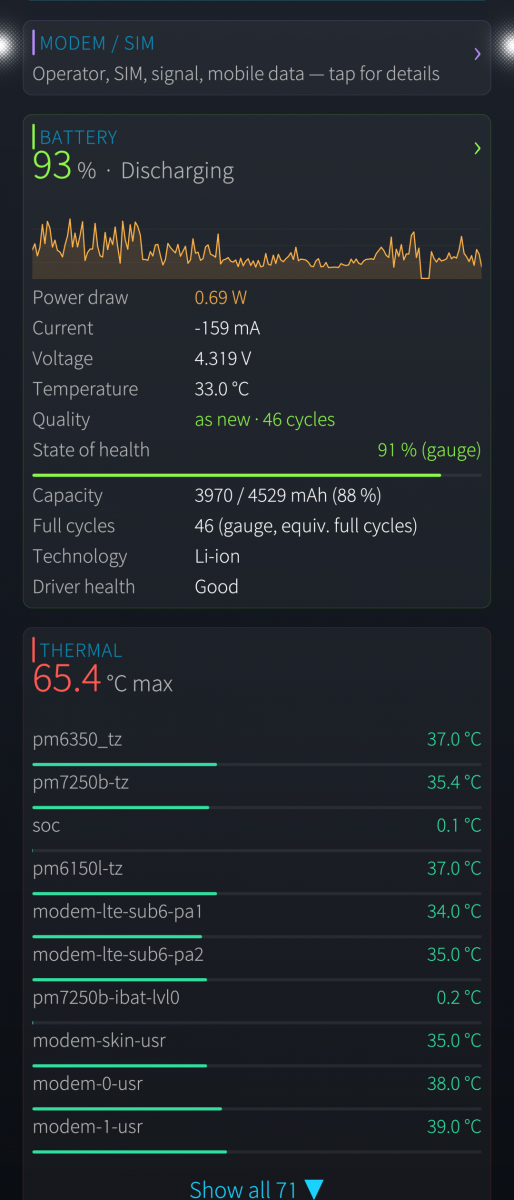
- System overview — CPU per core and total with history graphs, memory, thermal zones, and a load-recording mode for later analysis.
- Connections — inbound and outbound sockets with a public/private/loopback classification and a threat-assessment view.
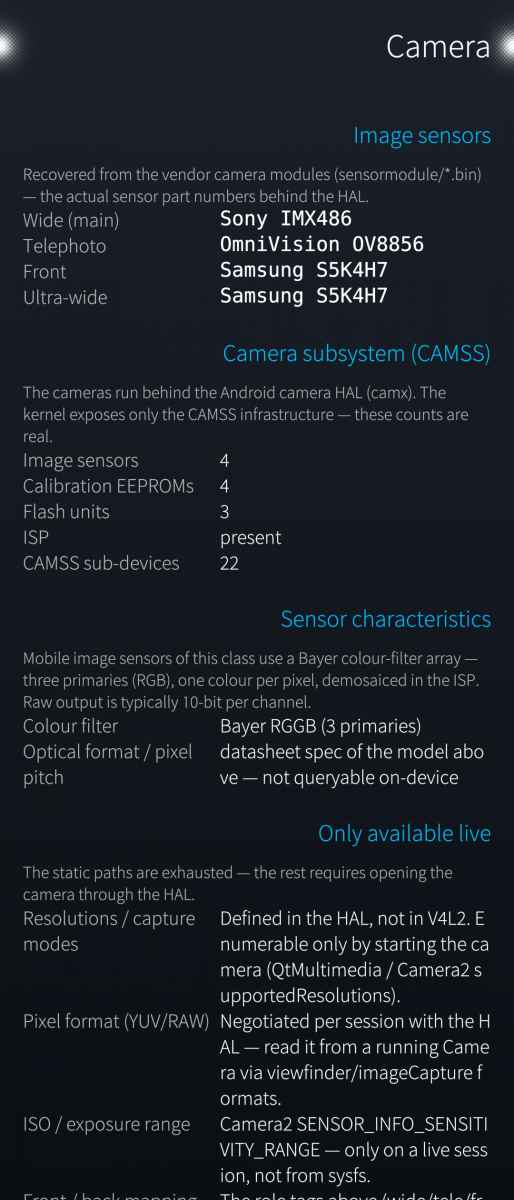
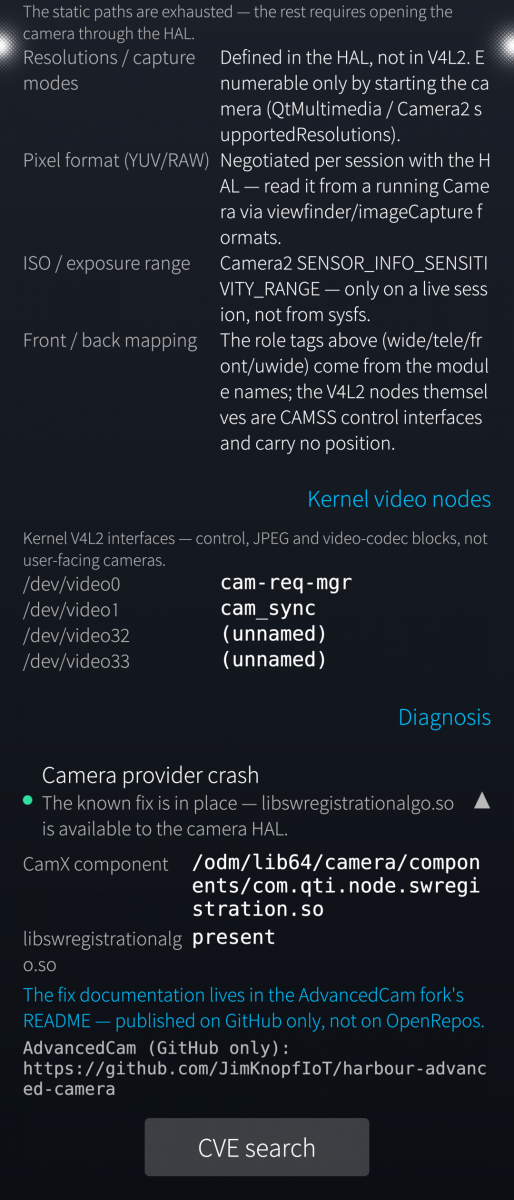
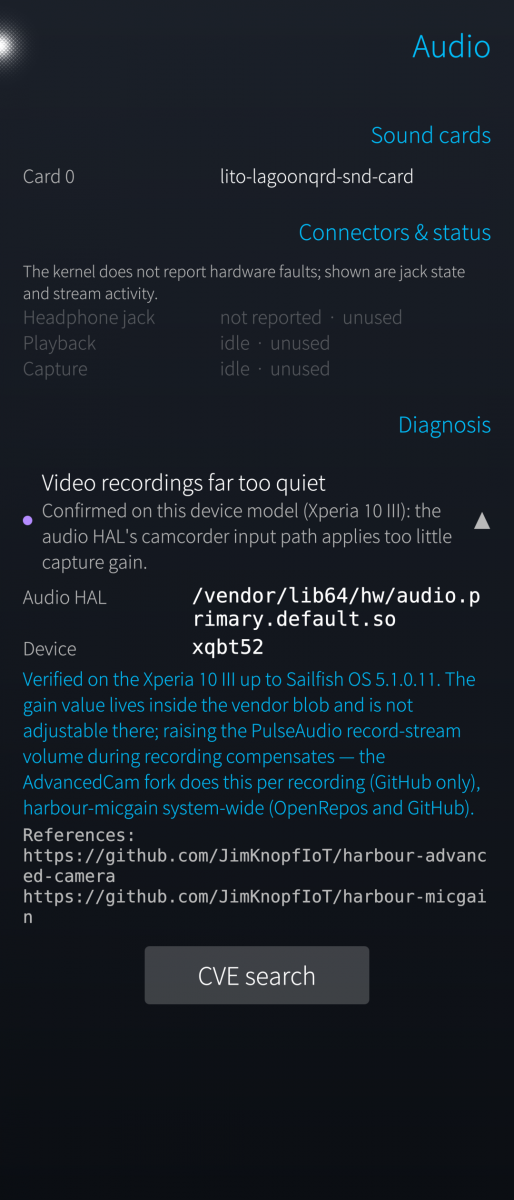
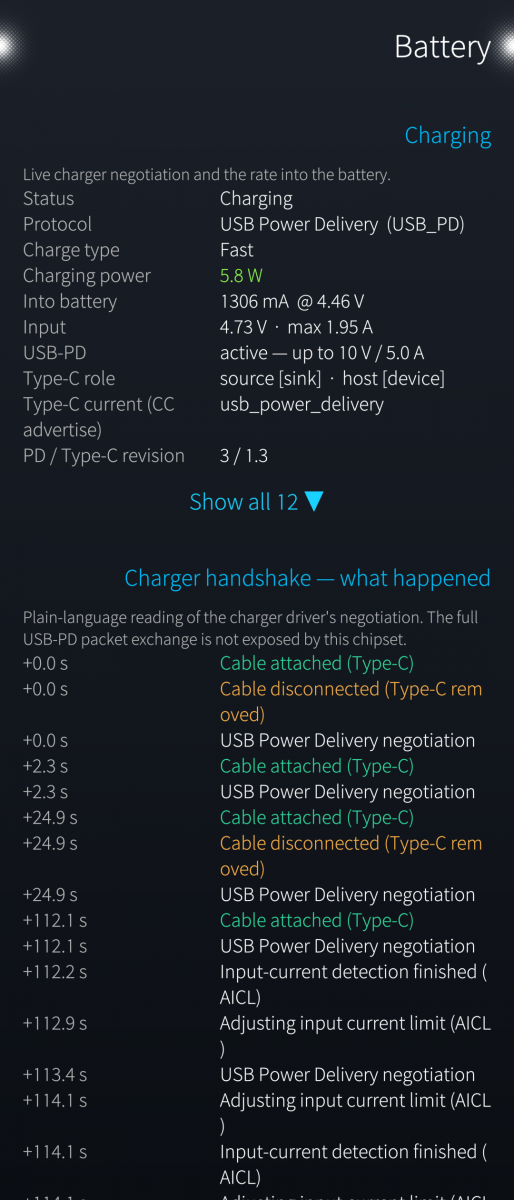
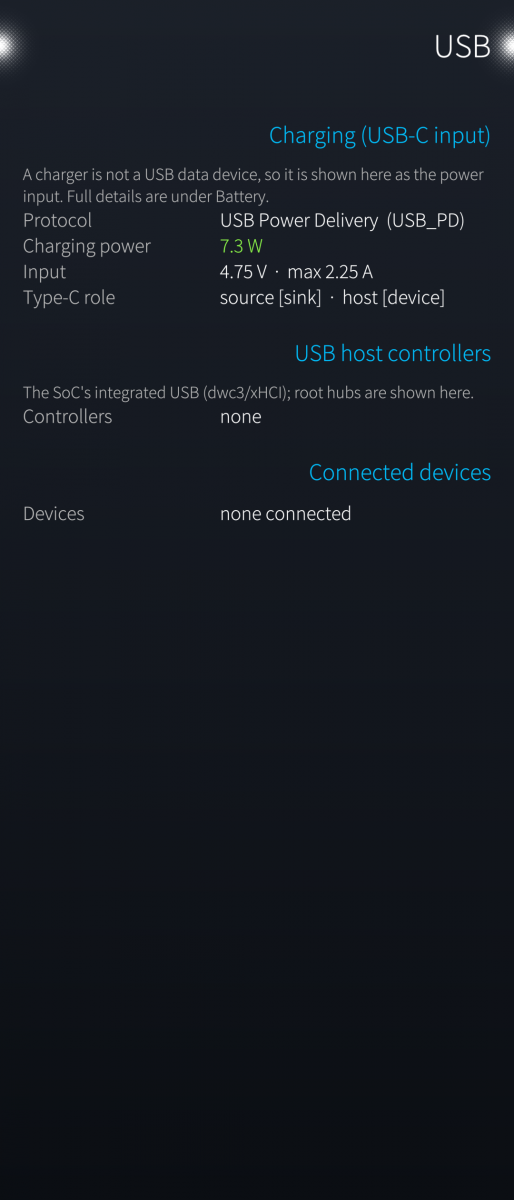
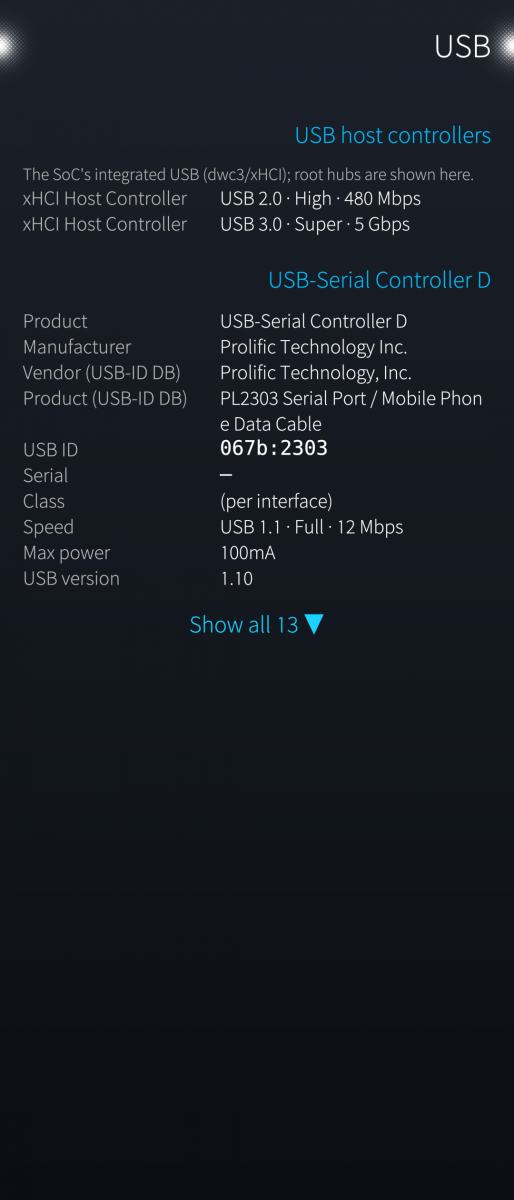
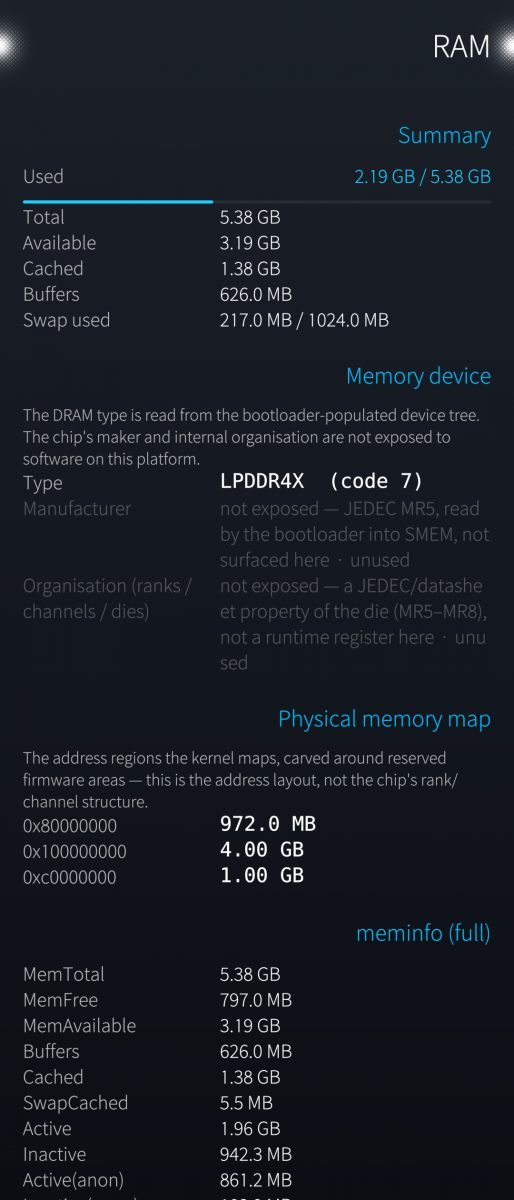
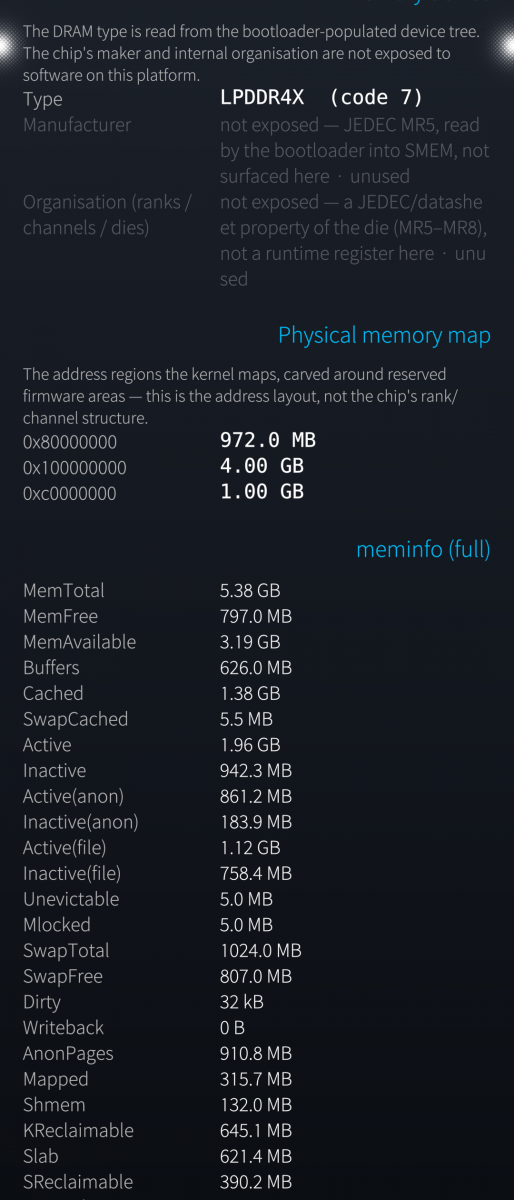
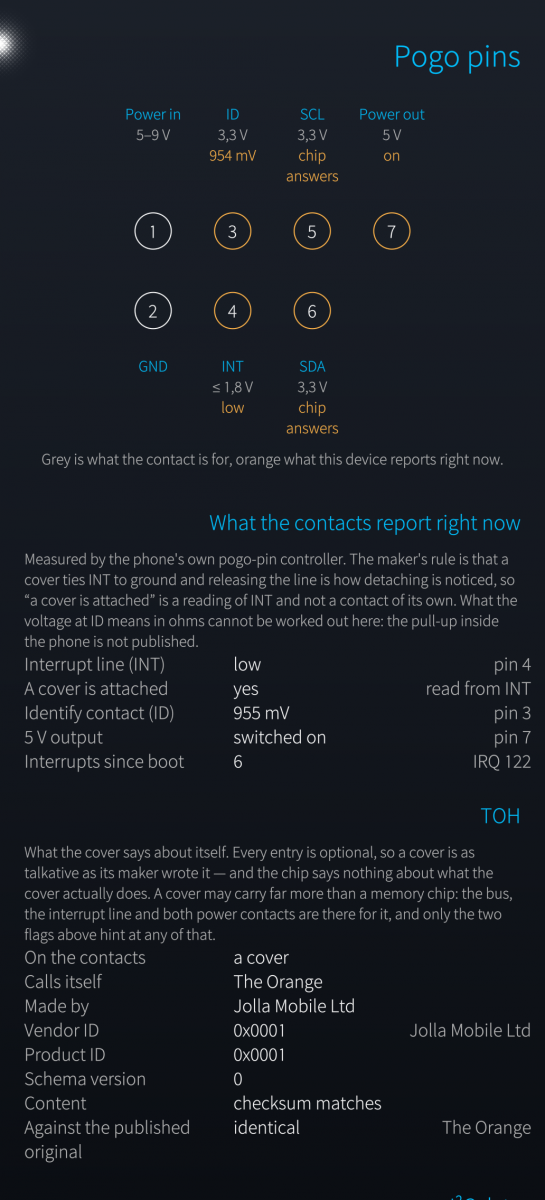
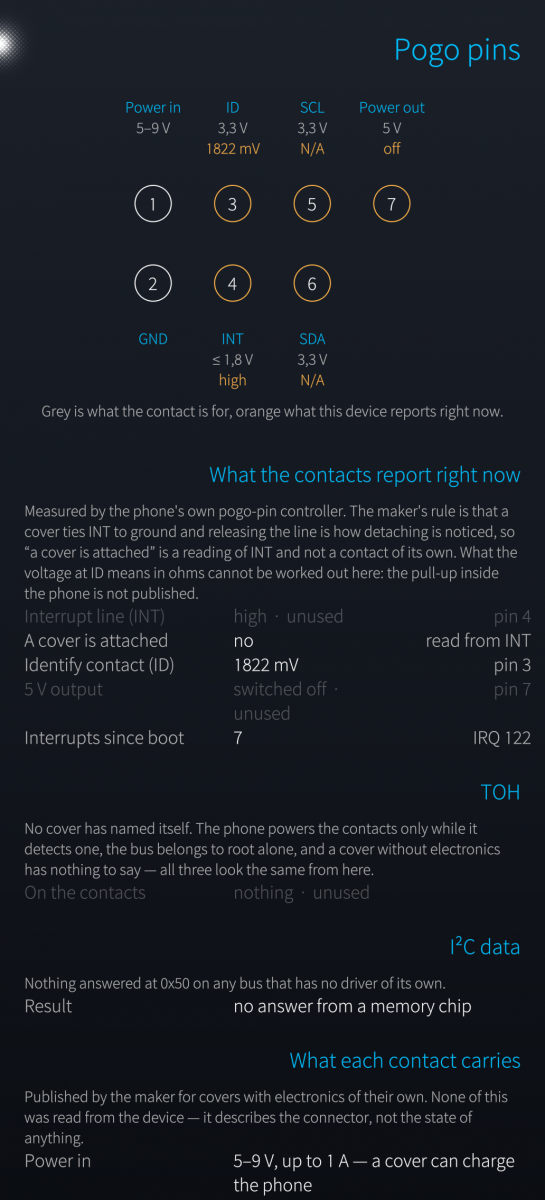
- Hardware detail pages — CPU/SoC, RAM, storage (UFS/eMMC health and composition, plus microSD), network with live Wi-Fi detail, battery (charge state, health, charging protocol, top CPU drainers, charger handshake), Bluetooth, graphics, audio, camera, USB (with device names and /dev nodes), modem/SIM, and a live sensors/GPS readout.
- A context glossary reachable with a left swipe on every detail page.
- English and German, switchable in Settings.
Optional root mode: a small privileged helper (installed but inactive by default) unlocks full inspection of other or sandboxed processes and the charger handshake. It is strictly optional and intended for occasional deep diagnostics — the app runs without it, and nothing leaves the device either way.
Where the kernel or HAL does not expose a value, the app says so instead of guessing. Tested on Jolla J2 (Mediatek, new, partly working), Xperia10III (Qualcomm), Gemini PDA (MediaTek).
Written with Claude Code (Anthropic), icons included.
Source and issue tracker: https://github.com/JimKnopfIoT/harbour-sysmetrics
Licensed under GPL-3.0-or-later.
Screenshots:



Category:
Application versions:
| Attachment | Size | Date |
|---|---|---|
 harbour-sysmetrics-0.3.11-1.aarch64.rpm harbour-sysmetrics-0.3.11-1.aarch64.rpm | 706.78 KB | 06/10/2026 - 20:42 |
| harbour-sysmetrics-0.3.11-1.armv7hl.rpm | 678.4 KB | 06/10/2026 - 20:42 |
Changelog:
- The three cameras of a MediaTek phone are recognised. The sensor names were
only ever read from the vendor modules Qualcomm ships, so on the other stack
the list stayed empty and the section still called itself CAMSS. The driver
names them in procfs instead -- with the frame it grabs, which is not the
sensor's pixel count and says so. The calibration EEPROMs and the processing
engines are counted from their device nodes, where a V4L2-only count reported
zero of each.
- Qt and QML warnings are written to a log file (~/.cache, truncated at each
start, capped). On this platform a broken binding leaves an empty row and
says nothing anywhere -- the file is the only place it becomes visible. A
healthy run writes one line: that the log was opened.
- Internally, every figure now goes through one list of candidate sources --
path, unit and the window the result has to fall into -- and the first that
answers is remembered. "Nothing answered" is a state of its own now, so a
missing register is no longer a zero: a gauge that counts no cycles no longer
produces a verdict built on zero of them.
- The battery capacities had two readers, the sampler and the detail page, each
finding them on its own. Two paths to one number is how a page ends up
contradicting itself; there is one reader now.
- The charge target voltage is found on Qualcomm too (voltage_max), and the
input voltage on the older MediaTek phone, which keeps it on the battery node.
Comments
Kirill_0920
Sat, 2026/09/19 - 19:09
Permalink
Шикарное приложения
fingus
Sat, 2026/08/22 - 14:39
Permalink
Nice and sober design
rdomschk
Sat, 2026/08/22 - 08:59
Permalink
yes - perfect work Thanks a lot!!!
explit
Fri, 2026/08/21 - 18:29
Permalink
5Stars! Great!
windes
Fri, 2026/08/21 - 13:09
Permalink
Amazing app. Better than Crest now. Must have for all advanced user of Sailfish OS.