
PipeCam


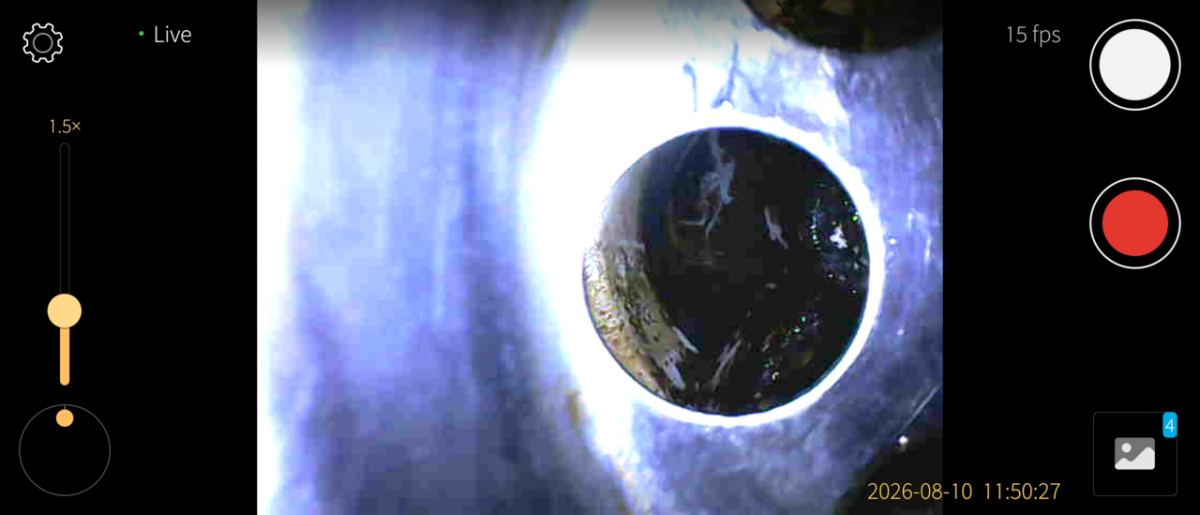
PipeCam gives live view, snapshots and video recording for cheap USB-C pipe inspection cameras (endoscopes) on Sailfish OS. These cameras - sold as USeePlus, Geek szitman or supercamera - look like webcams but are not: they announce themselves as vendor-class USB devices, so no kernel driver binds them and no /dev/video node appears. PipeCam drives the USB endpoints directly with libusb and decodes the stream itself. Everything runs on the device - no network, no cloud, no telemetry.
WHAT IT DOES
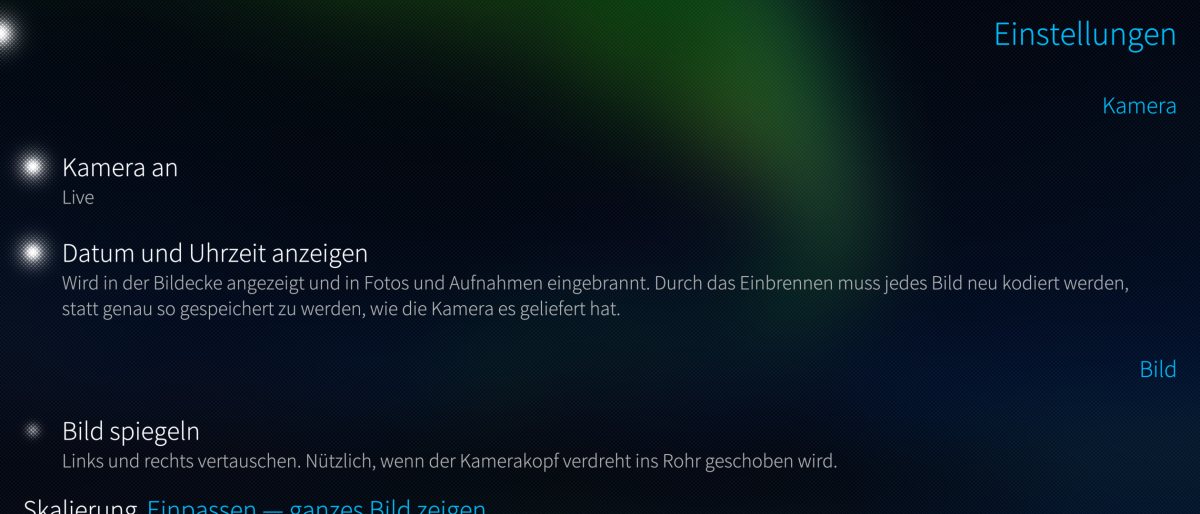
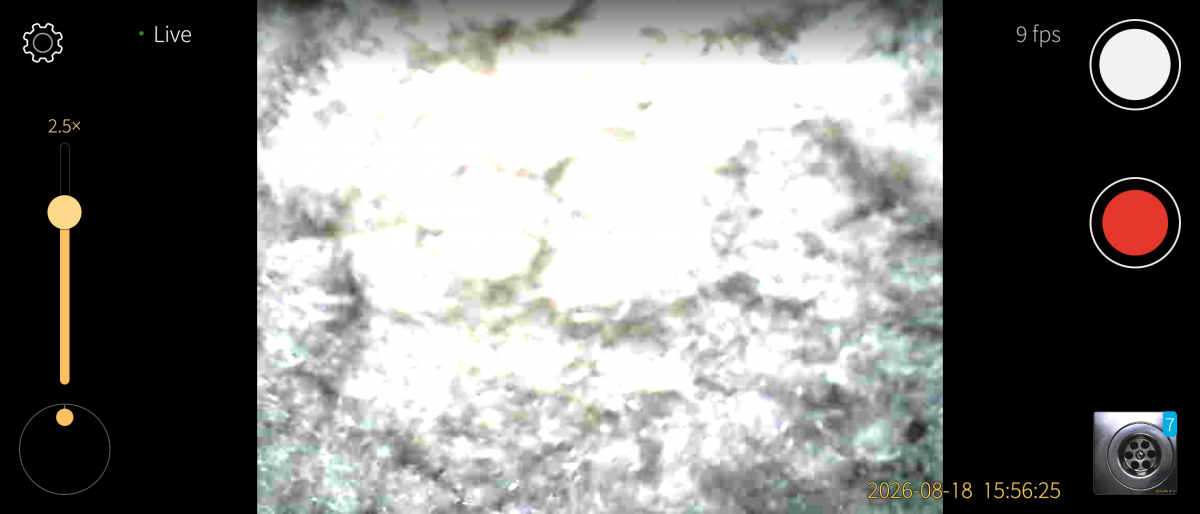
- Live viewfinder from the endoscope camera
- Snapshots and video recording, saved to your gallery
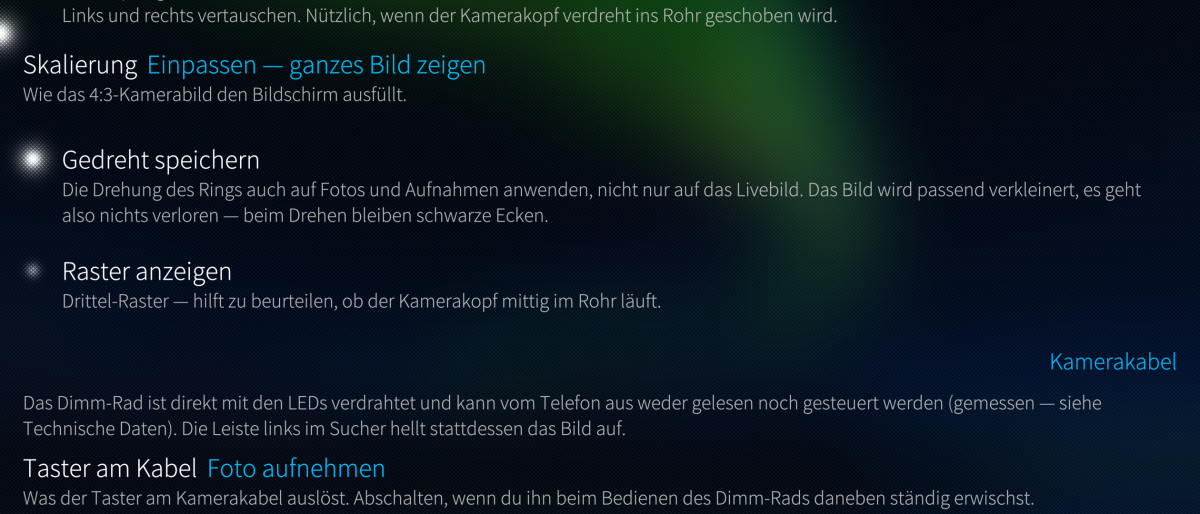
- Rotate/flip the view for whichever way the camera points
- Works with the vendor-class endoscopes that a normal camera app cannot open
SUPPORTED HARDWARE
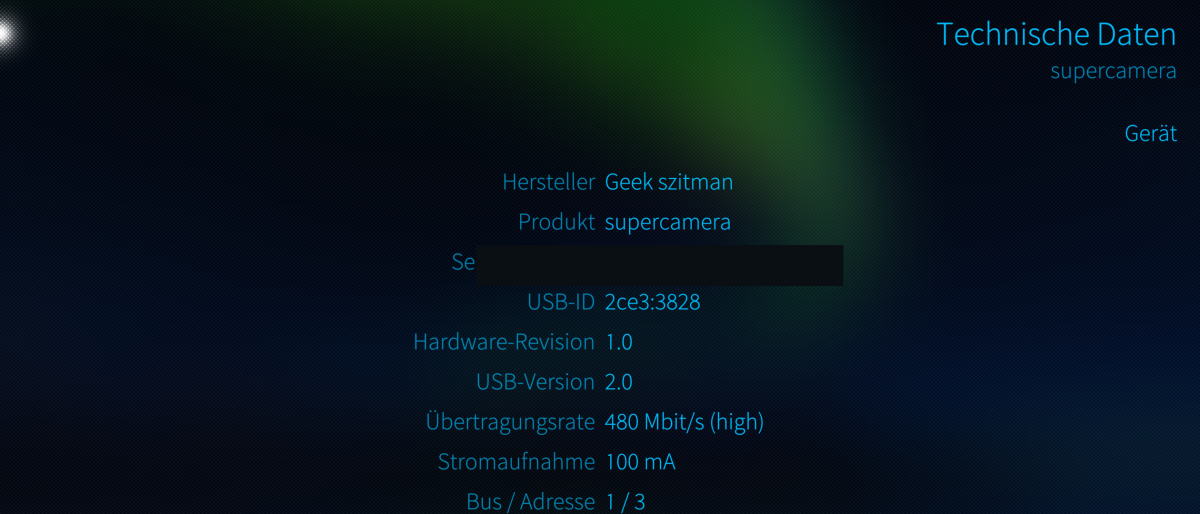
The common USeePlus / "Geek szitman" / supercamera endoscope family (USB VID:PID 2ce3:3828 or 0329:2022). Other endoscopes may use different protocols and are not guaranteed.
PLEASE READ - USB ACCESS AND SANDBOX
The camera is a vendor-class USB device, so the app opens its raw USB node with libusb. The package installs a udev rule (/etc/udev/rules.d/999-harbour-pipecam-usb.rules) that sets the camera's USB node (matched on the two known camera VID:PIDs, device node only) to world-accessible (mode 0666), and the app runs without the Sailfish sandbox because it needs that raw USB access. Nothing else on the USB bus is affected; the device is a camera with no stored data. Removing the app removes the rule.
STATUS
Proof of concept / work in progress, shared as is, no warranty (GPLv3). Built and tested on a Sony Xperia 10 III with the USeePlus-type endoscope. Needs USB host mode (an OTG adapter) and a data-capable USB-C connection.
ARCHITECTURES
aarch64 (Sailfish OS 5.0+). No armv7hl build.
AI assisted development.
Source, issues, releases: https://github.com/JimKnopfIoT/harbour-pipecam
Screenshots:
Category:
Keywords:
Application versions:
| Attachment | Size | Date |
|---|---|---|
 harbour-pipecam-0.1.5-1.aarch64.rpm harbour-pipecam-0.1.5-1.aarch64.rpm | 372 KB | 04/10/2026 - 14:34 |
Changelog:
- Single-interface variant: cable button works (frame header byte 7, 0x02) (#1).
Comments
derboesewolf
Fri, 2026/10/02 - 17:01
Permalink
The diagnostic gives [LIBUSB_ERROR_INVALID_PARAM]. In "Technische Daten" section "USB-Schnittstelle" there is shown: "0:class ff/f0/01"
JimKnopfIoT
Fri, 2026/10/02 - 21:31
Permalink
@derboesewolf Your hardware is different. My pipecamera has 2 interfaces, one video and one control interface. Your pipecamera has only one interface, the video interface. I need the whole log information. Please open an issue on github and paste the log.
derboesewolf
Thu, 2026/10/01 - 23:12
Permalink
Meine Rohrkamera wird am Xperia 10 III erkannt mit USB ID 2ce3:3828, was in "Technische Daten" in der App agezeigt wird. Die App läuft aber nicht mit der Kamera, sondern zeigt den Fehler "Problem - Kamera ist belegt aus- und wieder einstecken". Das hilft leider nicht.
JimKnopfIoT
Fri, 2026/10/02 - 11:31
Permalink
@derboesewolf I added some diagnostic fucntion. Please try and report on github (https://github.com/JimKnopfIoT/harbour-pipecam).