
harbour-notesplus


Notes Plus
is an offline-first AsciiDoc notes app for Sailfish OS, inspired by the original Notes app, asciidoctor and SpeechNote.
Your notes are plain .adoc files on disk — no database, no proprietary format, no cloud lock-in. Sync them with Syncthing, Nextcloud, Git, or just copy them over USB. Every text editor can open them.
Requirements
- SFOS >= 5.1 (Xperia 10 III, C2 and JP26 are known to work)
Features
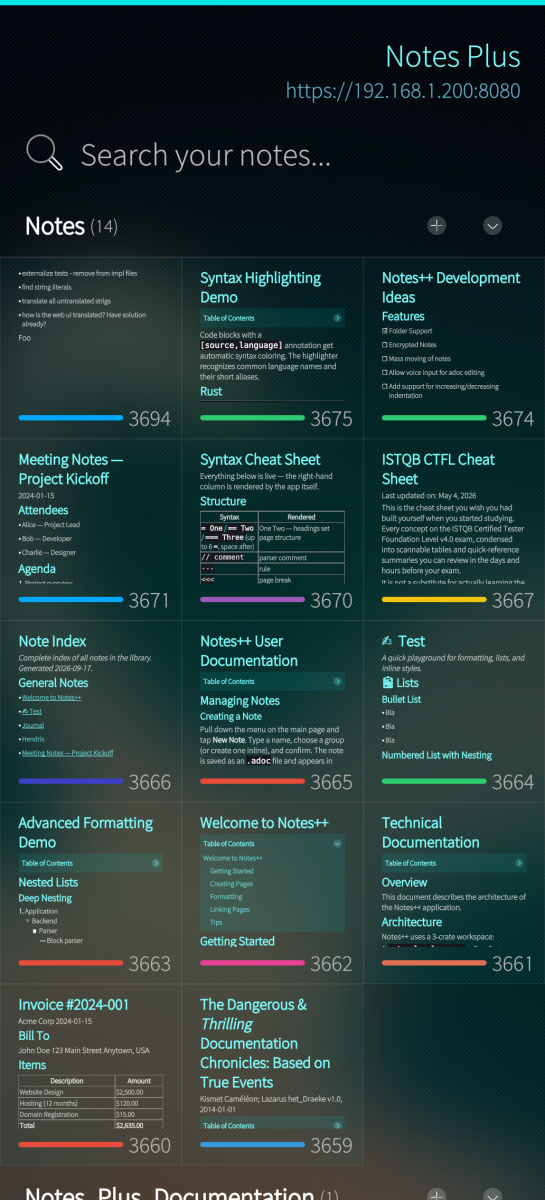
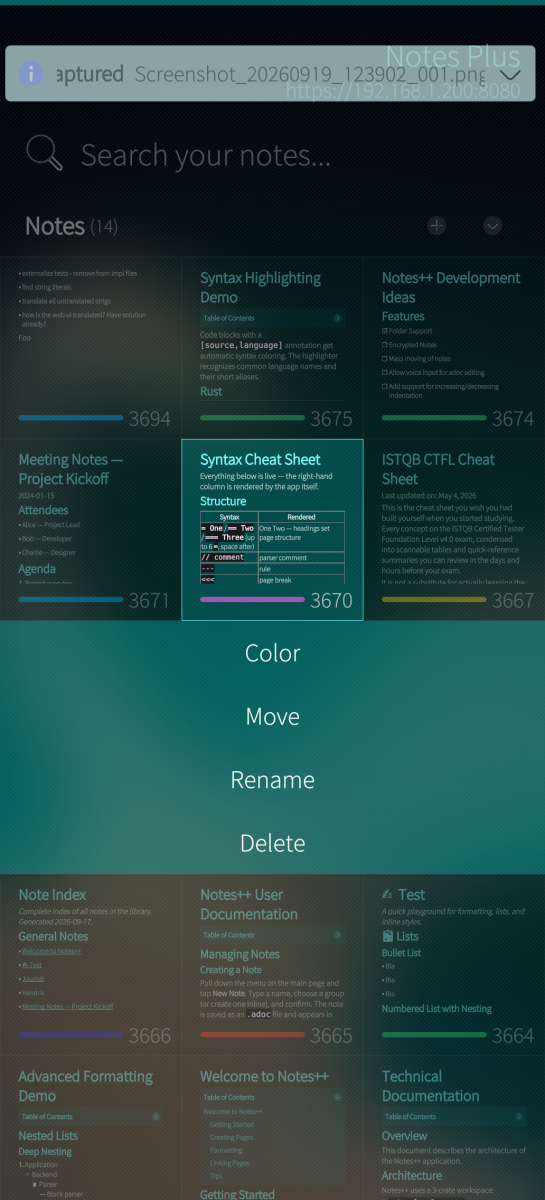
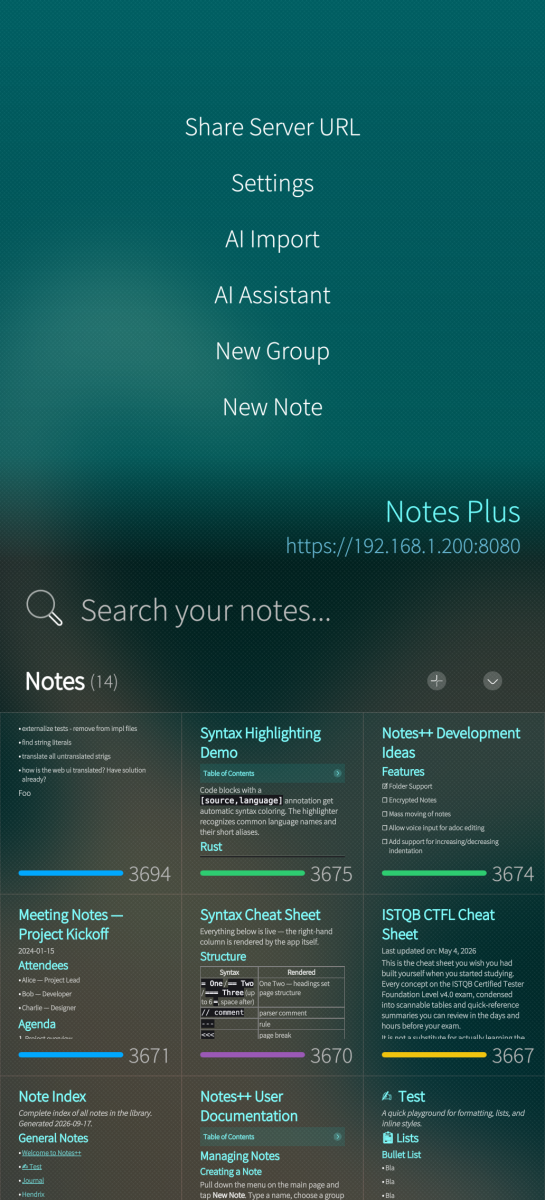
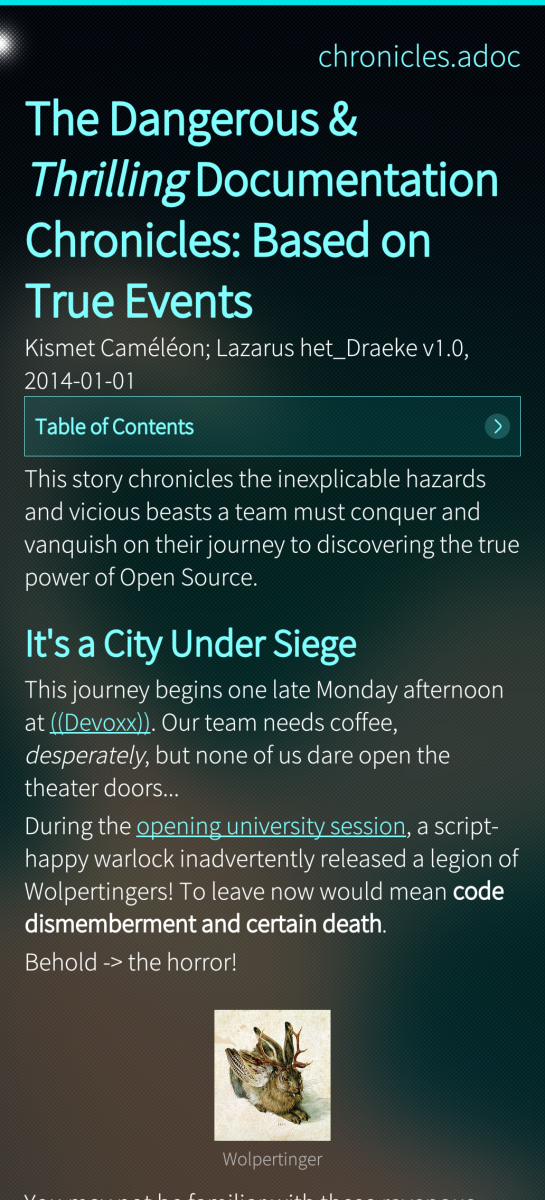
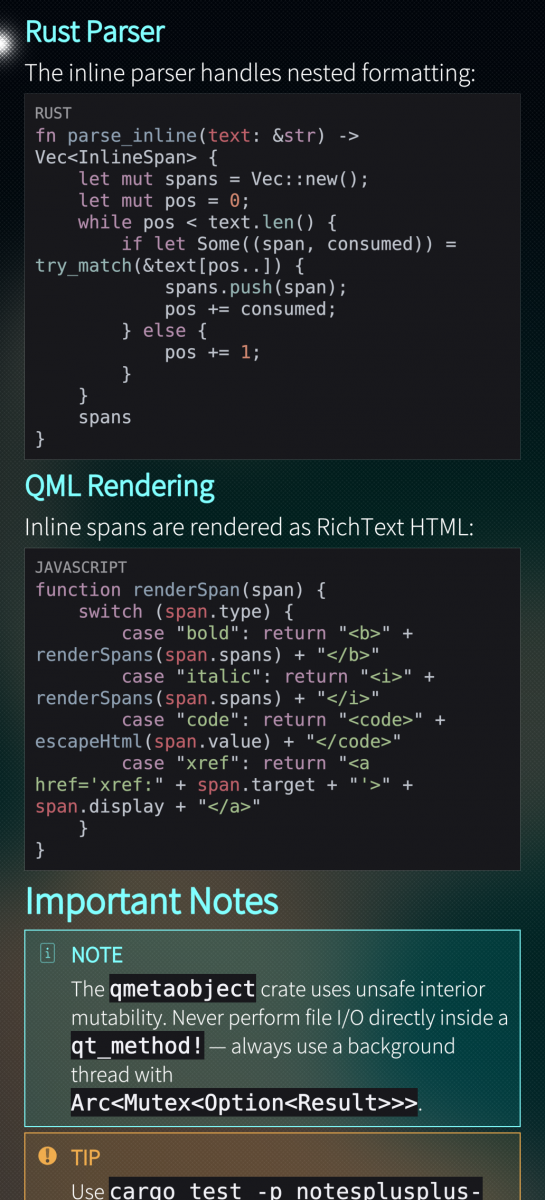
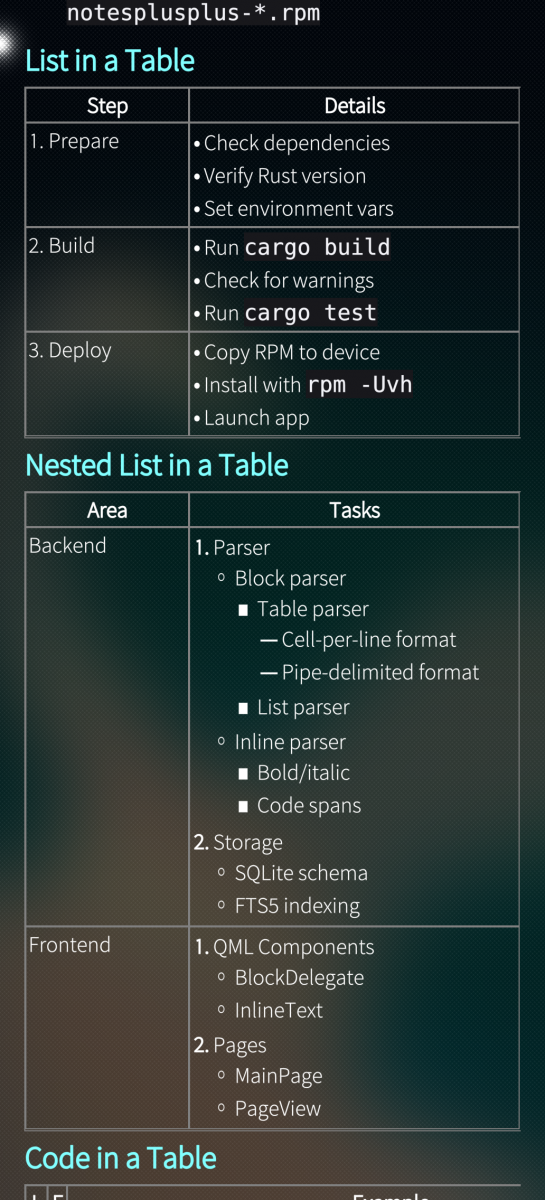
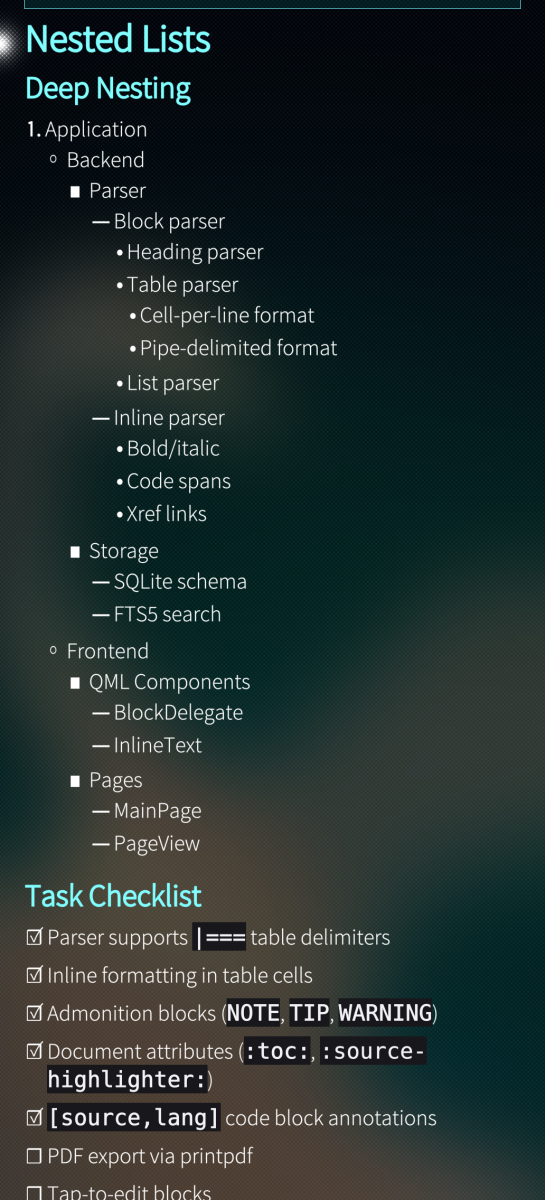
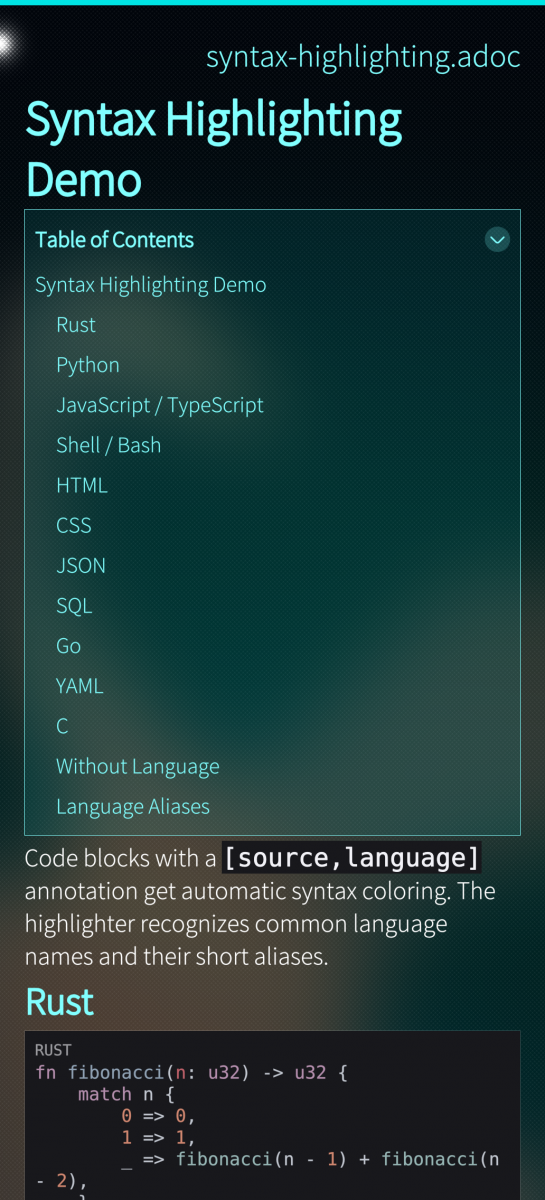
- AsciiDoc Notes — Full parser with headings, lists, tables, code blocks, admonitions, cross-references, and image support. AsciiDoc has a spec — no plugins, no flavor debates.
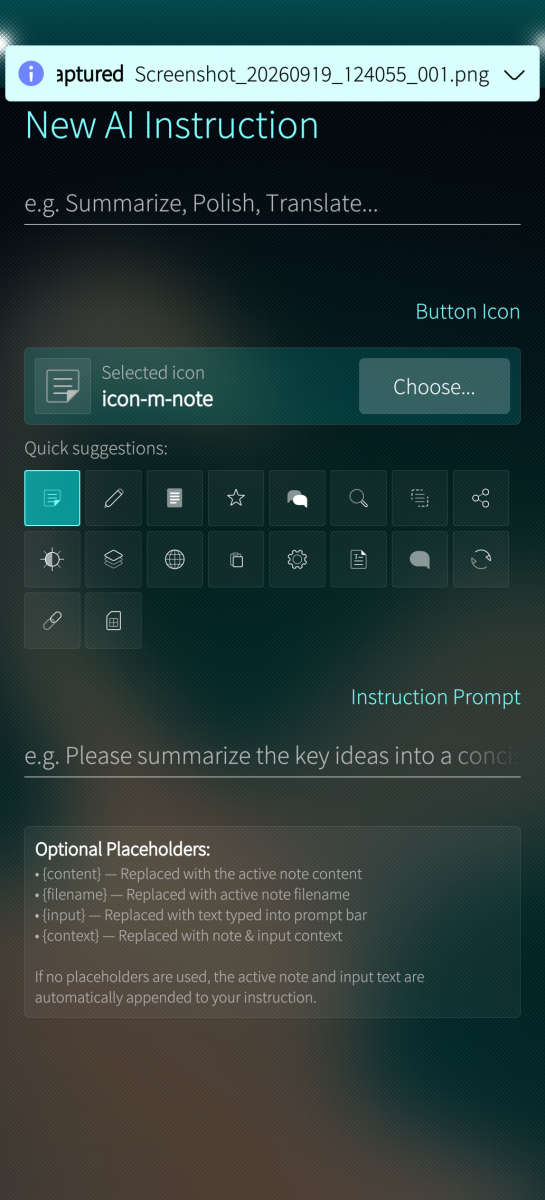
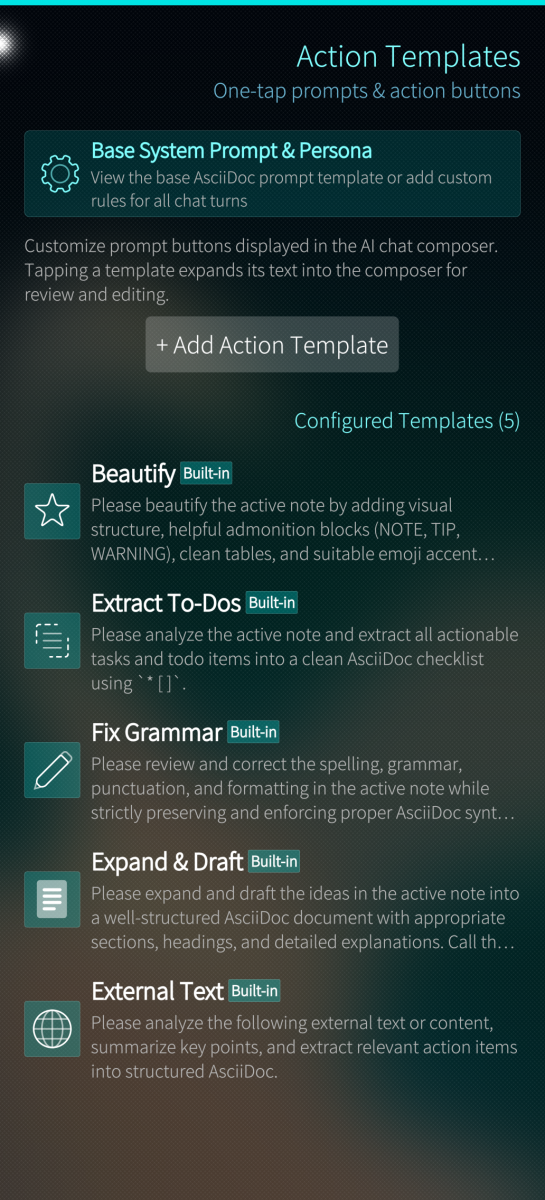
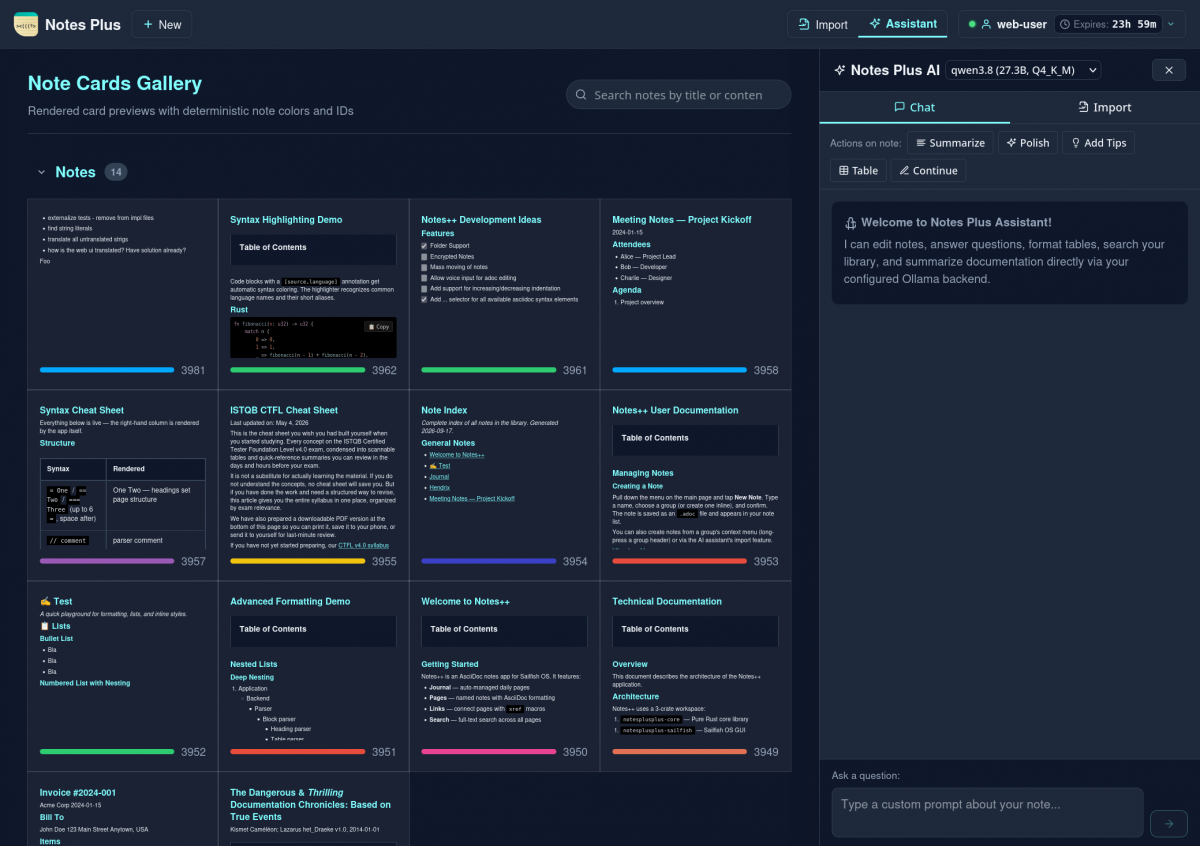
- AI Assistant — Chat with a local LLM (Ollama or any OpenAI-compatible endpoint) to edit, organize, summarize, format, and create notes. Tool-calling with diff previews so you see exactly what changes before applying.
- Web UI — Embedded HTTPS server with a Vue 3 split-pane editor, live preview, and full AI assistant access from any browser on your local network.
- Speech-to-Text — Offline Whisper-based voice input for dictating prompts and notes directly on device.
- Full-Text Search — Instant SQLite FTS5 search across all notes.
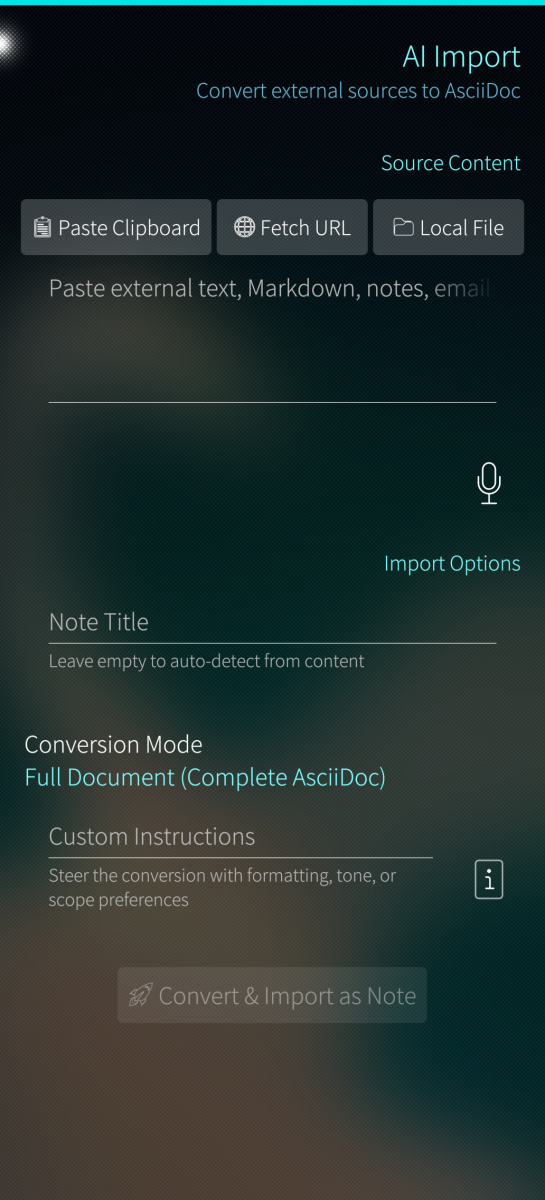
- AI Assisted Import — Convert external text, URLs, clipboard content, or files into structured AsciiDoc notes via AI.
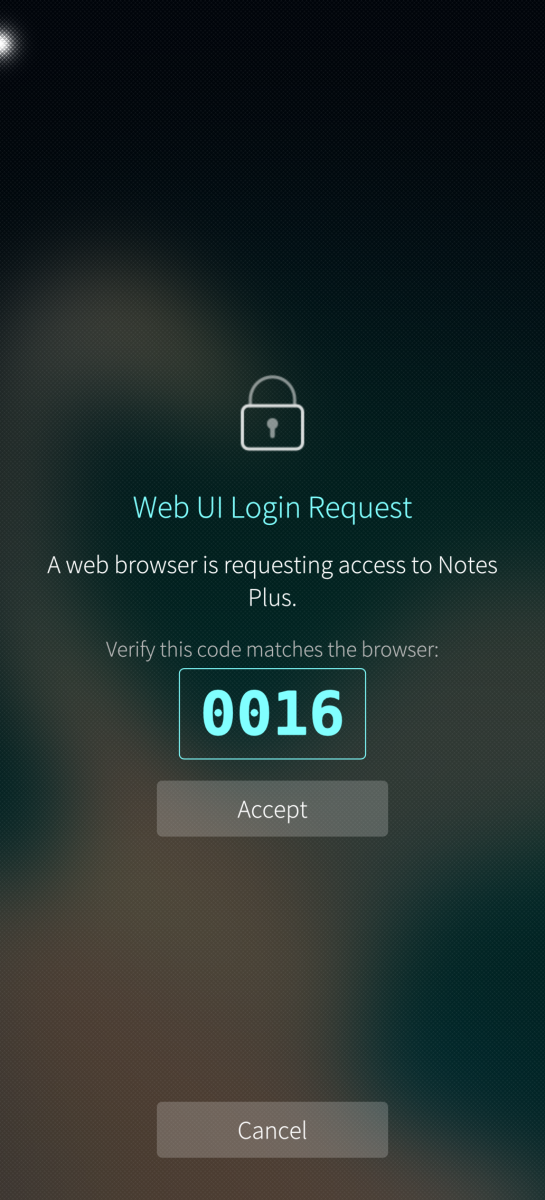
- Secure Remote Access — Verification code challenge with approve/deny on the phone. No passwords stored.
The web editor, AI assistant, and speech-to-text can each be disabled independently. Works completely offline. No data leaves the device unless you explicitly connect it to an AI provider and submit queries.
Security and Privacy Efforts
- No cloud services, no telemetry, no phone-home. The app has no integrations with any external cloud system or analytics service.
- supports use of local AI. Can be used with a local Ollama instance that is reachable via the network or any OpenAI-compatible API, but nothing is configured by default.
- Web server is off by default. The embedded HTTPS server must be explicitly enabled in Settings.
- HTTPS-only. The server only accepts TLS connections (auto-generated self-signed certificates or your own). No cleartext HTTP.
- Configurable network binding. Choose which interface to bind to — localhost only, a specific wireless or Bluetooth interface, or all interfaces.
- Public IP rejection. Enabled by default — connections from routable Internet addresses are refused at the socket level, regardless of firewall rules.
- Phone-gated authentication. Every web UI session requires a verification code challenge that must be approved or denied on the phone itself. Only the phone's UI can grant access — approval is not possible over the network. Sessions are HttpOnly, Secure, SameSite=Lax cookies with configurable expiry.
- AI permission system. The AI assistant's tool access is granular (read, create, edit, fetch_url). Edit operations show a diff preview and require confirmation. Automatic backup snapshots before any AI modification enable one-tap rollback.
- Offline speech-to-text. The Whisper-based STT engine runs entirely on-device with checksum-verified model downloads — no audio data is sent anywhere.
- Plain text on disk. Notes are `.adoc` files in a folder. No database lock-in, no proprietary format. Sync with Syncthing, Nextcloud, Git, or USB — your choice.
Code is available at https://github.com/i-love-coffee-i-love-tea/harbour-notesplus
Screenshots:
Category:
Keywords:
Application versions:
| Attachment | Size | Date |
|---|---|---|
 harbour-notesplus-0.2.1-1.aarch64.rpm harbour-notesplus-0.2.1-1.aarch64.rpm | 6.65 MB | 20/09/2026 - 00:28 |
| harbour-notesplus-0.3.0-1.aarch64.rpm | 6.68 MB | 20/09/2026 - 22:16 |
| harbour-notesplus-0.3.0main.20260920193059.502e72e-1.i486.rpm | 7 MB | 20/09/2026 - 22:49 |
| harbour-notesplus-0.3.0main.20260920192729.48afb9f-1.armv7hl.rpm | 6.5 MB | 20/09/2026 - 22:49 |
| harbour-notesplus-0.4.0-1.i486.rpm | 7.01 MB | 21/09/2026 - 23:08 |
| harbour-notesplus-0.4.0-1.armv7hl.rpm | 6.5 MB | 21/09/2026 - 23:08 |
| harbour-notesplus-0.4.0-1.aarch64.rpm | 6.69 MB | 21/09/2026 - 23:08 |
Changelog:
- Voice input (speech-to-text) support for search, note editing, source editor, assistant chat, and import pages
- Build targets for armv7hl (Xperia XA2, Xperia 10, community ports) and i486 (emulator)
- CI/CD pipelines build and release RPMs for aarch64, armv7hl, and i486
- Find in Page: menu item now works and search results are highlighted
- Search result cards now show content previews and loading indicator
- Cross-compilation: set CC/CXX to sb2 wrappers for ring and whisper.cpp builds on armv7hl/i486
- Cross-compilation: define `__fp16` as `uint16_t` for whisper.cpp on 32-bit ARM
- Build: clean stale object files before qmake when switching architectures
Comments
UnhallowedBeThyName
Wed, 2026/09/23 - 22:55
Permalink
Would it be possible to integrate this app into the top menu drawer like the Jolla app does and have a quick "Write a note" or similar named function there? would be a nice addition. :)
skremsler
Thu, 2026/09/24 - 18:54
Permalink
Good question. I will check the possibilites. I am trying to get it into harbour and currently it does not look like it's possible without patch manager, but maybe things can change.
Boshtannik
Wed, 2026/09/23 - 20:29
Permalink
Wierd. Why both providers are not accessible to me.
skremsler
Wed, 2026/09/23 - 20:54
Permalink
What result did you get with ollama? Did you expose ollama to the network via OLLAMA_HOST?
Boshtannik
Wed, 2026/09/23 - 20:32
Permalink
Model fetch failed: connection refused. - ollama provider. For Xiaomi - still "model fetch failed: host api.mimocode.com not found
skremsler
Wed, 2026/09/23 - 20:49
Permalink
The message is correct. That host does not exist on the internet. I tested with https://token-plan-ams.xiaomimimo.com and this works.
mive
Thu, 2026/09/24 - 22:17
Permalink
Nice notes application, works ok on fairphone 4, 5.1.
Sometimes a note get duplicated in ui, if you then delete one, both are gone, unfortunately.
Nonetheless very good note app
skremsler
Wed, 2026/09/23 - 21:41
Permalink
Do you still know what you did before notes duplicated and was it with v0.4.0?
mive
Thu, 2026/09/24 - 22:16
Permalink
I created some notes (5), all with one image inside the note and edited the notes a few times. Suddenly one note was duplicated (probably after changing the image path).
Best regards and thx for the great notes app
Boshtannik
Mon, 2026/09/21 - 00:10
Permalink
Model fetch failed.host api mirrorcode not found. In Switzerland
skremsler
Sat, 2026/10/10 - 23:18
Permalink
does it persist?
Boshtannik
Sun, 2026/09/20 - 22:56
Permalink
ill try your app! Move ai section to the top and what it does. i was about to close this app page as not interesting until i sawai section.BTW have you checked colibri framework to run better models right on the device? And by the way, compiling to the other platforms. For that tasks I've been asking AI to statically include libraries while the compiling. So the support of my application would be more wide spreaded.
skremsler
Sun, 2026/09/20 - 23:38
Permalink
I hope you like it.
Colibri looks impressive, but focussed on a different scale. The smallest model i found in their examples is 7GB. The whisper model this application uses for speech recognition is just 75, 150 or 450 MB, depending on the model you download.
And colibri is for LLM. Notes Plus uses an external LLM server. You may try to run one directly on the device, and it may be exciting for a short time, but it will not be very usable with current devices.
Boshtannik
Wed, 2026/09/23 - 20:28
Permalink
I know that Collibri is llm - that is the reason - i suggested to explore collibri
Boshtannik
Sun, 2026/09/20 - 22:49
Permalink
Man now I am developing ai powered tool in rust too! but not local one to be honest: (
skremsler
Sun, 2026/09/20 - 14:13
Permalink
I would like to support armv7hl, but chances are low. I already put a great deal of time in trying to support it. The problem is sailfish devices running on armv7hl use older tooling. They use glibc 2.30 and this is simply not compatible with the rust crates the app needs. I am a professional developer, but I do not feel confident with C++ enough to write a secure web server in it - so being stuck with rust, I don't see a way. I'm sorry.
I'm curious. Which sailfish device uses i486? You want a better development experience?
lpr
Sun, 2026/09/20 - 17:38
Permalink
wrong, armv7hl has same toolchain-versions as aarch64 at given SFOS version (SailfishOS-5.1.0.11-armv7hl has glibc-2.41 as aarch64, SailfishOS-5.0.0.62-armv7hl has glibc-2.30 same as SailfishOS-5.0.0.62-aarch64 ; same thing for rust)
skremsler
Sun, 2026/09/20 - 22:54
Permalink
Which armv7hl devices does Sailfish OS 5.1 run on though? My XA2, one of the devices with better support, is stuck on 4.6.015.
edit: oh no, it is an Xperia X, i forgot.
lpr
Mon, 2026/09/21 - 22:00
Permalink
XA2 and X10 I do run 5.1 officially (jolla supports it)...
inoficially I run my Jolla1(sfos3.4) with glibc_2.41. When I update busybox to sfos5.0-version , I think I'm able to install new Rust version (sfos5.0)...
with newer sfos version (4.6) this should be possible even more easy...
windes
Sun, 2026/09/20 - 10:55
Permalink
Wow and omg) Armv7hl is possible?..
skremsler
Sun, 2026/09/20 - 22:50
Permalink
I just attached an Armv7hl build. I just can't test it.
rcolistete
Sun, 2026/09/20 - 03:57
Permalink
Any plan to release armv7hl and i486 versions ?
skremsler
Sun, 2026/09/20 - 23:10
Permalink
It is now available.
rcolistete
Mon, 2026/09/21 - 06:17
Permalink
Thanks !
Error "nothing provides libc.so.6 (GLIBC_2.32)" @ Sony Xperia X & Sailfish OS 4.6.0.15.
skremsler
Tue, 2026/09/22 - 00:48
Permalink
Unfortunately there is nothing I can do about this. It requires at least Sailfish OS 5.1.