
Eureadia


Eureadia
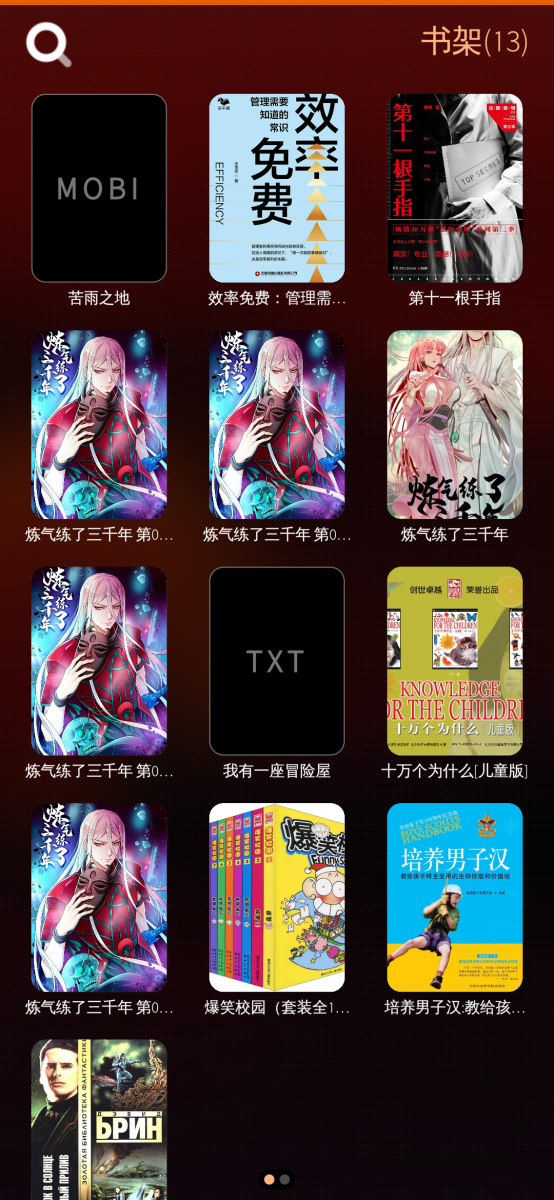
A native e-book reader for Sailfish OS. Supports TXT, EPUB, PDF, FB2, CBR, CBZ, CB7, CBT, MOBI, and AZW3, though perfect compatibility with every format cannot be guaranteed.
Note: Version 0.6 can be regarded as the first official release. Therefore, you need to reset the app (refresh the database) and reinstall it (this may include support for new formats when opening books externally).
Reset: Navigate to the bottom of the About page.
Source Code: https://gitee.com/yun_gitee/harbour-eureadia
Requirements: Sailfish OS 5.0
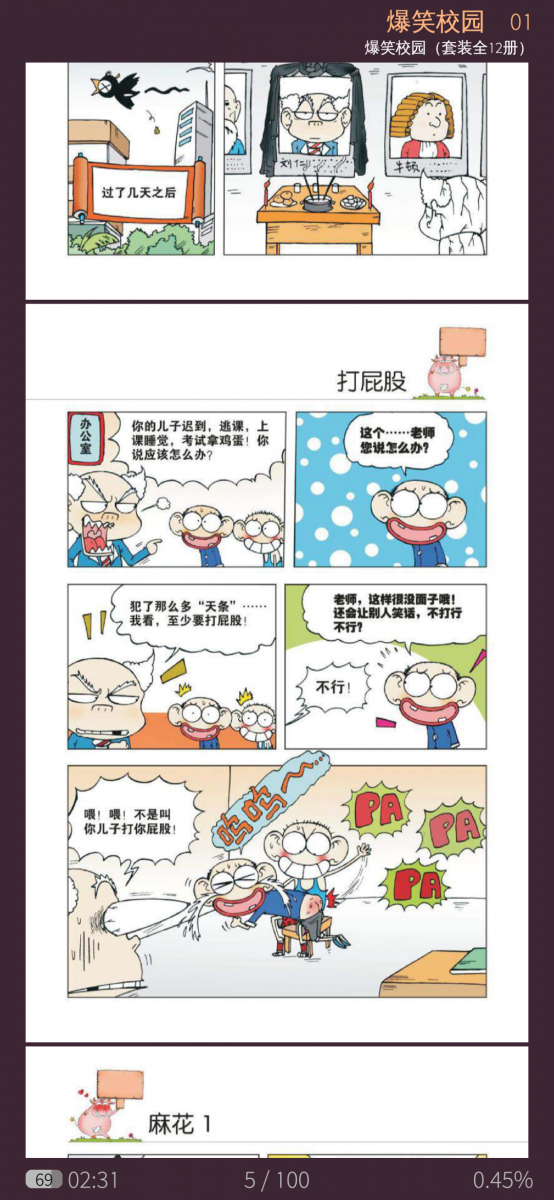
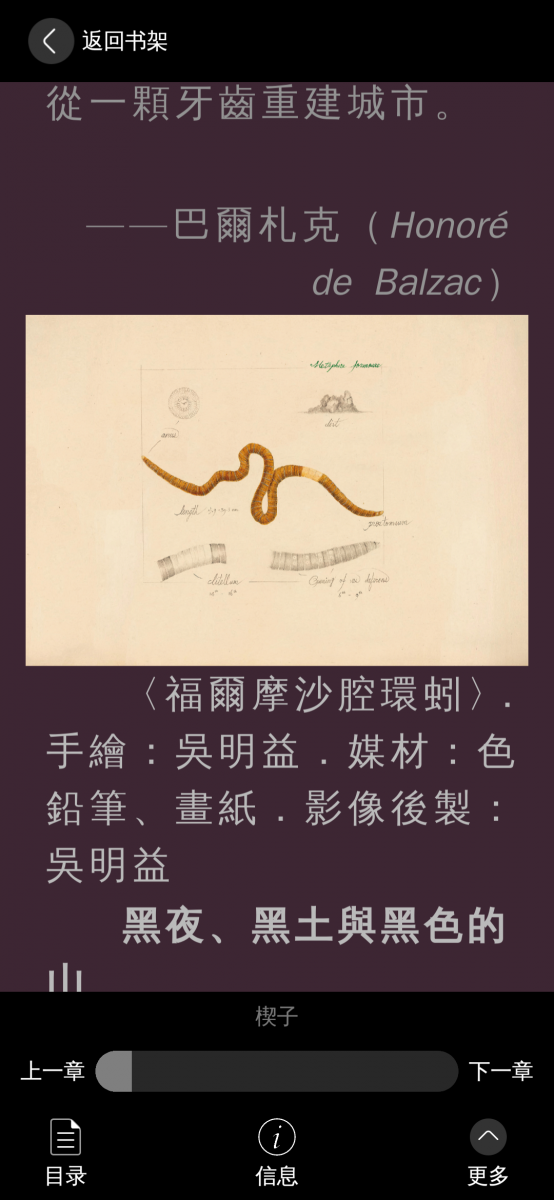
Screenshots:
Category:
Keywords:
Application versions:

Changelog:
0.6(Reset Required)
- 新增支持 FB2、CBR、CBZ、CB7、CBT、MOBI 和 AZW3 格式(Added support for FB2, CBR, CBZ, CB7, CBT, MOBI, and AZW3 formats)
- 完善 EPUB 2/3 解析与兼容性(Improved EPUB 2/3 parsing and compatibility)
- 支持书籍内嵌字体与相对字号(Added support for embedded book fonts and relative font sizes)
- 新增阅读手势引导(Added reading gesture guidance)
- 新增图书独立阅读设置(Added independent reading settings for books)
- 新增自定义字体支持(Added custom font support)
- 新增滚动模式自动阅读(Added auto-reading scroll mode)
- 增加全局亮度调节(Added global brightness adjustment)
- 应用默认使用英文(Application language defaults to English)
- 程序优化与问题修复(Performance improvements and bug fixes)
0.5
- 程序优化与问题修复(Performance improvements and bug fixes)
- 支持通过系统文件关联从外部打开图书(Added support for opening books from other applications via system file associations)
- 优化图书导入速度(Improved book import speed)
- 实现滚动阅读模式(Added scrolling reading mode)
0.4
- 程序优化与问题修复(Performance improvements and bug fixes)
0.3
- 程序优化与问题修复(Performance improvements and bug fixes)
0.2
- 新增"我的"页面,展示阅读统计数据(Added "Mine" page with reading statistics)
- 新增阅读报告,月度阅读日历(Added reading report with monthly calendar)
- 电池组件支持充电状态显示(Battery indicator shows charging status)
- 重新设计应用封面(Redesigned app cover)
- 程序优化与问题修复(Performance improvements and bug fixes)
0.1
- 首个发布版本,支持 TXT/EPUB 导入、手势翻页、阅读进度、多语言等核心功能(First release with core features: TXT/EPUB import, page turning, progress tracking, i18n)
Comments
yun_L
Fri, 2026/10/30 - 12:49
Permalink
Is there an issue with the installation prompt, or is the install button missing in Storeman? If it’s the latter, you may need to refresh a few times. I’m running 5.2 on my phone right now, and it installs normally.
Boshtannik
Thu, 2026/10/29 - 23:17
Permalink
I have updated to SFOS 5.2 and no longer able to install it.
Elvis
Sun, 2026/09/13 - 18:12
Permalink
I installed this on JP2026 for the first time and the default UI language was set to chinese. Maybe a default to english would be better for usability. I managed to change the lang to English by blindly navigating through the menus by trial and error. Nice App though.
yun_L
Wed, 2026/09/16 - 13:16
Permalink
I see what you mean. Using English by default would indeed be preferable. However, I recall there is an option to auto‑detect the system language. Theoretically, if a user’s phone is set to English, the app should switch to English automatically. For countries whose language is one of the official UN languages, users should not even need to manually configure the app language.
windes
Sun, 2026/08/23 - 20:38
Permalink
What about fb2 files? Can you add them too?
yun_L
Mon, 2026/08/24 - 09:48
Permalink
Thanks for your feedback. Fb2 format support is planned for the next 0.6 release
windes
Fri, 2026/08/28 - 09:02
Permalink
Updated to 0.6. Now Eureadia not starting on armv7hl.
Error [Database connection]
___: "___ unified paragraph __ id ___"
yun_L
Fri, 2026/08/28 - 09:18
Permalink
Have you tried resetting the app?
windes
Fri, 2026/08/28 - 10:56
Permalink
How? It's not even starting. Uninstall and install back?
Tried 0.6-2 and 0.6-3, uninstall and install back - not helps, same errors.
yun_L
Fri, 2026/08/28 - 10:55
Permalink
Navigate to the bottom of the About page
windes
Fri, 2026/08/28 - 11:03
Permalink
Man, app NOT starting. 0.6-2 and 0.6-3 too. Terminal says:
Error [Database connection]
___: "___ unified paragraph __ id ___"
yun_L
Fri, 2026/08/28 - 11:09
Permalink
So, have you reset and reinstalled the app? You can check this directory: /home/defaultuser/.config/com.unapp/harbour-Meliona. It contains the config and db directories, which hold the app configuration and database respectively. If the reset was successful and you haven’t restarted yet, these two directories (config, db) should have been deleted. By the way, the reinstallation is for mimeType support, enabling books to be opened by the app from external sources. If you don’t need to open books externally, reinstallation is unnecessary.
windes
Fri, 2026/08/28 - 11:19
Permalink
Yea, deleting files there helps, thanks! Now Euredia starts, succesfully imports fb2, cool.
But there's a problem with font now) It's very bad (for russian, as minimum). Need option for choosing fonts (system's and user's or included in Euredia).
yun_L
Fri, 2026/08/28 - 11:25
Permalink
Could you elaborate? Is it that the FB2 files you imported contain embedded fonts which the program failed to detect, or do you want to change the app's default font, or set a separate font for reading?
windes
Fri, 2026/08/28 - 13:05
Permalink
I don't know, does that fb2 contains embedded font, another fb2 file shows a little another font (at same size). Yes, changing app's default and font for reading will be good and need, because different languages have diferent moments in specific of language.
yun_L
Fri, 2026/08/28 - 13:08
Permalink
Okay, I will implement font functionality to enhance readability. However, I will not bundle any built-in fonts (as this would increase the package size), and the fonts will not affect the app’s general interface. Font settings will only apply to the reading page.
windes
Sun, 2026/08/23 - 11:45
Permalink
Nice app! But don't see books on sdcard, only internal memory.
yun_L
Sun, 2026/08/23 - 12:51
Permalink
Thanks for your report.
So books on the SD card cannot be detected, right? The app uses the system file picker which should be able to access external storage. Since I don't own an SD‑capable device, I cannot guarantee this feature works properly.
projectmoon
Sun, 2026/08/23 - 11:10
Permalink
Seems like latest version doesn't play nicely with dark ambiences.
yun_L
Sun, 2026/08/23 - 12:11
Permalink
Thanks for your feedback. Could you please describe the dark‑mode issue in more detail?