
IrCam

IrCam turns the InfiRay P2 Pro USB-C thermal camera into a live thermal viewfinder with real temperature measurement on Sailfish OS. The camera is a standard UVC device, so the kernel presents it as /dev/videoN and the app reads it over V4L2 - no udev rule and no sandbox hole needed. It decodes the camera's own 16-bit per-pixel temperature plane, so the readings come from the sensor, not from the colours. Everything runs on the device - no network, no cloud, no telemetry.
WHAT IT DOES
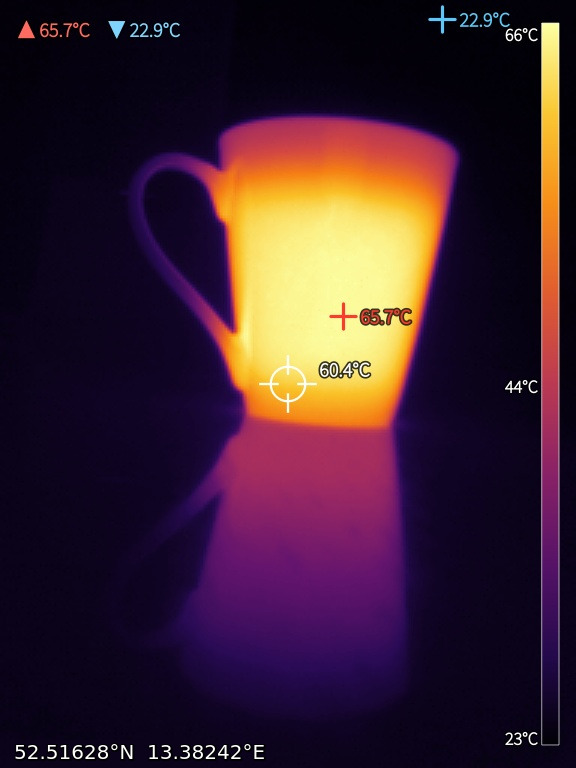
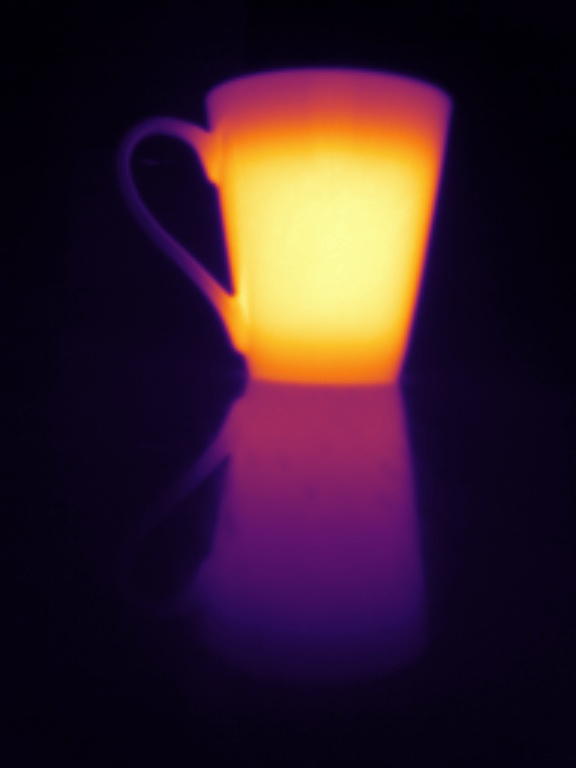
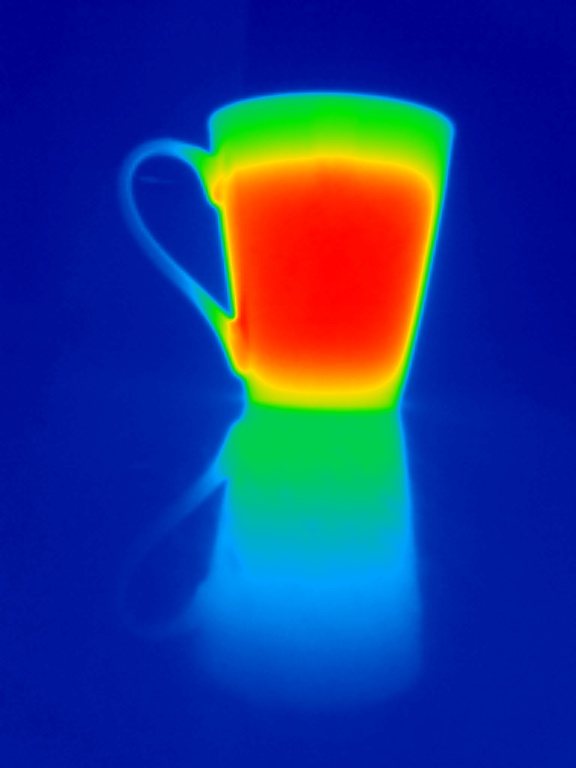
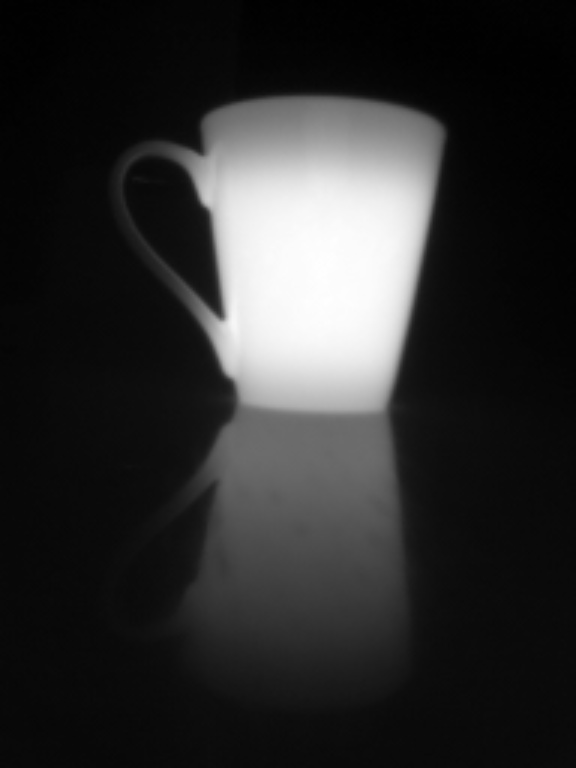
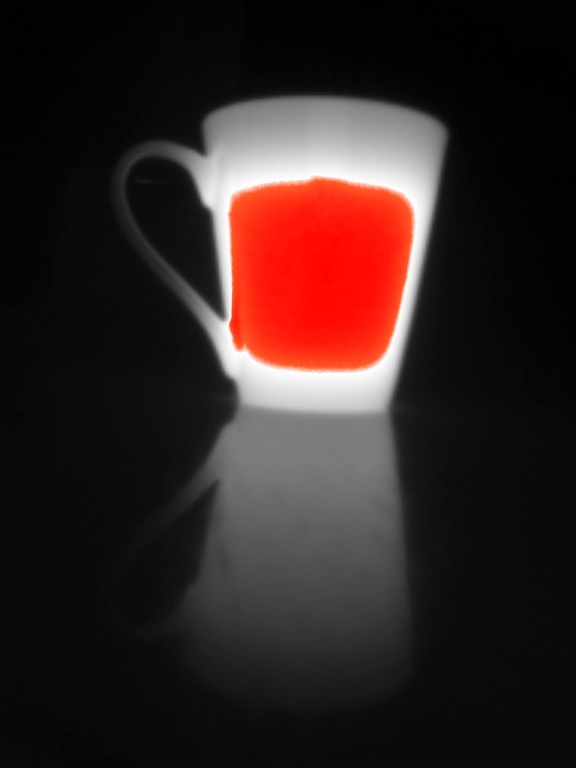
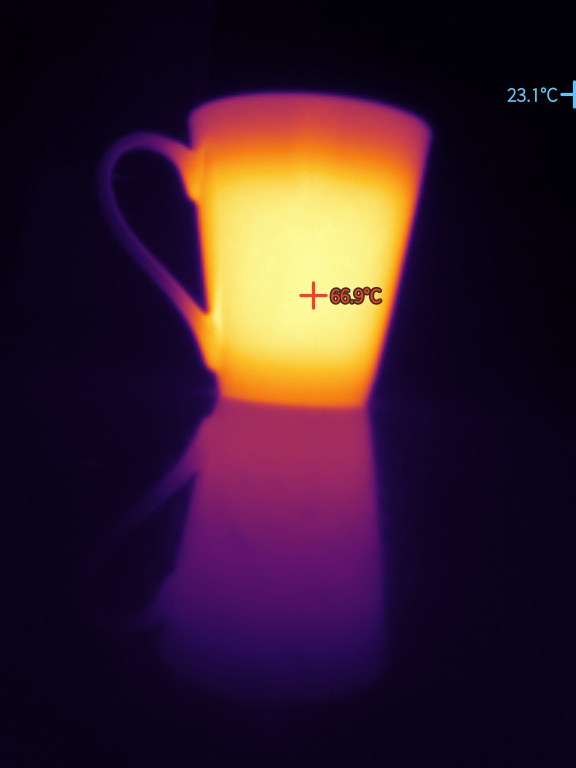
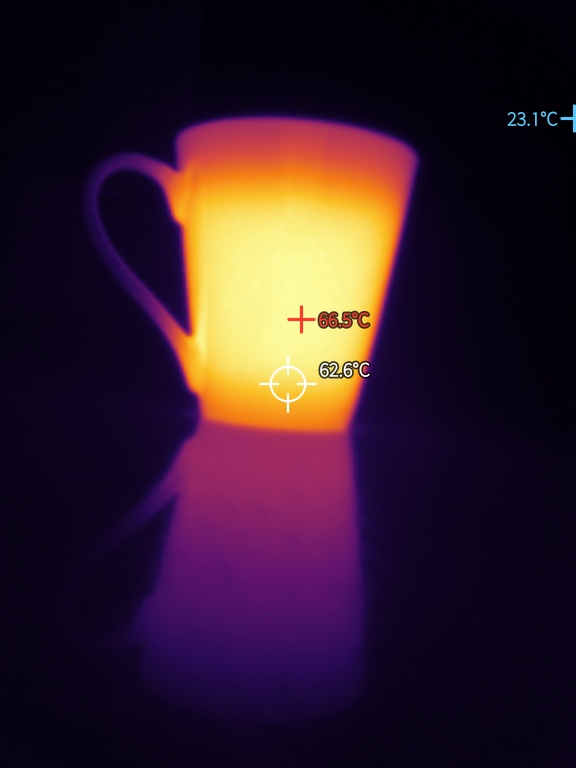
- Live thermal view in every orientation, with a choice of palettes (Lava/Inferno, Ironbow, Rainbow, White-hot, Black-hot, and Grey with only the hottest peaks in red). Pinch to zoom, drag to pan, double-tap to cycle zoom.
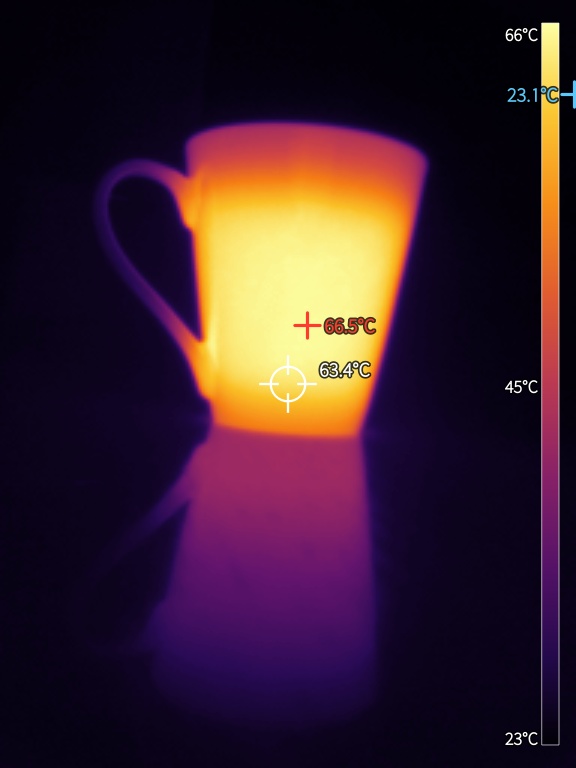
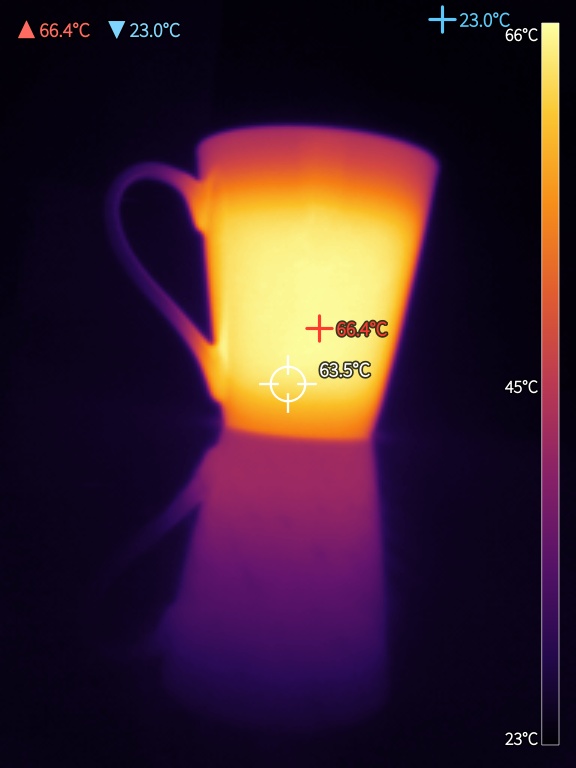
- Temperature from the camera's own 16-bit data: the hottest and coldest spot, an optional centre spot, and up to six tap-to-place measurement points, each with its reading, plus a colour bar scaled to the picture.
- Automatic temperature scaling that follows the scene but never stretches the palette across less than a few degrees, so a nearly uniform scene stays soft instead of blowing up into a white blob.
- Sharpening in three steps - Off, Normal, Superfine - to bring out fine detail in the low-resolution sensor picture.
- Calibration offset: nudge every reading up or down to match a known reference, since the sensor is not calibrated in absolute terms.
- Celsius or Fahrenheit throughout.
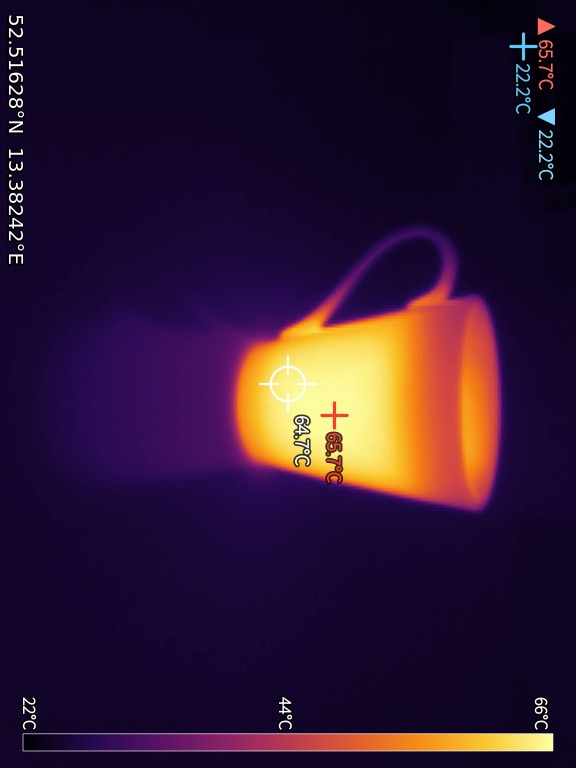
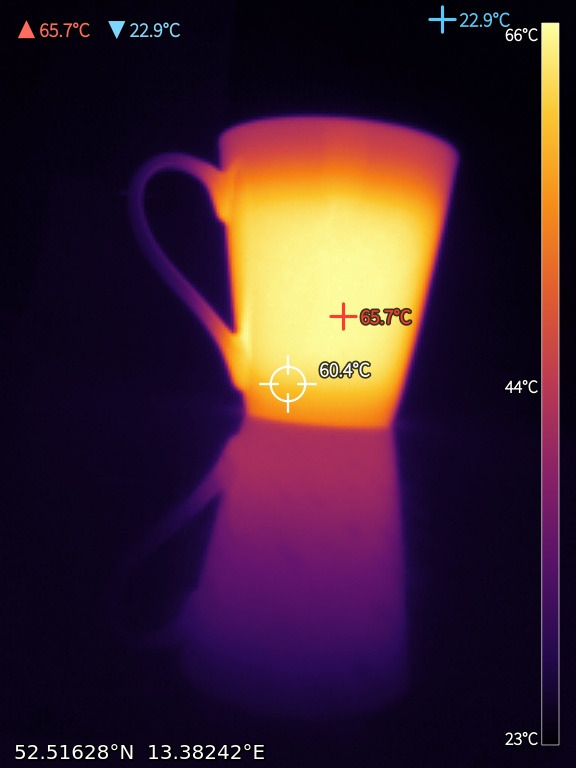
- Overlays you toggle from the viewfinder, burnt identically into both snapshots and videos: the min/max readout, the centre spot, the colour bar, a date-and-time stamp, and a location line with GPS coordinates in decimal, nautical or navigation format.
- Snapshots as JPEG in ~/Pictures/IrCam at three times the sensor resolution; optionally the raw per-pixel temperature grid as CSV next to each picture.
- Video recording of the composed view - all overlays, including the live coordinates, burnt in - as compressed VP8/WebM, with a compression slider in the settings.
- Use the camera facing away or facing you: a user-facing camera turns the wrong way in landscape, so when you turn it around switch on "Camera points at me". The plug/lens direction cannot be detected automatically, so this is a manual switch.
- Gallery - swipe the centre of a picture to step through captures, play back videos, rename, delete and share from the pulley.
- Camera database with auto-detection: known cameras are recognised by their USB id and stream format; an unknown UVC camera is probed and shown image-only. See the table of supported cameras and your camera's own measured values on the camera page, save a detected camera, and export a data point to help add support for more models.
SUPPORTED HARDWARE
The InfiRay P2 Pro (USB 0bda:5830), a 256x192 USB-C thermal camera. It is a standard UVC device presented as /dev/videoN and read over V4L2; the stream is 256x384 - the picture on top, a 16-bit temperature value per pixel underneath. Cameras of the same family with the same stream layout (e.g. the Topdon TC001) are likely to work but have not been tested. Unknown UVC cameras are auto-probed and can be shown image-only, and the built-in camera database is meant to grow from the data points users export.
A NOTE ON ACCURACY
Temperatures are what the sensor reports, corrected only by the offset you can set. Readings depend on the emissivity of the surface: matte paint, skin, wood and most plastics read well; bare or shiny metal reflects its surroundings and reads far too low. Treat the readings as a guide, not a calibrated measurement.
STATUS
Shared as is, no warranty (GPLv3). Built and tested on a Sony Xperia 10 III with an InfiRay P2 Pro. Needs USB host mode (an OTG adapter) and a data-capable USB-C connection.
ARCHITECTURES
aarch64 (Sailfish OS 5.0+). No armv7hl build.
Written with Claude Code (Anthropic).
Source, issues, releases: https://github.com/JimKnopfIoT/harbour-ircam
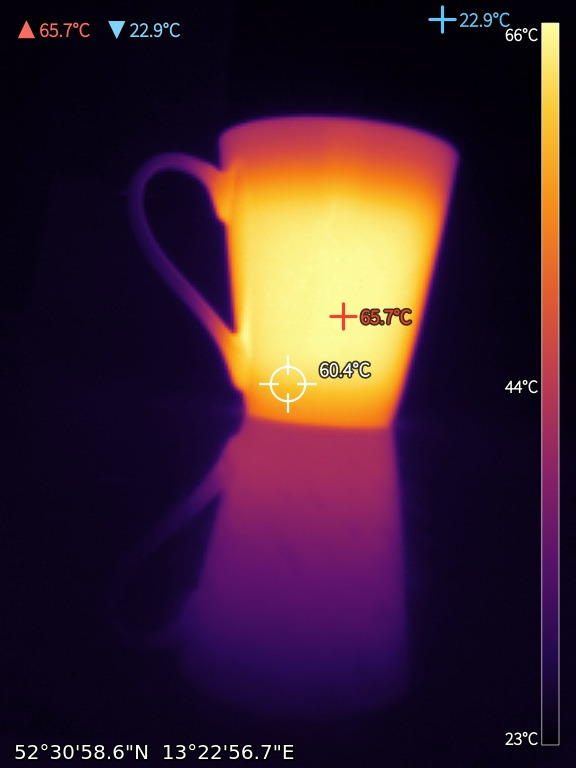
Screenshots:

Category:
Application versions:
| Attachment | Size | Date |
|---|---|---|
 harbour-ircam-0.1.1-1.aarch64.rpm harbour-ircam-0.1.1-1.aarch64.rpm | 242.35 KB | 30/08/2026 - 10:04 |
Changelog:
- The controls keep clear of the camera cutout. On a phone with a notch the top row of buttons and the live status line were cut through by it, so the icons were only half visible; they now start below it. The picture itself still fills the screen. On a phone without a cutout nothing moves.
Comments
derboesewolf
Fri, 2026/09/18 - 14:12
Permalink
The InfiRay P2 Pro is hard to come by. Recently, a 'Thermal Master P2 Pro' that looks the same has become available. However, it has been reported to have a different USB vendor and device ID (3474:4281). Is the Thermal Master P2 Pro also compatible with IrCAM?
JimKnopfIoT
Fri, 2026/09/18 - 19:33
Permalink
I don't have one to test it. Just try it and report please. Maybe it needs some adjustments.
derboesewolf
Fri, 2026/09/25 - 15:37
Permalink
The Thermal Master P2pro arrived. It appears as USB 0bda:5830 and works out of the box with the IrCam app. Thank you very much.
explit
Sun, 2026/09/13 - 13:59
Permalink
I look for the P2 Pro and the price is over my budget. I ask me, which cheaper ir cams could work?
JimKnopfIoT
Sun, 2026/09/13 - 16:33
Permalink
It depends less on the price than on what the camera actually puts on the USB wire. IrCam needs two things:
1. Plain UVC. The camera must show up as a standard /dev/videoN through the kernel's uvcvideo driver, with no vendor handshake before it streams. FLIR One and Seek Compact fail right here - proprietary protocols, they need their own driver, not a table row in the app.
2. For real temperatures: a radiometric plane. The P2 Pro streams 256x384 - the 256x192 picture on top and, underneath it, one 16-bit raw value per pixel (°C = raw/64 − 273.15). That is why IrCam can give you the temperature at *any* point you tap, track the hot and cold spot, and export the full grid as CSV.
Most cheaper cameras only send the already-colourised picture - then measuring is impossible for any app, because the data isn't in the stream. A few do send raw values but encode them with a per-camera calibration (the HT-301 family, for example); those are measurable in principle, but IrCam only decodes the simple linear layout so far and shows them image-only.
So the realistic cheaper options:
- Rebadges of the same InfiRay module. Best known is the Topdon TC001 - same USB ID 0bda:5830, same 256x384 layout, recognised by IrCam out of the box (I haven't tested it myself, but it should just work). Various InfiRay T2/T3-series and no-name 256x192 USB-C cameras come from the same family and are often cheaper than a P2 Pro. Before you buy, check whether the vendor's own app lets you pick a point *in a saved image* and read its temperature - that is a good proxy for the raw plane being present. Some of these models ship image-only firmware.
- HTI HT-301 / HT-H8 (384x288). UVC, so the picture will come up, but the temperature is encoded with a per-camera calibration instead of a fixed linear scale. IrCam shows those image-only for now.
- Anything else UVC. IrCam probes an unknown camera and shows it image-only. On the Cameras page you can see exactly what your device reports, save it and send me that, and if there is a usable temperature plane in the stream, support can go into a later release.
What to avoid: the really cheap thermal gadgets built around a 32x24 MLX90640, and phone clip-ons that are just visible light with a false-colour filter. Too coarse to be useful, and mostly not UVC anyway.
Whatever you pick, the phone needs USB host mode (OTG) and a data-capable USB-C connection.
explit
Wed, 2026/08/19 - 23:33
Permalink
Man, du haust hier den einen Hit nach dem anderen! Respekt!