
Wallpaper Loop


Wallpaper Loop
Package / project name
harbour-wallpaper-loop
Summary
Cycle folder images as your Sailfish Ambience wallpaper.
Description
Wallpaper Loop is a native Sailfish OS app that cycles through images in a folder and applies each one as your Ambience wallpaper on a timer.
Features
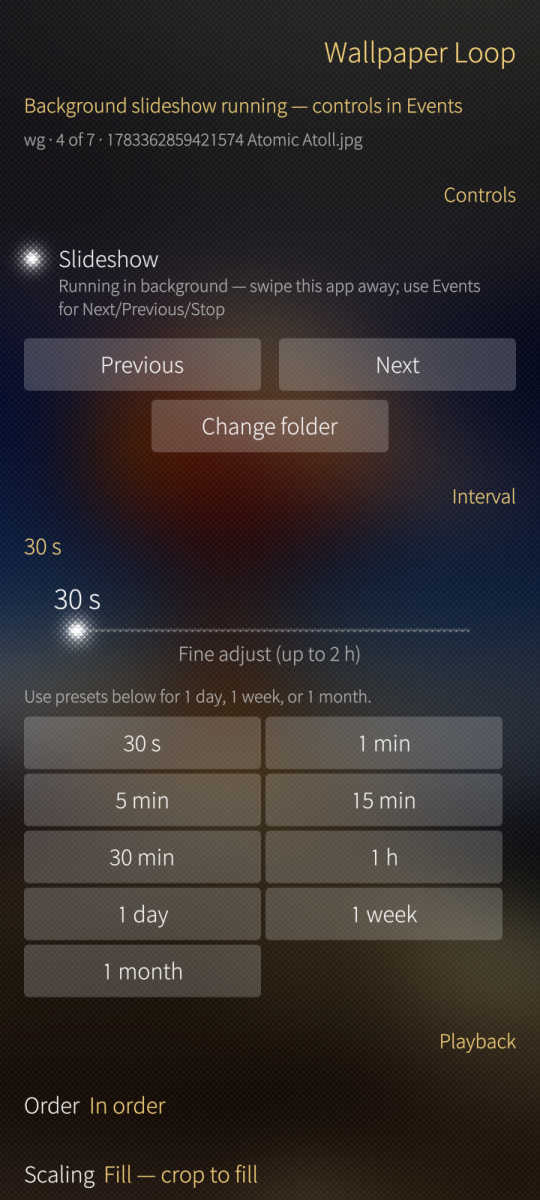
- Pick any folder (Pictures, Downloads, Home, including Android storage Downloads)
- Interval slider with presets from 30 seconds to 1 month
- Sequential or shuffle playback
- Fill / Fit / Contain scaling
- Optional subfolder scanning
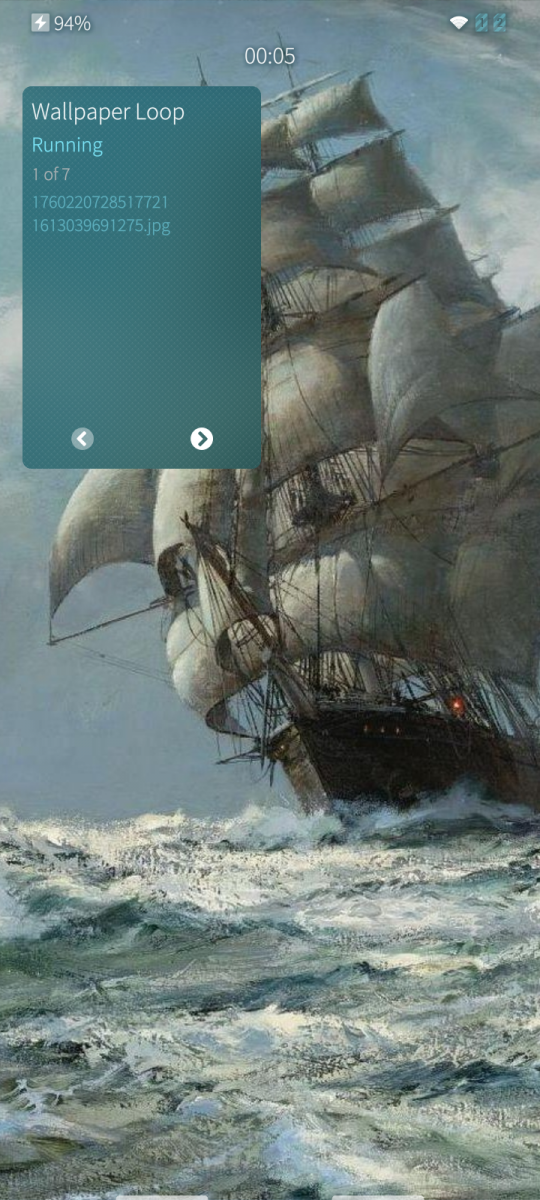
- Next / Previous from the app and from the cover
- Settings saved between launches
- Still runs via daemon with settings UI closed
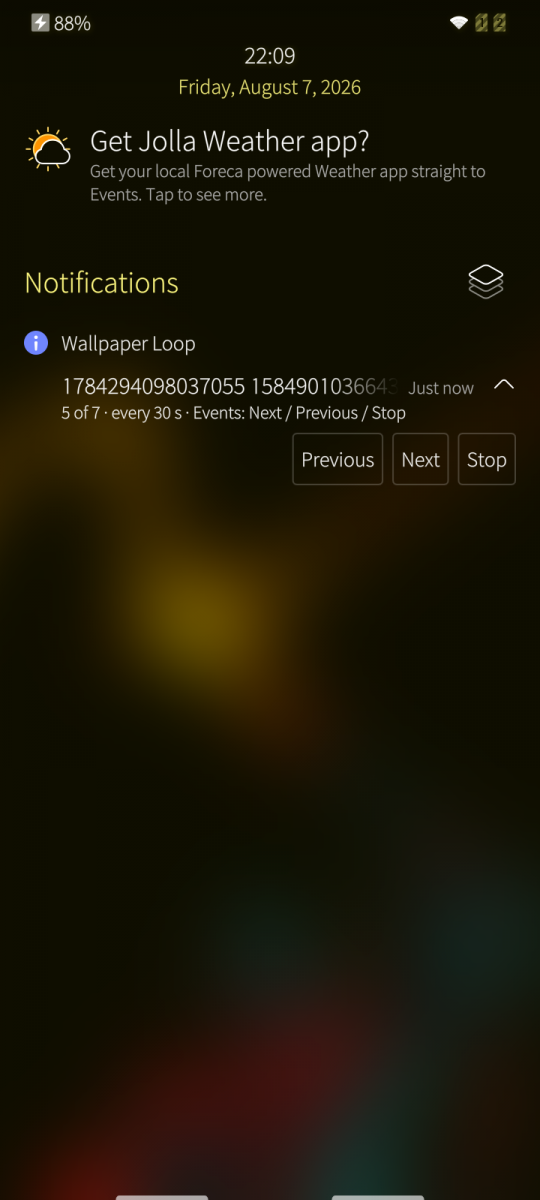
- Events notification: Next / Previous / Stop; close the app while it runs
Requirements
- Sailfish OS 5.x (aarch64 or armv7hl)
- Ambience, Pictures, Downloads, and UserDirs permissions (requested via Sailjail)
Limitations (1.3.0)
- Still images only (JPG, PNG, WebP, BMP, GIF first frame)
- Home and lock screens share the same wallpaper.
Install
Via Storeman / OpenRepos client, or:
devel-su pkcon install-local harbour-wallpaper-loop-1.3.0-1.aarch64.rpm
Source code: https://github.com/coagulalabs/harbour-wallpaper-loop
Screenshots:
Category:
Application versions:
| Attachment | Size | Date |
|---|---|---|
 harbour-wallpaper-loop-1.6.0-1.aarch64.rpm harbour-wallpaper-loop-1.6.0-1.aarch64.rpm | 150.48 KB | 08/08/2026 - 02:11 |
| harbour-wallpaper-loop-1.6.0-1.armv7hl.rpm | 147.1 KB | 08/08/2026 - 02:11 |
Changelog:
1.6.0 — Events notification: Next / Previous / Stop; close the app while it runs
1.5.0 — Background systemd user service for the slideshow
1.4.0 — Day / week / month interval presets
1.3.0 — Stills-only Ambience slideshow (JPG, PNG, WebP, BMP, GIF)
1.0.0 — Initial release: folder slideshow via setAmbience
Comments
windes
Wed, 2026/08/12 - 12:52
Permalink
Great! Perfect app now)
One more wish - is it possible to change only wallpaper (optionally), without changing the ambience colors? For example, i love standart Earth theme, but want to change ONLY wallpaper sometimes. But don't want to change anything else in colors in phone's theme.
windes
Fri, 2026/08/07 - 08:22
Permalink
Wow! Cool app! Thanks! May be add an option to change wallpaper 1 time a day too? 2h maximum is too fast for some people)
Is there a opportunity to work app without cover, as daemon?
thelaughingman
Sat, 2026/08/08 - 02:13
Permalink
Thanks, mate. I have added more timer options and have moved controls to events/notification area. Timer still runs via daemon with cover/Settings UI closed.