
Talteen backup

BETA TESTER AGREEMENT: PLEASE READ
This app is currently in its testing phase. While I have conducted extensive internal testing across all known use cases, edge cases may still exist that could lead to unexpected behavior or data loss.
By proceeding, you acknowledge that you are using pre-release software at your own risk. Please ensure your critical data is backed up elsewhere before testing. Your feedback is invaluable in helping me polish the final experience.
===================
Talteen is your all-in-one backup companion for Sailfish OS. Whether you are switching devices or just playing it safe, Talteen bundles your most important data into a single, secure archive. Easily back up your messages, call history, photos, media, and even your app settings. Everything is locked behind strong encryption, giving you total peace of mind that your personal data stays yours.
Features
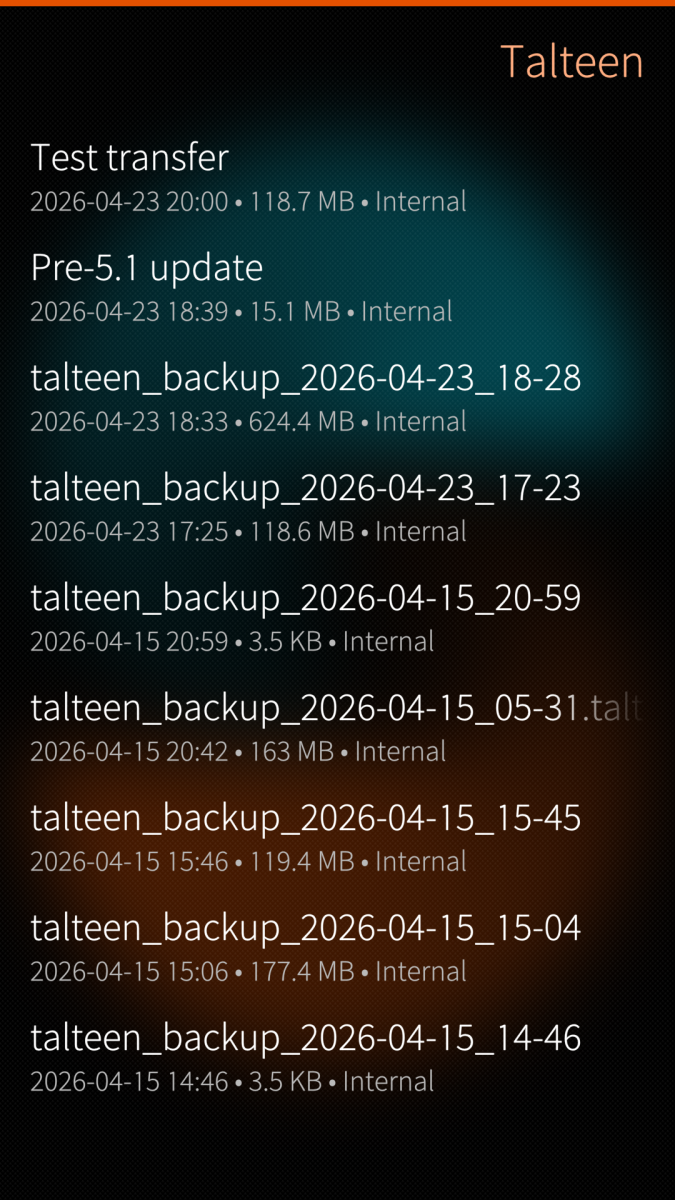
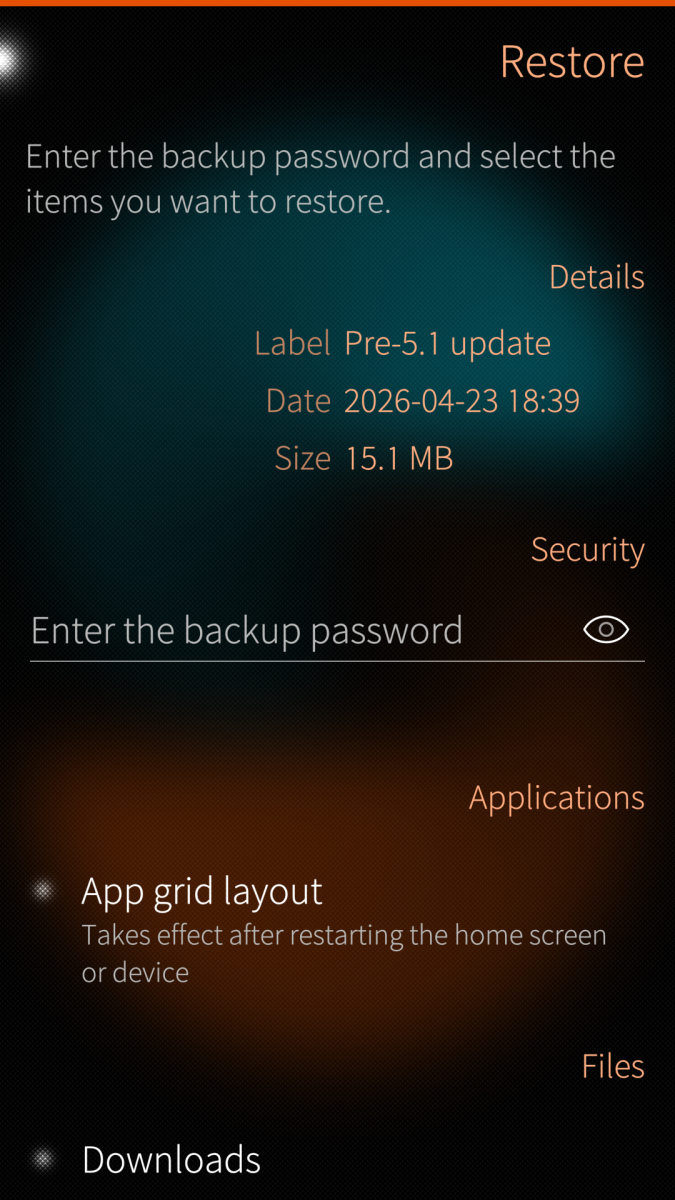
- Save your messages, call history, installed apps and repositories, app data, app grid layout, and media.
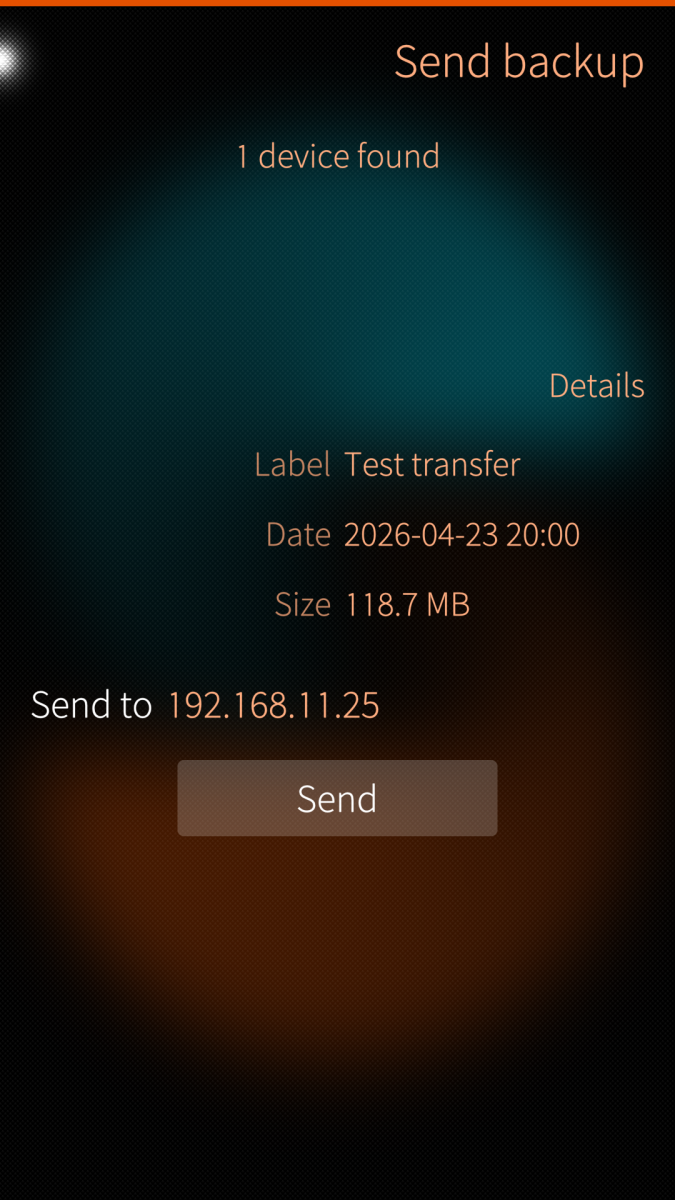
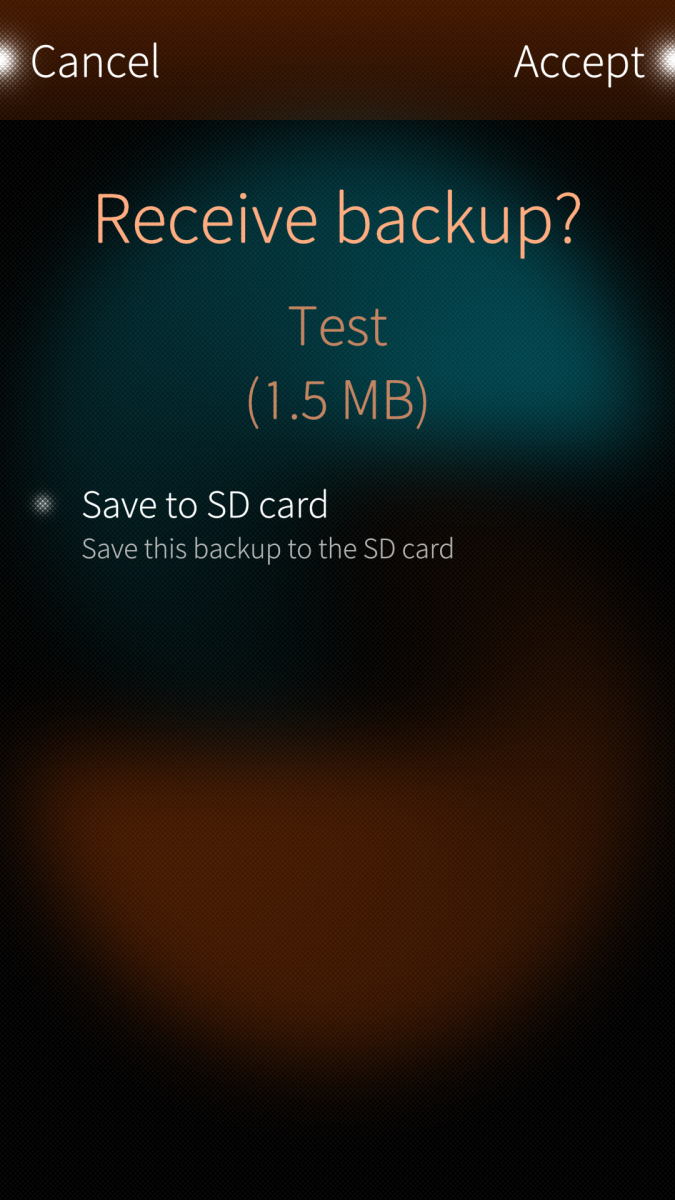
- Easily move your data to a new device by copying the backup file via an SD card or over Wi-FI.
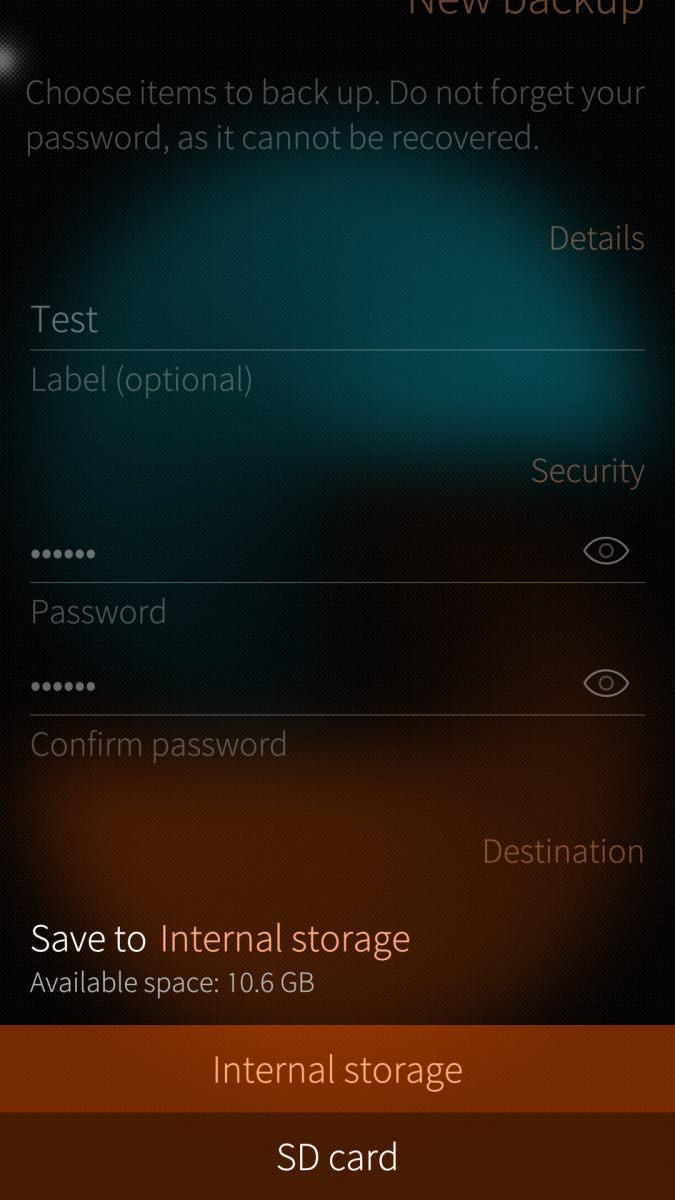
- Lock your archives with standard AES-256 encryption.
- Built on standard Linux formats (tar, openssl) so you can extract backups on any PC.
Support
If you like my work and want to buy me a beer, feel free to do it!
Translate
Request a new language or contribute to existing languages on the Transifex project page.
Credits
- Thanks to flypigahoy for his ispiring blog post about copying settings and files over a new device.
- Thanks to jgibbon for the icon and the cover graphics.
- Apps backup by topias.
- Thanks to all the testers for being brave and patient.
Screenshots:
Category:
Application versions:

Changelog:
* Tue Apr 28 2026 0.2.0-2
- Added v2 backup format based on OpenSSL EVP AES-256-GCM with PBKDF2-HMAC-SHA256
- Kept backward compatibility with v1 restore (AES-256-CBC)
- Updated archive structure documentation in UI Technical details and README
- Added manual v2 terminal restore script documentation
- Backup creation with the new GCM pipeline is measured at about 1.95x faster
* Thu Apr 23 2026 0.1.3-16
- UI polishing
- Added Technical details page
- Added more details in notifications and status messages
* Wed Apr 15 2026 0.1.2-1
- Password encrypted backups
- UI polishing
- Italian translation
* Tue Apr 14 2026 0.1.1-1
- Use xz for compression
* Mon Apr 13 2026 0.1.0-3
- Reimplement My Data Transfer logic in C++
- Wi-Fi transfer first version
Comments
MrHappy
Sat, 2026/09/26 - 16:29
Permalink
Would it be possible to have the app backup automatically (via a script i.e.)?
That way I (and maybe others) can have a daily backup which can automatically be synced to a NAS or something similar.
eson
Sun, 2026/06/14 - 11:28
Permalink
I would really like to use this app when my JP2 arrives, but it doesn't work on my X10III, and I don't understand what's wrong. Everything is fine on my C2.
Do you have any idea what's wrong? To me this terminal output doesn't say much. Well, it says what's wrong, but not what to do about it.
[D] unknown:0 - Start preparing backup...
[D] unknown:0 - Executing Step 0/3: Collect app metadata / rsync prep...
[D] unknown:0 - Exporting messages database...
[W] CommHistoryDatabase::open:307 - Opened commhistory database: "/home/defaultuser/.local/share/commhistory/commhistory.db"
[D] unknown:0 - Executing Step 1/3: Stream tar+xz+gcm encryption...
[D] unknown:0 - [TAR LOG] "tar: appdata/.local/share/org.mkiol/dsnote/espeakdata/mbrola/sw1: No such file or directory"
[D] unknown:0 - [TAR LOG] "tar: appdata/.local/share/org.mkiol/dsnote/espeakdata/mbrola/sw2: No such file or directory"
[D] unknown:0 - [TAR LOG] "tar: error exit delayed from previous errors"
[D] unknown:0 - [FATAL] Tar packaging failed, exit: 1
[D] :85 - Encryption or compression failed. Backup was canceled.
fravaccaro
Sun, 2026/06/14 - 23:08
Permalink
Were you using speech note while performing the backup? Tar is a bit strick on compressing files that ware modified/deleted (e.g. with temp files).
That's definitely something that I'd need to solve on my end, but I'd like to figure out what happened when Talteen failed
[EDIT] Can you please test whether the issues is still there? https://github.com/fravaccaro/harbour-talteen/releases/tag/0.2.3-1
eson
Thu, 2026/06/18 - 03:52
Permalink
No' I've never used speech note, other then I had it installed to translate software into Swedish, but that was years ago. I will try the new build asap.
ajalkane
Tue, 2026/07/28 - 15:51
Permalink
I have this same problem, and it might be because BusyBox tar does not have one of the optiosn that Talteen uses:
[D] unknown:0 - Executing Step 1/3: Stream tar+xz+gcm encryption...
[D] unknown:0 - [TAR LOG] "/bin/tar: unrecognized option '--ignore-failed-read'"
ajalkane
Tue, 2026/07/28 - 16:03
Permalink
I got through this problem by installing GNU tar: zypper in gnu-tar
flanker
Tue, 2026/04/28 - 22:44
Permalink
It seems that this application could be quite useful and fairly anticipated by users. I’d like to offer a comment as a noob, not a critic—perhaps it would be appropriate to mention in its description how it differs, is better, or what additional features it offers compared to the official Back up feature. The only remaining question is long future support for the application. Or even better, its integration into the official Sailfish OS options ;-).
fravaccaro
Wed, 2026/04/29 - 11:06
Permalink
Any feedback is welcome! Briefly:
- Jolla backup is limited to their own apps, while Talteen takes care of backing up data for all (or at least it tries to!) native apps on your device.
- Talteen lets you encrypt your backup with a password.
- Talteen tries to gather a list of what you've installed so it can install the exact same apps on your new phone.
- It lets you transfer files from one device to another. I am still working on this, but the goal is to have a seamless workflow: you set up a new device, install Talteen on it, and pull your apps and files directly from the old phone.
Of course, a major upside to the Jolla backup is that it's tightly integrated into the system, meaning it can use your cloud accounts and take periodic, automatic backups. Talteen doesn't do that, at least not at the moment.
As for "long-term future support", I cannot guarantee that because I might get hit by a truck tomorrow :) However, the app is open source and you can open your backups entirely on your own without any assistance from me. So, if Talteen (or I) disappear tomorrow, you won't be left out in the cold.
flanker
Thu, 2026/04/30 - 00:01
Permalink
Thanks for comprehensive answer (and app ;-) )
Fuchur
Sat, 2026/04/18 - 15:30
Permalink
This really is a great app! Thank you very much!
Some smaller suggestions (it works already without them, but maybe helpful?):
fravaccaro
Sun, 2026/04/19 - 03:20
Permalink
Thanks for your kind words :) You've hit a soft spot there. I've been struggling to find a balance between "ease of use" and "what a power user needs", I've leaned a bit towards the former, so I tried to reduce the cognitive overload as much as I could...maybe I removed too much :D atm the instructions on how to decrypt the file are on https://github.com/fravaccaro/harbour-talteen#manual-backup-extraction but you have a good point on them being a bit more readily available, I'll definitely take note of the feedback and add those info somewhere within the app
Manisak
Fri, 2026/04/17 - 12:27
Permalink
I tested it with an SD card—transferring data from the Xperia 10 III to the Jolla C2: text messages, app data, and call history. It worked perfectly!! Thanks so much!! I’ll test it next with the Fairphone over Wi-Fi using App-Grid and will provide feedback then.
fravaccaro
Sun, 2026/04/19 - 03:18
Permalink
Thanks to you for testing :) a small note on the app grid (that's something I'll add to the app itself): it doesn't look like it works, but it requires a home screen restart for the layout to be taken into use, of course given that you have the same apps installed on both phones