
glitch sokoban


A fork of tutorials for Löwe https://simplegametutorials.github.io/love/sokoban/
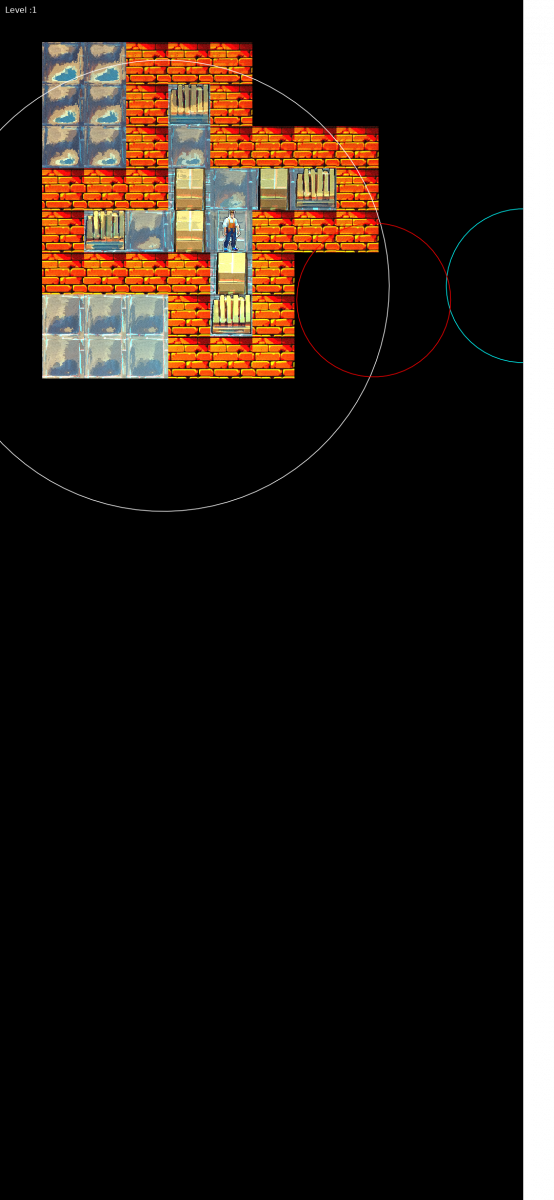
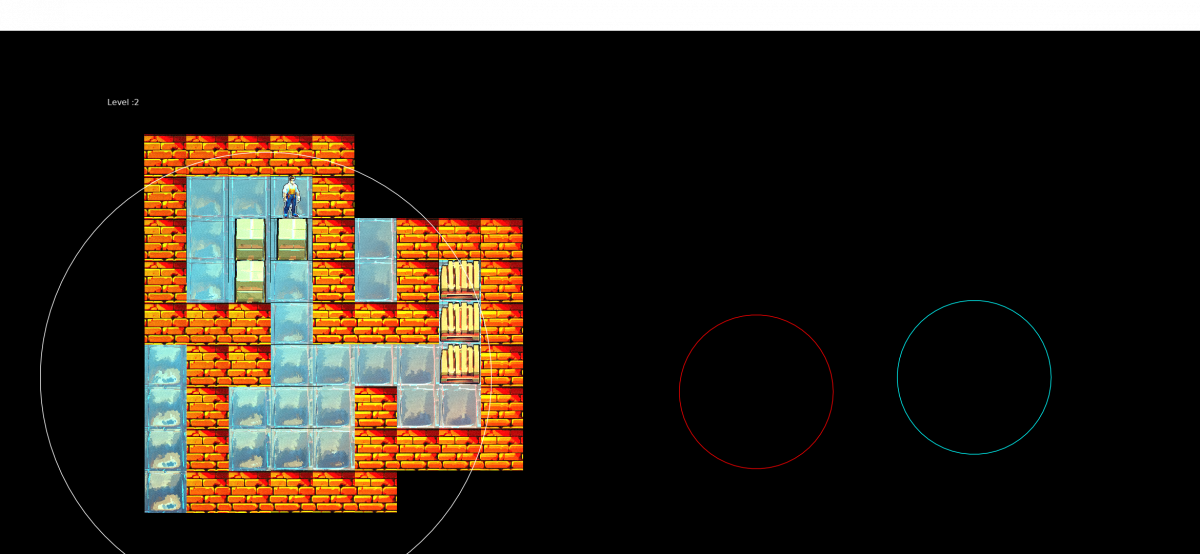
100 levels and different combinations colours, effects and tilesets.
Forked by glitchapp: https://codeberg.org/glitchapp/glitch-sokoban
v0.1 adds:
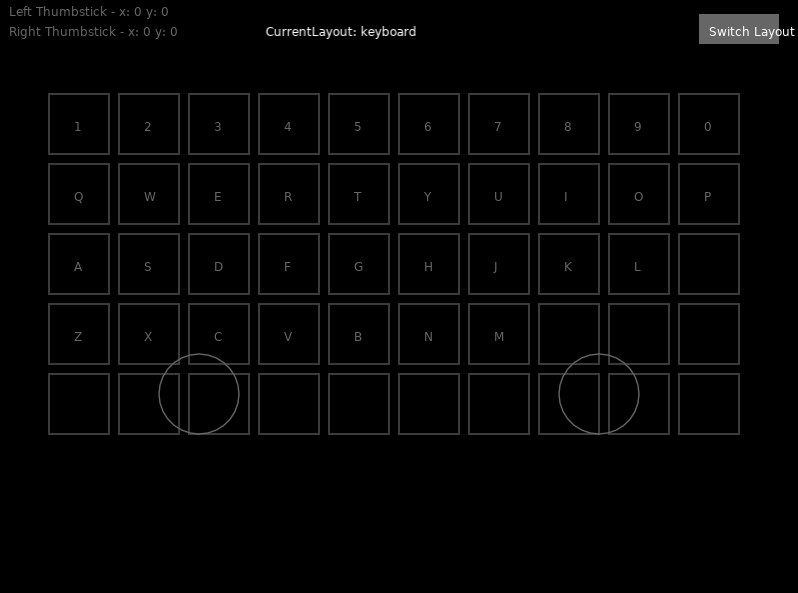
- New touch input layout
- Automatic device orientation detection (game only playable in landscape mode for now)
v0.2 adds: Pull menu and the following options:
- Restart level
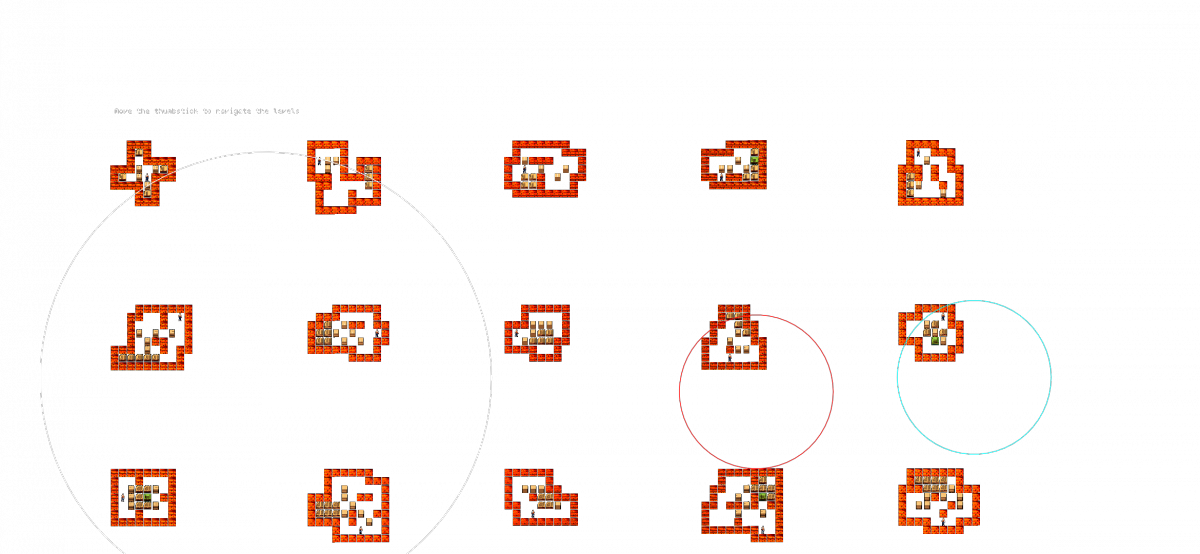
- Showcase all levels (preview)
- Music
- Exit
v0.3 adds: New assets
v0.4 update:
Glitch Sokoban — one of the very first, if not the first, LÖVE2D games I ever created — has now received a completely new rendering engine after years, rebuilt from the ground up and now fully in 3D.
The new renderer features advanced real-time graphics techniques including global illumination, normal mapping, height-based shadowing, dynamic multi-light shading, environment reflections with Fresnel, per-material lighting, rain and surface wetness effects, film grain, and per-face shading for enhanced depth.
v0.5 Update:
- Fixed multiple issues in the 3D rendering engine — cubes now render correctly.
- Camera now smoothly follows the player, starting with a cinematic zoom for a more dynamic feel.
v0.6 Update:
- Added latest version of pull menu
- You can now choose level (second option of the pull menu)
v0.7 adds:
- Performance mode: Boost FPS by reducing internal rendering resolution (toggle it from the pull menu)
v0.8 adds:
- Restored landscape mode with automatic orientation.
- Performance optimizations: Rendering at a lower resolution has been disabled, as the performance gain was negligible. Instead, a new optimization renders three types of cubes based on their distance from the player: textured, flat, and wireframe.
- Performance mode on phones: Enabled by default. Toggling it increases the rendering distance.
- Manual framerate tuning: Since automatic framerate detection is not implemented, you need to test and decide the optimal rendering distance for each level yourself.
v0.9 adds:
The game now launches with a proper main menu.
You can customize key options:
Fullscreen & VSync (desktop only)
Performance Mode (on/off)
Profiler with real-time FPS metrics
All changes apply instantly on top of the game, so you can see the effects immediately.
Note: Performance mode options act like presets, automatically setting the rendering distance to low or high values. You can now manually adjust the rendering distance and monitor performance directly from the options menu.
v1.0 – Update Highlights
New Features:
- VR Mode: Added support for VR, allowing immersive gameplay.
- Fog Option: Toggle fog effects for better visual control.
Improvements:
- Enhanced Fonts: Larger and more readable fonts for all menus and options.
v1.2 Update Highlights
Two available VR modes (one new)
“Out” VR Mode (Old mode)
In Out mode, the game is rendered stereoscopically onto a virtual canvas, similar to viewing a large VR projection screen. In this mode, your head movement does not affect the internal game camera. Instead, you observe the world from an external, detached perspective.
“In” VR Mode (New & now default)
The In VR mode is enabled by default. In this mode, you experience the world from inside the scene. Your head position and orientation directly control the in-game camera, meaning every movement is reflected in real time within the game world. This creates a fully immersive, first-person VR experience where you can freely explore the environment from any angle or position.
Notes on sensor support
VR mode requires an accelerometer or gyroscope to retrieve head position and orientation. However, sensor access has only been successfully tested on Android. On Sailfish OS, sensor support has not been reliably achieved.
Not all configurations have been tested, but the following approaches may help if you want to enable head tracking:
- Try running the game through Android emulation (sensor support is uncertain).
- Use the LÖVR → LÖVE bridge in network mode (more complex to set up, but likely the most reliable option):
https://codeberg.org/glitchapp/LOVR2LOVE - Use LÖVR → LÖVE in shared memory mode. This is unlikely to work on Sailfish OS for multiple reasons: LÖVR is required but not natively supported there, and even if compiled, mobile operating systems may block shared memory access due to security restrictions (as it could allow unintended data exposure between processes).
- Stream the game from a desktop somehow (using a sunshine server server for example) and use the phone as a streaming client. Probably the easiest way and you will solve performance issues on any modern hardware.
Screenshots:

Keywords:
Application versions:
| Attachment | Size | Date |
|---|---|---|
 gsok-0.1-1.noarch.rpm gsok-0.1-1.noarch.rpm | 21.99 MB | 21/05/2024 - 12:35 |
| gsok-0.2-1.noarch.rpm | 24.43 MB | 18/06/2024 - 12:50 |
| gsok-0.3-1.noarch.rpm | 32.93 MB | 21/11/2024 - 21:00 |
| gsok-0.4-1.noarch.rpm | 32.91 MB | 26/03/2026 - 13:18 |
| gsok-0.5-1.noarch.rpm | 32.91 MB | 27/03/2026 - 11:38 |
| gsok-0.6-1.noarch.rpm | 33.35 MB | 28/03/2026 - 02:45 |
| gsok-0.7-1.noarch.rpm | 33.35 MB | 28/03/2026 - 09:44 |
| gsok-0.8-1.noarch.rpm | 33.37 MB | 06/04/2026 - 11:57 |
| gsok-0.9-1.noarch.rpm | 35.28 MB | 09/04/2026 - 13:55 |
| gsok-1.0-1.noarch.rpm | 35.44 MB | 09/05/2026 - 22:45 |
| gsok-1.2-1.noarch.rpm | 35.7 MB | 17/05/2026 - 12:01 |
Changelog:
v1.2 Update Highlights
Two available VR modes (one new)
“Out” VR Mode (Old mode)
In Out mode, the game is rendered stereoscopically onto a virtual canvas, similar to viewing a large VR projection screen. In this mode, your head movement does not affect the internal game camera. Instead, you observe the world from an external, detached perspective.
“In” VR Mode (New & now default)
The In VR mode is enabled by default. In this mode, you experience the world from inside the scene. Your head position and orientation directly control the in-game camera, meaning every movement is reflected in real time within the game world. This creates a fully immersive, first-person VR experience where you can freely explore the environment from any angle or position.
Notes on sensor support
VR mode requires an accelerometer or gyroscope to retrieve head position and orientation. However, sensor access has only been successfully tested on Android. On Sailfish OS, sensor support has not been reliably achieved.
Not all configurations have been tested, but the following approaches may help if you want to enable head tracking:
- Try running the game through Android emulation (sensor support is uncertain).
- Use the LÖVR → LÖVE bridge in network mode (more complex to set up, but likely the most reliable option):
https://codeberg.org/glitchapp/LOVR2LOVE - Use LÖVR → LÖVE in shared memory mode. This is unlikely to work on Sailfish OS for multiple reasons: LÖVR is required but not natively supported there, and even if compiled, mobile operating systems may block shared memory access due to security restrictions (as it could allow unintended data exposure between processes).
- Stream the game from a desktop somehow (using a sunshine server server for example) and use the phone as a streaming client. Probably the easiest way and you will solve performance issues on any modern hardware.
Comments
glitchapp
Mon, 2026/04/06 - 17:47
Permalink
Hi, I'm not sure what is the best method, please try to install it from terminal by typing 'pkcon install love'. I think that should work.
amol
Mon, 2026/04/06 - 14:29
Permalink
Hey, I didn't understand Love had to be installed separately. I thought the rumtime came with the game as a dependency. Is "Love Runtime" on Storeman the one that needs to be installed?
glitchapp
Sun, 2026/03/29 - 21:45
Permalink
Hey there! I build all my games with Löve2D. Do you have it installed?
amol
Sun, 2026/03/29 - 20:21
Permalink
Doesn't start on my Xperia 10 III, simply doesn't open at all