
Kibble - Youtube Shorts


You know how a lot of people hate shorts? They actively block them, avoid them.
More power to them!
I, however, need my daily dose of doomscrolling.
So I am making Kibble! Kibble is a tiny Sailfish app that does one thing: you sign in, you feed the gremlin, and you scroll YouTube Shorts. Fullscreen, vertical, one after another, forever (or until you have to go be a person again). Nothing else gets in the way: no search bar to fall into, no comments to read, no "you might also like". Just the scroll.
What it does:
- Sign in by importing the session already in your Sailfish Browser.
- Fullscreen vertical Shorts: autoplay, swipe up or down, and a finished short loops.
- Your feed, your choice: For you, your Subscriptions, or Home.
- Up to 1080p, and you can dial the quality down in Settings.
- Double-tap to like.
- The next short is preloaded while you watch, so a swipe starts straight away.
- It tells YouTube what you watched, so your history and recommendations actually keep up.
- Keeps the screen awake while you scroll.
What it does not do (on purpose):
No search, no comments, no subscriptions to manage, no uploads, no playlists, no downloads.
Notes:
- Kibble can use yt-dlp as a fallback. It installs and updates its own copy, a shared nightly build in ~/.local/bin. or happily uses one you already have.
- First run also sets up playback tokens (Deno plus a small local service, about 40 MB). YouTube is picky about handng video data to a signed-in app without one, so it isn't really optional Onboarding walks you through it, and it only happens once.
- Kibble runs outside the Sailfish sandbox, because it needs a localhost stream proxy and the yt-dlp helper. That is expected, and it is why it is not in the Jolla Store.
- Built on the engine and player of FinTube (GPLv3). Thank you so much for laying the groundwork for Kibble!
- Accessing YouTube through a third-party client is against YouTube's Terms of Service. Kibble is a personal-use client that downloads nothing
- Made with AI assistance, designed, reviewed, finetuned by a human (meee).
Future ideas:
A timelimit per day, or a set amount of shorts, maybe?
Cleaner onboarding
Screenshots:
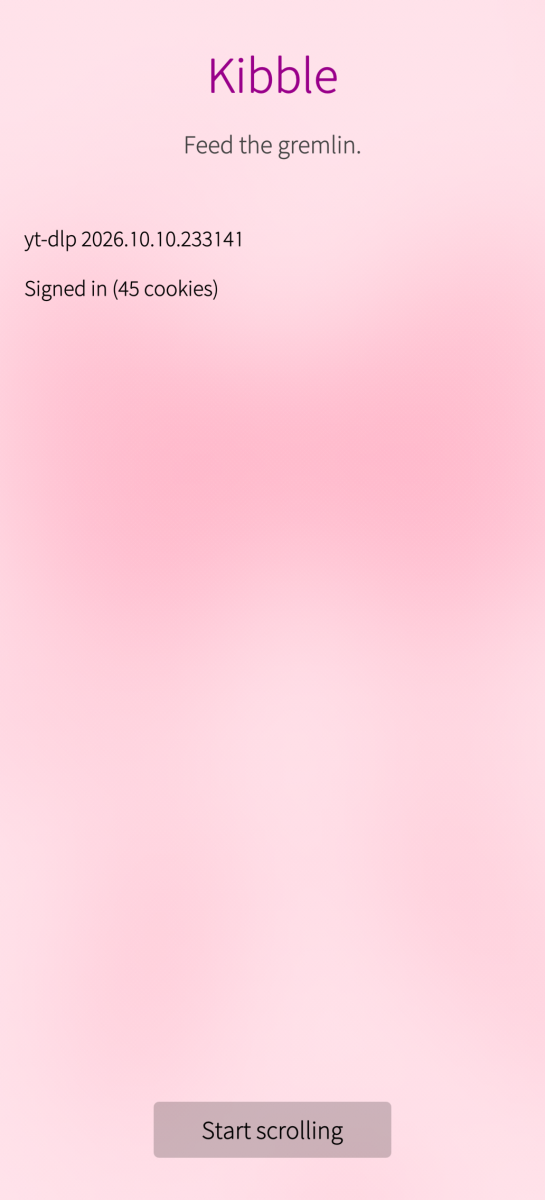
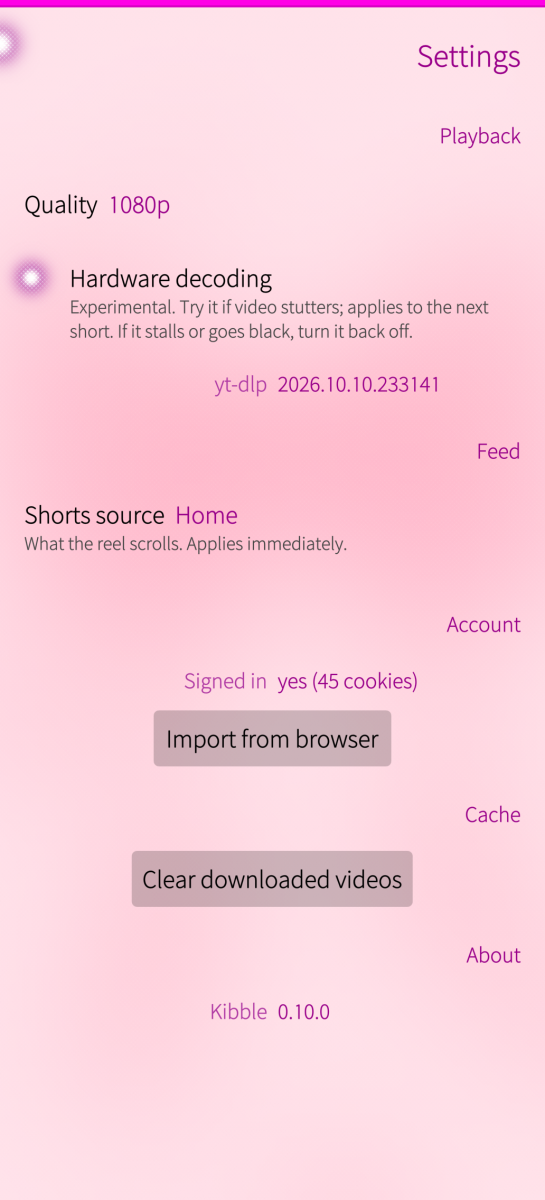
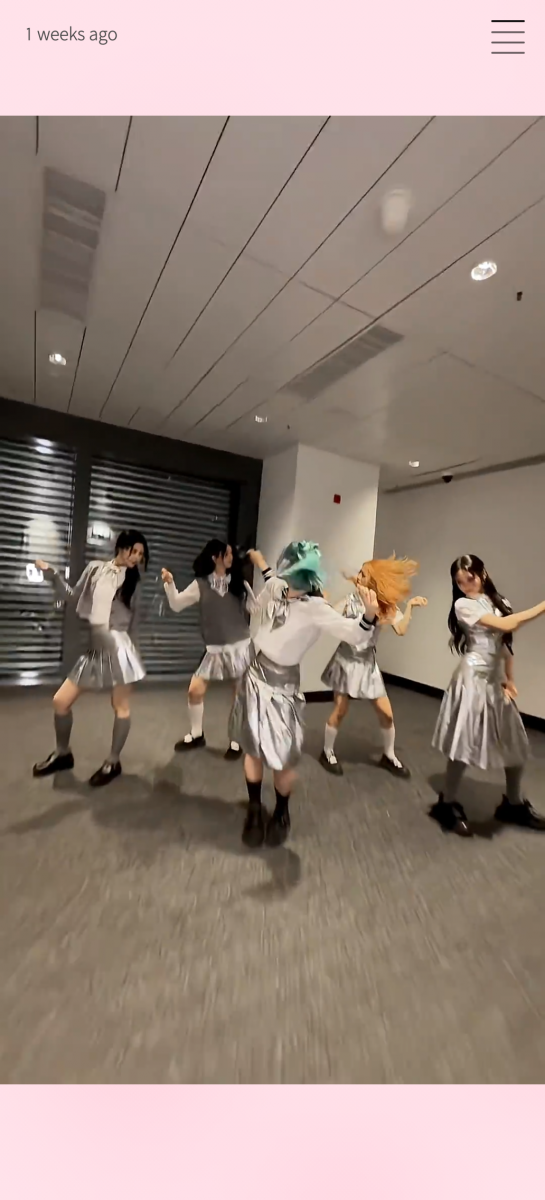
Category:
Application versions:
| Attachment | Size | Date |
|---|---|---|
 harbour-kibble-1.0.0-1.aarch64.rpm harbour-kibble-1.0.0-1.aarch64.rpm | 132.54 KB | 12/10/2026 - 13:33 |
| harbour-kibble-1.2.2-1.aarch64.rpm | 152.47 KB | 16/10/2026 - 00:30 |
Changelog:
- Subscriptions no longer dead-ends: YouTube gives one Shorts shelf on its first page (~12) and long-form videos after, so the source now continues with the Related Shorts reel and a small bottom notice says so. Home does the same. - Stop following a continuation token that comes back unchanged (it was walking the full page budget for nothing on every swipe near the end).
Backend note (2026-10-15). Playback no longer goes through yt-dlp by default. A short is resolved with one direct InnerTube request (~0.6 s, no subprocess, no PO token), the channel and upload time come from one authenticated WEB request, watched state is reported natively, and a stale imported session is now detected instead of silently serving an empty feed. yt-dlp and the Deno/bgutil token service are kept only as an optional fallback (a Settings toggle), so a phone with neither can still scroll. Thank https://github.com/sandstorm244/harbour-fintube for all the hard work!
Comments
Mrui
Thu, 2026/10/29 - 11:35
Permalink
Love it, works fine on jolla phone 2026