
fiat margo - keeps edges


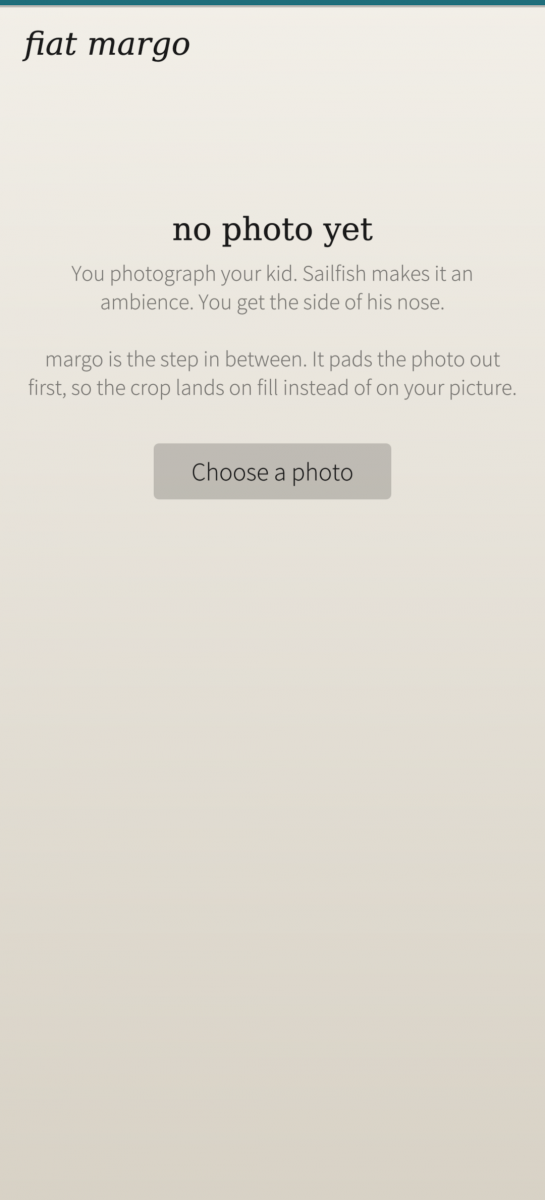
You photograph your kid. Sailfish makes it an ambience. You get the side of his nose.

fiat margo is the step in between.

WHAT SAILFISH DOES

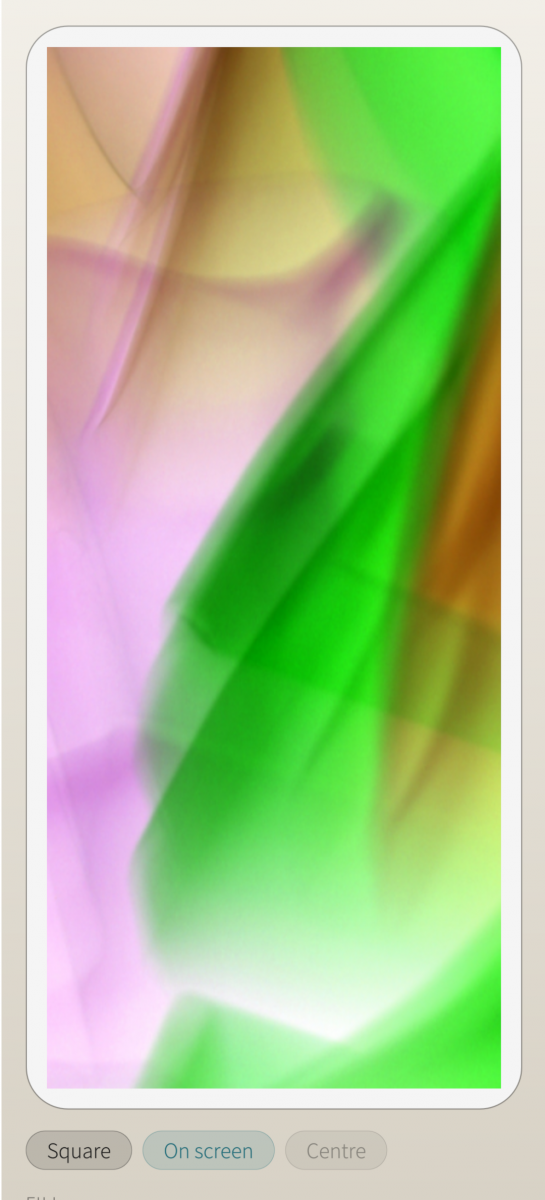
A photo is cropped twice on its way to becoming an ambience. First it is forced into a square. Then that square is stretched to the height of the screen, and the left and right edges are sliced off to match the screen's width.

Neither step shows you what you are getting — the official documentation says so outright. So a normally framed portrait loses its edges twice, and what survives is a sliver of whatever happened to be dead centre.

WHAT MARGO DOES

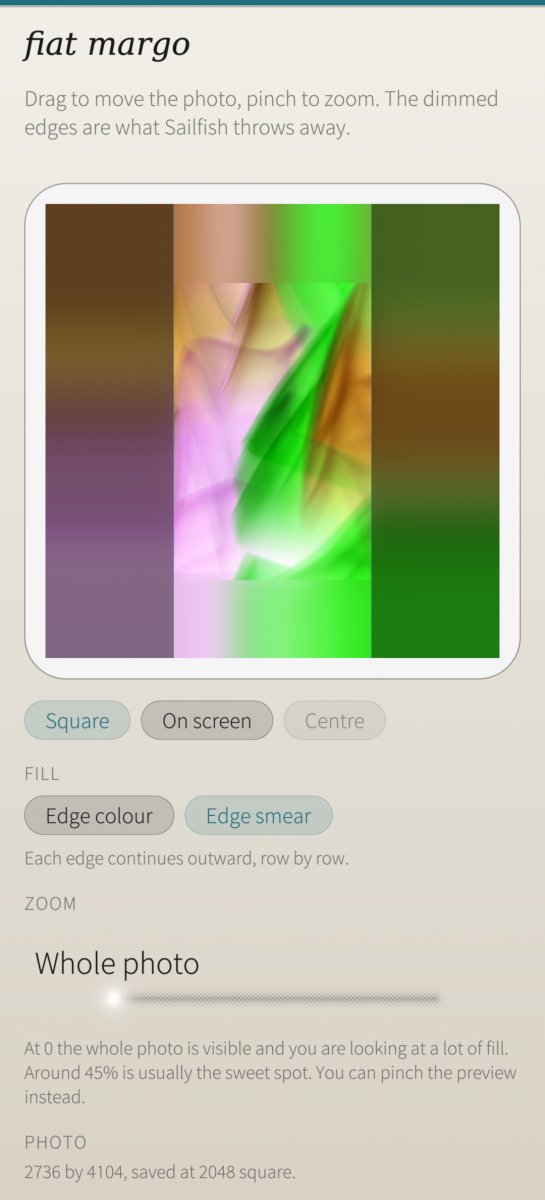
The opposite. It places your whole, uncropped photo inside the strip that survives both crops, and fills everything around it with colour taken from the photo's own edges. The crop still happens. It just lands on fill instead of on your picture.

The part people miss: the surviving strip is full height. The fill above and below your photo is not discarded — it is the part you look at every time you glance at your phone. Only the left and right fill is thrown away. That is the whole reason the fill is sampled from your own image rather than set to black.

THE TWO FILLS

Both are the same construction — extend the photo's edge pixels outward, then blur. The only difference is how far you let them melt.

• Edge colour — a blur of 20% of the image width, giving soft fields of the colours found along each edge. Best when the edges are busy and a continuation would look like a mistake.

• Edge smear — a blur of 3.5%, so each edge continues outward row by row. Best whenever the photo has a horizon, a wall, or any strong horizontal line: it simply carries on.

CONTROLS

• Zoom — at 0 the whole photo is visible and you are looking at a lot of fill; at 1 it fills the screen and the edges crop. Around 45% is usually the sweet spot. Pinching the preview does the same thing.
• Drag the preview to move the photo, and Centre to put it back.
• Square / On screen — switch between what Gallery shows you and what the phone will actually display, so you can see the result before you commit to it.

WHAT IT CANNOT DO

Make the ambience for you. No Store app may set an ambience — there is no such permission on the Harbour allowlist. fiat margo writes a prepared image to Pictures / Ambiences, and you finish in Gallery, where the ambience button now has nothing left to ruin.

YOUR DATA

Everything happens on your phone. There is no account, no network access, and nothing is measured or reported.

fiat margo asks for two permissions. Pictures, so it can read the photo you choose and write the prepared one back. And Media index, so the picker can list your photos at all — without it the sandbox lets the app see the folder but not ask what is in it.

Your original is never touched. margo only ever writes a new file into Pictures / Ambiences, named after the photo it came from.

ABOUT THE NAME

fiat — Latin, let there be. margo — Latin, margin, edge, border: the blank a page keeps around its own text, so that the words are never cut by the paper.

One of the fiat apps, alongside fiat lux (a light meter for film), fiat vox (a chromatic tuner), fiat mos (a habit tracker) and fiat agenda (a task list).

Free software, MIT licensed. Source at github.com/munksh/FiatMargo
Screenshots:
Category:
Application versions:
| Attachment | Size | Date |
|---|---|---|
 harbour-fiatmargo-1.0.0-1.aarch64.rpm harbour-fiatmargo-1.0.0-1.aarch64.rpm | 61.89 KB | 30/08/2026 - 11:28 |
| harbour-fiatmargo-1.1-1.aarch64.rpm | 55.22 KB | 20/09/2026 - 22:21 |
Changelog:
(none)
Comments
elkiaer
Mon, 2026/10/19 - 18:37
Permalink
I have a grand child and I change ambience often, she is growing fast ☺
dumol
Sun, 2026/08/30 - 21:02
Permalink
32bit package requires 64bit libs.
defactofactotum
Sun, 2026/08/30 - 14:36
Permalink
My pics are on the sdcard....all jpeg. I get a message no pics available, accepted formats jpg and png. The picker doesn't allow me to choose a picture from anywhere else than Pictures.
munkstolen
Sun, 2026/08/30 - 16:41
Permalink
Yes, this is correct. I thought it "better", to not ask for too many permissions, both since I'm new, and I get not everyone trust a new person, but, do you feel it's a big issue moving the picture from SD to pictures? I just thought maybe an ambience picture is something one doesn't change every day :D
Maybe it's just me :)
If more feel it's suboptimal I can add wider permission :)