
eToro client (unofficial)


The harbour-etoro is Sailfish OS client for viewing your eToro account information with optional trading support.
Features:
Version 0.7.1: Updated 2026-09-15
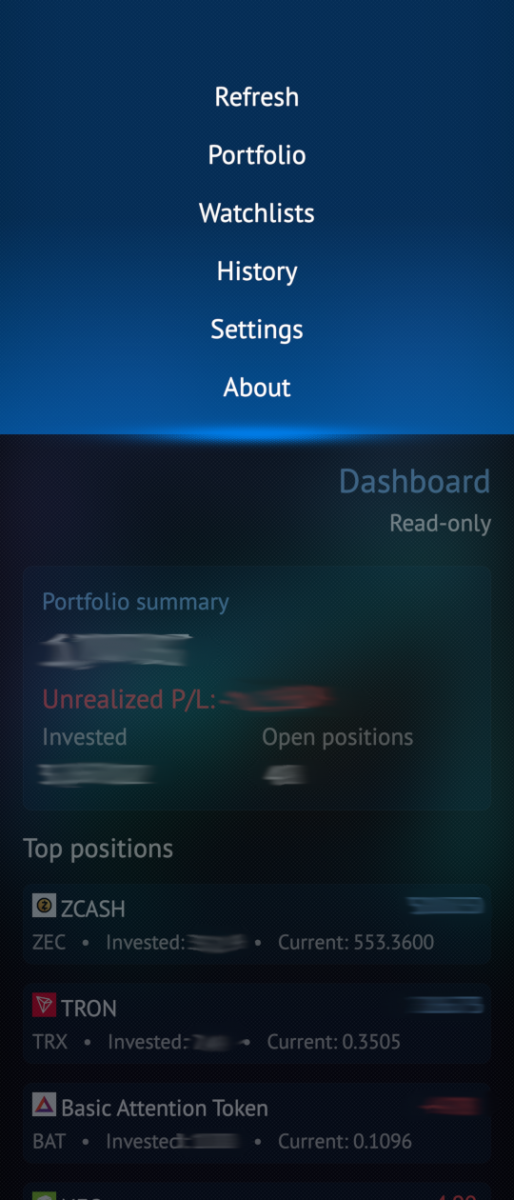
Version 0.7.1 adds interactive historical price charts, submitted-order status tracking and safer market-restriction checks across Discover, Watchlists and Portfolio.
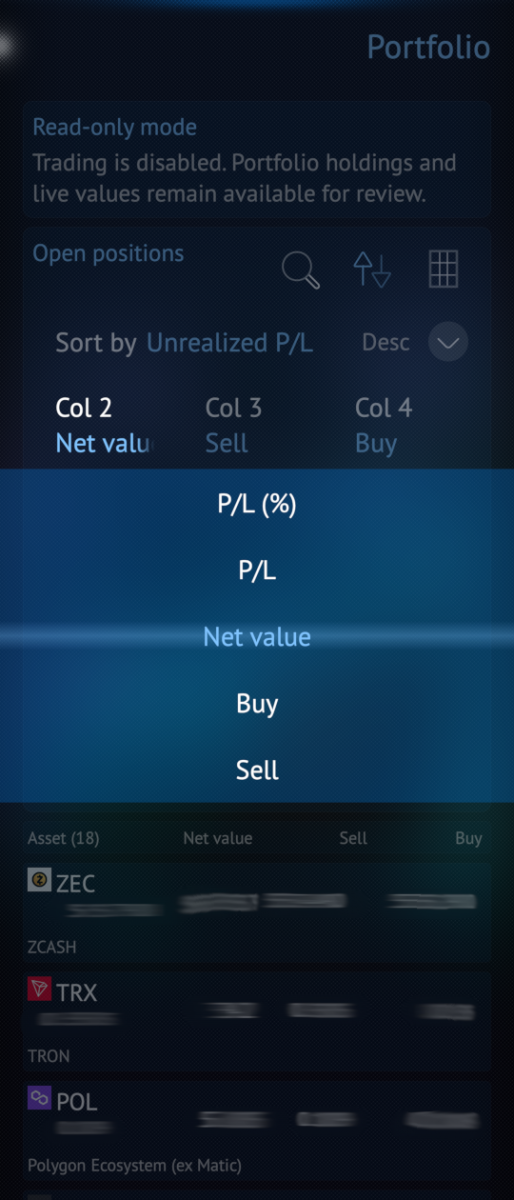
Portfolio sorting has also been improved with P/L percentage and net-value options, correct ascending order and persistent sort direction. The release includes improved notifications, sandboxing, Hungarian translations and further UI and stability refinements.
Highlights:
- Revamp pulley menu (reduce number of menus)
- Introduce SailJail
- Buy actions remain disabled while market availability is being verified.
Version 0.6.0: Updated 2026-05-23
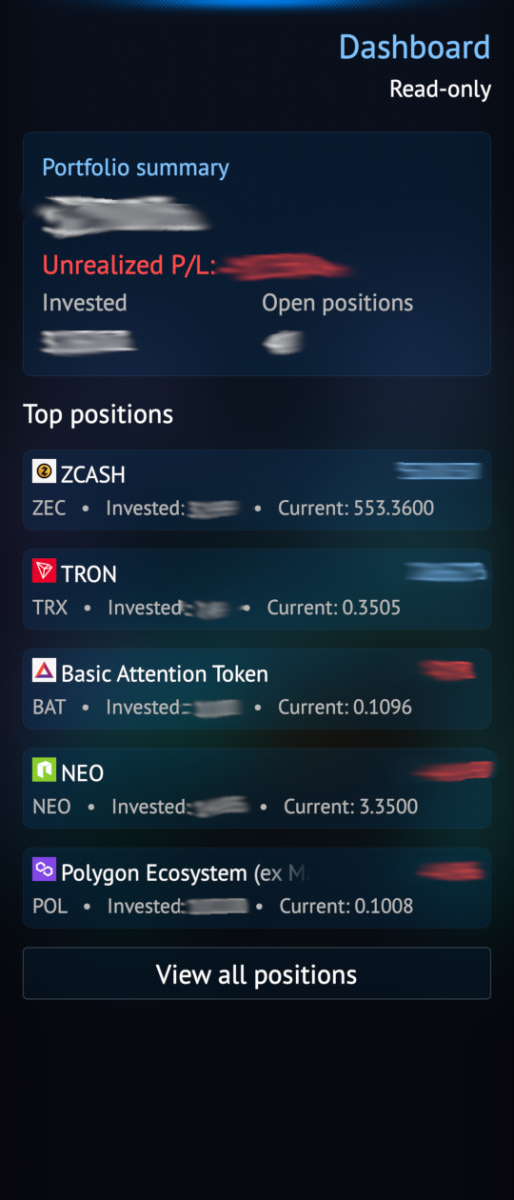
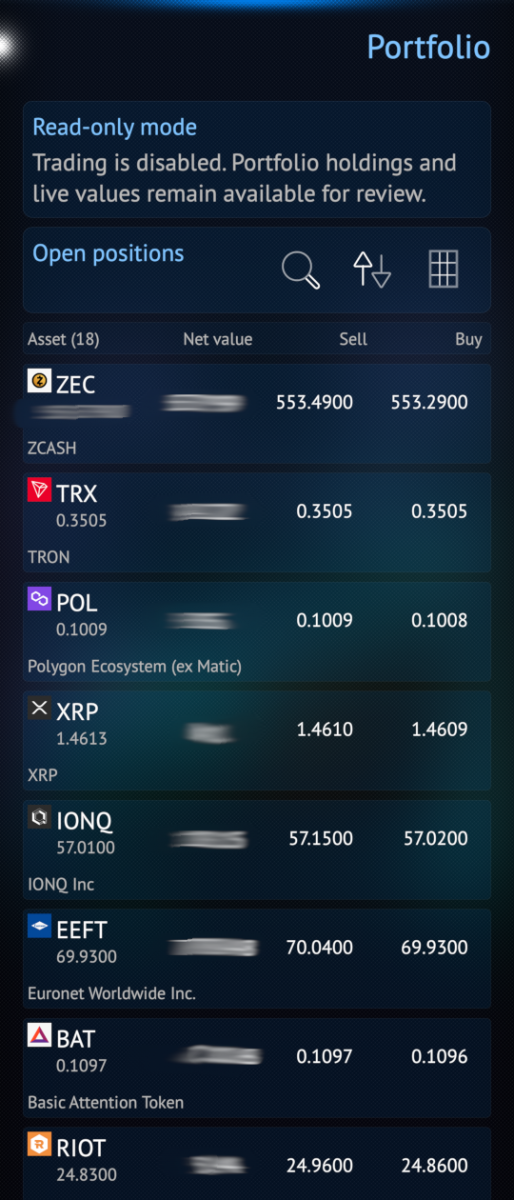
- Portfolio overview and live values
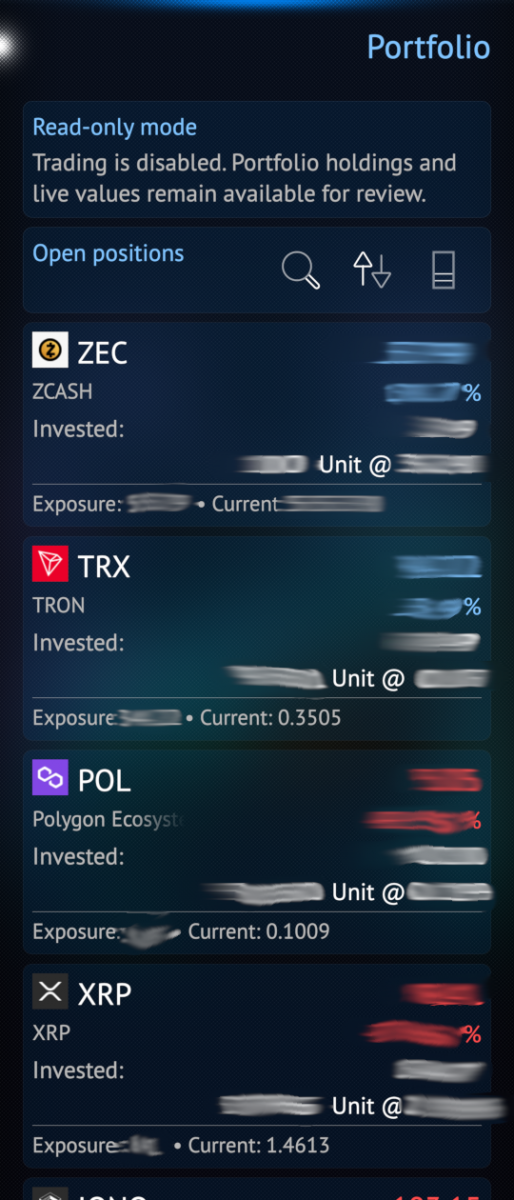
- Open positions and position details
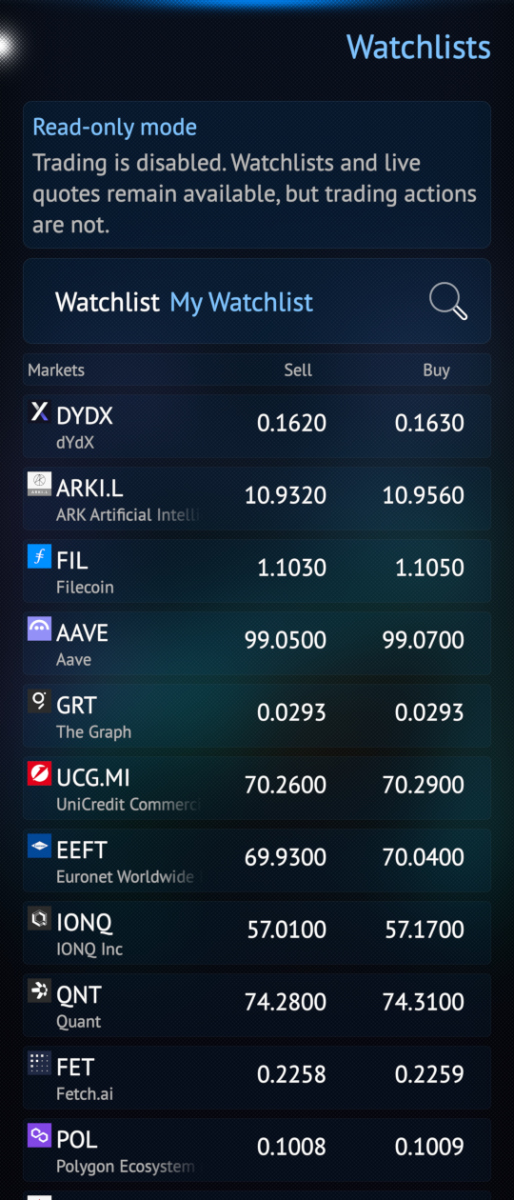
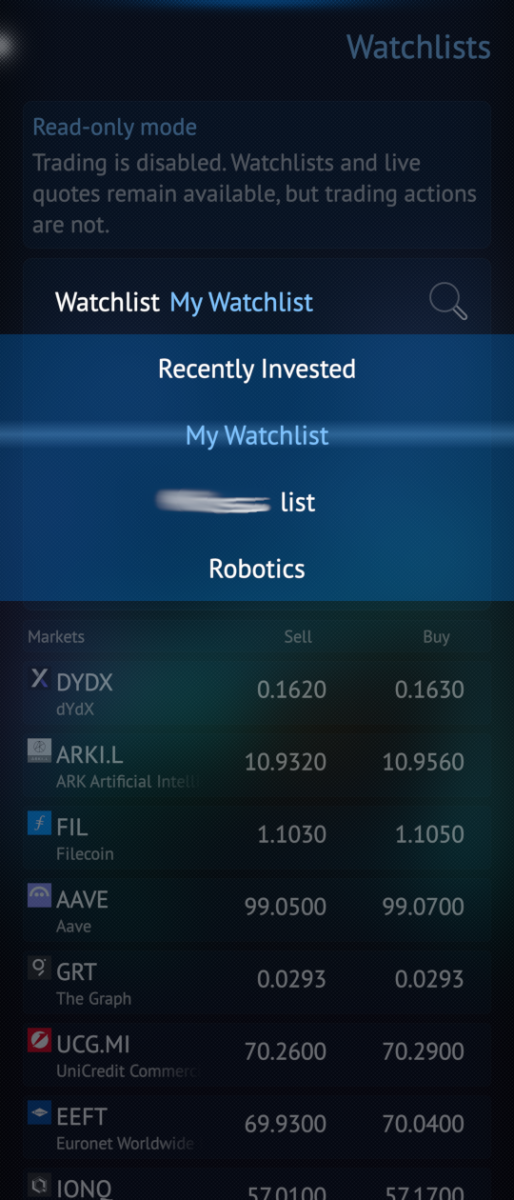
- Watchlists with live quotes
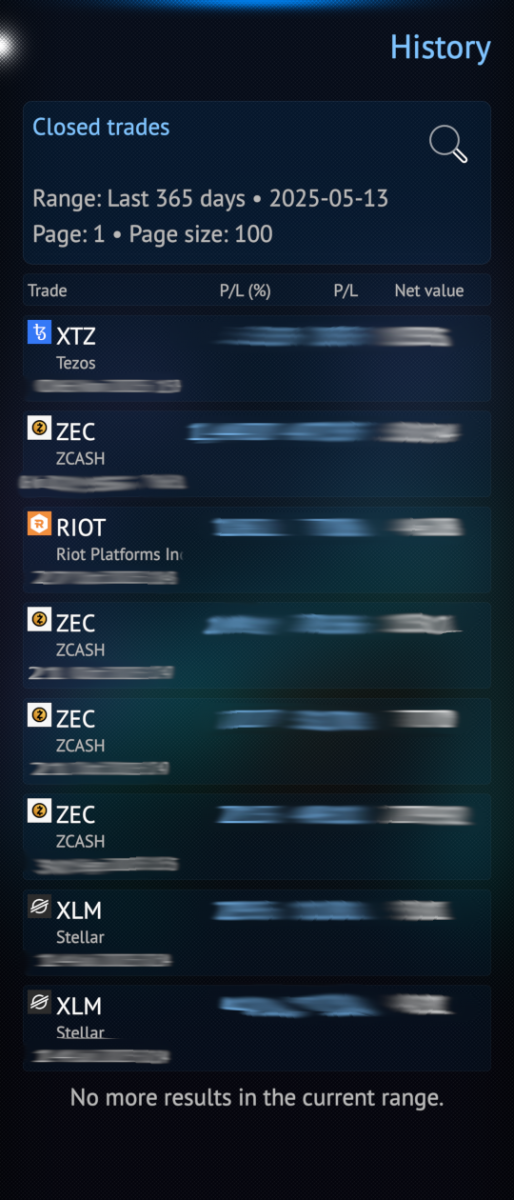
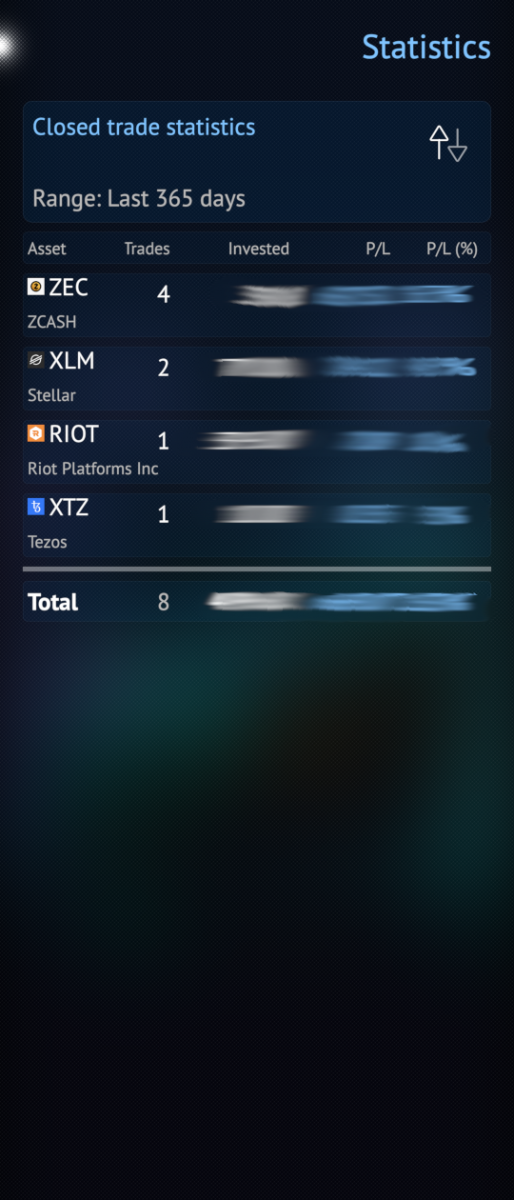
- Trade history and statistics
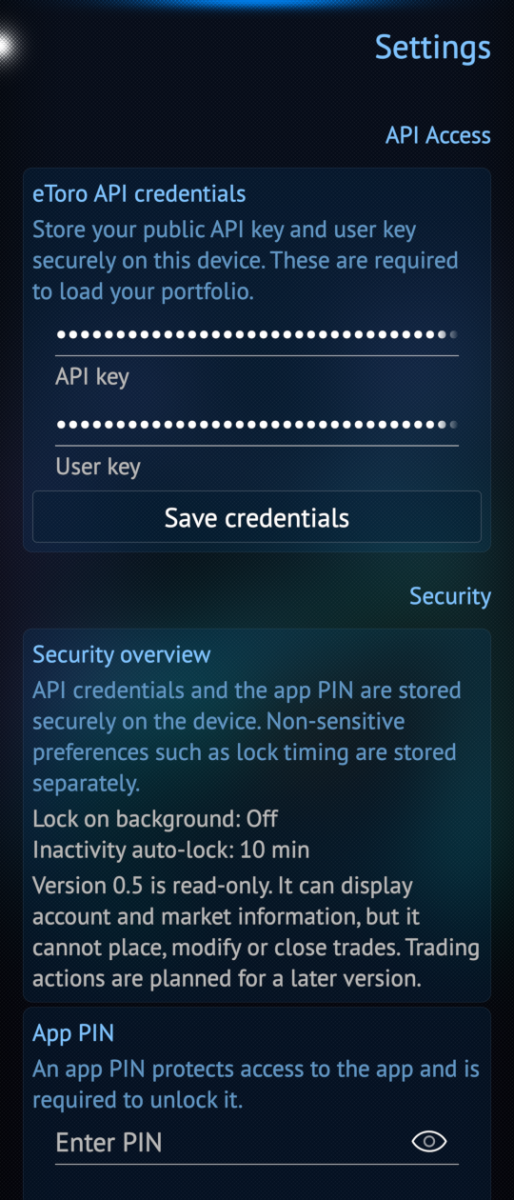
- Secure API credential storage
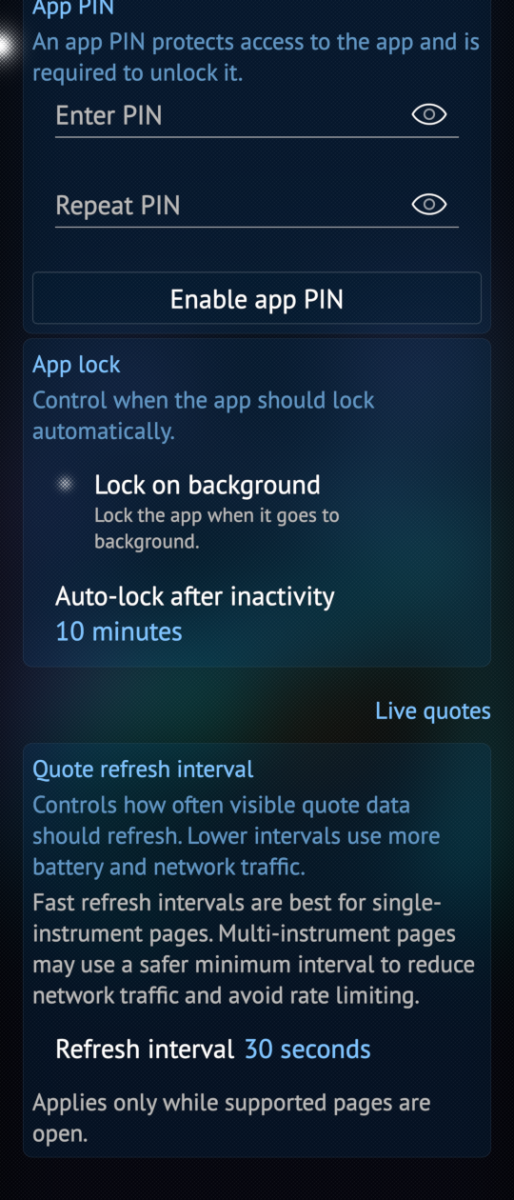
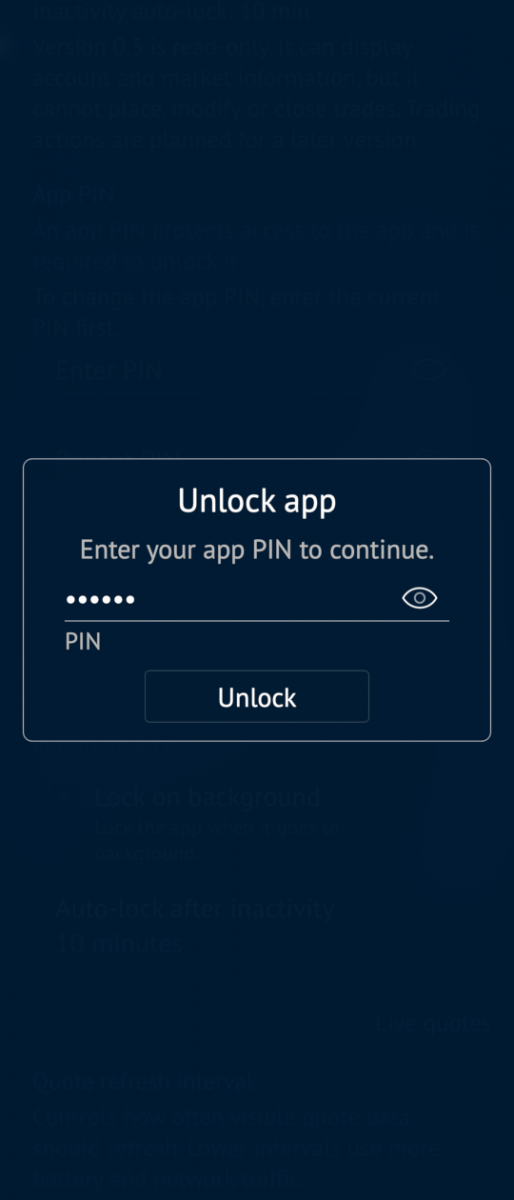
- Optional app PIN lock and auto-lock
- Trading-enabled mode with Buy/Sell flows
- Real and Virtual account switching
- Discover page with symbol and asset-name search
- Advanced watchlist management (create, rename, delete, add/remove assets)
- Grouped positions and improved position detail pages
- Custom history date ranges and enhanced statistics
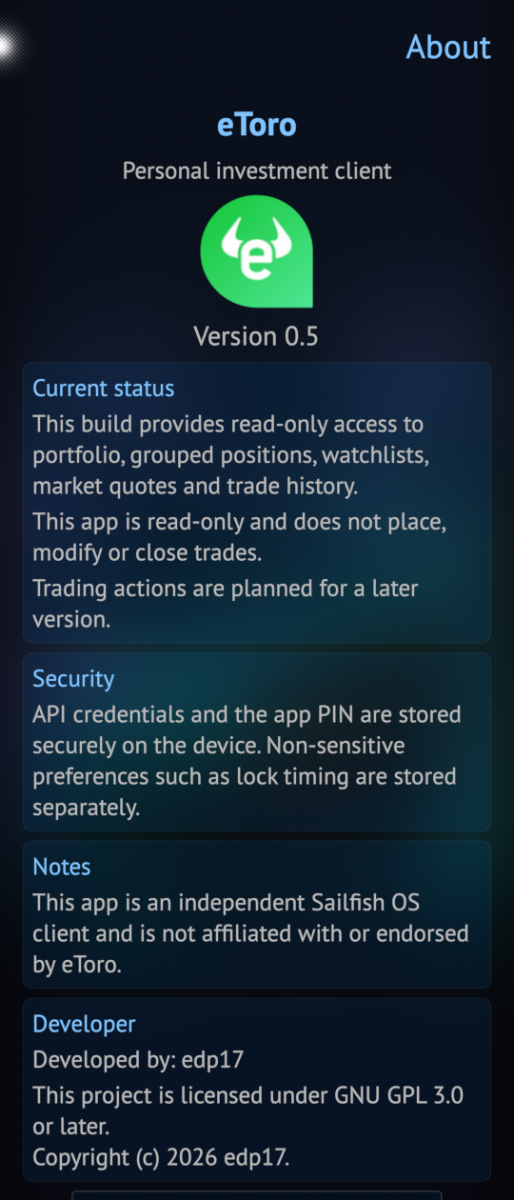
This application is independent and is not affiliated with or endorsed by eToro.
API keys:
To use this app you'll need to create your own API key on etoro website (this option currently only available through their website, API key cannot be generated in eToro app)
To reach the menu option to create API key: eToro website -> Settings -> Trading -> API Key Management - Set a public key and Create Your API Key
Direct link to eToro-Settings-Trade
How to use API keys in the app (Settings page):
- type the Public key from website into API key field
- type the generated API key from website into User key field
Limitations:
- In certain counties (like UK) eToro doesn't allow to generate write API keys, it means, Real protfolio trading is not available, only the Virtual one :(
- In certain countries some assets are not available to buy. (Example ZEC is not anymore allowed to by in UK) Unfortunately, only the eTory Discovery API returns clearly whether an asset is available or not, so on that new page a warning message is implemented, however on other places, this was not possible.
- eToro doesn't provide API to update SL/TP values, so, these are not implemented
- The History API for Virtual access doesn't work, so History menu for Virtual account is currently disabled
Future plans:
- One click trading
- Market orders (buy/sell when the unit price hits an pre-set amount)
- Cancel pending market orders
- Date picker for History custom range
- Implement amendment of SL/TP on open positions (Might not be possible as eToro doesn't provide API for this)
- Show warning for "unavaliable to buy" assets (Might not be possible as eToro doesn't reliably returns this flag)
Source:
Source on github: harbour-etoro
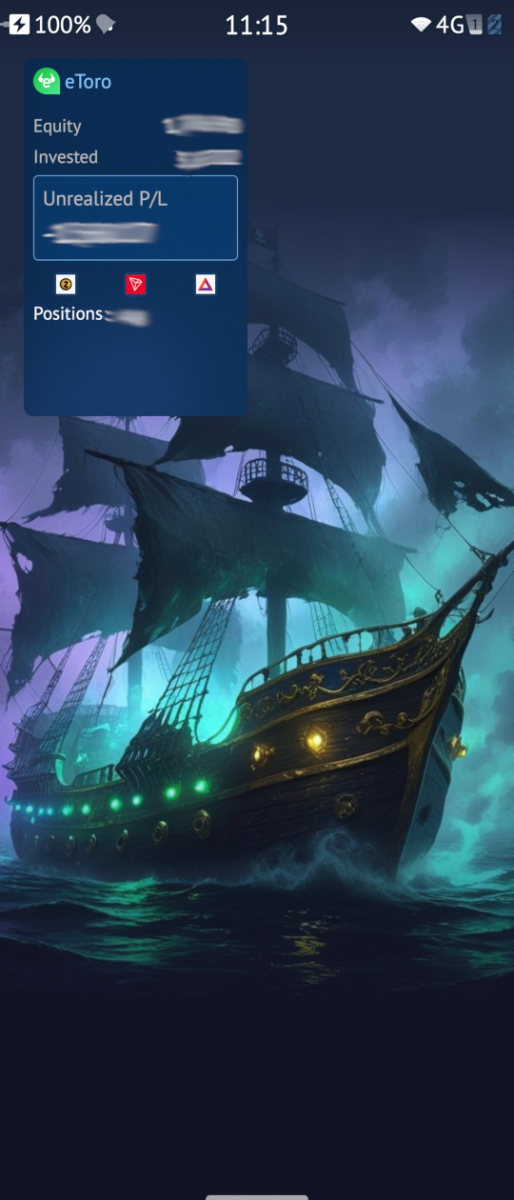
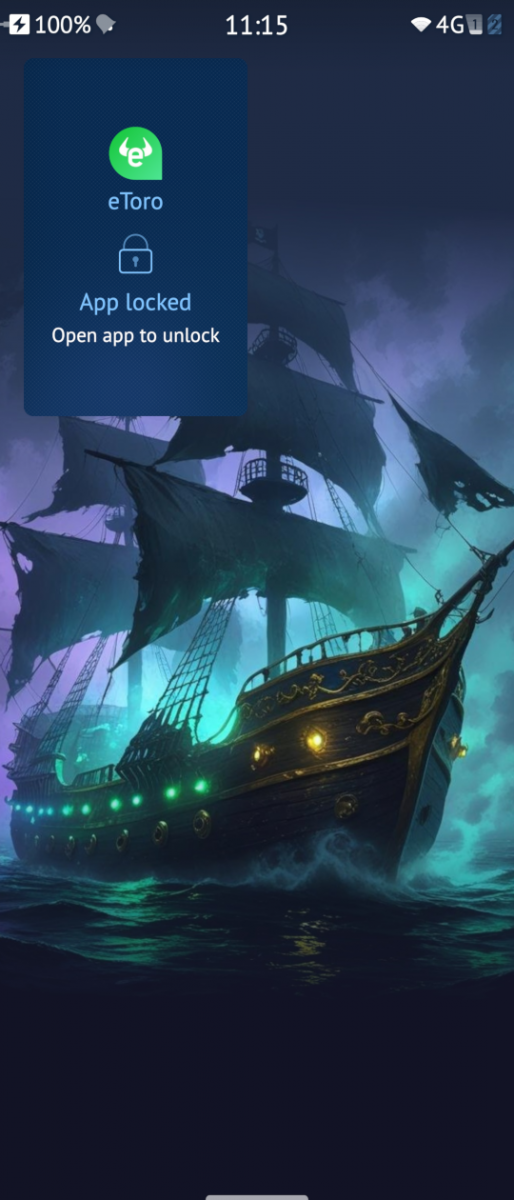
Screenshots:
Category:
Keywords:
Application versions:
| Attachment | Size | Date |
|---|---|---|
 harbour-etoro-0.5.0-1.aarch64.rpm harbour-etoro-0.5.0-1.aarch64.rpm | 142.78 KB | 13/05/2026 - 13:51 |
| harbour-etoro-0.5.0-1.armv7hl.rpm | 136.21 KB | 13/05/2026 - 13:51 |
| harbour-etoro-0.6.0-1.aarch64.rpm | 199.46 KB | 23/05/2026 - 13:42 |
| harbour-etoro-0.6.0-1.armv7hl.rpm | 192.72 KB | 23/05/2026 - 13:42 |
| harbour-etoro-0.6.0-2.aarch64.rpm | 200.29 KB | 25/05/2026 - 11:06 |
| harbour-etoro-0.6.0-2.armv7hl.rpm | 193.63 KB | 25/05/2026 - 11:06 |
| harbour-etoro-0.7.1-1.armv7hl.rpm | 219.02 KB | 15/09/2026 - 21:03 |
| harbour-etoro-0.7.1-1.aarch64.rpm | 226.79 KB | 15/09/2026 - 21:03 |
Changelog:
- Verify market restrictions consistently on asset detail and order pages
- Fix and persist Portfolio sorting direction and numeric sort modes
Comments
Kuba
Wed, 2026/05/13 - 15:48
Permalink
OMG, it works! Thank you man. As an experienced trader, one of the first things i realized switching from android to sailfishos and used postmarketos before was like... It is the only one linux system, which has no native apps for trading like tradingview etc, so if you live from trading you are forced to use Android AppSupport. Thank you man for changing this! This is the first native trade sfos app, that almost fully works. You are awesome and keep going!
edp17
Sat, 2026/05/23 - 14:01
Permalink
Thanks for the kind words. :) Now, I've implemented trading as well. However, eToro restricts some functions in some countries, please read the Restriction section for more details. I've tested it on multiple devices (official/unofficial Sailfish Os) and works well. Please let me know if you find any bugs and/or there is any missing functions.