
Starling Bank client (unofficial)


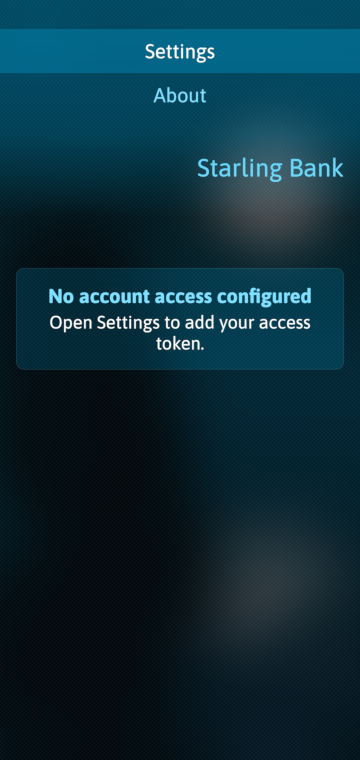
Harbour Starling is a Sailfish OS client for managing your Starling Bank account using Personal Access Tokens. This application is not affiliated with or endorsed by Starling Bank. Use it at your own discretion and keep your Personal Access Tokens secure.
It is using the official APIs that Starling provides and in this initial relase I implemented all functions that require to do basic every day banking activities. I am planning to implement more functions later, but the current one suits for my need.
Release notes for v1.1:
New features:
- Transaction export to CSV
- Custom transaction date range filter
- Transaction notes and category editing
- Transaction attachments upload/download with file picker
- Regular Payments: Direct Debits and Standing Orders with details/history
- Savings Goals/Spaces: create, add/withdraw money, delete
- Round-up support: view, enable and disable
- Payee account scheduled payments and payment history
- Account holder email/address update
- Profile image display/update/delete
Improvements:
- Cleaner card-based UI across detail pages
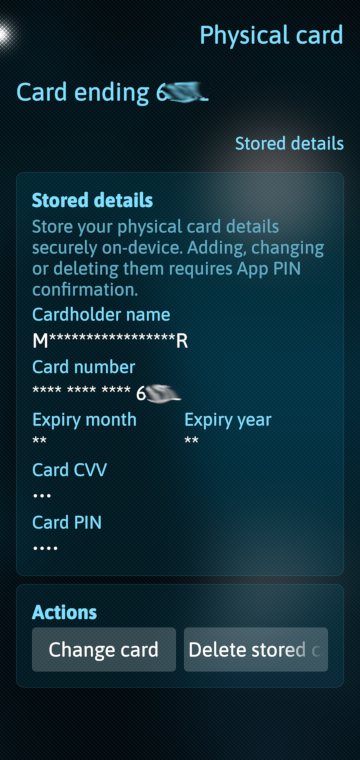
- Better offline/stored card handling
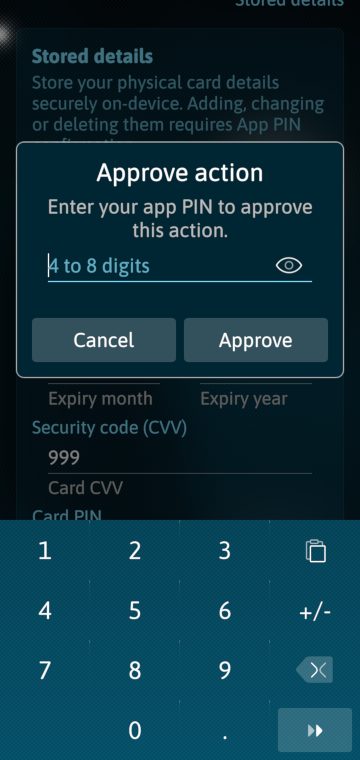
- Safer PIN-gated sensitive actions
- Improved empty/loading states
- Reduced noisy console output for expected optional API responses
How to link the app to your Starling bank account:
Starling is very strict what to allow third parties and how they can develop their applications.
This means, for be able to use this app, you'll need to do some extra steps as follows:
1. Register on developer.starlingbank.com
2. Link your Starling account to your developer account
3. On Developer..starlingbank.com / Personal Access / Tokens, create two Personal Access Tokens (PAT) (or just the first one if you prefer):
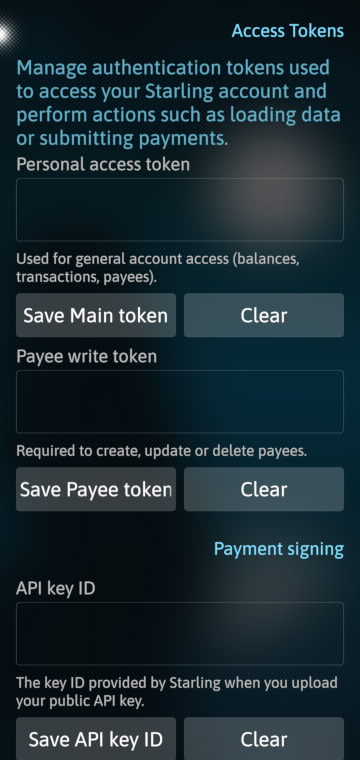
Please note: If "read only" mode is sufficient for you in harbour-starling app, you just need to generate one Access Token and set it into the Personal Access Token in the app Settings.
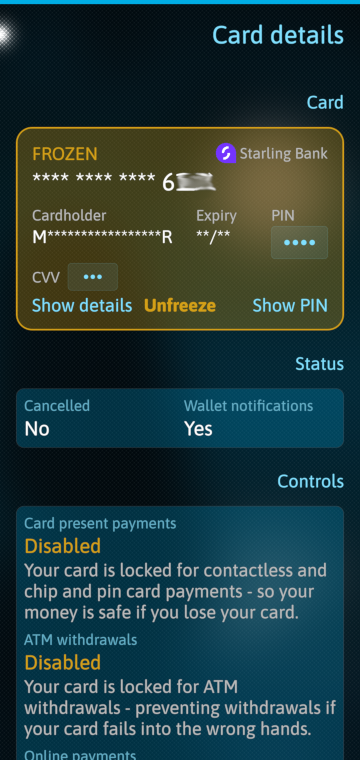
However, if you want to be able to freeze/unfreeze your bank card and create/delete new payees, you'll need to create two access tokens
3.1. Including all scopes except the "payee:create" within "Transact Financial(Make financial transactions on your behalf)" scope (name it like allInOne or similar)
3.2. Only add the "payee:create" within "Transact Financial(Make financial transactions on your behalf)" scope (name it like createPayeeOnly or similar)
3.3. In harbour-starling app in Settings, add the first PAT (allInOne) into the first "Personal access token" field. (If you generated the second PAT (createPayeeOnly), add it into "Payee write token" field.
If you want to be able to submit payment requests, Starling do require some extra security when signing off the API request. For that you'll need to do the following:
4. Making payment request requires API keys. This involves to generate your own RSA key pairs on your side (two pairs Main and Rotation) and entering on Developer..starlingbank.com to generate their one. Then, in harbour-starling app you'll need to store the API key that Starling gives you and your own main RSA key. here is how to do it:
4.1. generate an RSA key pair on device
- install openssl [code] devel-su zypper in openssl [/code]
- generate Private API key:
[code] openssl genpkey -algorithm RSA -pkeyopt rsa_keygen_bits:2048 -out starling-api-private.pem [/code]
- generate Public API key:
[code] openssl rsa -pubout -in starling-api-private.pem -out starling-api-public.pem [/code]
- generate Private API key Rotation:
[code] openssl genpkey -algorithm RSA -pkeyopt rsa_keygen_bits:2048 -out starling-rotation-private.pem [/code]
- generate Public API key Rotation:
[code] openssl rsa -pubout -in starling-rotation-private.pem -out starling-rotation-public.pem [/code]
starling-api-private.pem → keep this secret, store in your app
starling-rotation-private.pem → keep this secret, store in your app
starling-api-public.pem → paste this into Starling when creating the RSA API key
starling-rotation-public.pem → paste this into Starling when creating the RSA Rotarion API key
4.2. On Developer..starlingbank.com / Personal Access / Keys, Add a new API key. It will asks for your main public RSA key, then the rotartion public RSA key. Then, it will generate a Key UID that you have to store in harbour starling app.
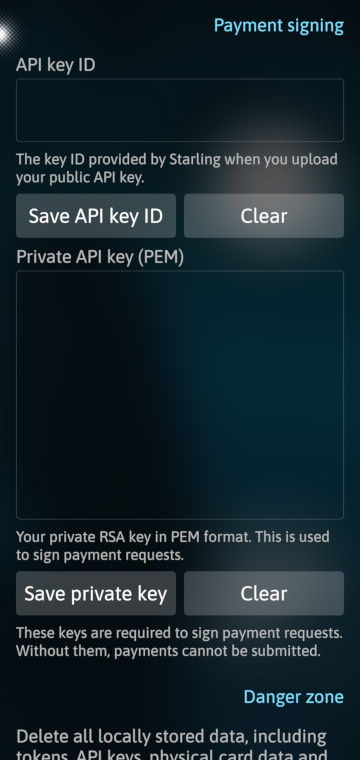
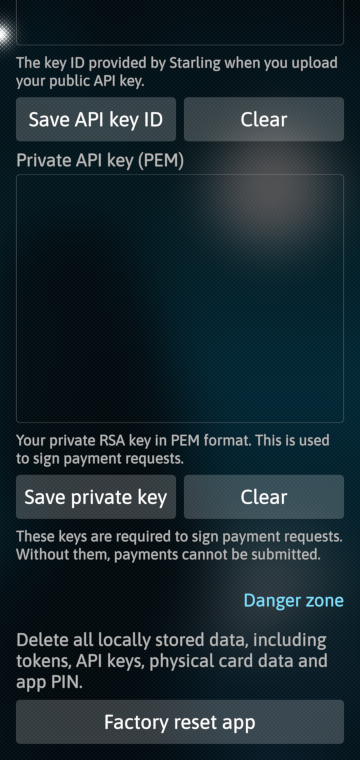
4.3I n harbour-starling app Settings set the following:
API key ID = the Key Uid that Starling gives after uploading the two public API keys
Private API key (PEM) = your main RSA key which is contents of starling-api-private.pem
Limitations:
- Starling confirmed they forgot to release the standing-order:delete OAuth scope, therefore the cancel standing order APi doesn't work
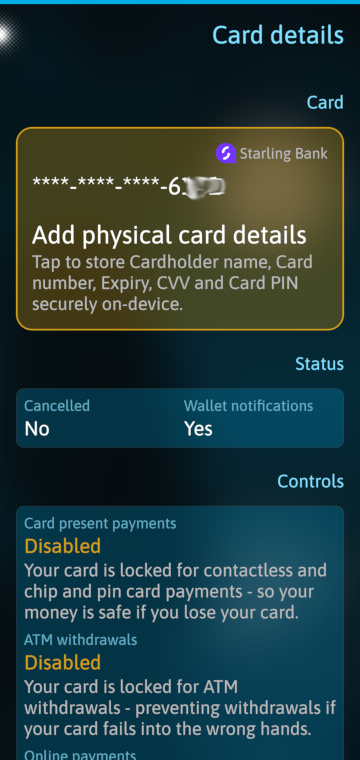
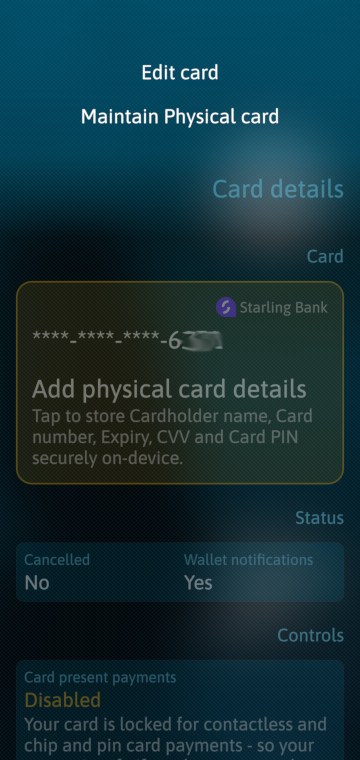
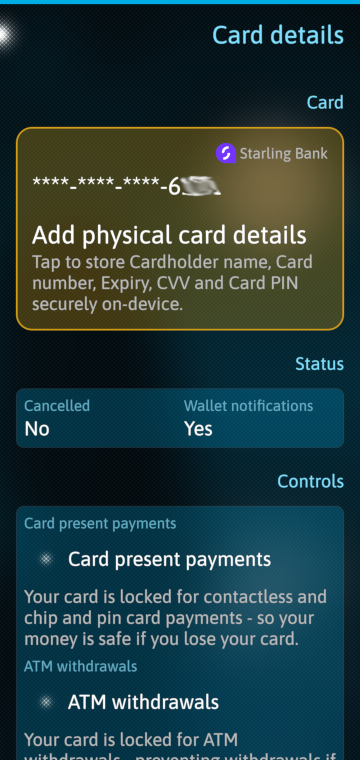
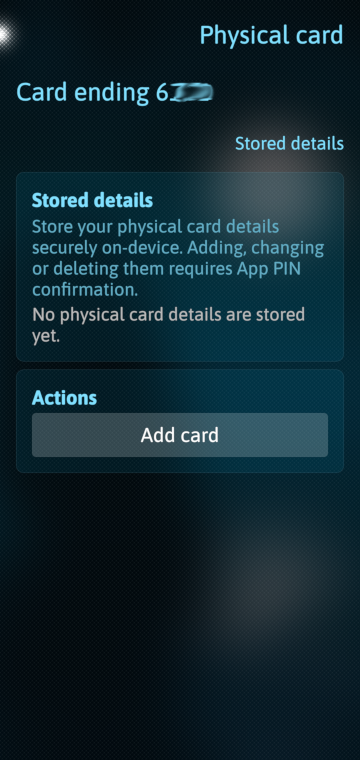
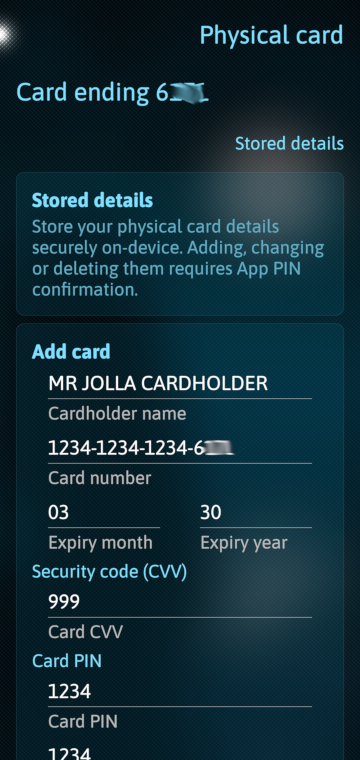
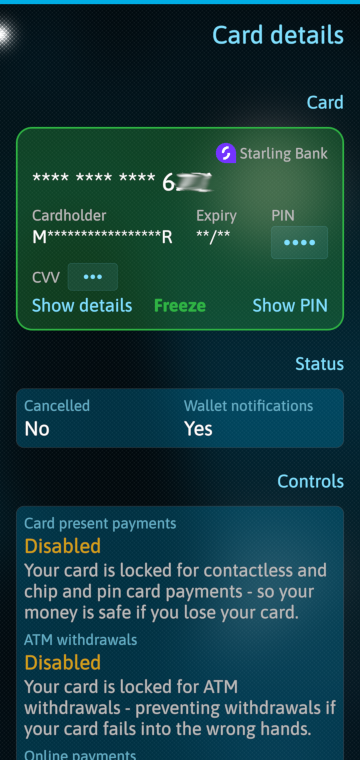
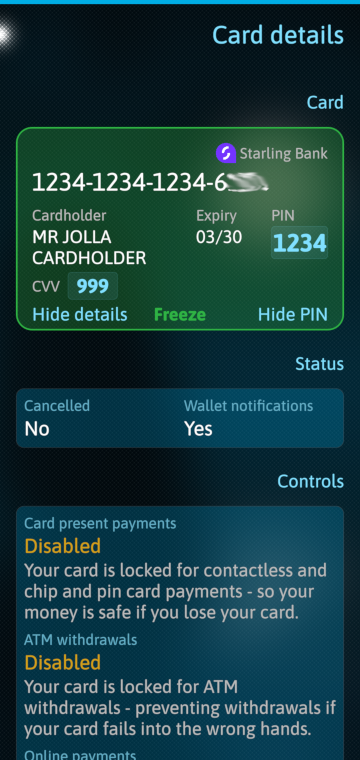
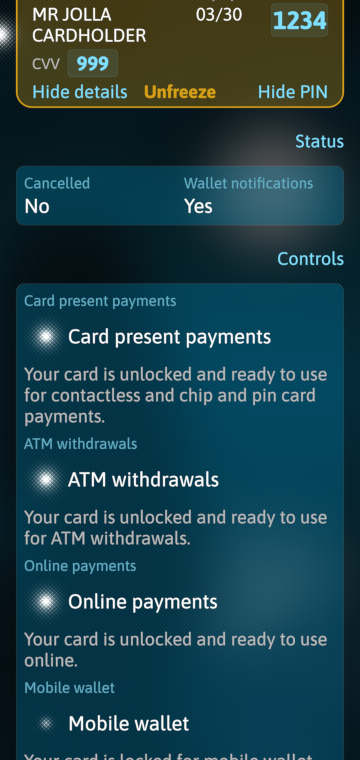
- Starling doesn't return details of your bank card, it only returns the last four digit of card number. Therefore, I've deleoped a Physical Card Details page where you can add this detail
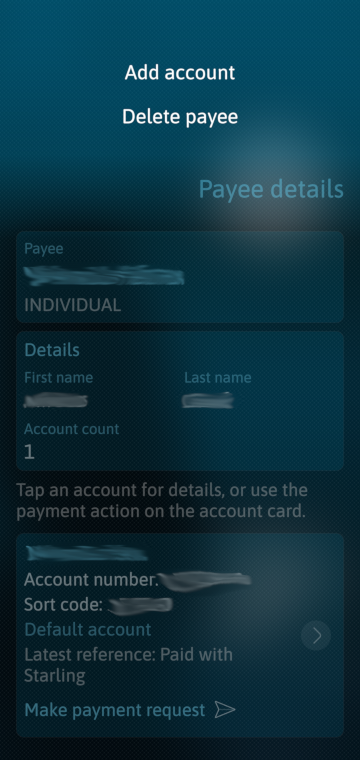
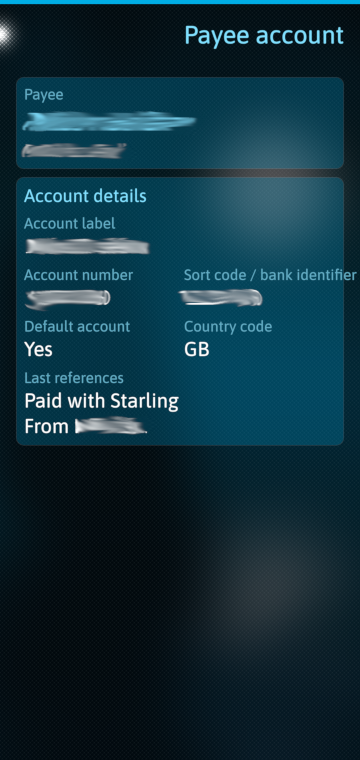
- Some functions like changing Payee and Payee account details do require approval in the official app. As they do provide Add/Delete, I removed the change function to minimize the reliance on the official app.
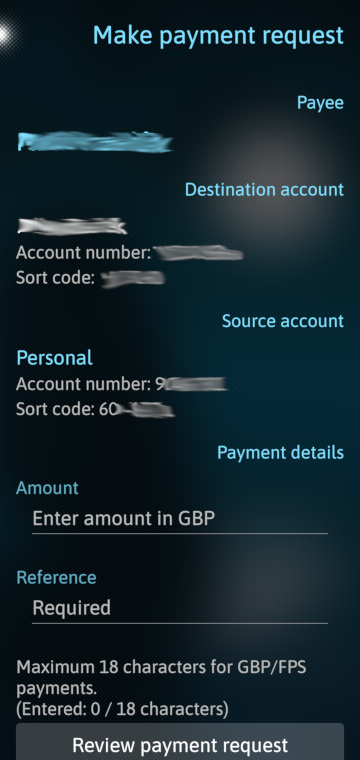
- Unfortunately, submitting a payment does also require approval in the official app.
In a way I understand this extra security but I have contacted them about it.
Future plans:
- Implement cancel standing order API when it's released
Source:
Github: harbour-starling
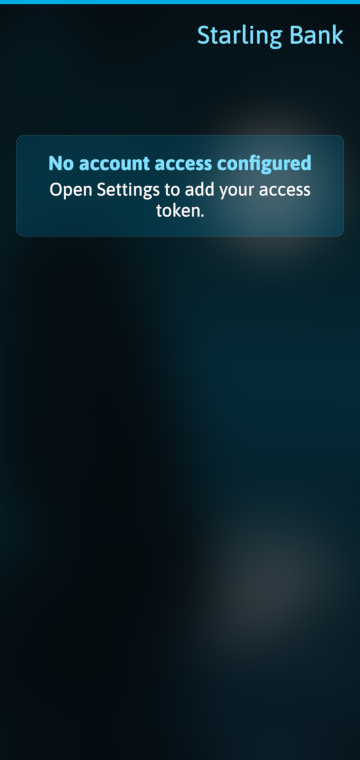
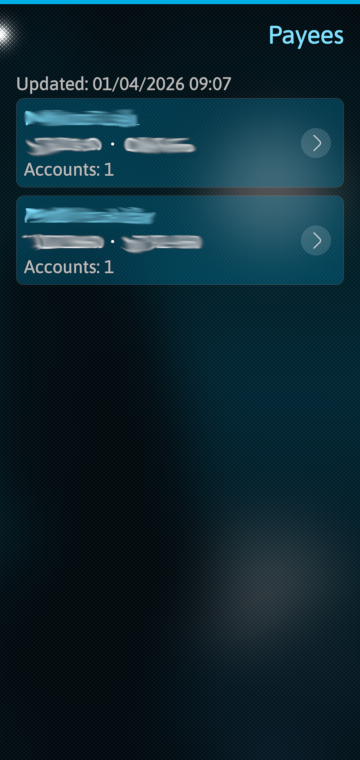
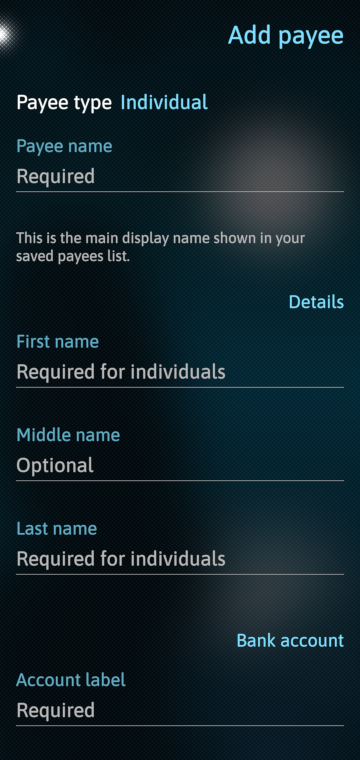
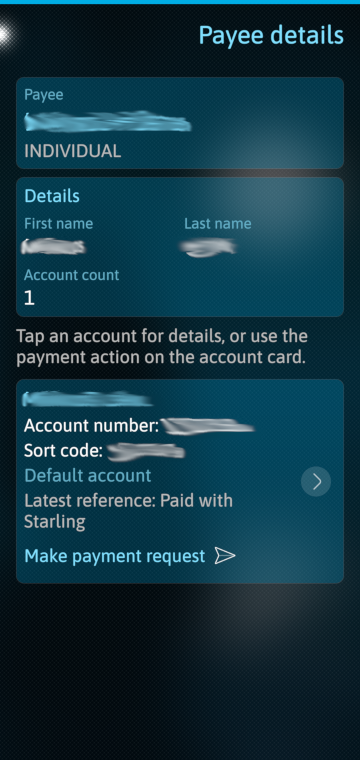
Screenshots:


Category:
Application versions:
| Attachment | Size | Date |
|---|---|---|
 harbour-starling-1.0.0-0.aarch64.rpm harbour-starling-1.0.0-0.aarch64.rpm | 144.29 KB | 02/04/2026 - 14:39 |
| harbour-starling-1.0.0-0.armv7hl.rpm | 139.46 KB | 02/04/2026 - 14:39 |
| harbour-starling-1.1.0-1.aarch64.rpm | 222.23 KB | 03/06/2026 - 16:54 |
| harbour-starling-1.1.0-1.armv7hl.rpm | 216.05 KB | 03/06/2026 - 16:54 |
Changelog:
- Initial package
Comments
edp17
Wed, 2026/04/08 - 09:37
Permalink
I've asked Starling whether there is any way to skip the official app in making payment process. here is their response:
"Maybe the situation will change in future but as of right now we don't plan to change the payment authentication mechanism of our API. If demand for a Sailfish app is sufficient, then perhaps we will investigate this, but again, we have no immediate plans in this area."
I know it could mean nothing, but I am hopefull.
ninepine
Sat, 2026/04/04 - 15:50
Permalink
Brilliant! Works fine for me and Starling make it fairly straightforward to set up a Developer Account and get the necessary Tokens.
One minor glitch but fantastic work to get and display the rich Starling data. (UPCOMING DD transactions show as having been made in Recent Activity when they are not yet paid)
Access to / Reporting of Spaces and Euro Accounts would be great but the existing functionality is incredible. I fully understand why Starling are cautious about allowing the use of both create and pay functionality within the API but initiating payments in Sailfish to existing payees is a great ability to have.
Thanks for the great work!
edp17
Sat, 2026/04/04 - 21:11
Permalink
Thanks for the feedback. That glich is because I don't have any DD on this account yet as I literally just opened it for beaing able to develop this app. I'll setup a DD to ses how it looks like and will fix it in an update.
Regarding the payee, the app can create payee and it doesn't need approval on the official app. Only when I want to amend the payee, that requires approval. (That's why I removed the Edit option on Payee and Payee Account pages.) So if you want to change their details, you have to delete and add again. However, if you delete a payee, hat will remove all standing orders/direct debits.
As we talk about it, I think the best is adding the Edit options back and together with a comment that warns users about these submissions do require approval in official app.
edp17
Fri, 2026/04/03 - 00:17
Permalink
Thanks.
All the limitations are from how Starling designed their APIs (and how they allow developers to use them). Overall, I don't complain because this is the ONLY bank I found that provives APIs and gives the opportunity for people like me to develop an app to use their banking service. If Halifax, Lloyds, Cooperative, NatWest, Nationwide, etc. did provide such an option, I'd love to develop apps for their services too. Sadly, they are not offering other than their official apps to interact with their system.
I'd like to convince Starling to develop a way that allows me to submit a payment without the need to approve it in their official app. I'll see what they say.
windes
Thu, 2026/04/02 - 18:19
Permalink
Wow.. Amazing.. Cool work! First almost full banking app on Sailfish! Wish I ever someone can do same app with bank that i using.. :-)