
Events View Custom Text


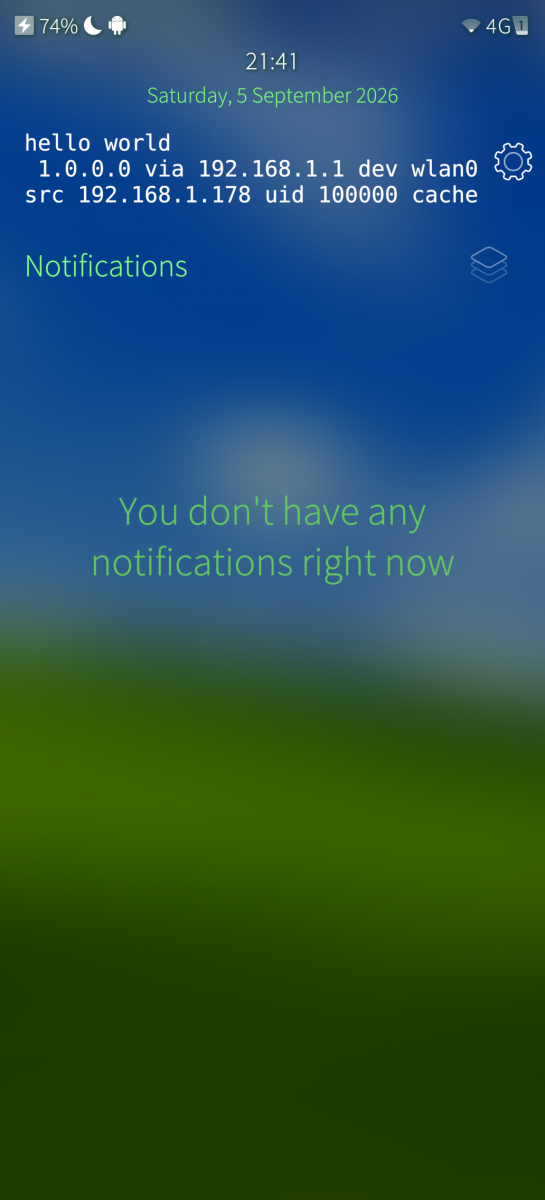
Adds a widget to Events View that can show a shell command output (optionally prefixed with static prefix). The widget has two buttons, one to rerun the command and another to go to settings of the widget.
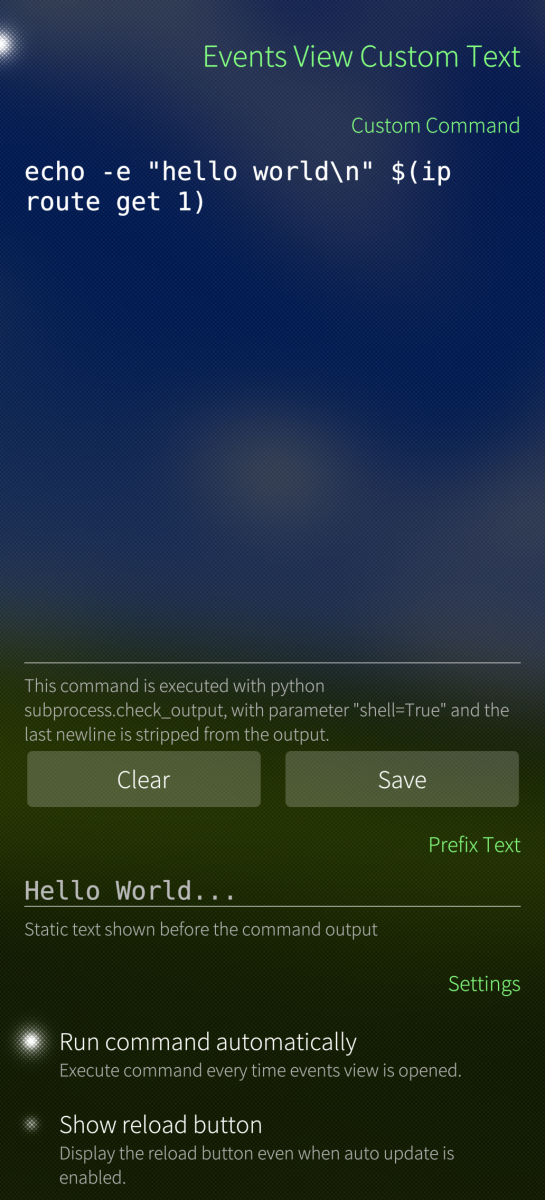
This also adds a page to jolla-settings, where the Widgets appearance and behaviour can be customized:
- Text apperance
- Font size/color/family
- Text wrap mode
- Autorun command each time events view is opened
- Enable/disable buttons in the widget.
Other notable stuff to be aware of:
- The widget stores it's configuration in dconf, under /desktop/lipstick-jolla-home/eventsview_custom_text_settings/, including the command it executes
- The command is executed with python subprocess, with the parameter shell=True
- As the widget runs in silica, it is running the commands under defaultuser
That means it can do everything you could do in terminal on the defaultuser privileges, including deleting files belonging to you! Use at your own risk.
License: MIT No Attribution (MIT-0)
Source Code: https://codeberg.org/Okxa/sfos-eventsview-custom-text
Shoutouts to pauligrinder for figuring out the eventsview widget system and providing a template widget.
Screenshots:
Category:
Keywords:
Application versions:
| Attachment | Size | Date |
|---|---|---|
 eventsview-custom-text-1.0.0-1.noarch.rpm eventsview-custom-text-1.0.0-1.noarch.rpm | 11.15 KB | 05/09/2026 - 23:49 |
Changelog:
v1.0.0
- Initial release
Recent comments