
QuayCentral


QuayCentral (sounds like 'key') is a read-only and online-only GUI app for Sailfish OS that utilizes the 1Password Command-line Tool.
Version 0.11
Licensed under GNU GPLv3
Built for SFOS v4.6+
This is an unofficial application and is in no way associated with 1Password or AgileBits, Inc.
Thanks to JSEHV for the app icon.
While the app is read-only (no creating, editing or deleting of items), a user can upload documents to their vault in the Documents section.
With these limitations, this app is more of a supplement to the official Android app rather than an attempt at a full replacement.
A reasonable approach might be to setup the Android app so that it is ready if needed, e.g. when offline or setting up 1Password on another device, and to have this native app, if so desired, for simpler actions such as password retrieval.
Full source available on GitHub.
Requirements
- A 1Password.com account.
- An active network connection.
- Installation of version 2.20.0 or later of the 1Password command-line tool in /usr/bin, /usr/local/bin, or another directory in your $PATH. More info:
- Addition of the shorthand "quaycentsfos" to your device's CLI. This avoids the need for QC to store your address for signing in (in most cases 'my' but not always). It can be done from the app or independtly using Terminal. More info on adding the shorthand:
Limitations & Issues
- Lockout timer may not function if device is put to sleep etc. and so is not meant as a reliable replacement for manually locking vault(s) using one of the available methods.
- Lockout timer only goes by the app's interaction with the CLI and isn't reset by any user interaction that doesn't access data, such as swiping back, going to Settings, etc. If part of an item, the one-time password is obtained every 30 seconds using the CLI but can be stopped from continuing by using the Close button on the app cover or just swiping back from the item details if inside the app.
- One-time password will sometimes disappear from Cover and the Item page in the app after loading, reason as yet unknown. Will fix as soon as cause is identified.
- No support for multiple accounts or groups.
- Documents won't show up in list of items when all categories are loaded, to get to them user must go to the Documents section from the Vault(s) page.
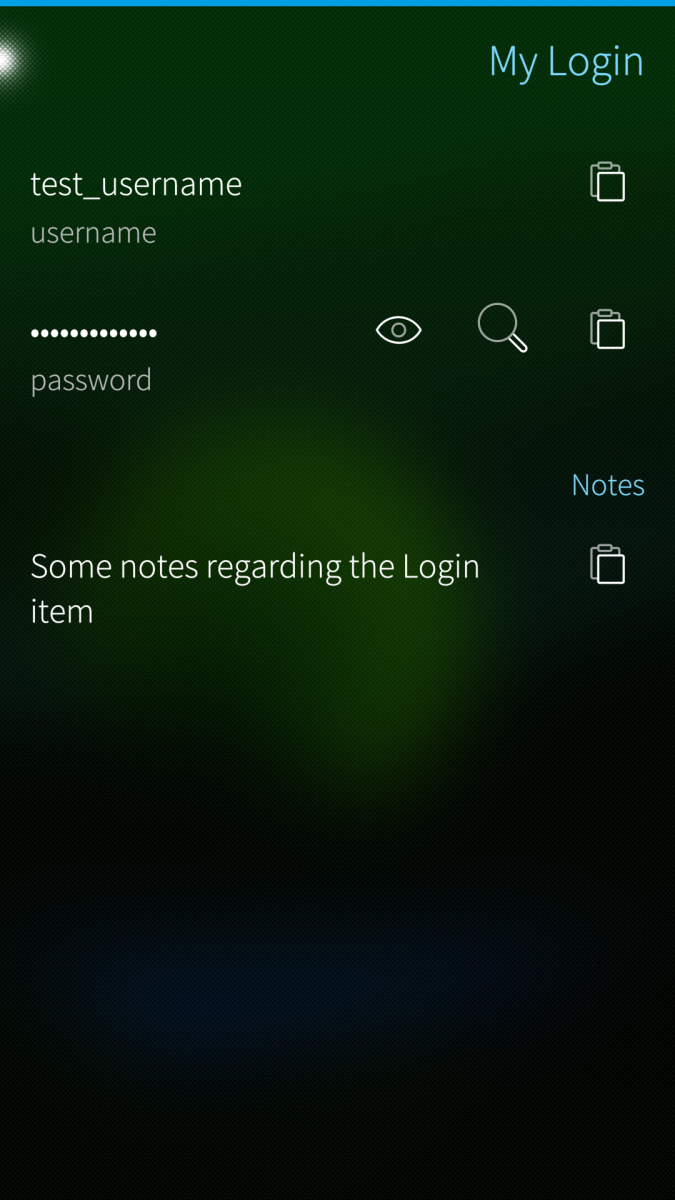
- Item details page should list all data entries, however will not display section headers (besides Notes) and may still have some formatting issues in some cases.
- Items are not listed alphabetically so search method is necessary as opposed to scrolling through a list.
Rationale
- Good to have a native app with an interface consistent with Ambience.
- Less dependence on Android App Support.
App Security
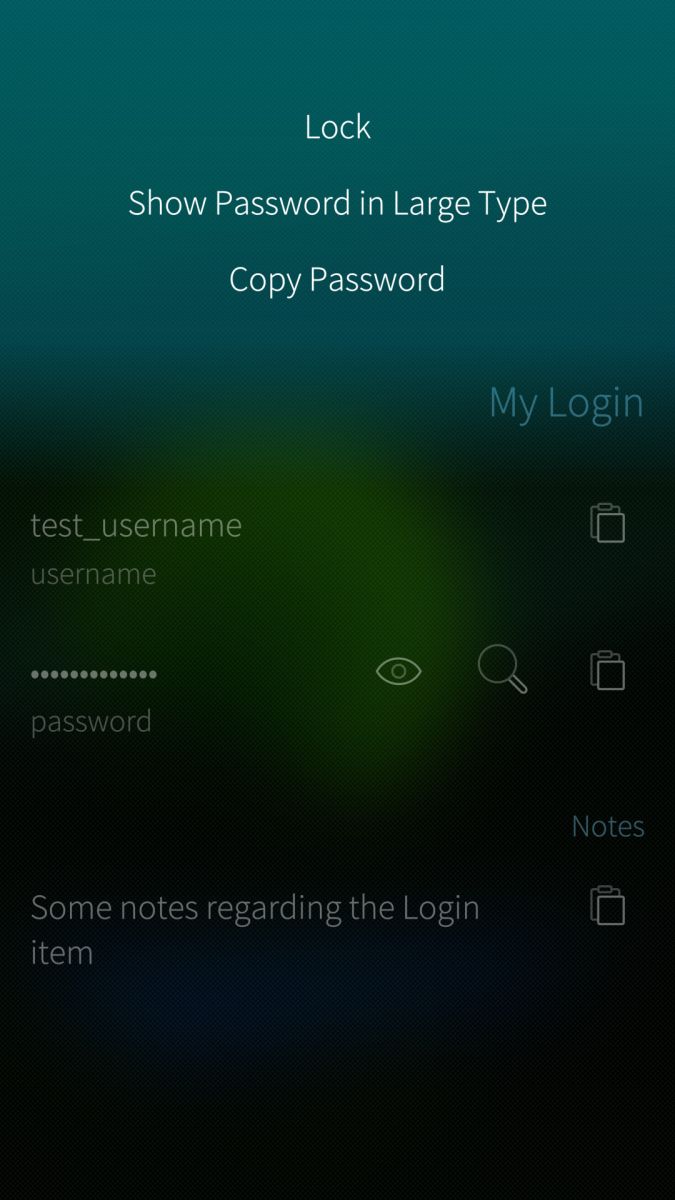
- Users can lock the vault(s) by tapping the padlock button on the app's cover icon, swiping back in the app to the Sign-in page, or choosing 'Lock' on the pull-down menu on any other page, if this option is enabled (on by default).
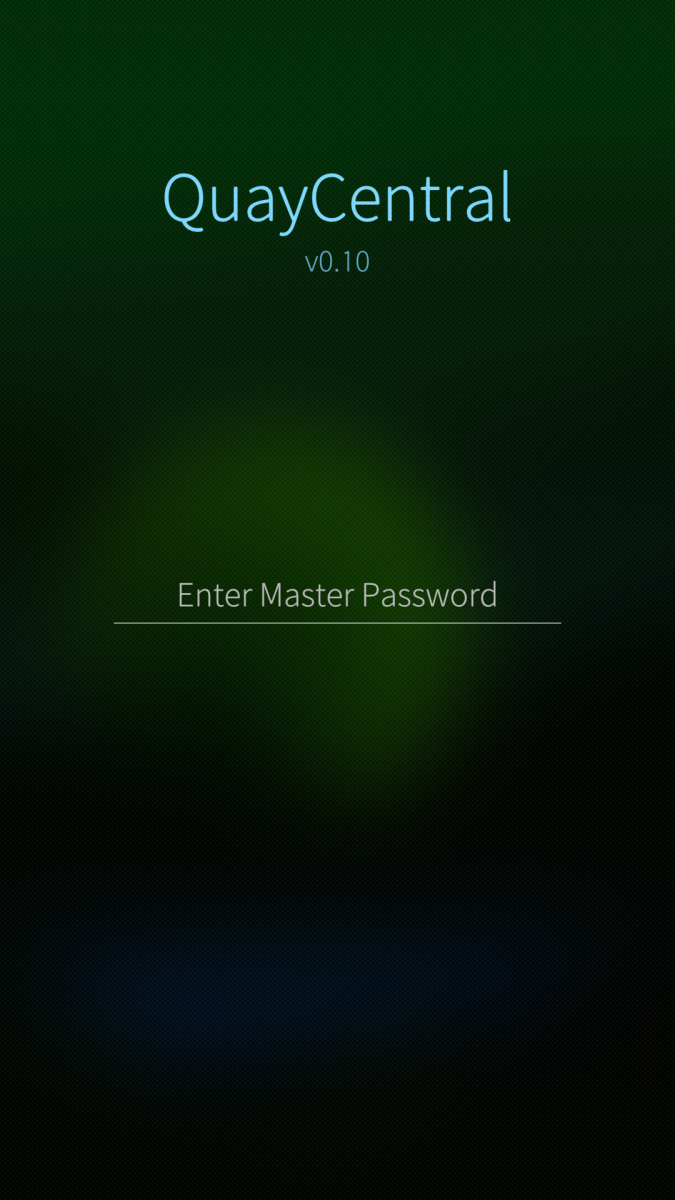
- Master password entered by user is cleared immediately following its passing to the CLI and is never stored. Same goes for all fields when entering in login info to add shorthand from the app. Item usernames and passwords are only ever in RAM, are cleared when the vault is locked, and are only copied to the clipboard if user so chooses.
- Default vault UUID, if one is chosen, is stored as a setting (this string does not contain any data regarding the contents or the name of the vault). Disabling the option in Settings will clear the stored string.
- If removing the shorthand access for QuayCentral, user will need to get back into Terminal but may also remove the CLI from authorized devices on their 1Password profile page. More info on revoking access:
- A note on links in previous versions: GitHub and donation links were updated for version 0.9.3 and are broken on earlier versions. Please find updated donation links below. Also, the email address in the About section of versions 0.5 and 0.5.1 (qc at mjbdev.net) is now inactive. Please send any feedback to: feedback@mjeb.dev
Tips
Screenshots:
Category:
Keywords:
Application versions:

Changelog:
Version 0.11 - 2026-08-19
- Removed option to create new items. This had only been functional if the app was launched via terminal, thus somewhat defeating the purpose of a GUI.
- Minor fixes and adjustments.
Version 0.10 - 2025-09-22
- Added basic item creation functionality. As of now this is limited to Logins (without one-time passcodes), Wireless Routers and Secure Notes.
- Fixed bug that prevented sign-in process from completing if user had any Documents and had selected option to load all item categories when signing in.
- FYI - Upload timestamps for earlier versions here are also marked 2025-09-22 since repo handle was changed and binaries reuploaded on that date.
Version 0.9.4 - 2025-02-10
- Fixed displaying of lists on the Items and Documents pages. Icons and titles won't be perfectly flush with the SearchField but needed a more conventional way of rendering due to misalignment issues.
Version 0.9.3 - 2024-11-02
- Fixed bug that incorrectly displayed CLI output when checking for a new version.
- Updated links on About page for donations and GitHub.
Version 0.9.2 - 2024-08-19
- Fixed bug that prevented reserved characters in HTML- & < > -from being displayed on the Large-Type page.
- Updated to be compatible with version 2.30.0+ of the CLI. (Flag '--reveal' now included in call when user wants to copy the password of an item from a list.) Version 2.20.0 or later of the CLI required.
- Minor change to Documents page appearance when uploading to make status clearer.
Version 0.9.1 - 2024-06-22
- Fixed bug that left app hanging when enter key was used with search on Items page.
Version 0.9 - 2024-05-30
- Switched back to method by which item will load before page is moved onto stack. (Less confusing when searching and no good reason for the initial change.)
- Option to show or hide category icons when in Items list view. Use of Emoji for some categories may look wrong if custom font in use on OS.
- Minor improvements to large-type screen.
- Fixed bug when downloading more than one document and seeing page stuck on loading indicator.
- Added option to choose between Documents and Downloads folders for downloading documents.
- Added option to choose between ZIP or RPM package when downloading update on aarch64 devices.
Version 0.8 - 2023-11-05
- Documents page to upload and download files.
- Icons for items when in Items list view.
- Option to download latest CLI version from a Setup page when an existing CLI installation is not detected, if running on aarch64.
- Option to add 'quaycentsfos' shorthand to CLI from Setup page.
- Re-added option to choose default vault from which to load items when app first launches, if skipping Vault(s) page.
- Option to edit list of categories shown on Vault(s) page in case one or more are never used.
Version 0.7 - 2023-03-06
- Added option to load Favorite items onto Vaults/Home page.
- Added Copy button to app cover when OTP is displayed.
- Fixed formatting of accounts list in Settings.
- Fixed bug that may have shown incorrect & irrelevant notification message when lockout timer expired.
Version 0.6.2 - 2022-08-27
- Fixed a bug that meant an old one-time password (from when item was first loaded) was copied instead of the current one, when user had selected the Copy One-Time Password option from the menu or clicked on the clipboard button.
Version 0.6.1 - 2022-08-26
- Fixed bug that froze app if item was tapped after CLI had been inactive for 30 minutes.
- Changed OTP font on cover to system default, fixed-width font unnecessary as OTP is always numeric.
- Other minor adjustments to fonts and appearance. App size reduced by removing a few images that were used for links.
Version 0.6 - 2022-08-14
- Reconfigured app to work with OP CLI version 2.
- Added option to show one-time password on app cover.
- Added option to show password in large type.
- Made changes to app cover appearance.
Version 0.5.1 - 2022-03-19
- Disabled Sailjail/sandboxing to allow for normal app launch within SFOS v4.4. Tested with AppLaunch permission but could not get QC to interact with the CLI this way.
Version 0.5 - 2021-11-07
- Fixed bug that left partial list of item names in a given vault in search results if accessing that vault and then another with fewer items.
- Removed option to hide CC numbers, will now be hidden as default. (This option had been added due to dev's inability to code partial hiding of the number, like in the official app, however revealing CC number is one easy tap on the Eye button).
- Removed Sailfish-Secrets component and vault selection for automatic listing. Partially due to pending Harbour app submission but also due to sometimes unpredictable behavior when authorizing the app to access the secret upon startup.
- Added TOTP entries for non-login items as well as remaining types of entries for login items. Section headers will still not be displayed but all entries should appear. Formatting issues may still remain in some cases.
Version 0.4.1 - 2021-07-24
- Fixed issue with Settings page misassigning default vault.
- Fixed tap-to-copy (password) setting not working for login items in list.
- Fixed issue with session expired error not being correctly recognized by app and being interpreted as an unknown error on certain pages (still signed out user).
Version 0.4 - 2021-07-24
- Note: This release contains a bug that could easily bring up the incorrect vault when set to automatically show items in a chosen (default) vault after sign-in. This is fixed in 0.4.1. Adding this note due to this bug being potentially alarming if you've multiple vaults and have enabled the relevant setting.
- Added aarch64 package as 1Password CLI is now available for this architecture.
- App icon refresh by JSEHV.
- Added option to bypass Vaults screen after sign-in to get straight to items. If enabled and multiple vaults exist, user must assign a default. Default vault UUID will be encrypted when stored using Sailfish Secrets.
Version 0.3 - 2021-06-26
- Including 'Lock' menus on each screen is now optional.
- Added option in Settings to download CLI update if one is available.
- Added option in Settings to list accounts that can sign-in to the CLI on that device.
- Removed aarch64 package from listing, pending release of an OP CLI for that architecture.
Version 0.2.2 - 2021-05-11
- Fixed pull-down menu display issue on item listing page.
- Added aarch64 package. Note: aarch64 build has not been tested.
Version 0.2.1 - 2021-05-11
- Removed lockout timer options for 15 and 30 minutes. Unable to reproduce any issues with 5 minutes or less but reason for issues with longer times remains unknown, possibly related to how device sleeps after a given time period.
- Fixed logical operator errors in code that meant some entries were not getting necessary formatting. Formatting of all entries is still not complete, possible that some may still lack appropriate formatting in some categories.
- Fixed Ko-fi link that was still pointing to previously used site.
Version 0.2 - 2021-05-09
- Still in early development. Lockout timer is unreliable if device has been in sleep mode. Please use lock button on cover or lock from within the app.
- Remaining categories added but there may be formatting issues with some data. TOTPs won't appear in non-Login items. Login items will still just show username/password/TOTP/website entries. Will add support for other sections if app development continues.
Version 0.1 - 2021-04-19
- Initial release -- still in early development. Only Login items & read-only.
Recent comments