
Longterm


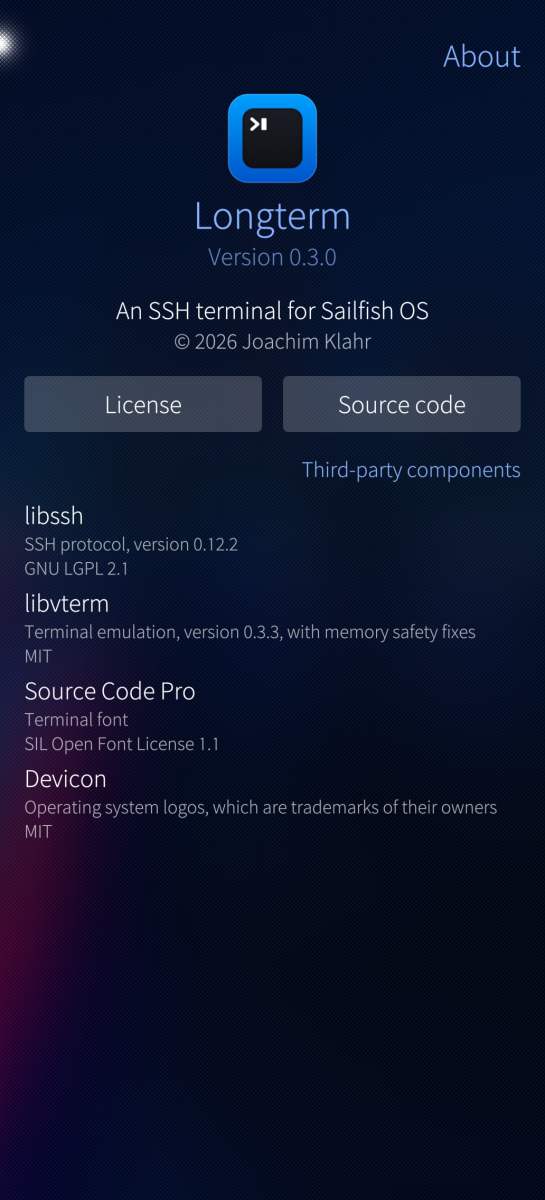
Longterm is an SSH client for Sailfish OS. Keep several servers open at once, jump between them, and get Ctrl, Esc and the arrow keys without digging through the on-screen keyboard.
Features
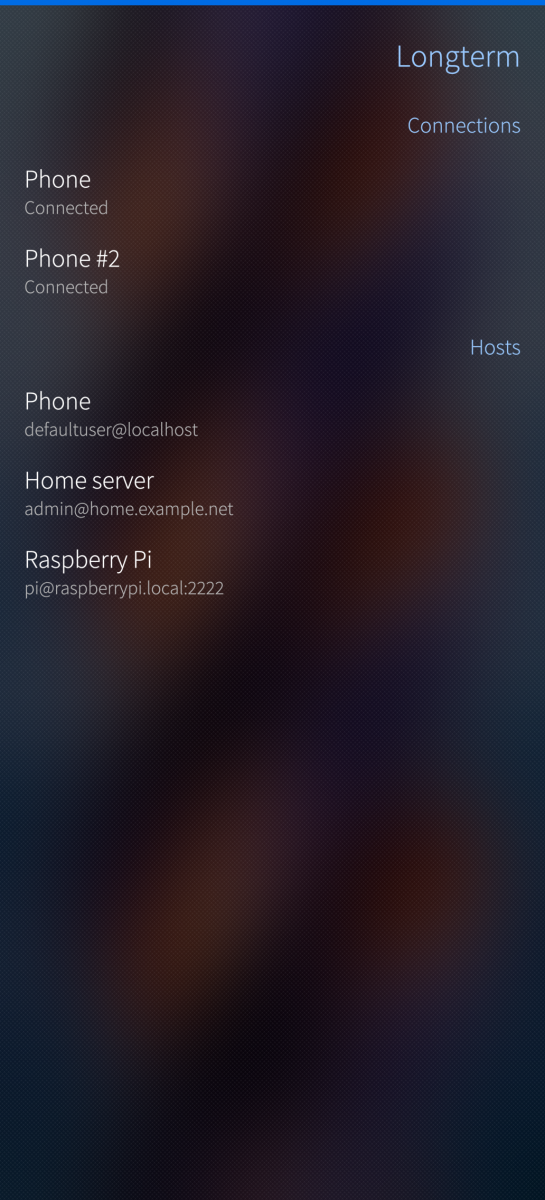
* Several connections open at the same time. Switch between them from the menu in the terminal or from the start page, with live thumbnails, and see all of them on the cover.
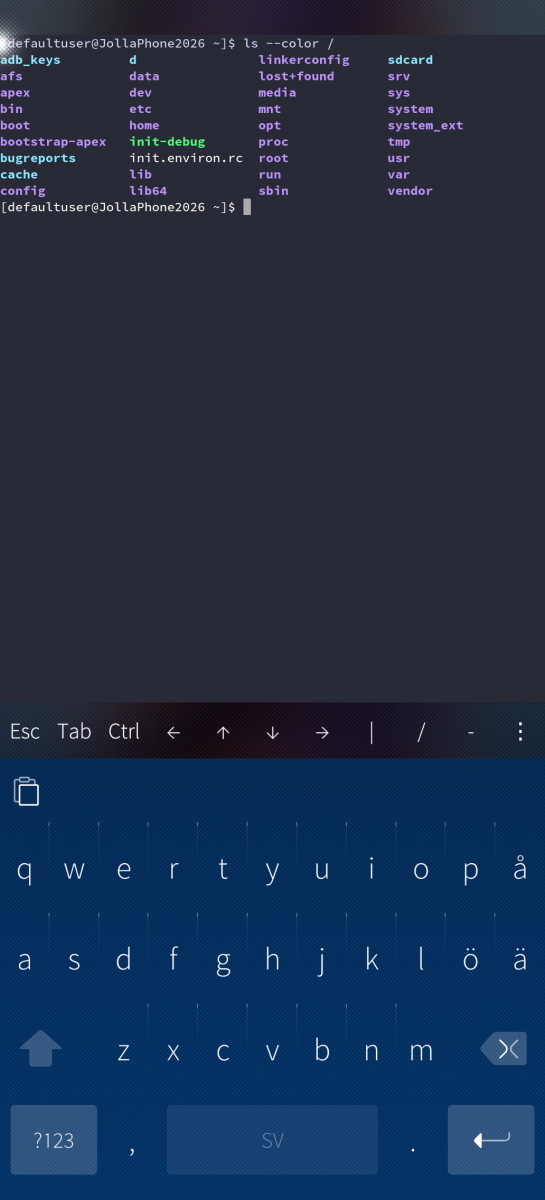
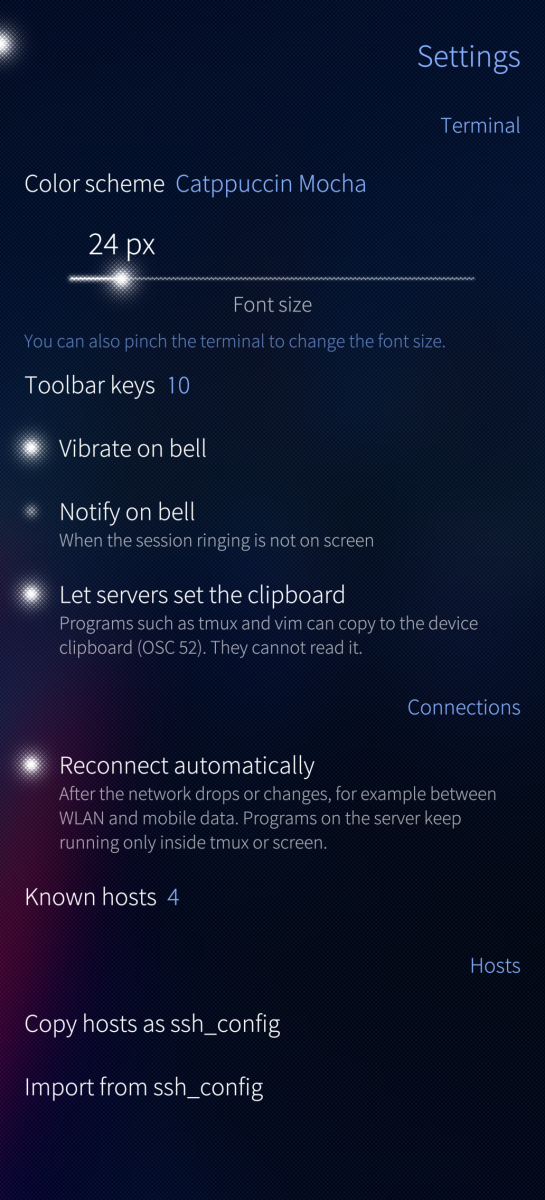
* A real terminal (xterm-256color, based on libvterm), so full-screen programs like vim, top and tmux work properly. 5000 lines of scrollback with search, links open in the browser, and programs such as tmux and vim can copy to the device clipboard (OSC 52).
* Configurable key toolbar with Esc, Tab, sticky Ctrl and Alt, arrows, Home/End, PgUp/PgDn, F1-F12 and symbols that are awkward to reach on the Sailfish keyboard.
* Pinch to change the font size. Long press and drag to select, double tap to select a word, then copy or paste.
* Password, key and keyboard-interactive (one-time code) login. Missing or wrong passwords are asked for in the session, optionally remembered.
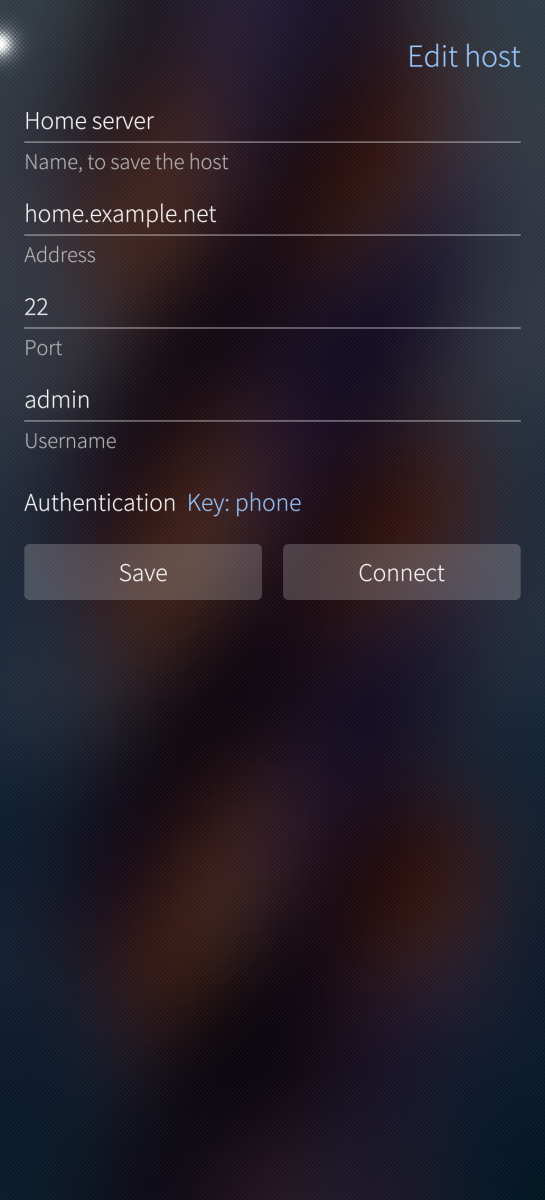
* Saved hosts with jump hosts, local port forwards and agent forwarding. Hosts can be imported from and exported as ssh_config.
* Shows the operating system of each host as an icon, detected when connecting.
* Ed25519, ECDSA and RSA key generation, import of OpenSSH and PEM private keys and export with a passphrase. Keys can stay encrypted, the passphrase is then asked for on every connect. Private keys and remembered passwords are stored in the Sailfish Secrets keychain, not in plain files.
* Host keys are saved on first connect. If a server's key changes you get a warning with the new fingerprint and can choose to trust it. Known hosts can be reviewed and removed.
* Reconnects by itself when the network drops or changes, and notices frozen connections.
* Terminal bell vibrates, or notifies when the session is not on screen.
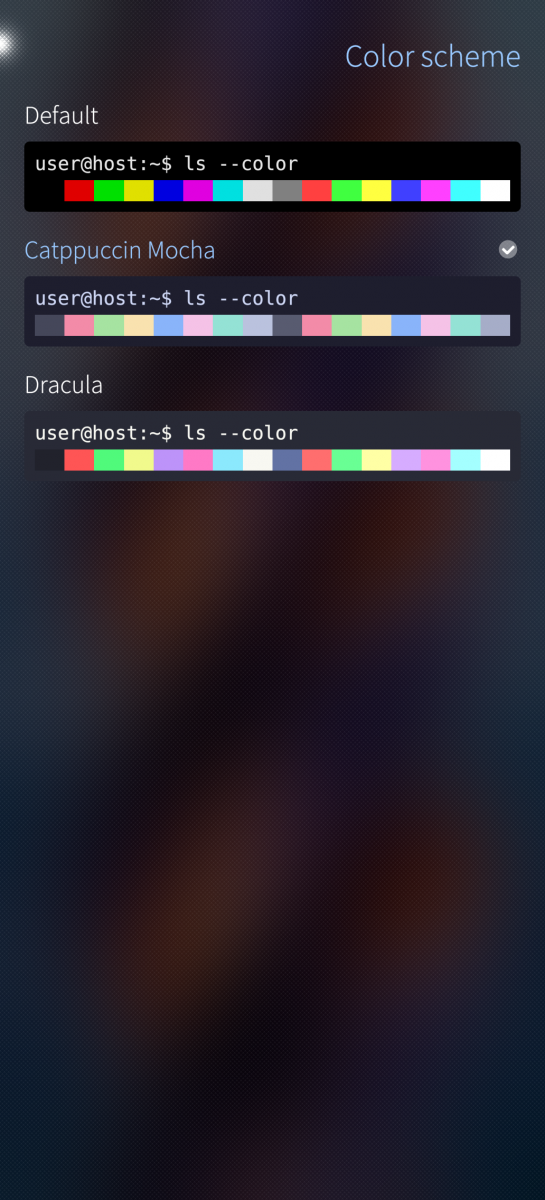
* Color schemes: Default, Catppuccin Mocha, Dracula, Gruvbox Dark, Nord, Solarized Dark and Solarized Light, per connection if you like. Terminal font is Source Code Pro.
Requirements and permissions
Sailfish OS 5.1 or newer, aarch64 or armv7hl. The app runs in the Sailfish sandbox and asks for two permissions on first start: Internet (to connect) and Secrets (to store keys and passwords).
Screenshots:

Category:
Keywords:
Application versions:
| Attachment | Size | Date |
|---|---|---|
 longterm-0.4.0-1.armv7hl.rpm longterm-0.4.0-1.armv7hl.rpm | 1.2 MB | 02/10/2026 - 12:59 |
| longterm-0.4.0-1.aarch64.rpm | 1.23 MB | 02/10/2026 - 12:59 |
| longterm-0.5.0-1.aarch64.rpm | 2.92 MB | 08/10/2026 - 12:36 |
| longterm-0.5.0-1.armv7hl.rpm | 2.88 MB | 08/10/2026 - 12:36 |
Changelog:
- mosh, which keeps the session through network changes, sleep and dead
spots and through a restart of the app, with typing shown before the
server echoes it on slow links
- Files on the server: browse, download, open, upload, rename and delete
files and folders, also straight from the session menu, and upload
files shared from other apps
- Coding agents such as Claude Code and Codex show what they are doing in
the session and notify on questions and finished turns, with buttons to
allow or refuse permission requests, through a plugin for the server
- Programs can send notifications with OSC 9 or OSC 777
- Snippets of commands typed with one tap, per host or for all, and the
history of what was typed in the session
- Hardware keyboard shortcuts: Alt and Meta, Ctrl with symbols,
Ctrl+Shift+C/V, Ctrl+Tab and Ctrl+PgUp/PgDn between connections and
Ctrl+Shift+T for a new one
- Key toolbar above the keyboard or at the top, Ctrl and Alt lock when
tapped twice, drag the arrows key to move the cursor
- Any monospace font on the device, with Nerd Fonts symbols, and color
schemes imported from iTerm2, Alacritty, Windows Terminal, Xresources
or base16
- Save or share the scrollback, log sessions to Documents/Longterm, and
select text from the screen in a window of its own
- Certificate login, remote port forwards, a SOCKS proxy, environment
variables, keepalive and connect timeouts, Wake-on-LAN and attaching to
a tmux session, per host or per connection
- Hosts in groups and favorites, most recent first, with search
- Install keys on a host from the app, like ssh-copy-id
- Back up everything into one file encrypted with a passphrase, and
restore from it
- Lock the app with a code, and show host key fingerprints as QR codes
- Key passphrases are asked for before connecting, so a slow answer no
longer times out the login, and are not asked again on reconnects
- Typing exit goes back to the connections
- Fix swiping when all connections are disconnected
Comments
carepack
Fri, 2026/09/25 - 10:31
Permalink
Fast fix. Perfect: -)
carepack
Fri, 2026/09/25 - 02:54
Permalink
Thx for the useful app!!! In my case I can only start it via command line and not from the app launcher... Installed on jp2 with 5.2.0.17
klarre
Fri, 2026/09/25 - 10:16
Permalink
Thanks for the report! It has now been fixed in 0.1.1.