
SJournal


Handwritten notes and vector sketching (early stage) for Sailfish OS.
SJournal keeps a note as layers of real vector strokes and writes them in the
.xopp format. The same file opens in Xournal++ on a desktop computer and comes
back unchanged, so a note started on the phone can be finished on a big screen.
Every page exports to SVG with its layers intact, ready to edit in Inkscape.
Drawing
- Four pens behind one button: pen, Bézier, brush and highlighter, plus an eraser
- Shape tools that cycle on a tap: circle and rectangle, polygon counting its own corners from 3 to 12, star, line, polyline, spline, arrow
- Shape recognition on a switch: a scribbled line, circle, ellipse, rectangle at any angle, triangle, polygon or arrow straightens itself, and a scribble that was meant to stay a scribble is left alone
- Snapping to existing points and a 5 mm size grid with a millimetre readout
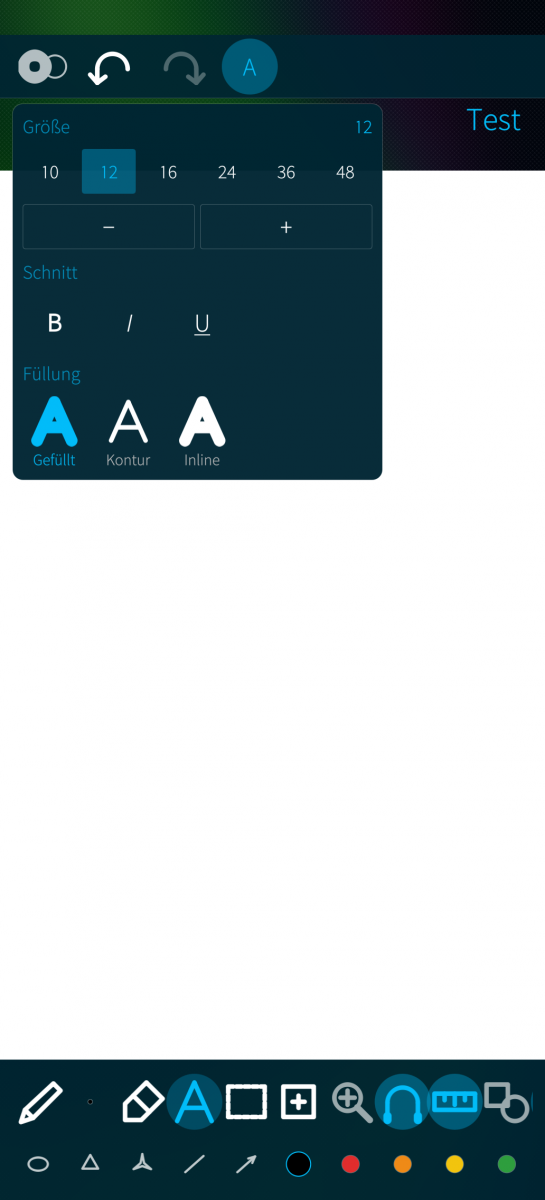
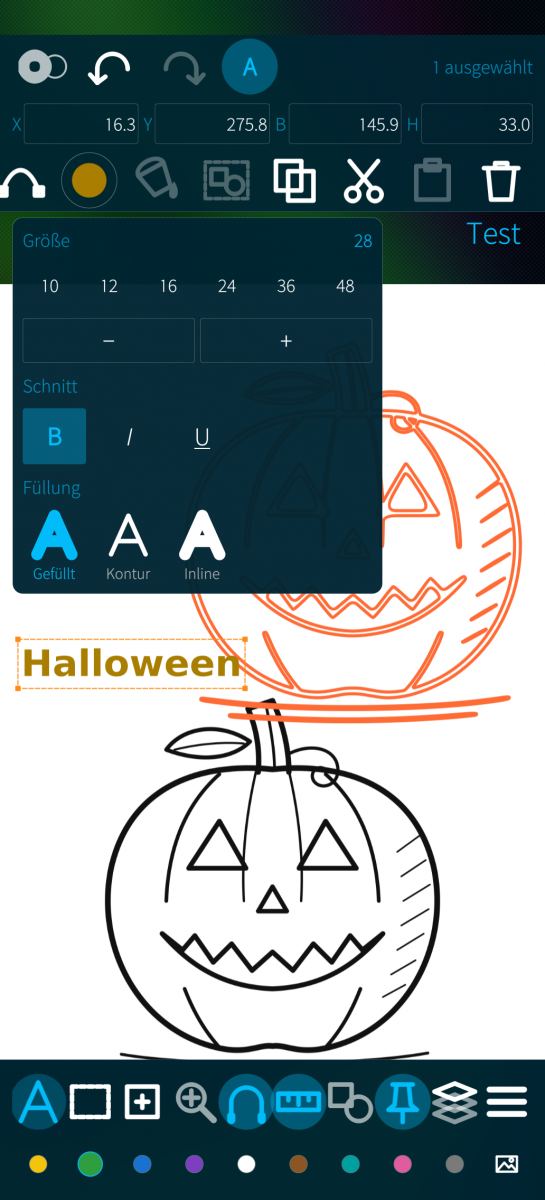
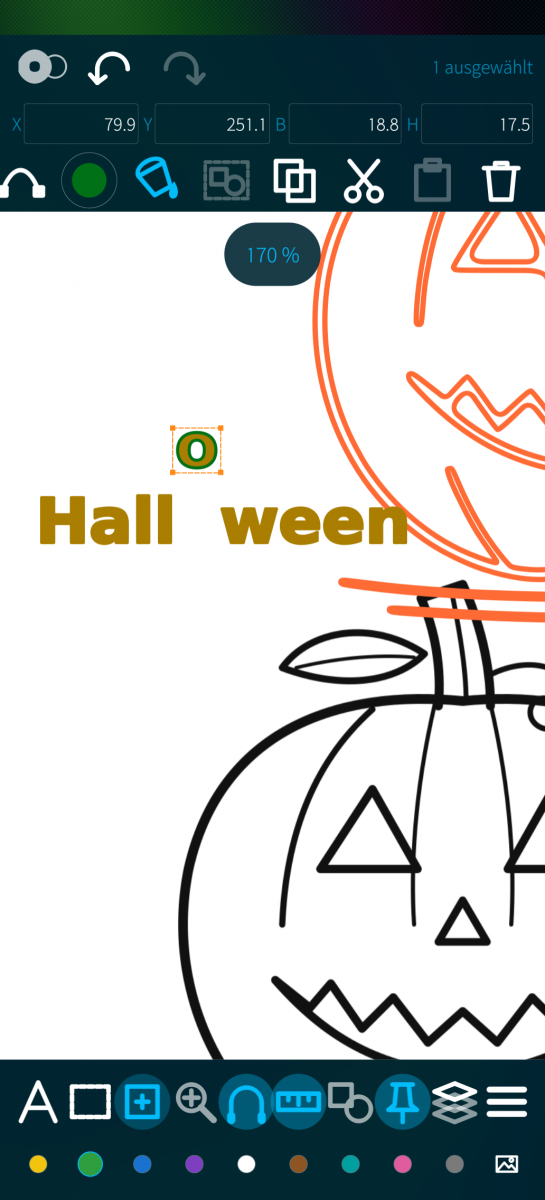
- Text with weight, fill style and any size
Editing what is already on the page
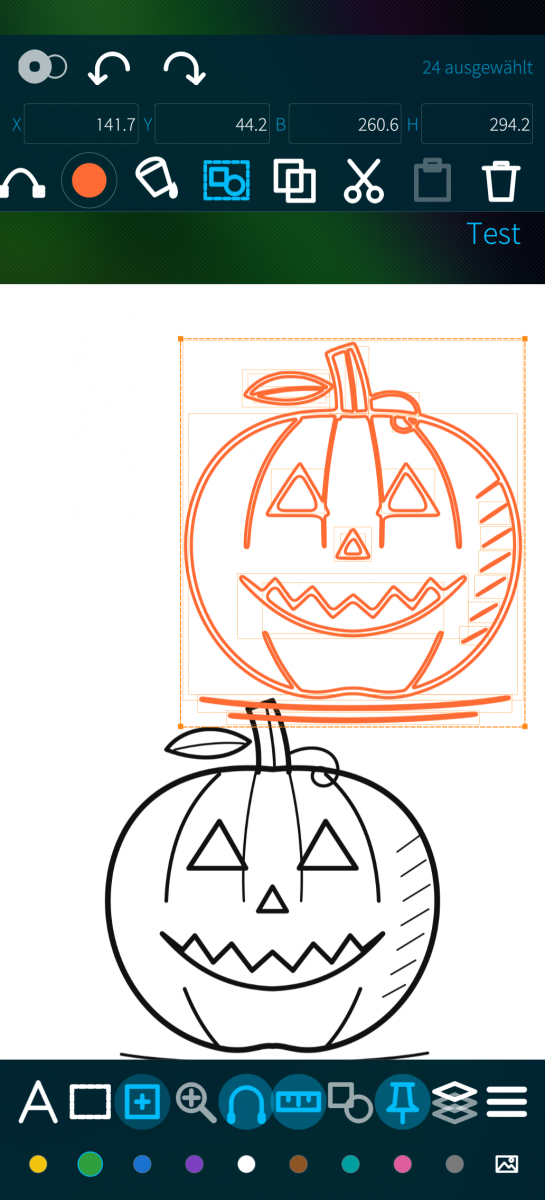
- Select whole paths, or switch to node editing and drag the points themselves
- Pick with a rectangle, a free lasso, or one element at a time
- Move, resize from the corners, flip horizontally or vertically
- Type exact position and size into the bar at the top
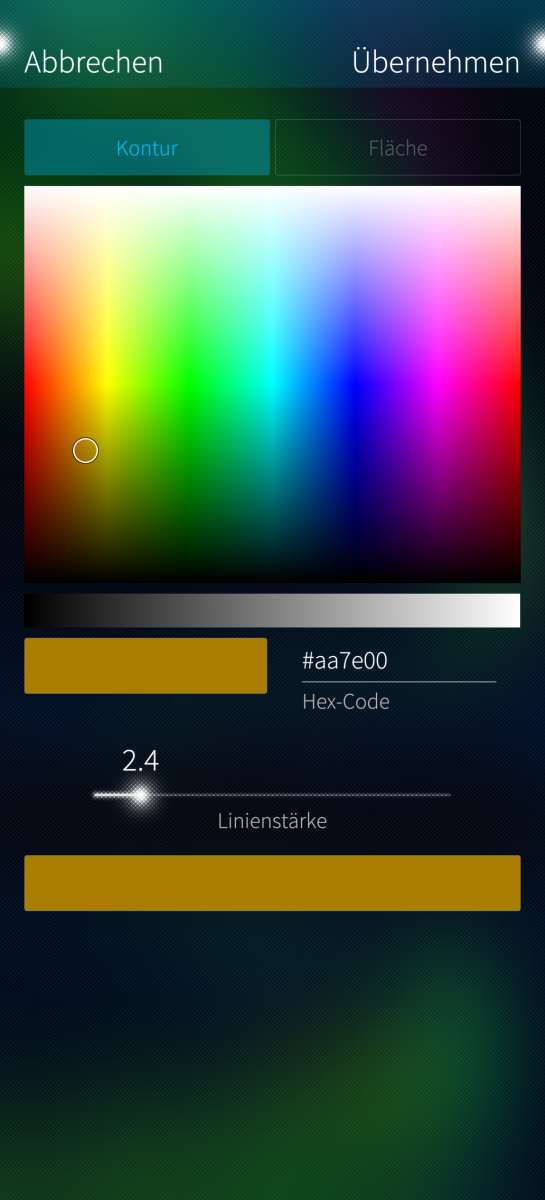
- Change colour, line width, fill and transparency of anything already drawn
- Gradients with two to five colours and a free angle
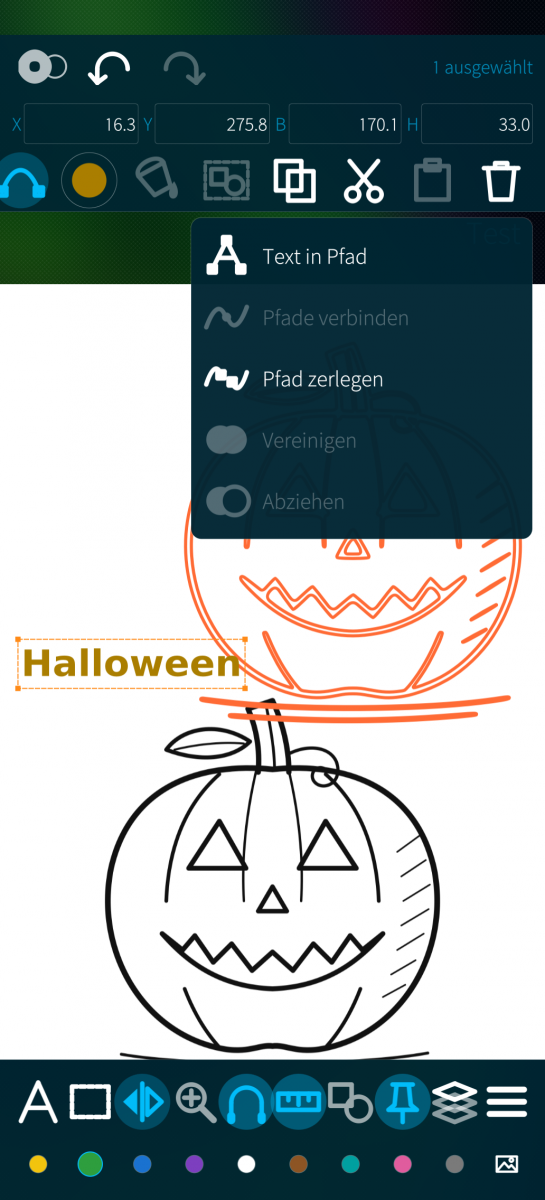
- Turn text into outlines, join paths, break them apart, add them together or subtract them
Pages, layers and files
- Multiple pages with plain, lined, graph or dotted ruling
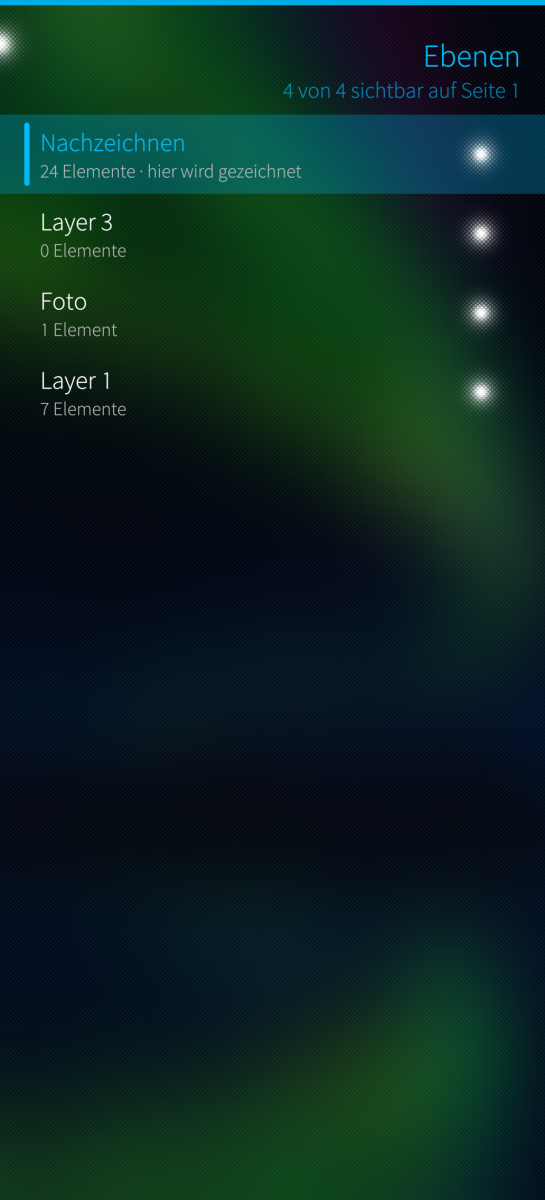
- Layers: add, rename, reorder, hide, isolate, lock
- A photo from the gallery becomes its own layer with a drawing layer above it
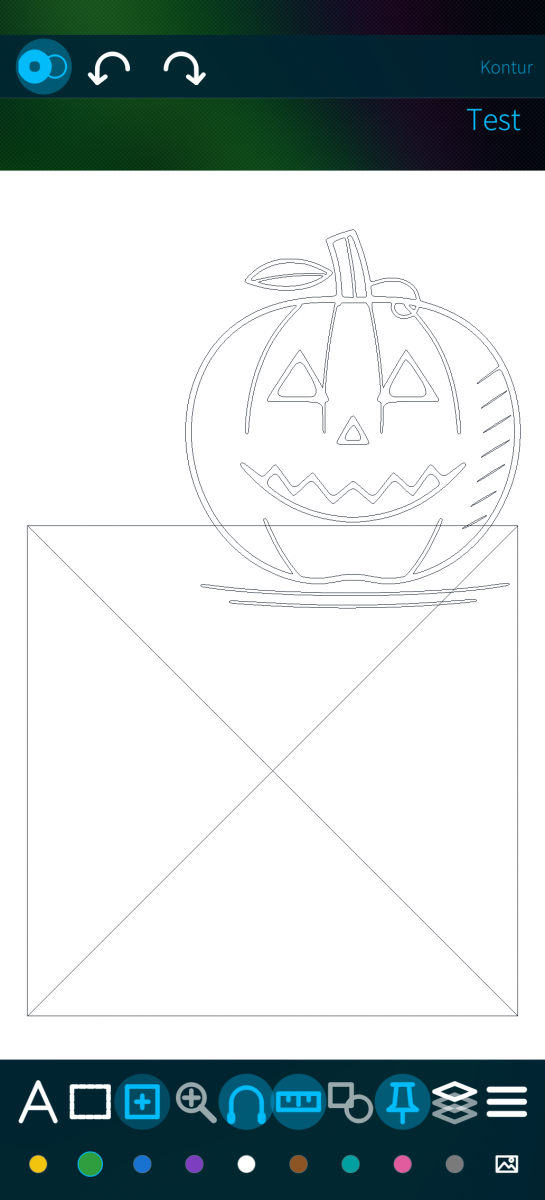
- Trace a marked part of a photo into editable vector outlines
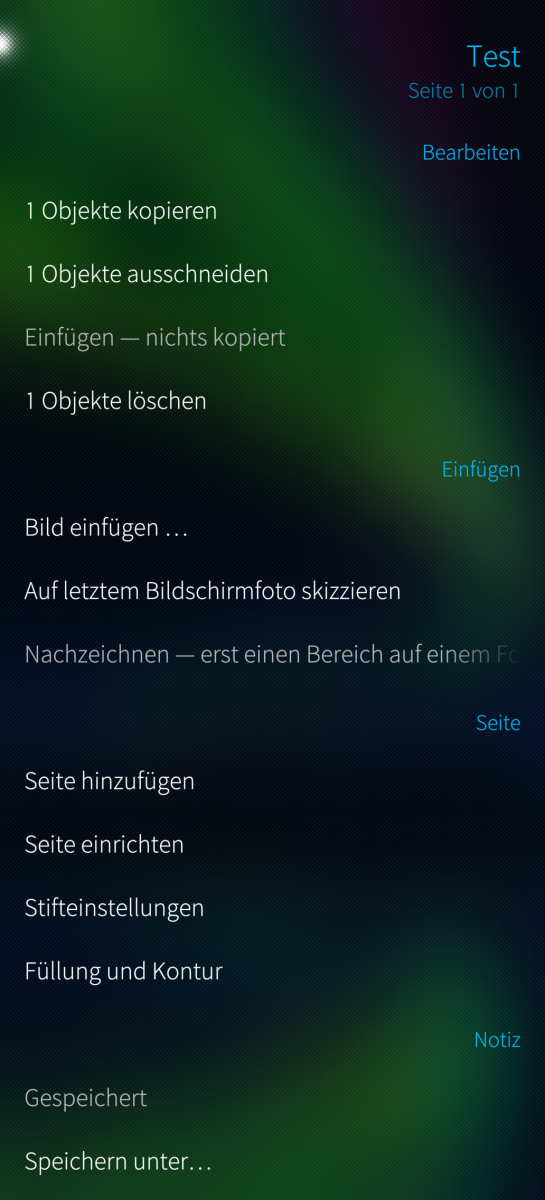
- A notebook list with thumbnails that searches titles and text
- Export to SVG, PNG, JPEG, WebP and vector PDF
About the stylus
The screen is an ordinary capacitive panel with no digitiser in it. Active pens
that need one, such as Microsoft Pen Protocol, Wacom EMR or Apple Pencil, cannot
work in this or any other app on such a device. A passive capacitive stylus
works fine.
Because there is no pressure to read, stroke width comes from drawing speed
instead: draw faster and the line thins out. That is what gives handwriting its
taper. Palm rejection uses the size of the touch contact, and only when the
panel reports one. One finger draws, two fingers pan and zoom.
Notes are stored as plain .xopp files in Documents/SJournal, visible to the file
manager and to any sync tool you already use. Nothing leaves the device.
AI assisted development.
Free software under the GPLv3. Source and releases:
https://github.com/JimKnopfIoT/harbour-sjournal
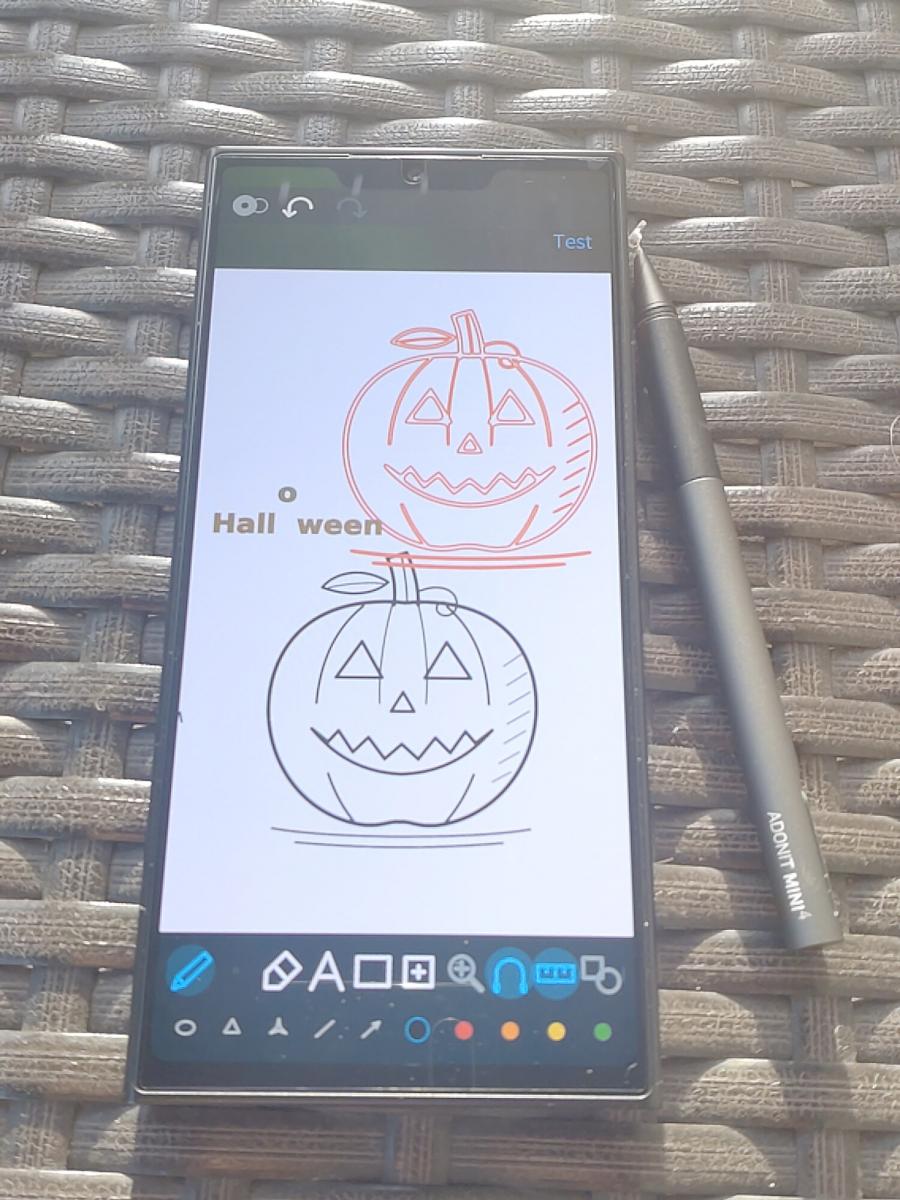
Screenshots:
Category:
Application versions:
| Attachment | Size | Date |
|---|---|---|
 harbour-sjournal-0.1.2-1.aarch64.rpm harbour-sjournal-0.1.2-1.aarch64.rpm | 307.36 KB | 28/09/2026 - 22:38 |
| harbour-sjournal-0.1.2-1.armv7hl.rpm | 274.84 KB | 28/09/2026 - 22:38 |
Changelog:
- Text can be set in any installed font; the font menu lists them in their own face. - The colour dots are gone; the colour button opens the RGB picker for the pen. - Pen settings, pin, layers and the menu moved to the bottom toolbar.
Comments
sourcrowd
Sun, 2026/09/27 - 07:50
Permalink
SJournal can be used together with Fotokopierer, to fill out and sign documents. Also, the best app on Sailfish OS so far to draw and move these drawings later, not just undo them in the order they were done.
Very nice!