
SF-Mail

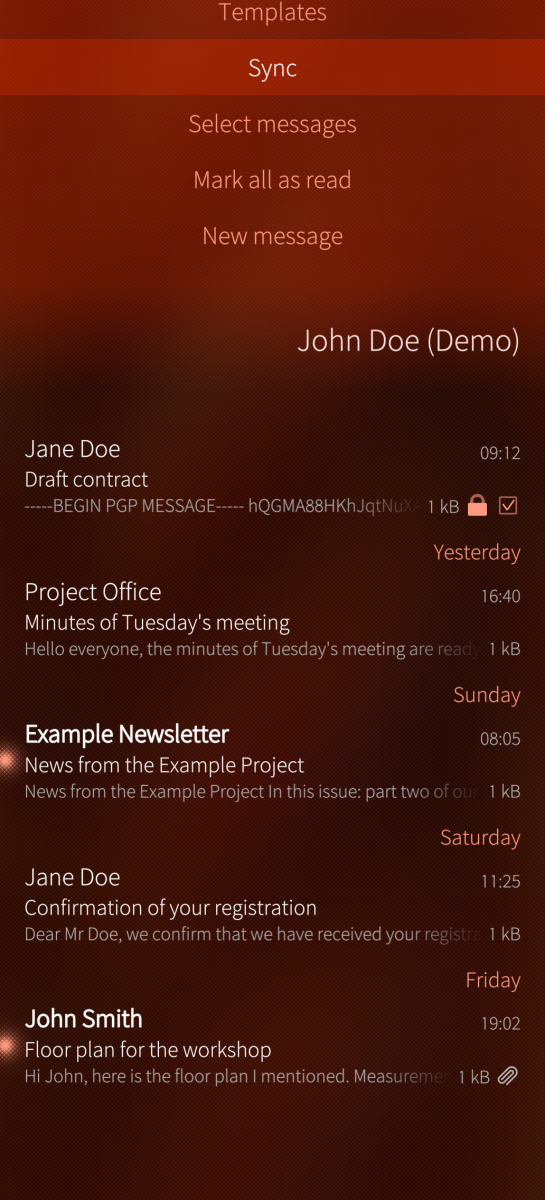
SF-Mail is an unofficial, security-friendly e-mail client for Sailfish OS with built-in OpenPGP and S/MIME. Its goal is to make encrypted e-mail genuinely easy: encrypt, decrypt and sign mail (PGP/MIME, inline PGP and S/MIME), including encrypted attachments. Accounts, folders and messages come from the system mail database, so the app sits next to the stock mail app and shares its accounts. "SF" is not short for Sailfish - it stands for making security friendly.
FEATURES
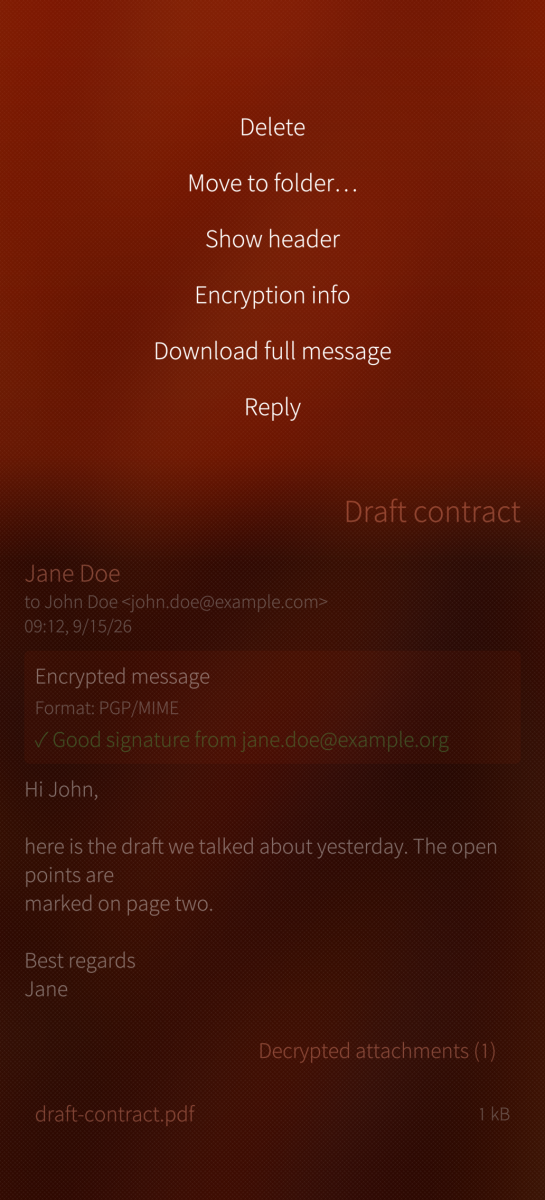
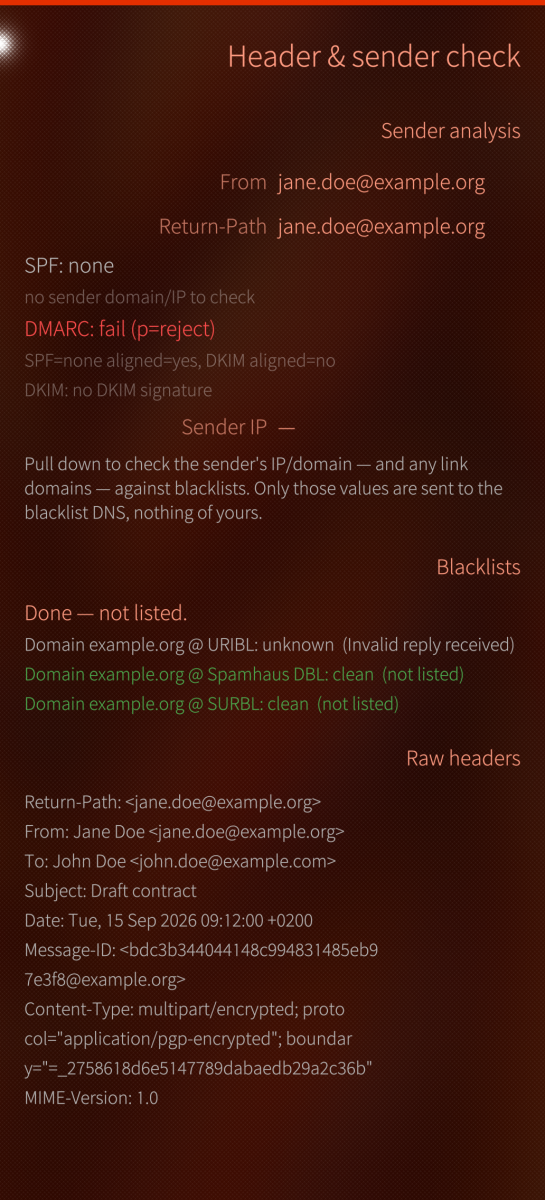
- Accounts, per-account folders, combined inbox; read, delete, move; raw headers with sender checks (SPF/DMARC via DNS, From/Return-Path mismatch, optional DNS blacklists that look up the sender's IP and domain and the domains of links in the message - nothing about you)
- Attachments (plain, PGP, S/MIME): open with... or save as...; large ones download on demand
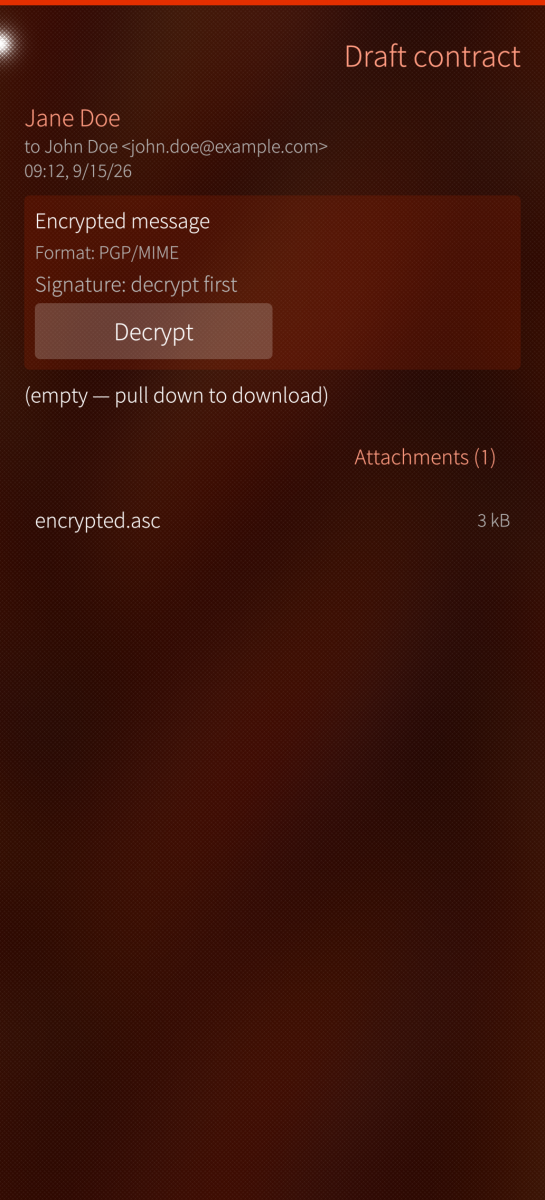
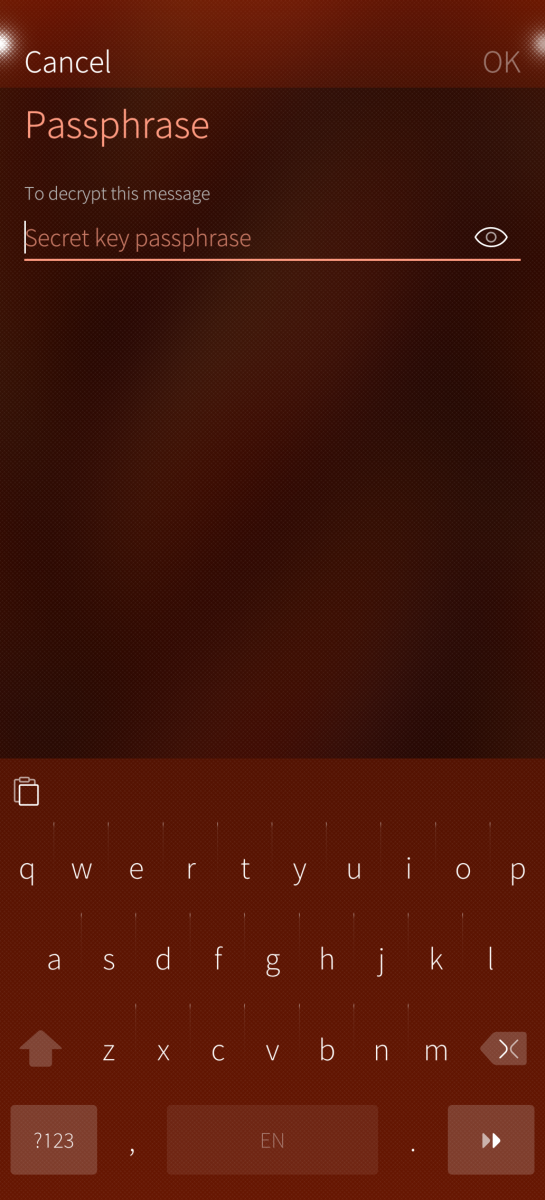
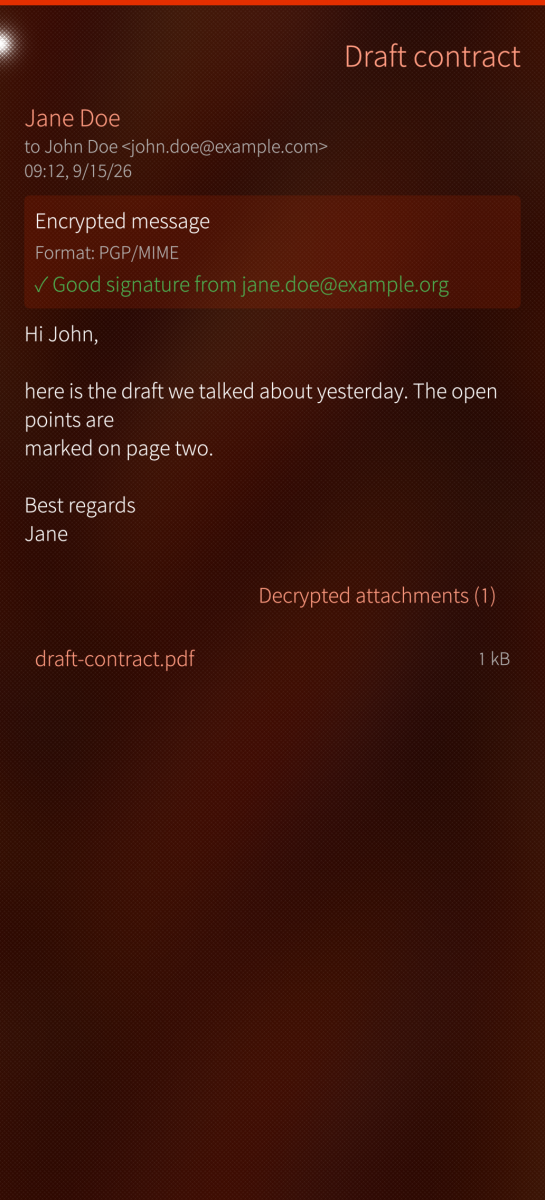
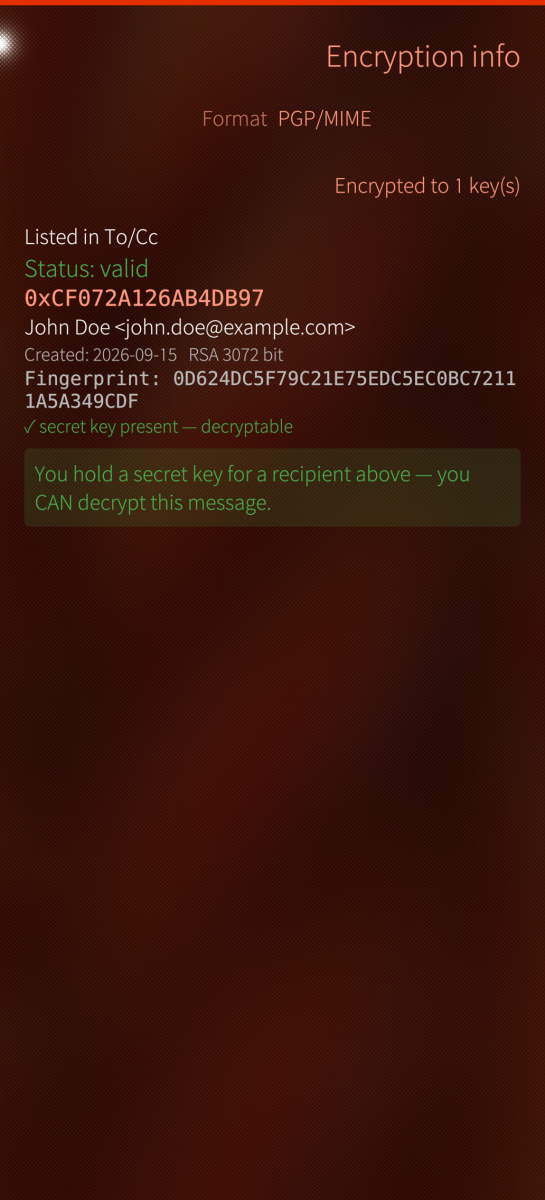
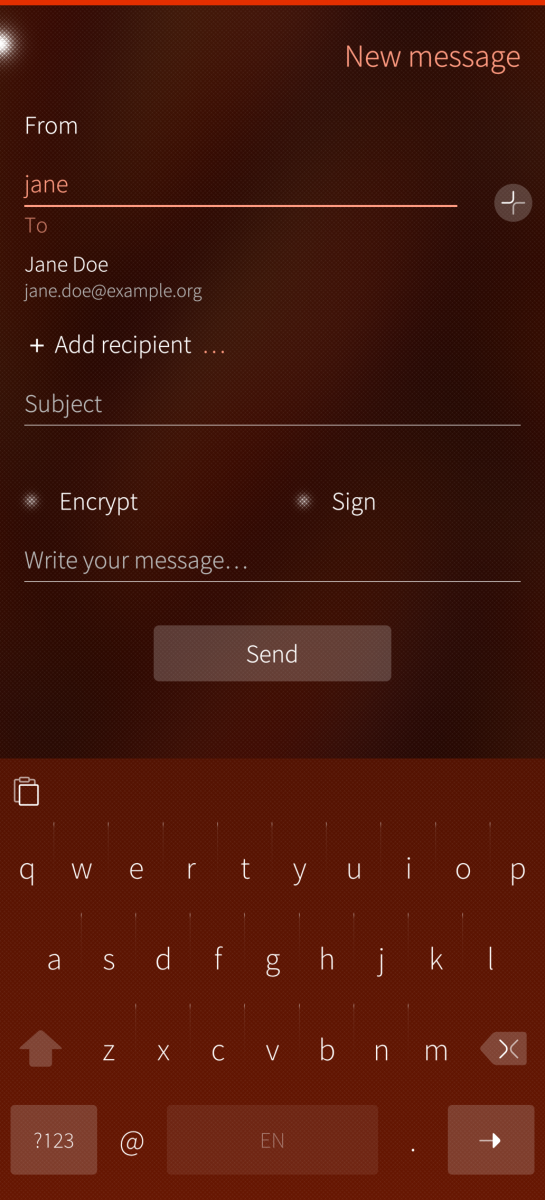
- OpenPGP: encrypt, sign, decrypt by tap (PGP/MIME and inline PGP), a signature verdict for mail it decrypts and for inline-signed text that names revoked and expired keys instead of hiding them (signed-only PGP/MIME mail is shown as signed, not judged); blind copies stay blind (one message per audience), encrypted subjects via protected headers (PGP/MIME only - inline PGP and S/MIME send the subject in the clear)
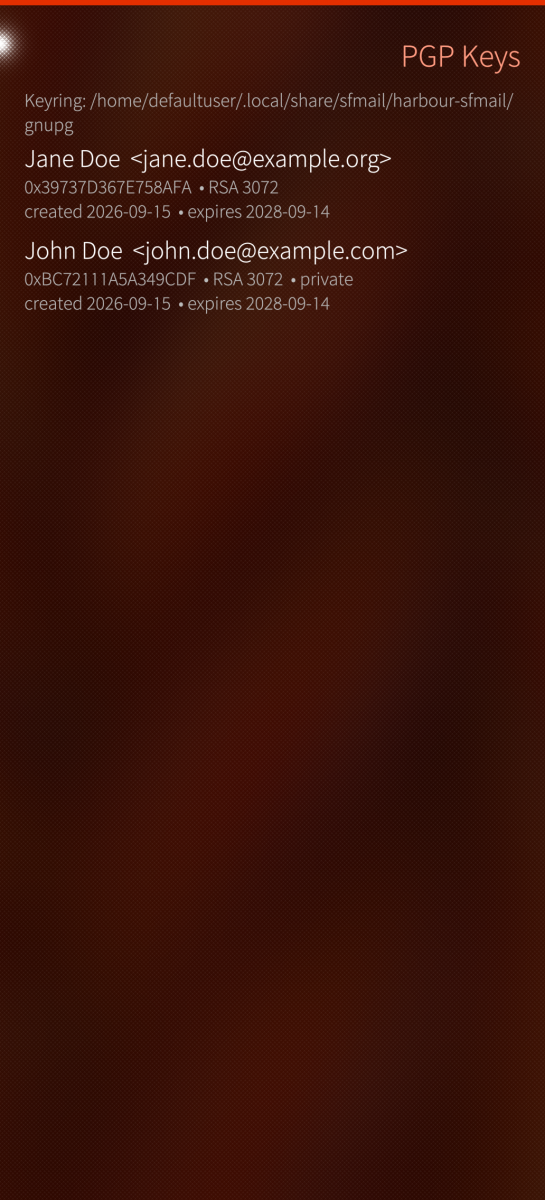
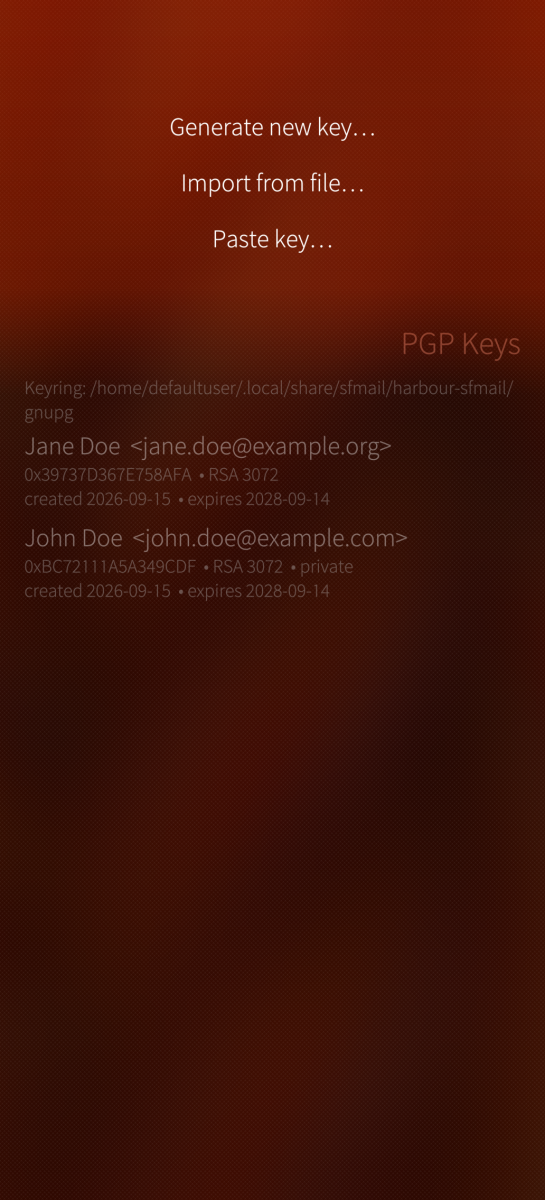
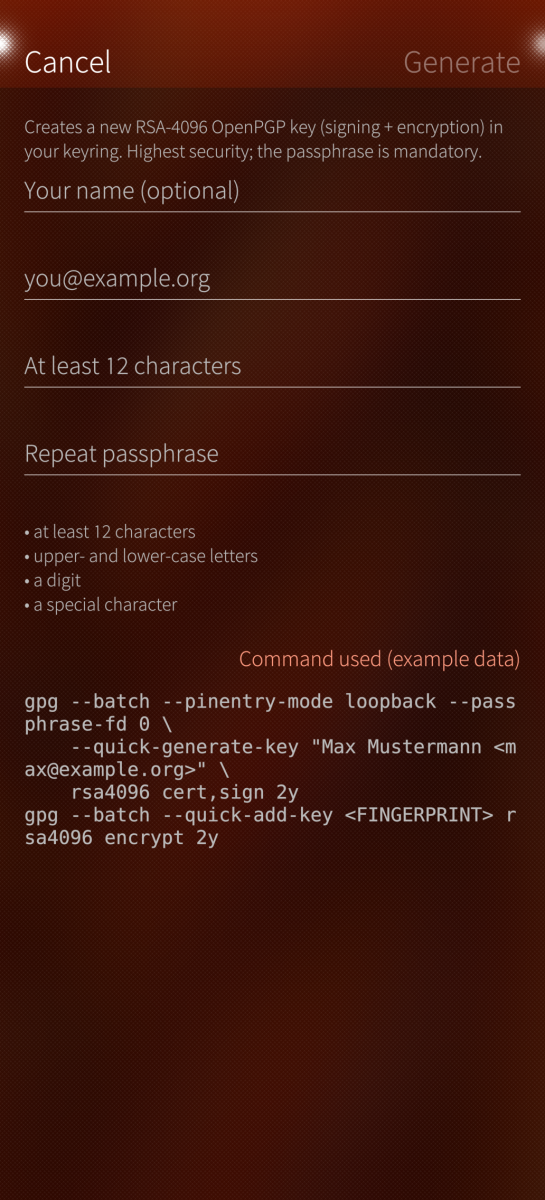
- Key management in the app: create RSA-4096 keys, import/export, back up, extend expiry, revoke, publish to keys.openpgp.org; keyserver lookup never auto-imports
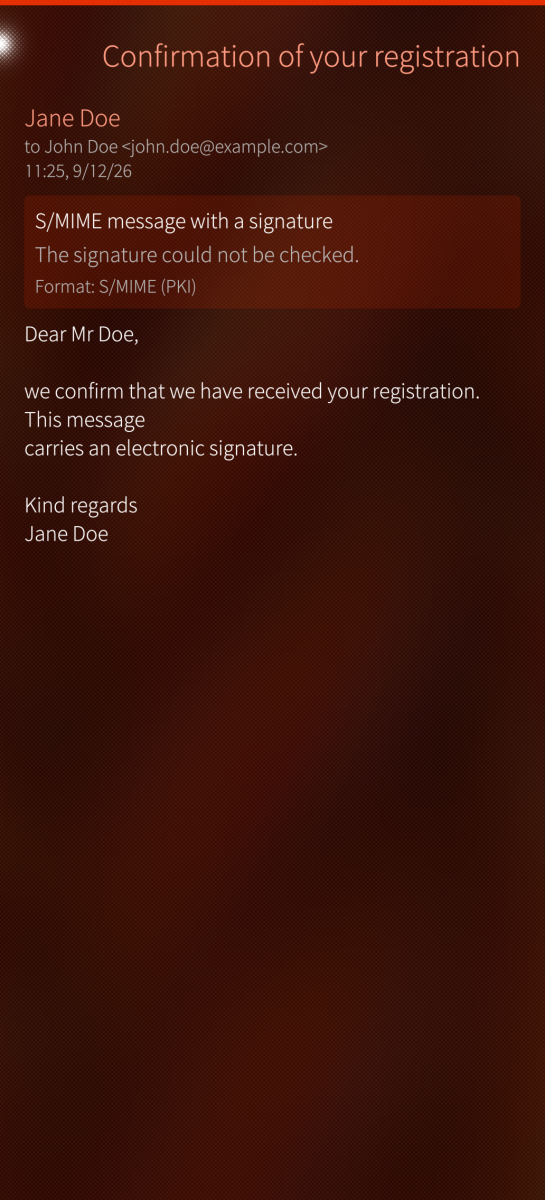
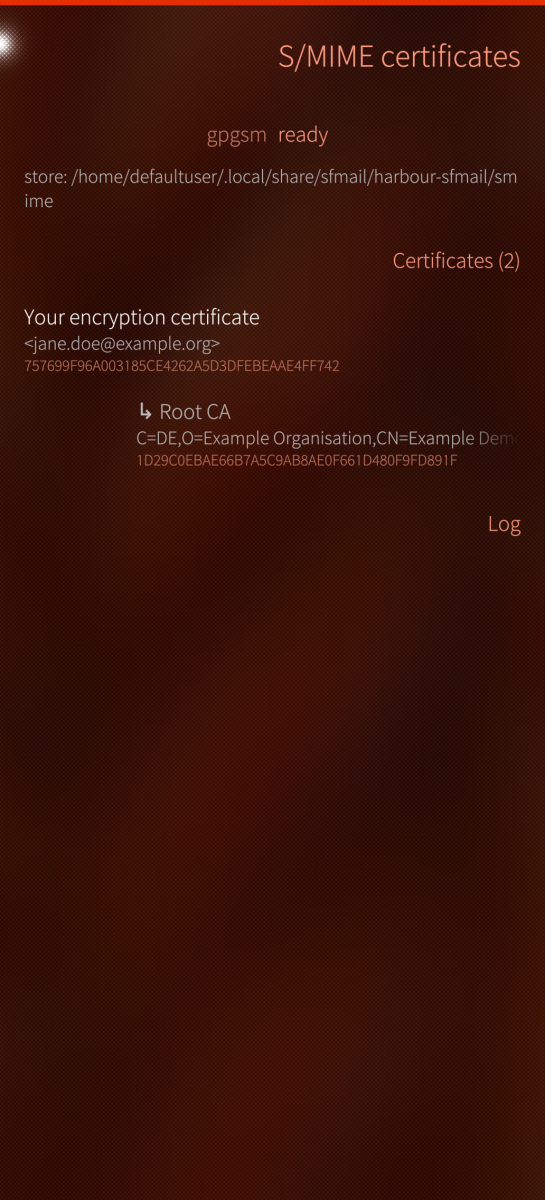
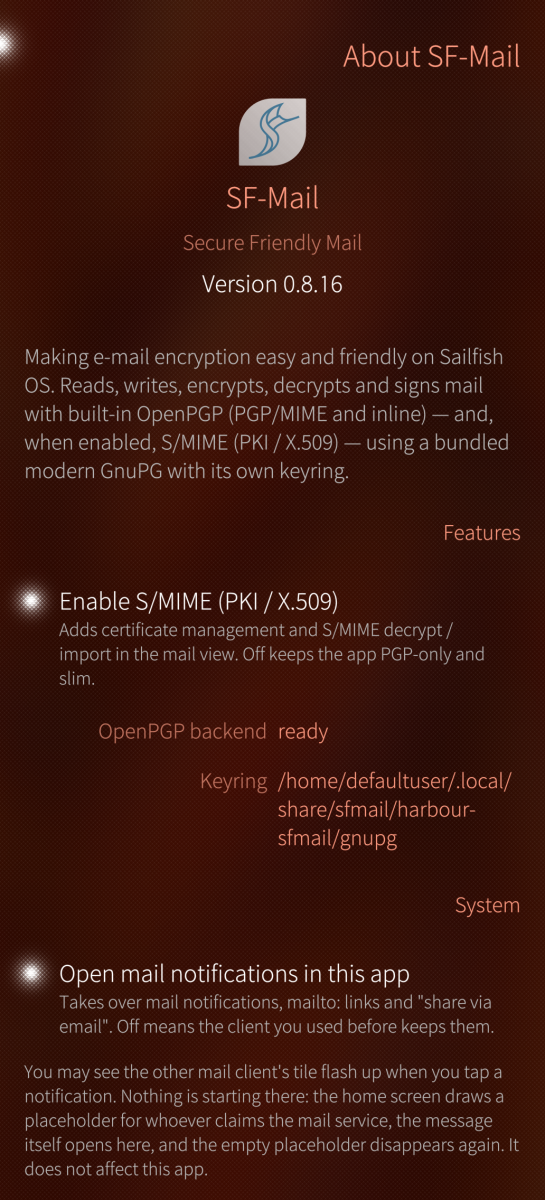
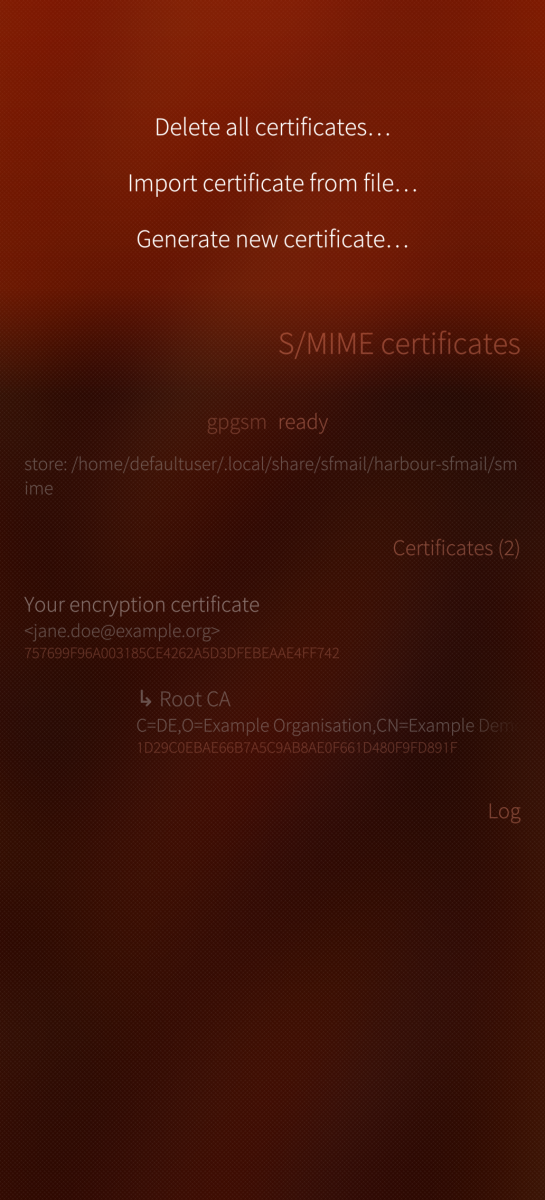
- S/MIME (aarch64 only, switch it on under About): sign/encrypt/decrypt, signatures verified against your certificate store one by one (signatures sent as a separate part, the form most other clients use, cannot be checked on the device - the system's mail store keeps such messages rewritten, and the app says so), create a self-signed certificate, import .p12, import a sender's certificate from a signed message - always through a dialog showing subject, addresses, issuer and fingerprint first
- Crypto type follows the conversation; 1-tap key import with safety checks; address-book picker with per-recipient crypto hint
- Recipient fields complete an address after two characters, from the addresses you remembered, the keys and certificates you hold, and the address book; alias addresses of an account can be picked as the sender
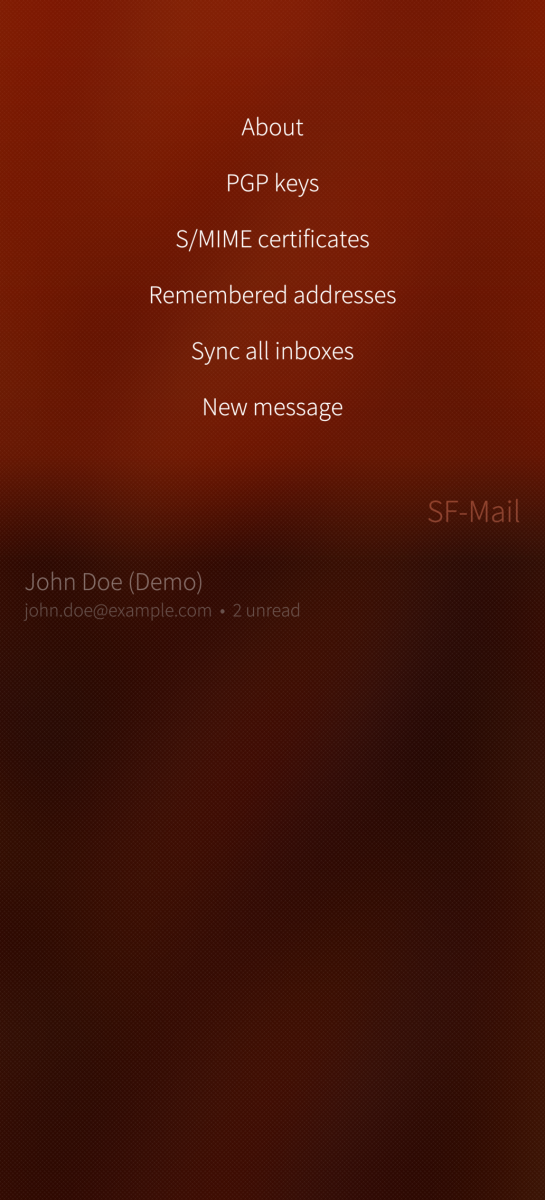
- Remembered addresses: keep an address from a message and manage it on a page of its own - before a second copy is made, the app names the places that already hold it (address book, PGP key, S/MIME certificate)
- HTML mail is drawn in the device theme: the colours a message brings are dropped so it stays readable on a dark screen, and remote images are never loaded
- Hardened: passphrases never reach the keyboard learning or the process command line, the process is not dumpable, unlocked keys are not kept between operations, and decrypted attachments are erased when the app closes, or at the latest when it next starts
- The debug log is off by default; with it off, only crash and forced-exit markers and the mail-service failures shown under "When mail stops arriving" are kept
- Interface in 32 languages; it follows the device language and falls back to English
PLEASE READ - THIS CHANGES A SYSTEM FILE
Tapping a "new mail" notification (and mailto: links, "share via e-mail") goes to whichever program owns the D-Bus name com.jolla.email.ui. So that SF-Mail can receive them, the package rewrites /usr/share/dbus-1/services/com.jolla.email.ui.service and adds /etc/sailjail/permissions/EmailUi.permission. The original service file is kept next to it (.sfmail-orig) and restored by rpm -e. A switch in About -> System ("Open mail notifications in this app", on by default) hands everything back to the previous client at any time. The stock client itself is never modified or removed. If you would rather not have this, leave the switch off.
TRUST MODEL
Trust is decided on the device, not delegated to an authority: identities you create and identities you import stand on the same footing and become trusted when you, having seen the fingerprint, say so - for S/MIME exactly as for PGP. A certificate authority becomes an anchor for everything it signs only if you tick that box while importing it. Revocation lists are not consulted, so a certificate withdrawn by its authority still verifies here.
WHY IS A GNUPG BUNDLED?
The system gpg on Sailfish OS is too old to read modern keyrings, so the app ships a maintained GnuPG 2.5 stack under its own prefix with its own keyring - entirely separate from the system keystore. This is where the package size comes from.
ARCHITECTURES
aarch64 needs Sailfish OS 5.1 or newer (it carries the OpenSSL build S/MIME needs, which uses the system libraries of 5.1). armv7hl is built against Sailfish OS 4.6; OpenPGP works fully there, S/MIME is not available.
AI assisted development.
Source, issues, releases: https://github.com/JimKnopfIoT/harbour-sfmail
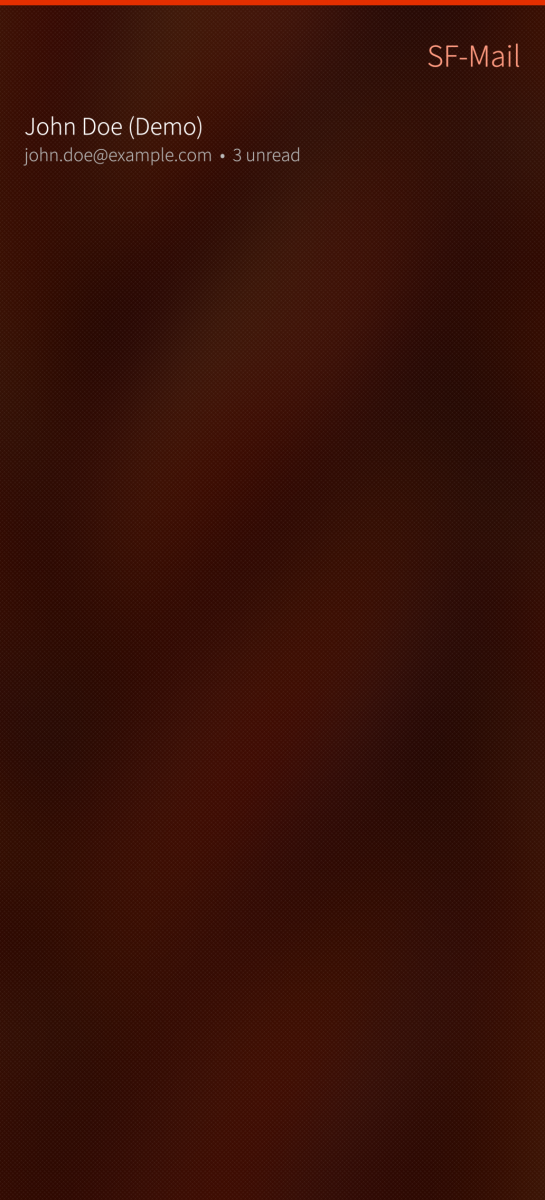
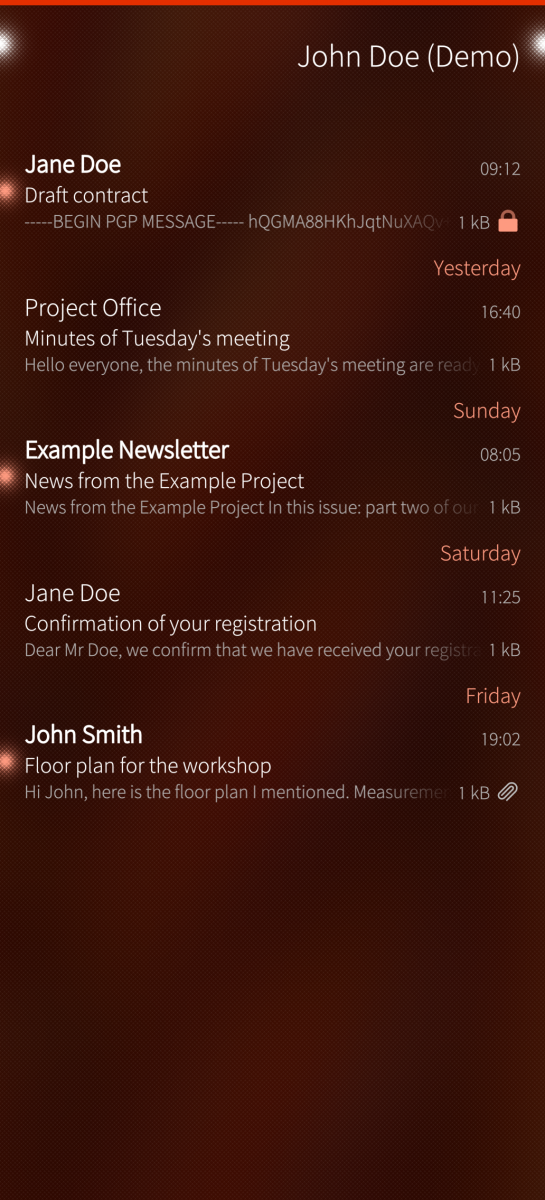
Screenshots:
Category:
Keywords:
Application versions:
| Attachment | Size | Date |
|---|---|---|
 harbour-sfmail-0.8.23-1.aarch64.rpm harbour-sfmail-0.8.23-1.aarch64.rpm | 3.24 MB | 01/10/2026 - 19:24 |
| harbour-sfmail-0.8.23-1.armv7hl.rpm | 2.69 MB | 01/10/2026 - 19:24 |
Changelog:
- Mail can be searched. "Search" in the pull-down menu of a mailbox looks through the whole account, every folder, by sender, subject and message text; each hit says which folder it is in. What is stored on the device is searched as you type. The server is asked only when you tap "Search on the server": its matches are added to the list, and the page says when it is done, when there is no connection, and how many further matches were left on the server. Searching never syncs a folder, so it cannot remove anything stored. The text of encrypted messages cannot be searched; they are found by sender, and by subject where the subject travels in the clear - a subject hidden by protected headers is only "..." to a search. Not every account type can search on the server.
Recent comments