
Chess-engine

A fully compliant, playable chess engine written in Lua and rendered with the Love2D game framework forked from https://github.com/Azzla/chess-engine. Features a multi-threaded AI opponent with alpha-beta + quiescence search algorithms.
Completed Goals
- Bug-free legal move generation: Passes all Perfts up to a depth of 5-ply from this testing suite.
- Optimized move generation: Various speed increases have been achieved via table-lookups, init-time move info storage, array indexing over looping, removing table.insert, etc. More optimization is always possible but its good enough for the time being.
- Playable AI opponent: Opponent can find good moves in most positions and generally avoids bad moves. I've noticed a bug where the search thread hangs and it never returns the best move, but it seems to occur rarely.
I'm not the original developer, I forked the project and did a few small tweaks like zoom out the screen and tweaking the screen resolution to make it fit on mobiles.
I may add some more mobile features in the future.
This is my second chess project forked, the other one can be found here: https://openrepos.net/content/glitchapp/love-chessboard
Difference between the two chess games:
Chess-engine:
- Features A.I. oponent (you can only play against cpu)
- Clock
- Smooth animations
love-chessboard:
- No A.I. opponent (you can only play against another human player)
- 4 sets available: "fritz", "sharm", "smirf" and "warlord"
- Portrait and landscape mode
Choose whatever chess you prefer and enjoy!
v0.2 adds:
- New set of pieces: "sharm"
- Normal maps and global illumination
This new version pushes the gpu and may not perform well on old devices, if you experience bad performance please use v0.1
v0.3 adds: Deprecated lua functions updated with their newer counterparts.
This build works on sailfish os 5.0 (tampella). It problably won't work on older sailfish versions: some of the new lua functions do not work on older lua, if the game crashes on older sailfish please use version 0.2 instead.
v0.4 adds: Landscape mode. Game can now be played in both portrait and landscape mode.
v0.4.2 update: Fixed issues with the pull menu.
v0.5: The rendering pipeline has been upgraded to 3D. The game now renders almost entirely in 3D — only the pieces remain as 2D sprites, but they are positioned within the 3D space.
If you connect a keyboard, you can adjust the camera angle using the arrow keys.
v0.6 adds:
- Improved visual feedback when moving pieces: Board squares now highlight when you pick up and drag a piece, making it easier to visualize possible movements.
-
Background music: You can now play music in the background.
- Press M to toggle music on/off
- Press N to play a new random track
Chess Engine 0.7 – What’s New:
- Full board rotation support and landscape mode compatibility.
- High-quality textures for the board for a more realistic look.
- New 3D pre-rendered piece models with improved detail.
- Enhanced lighting and reflections.
v0.8 adds:
- Prerendered pieces in different angles
- Camera can now be moved with two fingers (press and drag to move the camera)
v0.9 Update Highlights
- Pull Menu Restored: Swipe down to restart the game or access options.
-
New Options:
- AI Plays Black – Turn off to play against another human.
- Allow Undo – Work in progress (not functional yet).
- Auto-Queen Promotions – Pawns auto-promote to queens.
- Reflections – Previously applied only to the board; now pieces also reflect on the board! Disable if your device struggles with framerate.
v1.0 introduces:
- A new optimized lighting system that improves the visual illumination of chess pieces while maintaining high performance.
v1.2 adds:
- Two new options in the Options menu: Illumination and Background.
- Free camera movement (keyboard only; use WASD to move – touch controls are not supported).
Tip: Among all graphics options, Global Illumination is the most performance-intensive. If you need better performance, this is the first option to turn off.
v1.3 adds: new options and three playable old builds of the game:
- v0.1 – Closest to the original developer’s vision, using the original 2D assets.
- v0.2 – Still 2D, but with updated assets for a refreshed look.
- v0.6 – First 3D version of the game, highly performant thanks to minimal visual effects.
Note: Loading these old versions is not fully beta-tested. Some features may be missing or unstable—for example, they do not include the pull menu, and attempting to use it may cause a crash.
Version 1.4 introduces ChatHUD and NoobHub.
Players familiar with my other games that include ChatHUD and NoobHub will already know what these tools are. For those who are new to them, they are too complex to fully explain in a short release note. Please refer to the project repository for detailed information about what they are, how to use them, and how to set them up.
In short, ChatHUD and NoobHub provide a chat and multiplayer client/server system that allows you to:
- Chat with other players
- Use natural-language commands (for example, toggling options simply by typing what you want)
- Talk to, ask questions to, and even play with AI models
As impressive as that may sound, the internal game algorithms may still play better than some AI models!
For this game, ChatHUD also introduces a special feature: chess move parsing. In practice, this means you can use NoobHub to play chess with other players over the network.
Important: These new features are highly experimental and currently in beta. There is no guarantee that they will work correctly. They are primarily intended for beta testers, contributors, and developers.
If you are not part of those groups, you are still welcome to try them—as long as you are tolerant of bugs or incomplete behavior. Otherwise, you can safely ignore these features, as they do not affect the rest of the game's functionality.
Enjoy!
Version 1.5 adds: The 3 sets of piece assets can now be toggled even during gameplay with keyboard (keys 1 to 3) and the pull menu (select "Toggle piece set")
Version 1.6 introduces subtle UI improvements that make it easier to see which pieces you are hovering over or dragging, as well as their target squares, using animated selection assets and enhanced highlighting.
Note I removed versions 1.1 till 1.5 because there's nothing relevant difference between them and they use too much space due to the music.
Version 1.7 adds:
- Performance optimizations in the rendering pipeline — the game should run smoother.
- Full camera movement in all directions: use the keyboard for free movement, or rotate the camera on touch devices using two fingers.
- A brand-new set of assets and board theme: Marble.
- Enhanced global illumination — the board is now brighter and easier to see.
v1.8 adds:
- Refined touch controls: zoom and rotate the camera using two fingers.
- Reset the camera from the pull menu
- Gamepad support.
- Improved help readability.
- Returning from the options menu no longer resets the game—you can continue right where you left off while experimenting with settings.
v1.9 Update Highlights:
- Game now launches directly to the Title Menu.
- Title Menu features a new game logo along with a cinematic camera view of the board.
- Added a Tutorial Menu to guide new players.
- The Main Menu is now accessible from the pull-down menu.
- New Resume Option allow players to return to the game from any menu without restarting the game.
v2.0 Highlights:
- Save & Load Games: Pause your chess game anytime and continue later. Easily transfer your game between phones or to a desktop.
- Reorganized Pull Menu: A cleaner, easier-to-navigate menu layout.
- Replay Feature (Keyboard Only): Replay your moves step by step and review your games.
v2.2 adds:
- Improved piece movement animations: knights now jump over other pieces in their path, while all other pieces move smoothly when unobstructed.
- Dynamic camera angles: the camera now reacts to events like captures, showing new, cinematic views.
- Status indicators for services: UI icons appear in the top-right corner to show the status of Noobhub and the NFC service.
- NFC capabilities (experimental): the system can interact with NFC cards. Note: this feature is very experimental and not mobile-friendly. It requires running a Python listener, which may crash on Sailfish due to older Python versions. Even if adapted, it currently only supports USB NFC readers (not built-in ones) and only stores the pieces’ positions on the card. For a full save with move history, replay, and more, it’s much better to copy the saved game from the game’s save folder.
v2.3 adds:
- Refactored and better-organized Options menu with tabs for easier navigation.
- The Options menu now renders the chessboard in the background, allowing you to see changes in real time.
- New options: Fullscreen and VSync (mostly relevant for desktops), and Profiler (displays performance metrics with graphs).
- Save settings: You can now save your preferences, which are automatically loaded when the game starts.
v2.3.2 introduces:
- Performance Mode – Increases FPS by lowering the rendering resolution.
Note: Performance Mode currently works only in portrait orientation.
Chess Engine v2.4
New: Experimental VR Mode
Chess Engine v2.4 introduces an experimental VR mode.
Current Status
- VR mode is almost fully playable.
- Currently supports portrait mode only.
- Players must manually position the in-game camera using a two-finger gesture.
- The game camera is independent from the VR camera — the game runs inside a floating virtual screen.
Controls
- A gamepad is required for proper VR gameplay, since the screen should not be touched while wearing the headset.
- Full gamepad support is included in the game.
- The pull menu remains accessible and can still be used to enable or disable VR mode.
Platform Support
- Desktop (x86_64): Fully supported and currently the recommended platform for VR play.
- ARM devices: Functional but still requires tuning. Camera centering may be inaccurate.
- Android: Potentially supported through LÖVR integration, but untested.
- Sailfish OS: No official LÖVR builds are available, so VR support is currently uncertain.
Technical Notes
LÖVE2D does not provide native VR APIs or sensor access. VR support is implemented through a custom bridge called “LÖVR 2 LÖVE”, which retrieves sensor data from LÖVR and forwards it to the game.
LÖVR 2 LÖVE Modes
Two VR communication modes are available:
- Shared Memory Mode (default)
- Recommended mode
- No latency
- No network configuration required
- Sensor data is shared directly in memory
- Network Mode
- Intended mainly for platforms where native sensor access is unavailable
- Requires configuring an IP address for sensor data transmission
- Introduces some latency
- May be the only viable option on Sailfish OS
Additional Information
All games using this VR system share the same VR engine. For setup instructions and technical details, refer to the documentation for Spinny the Runner.
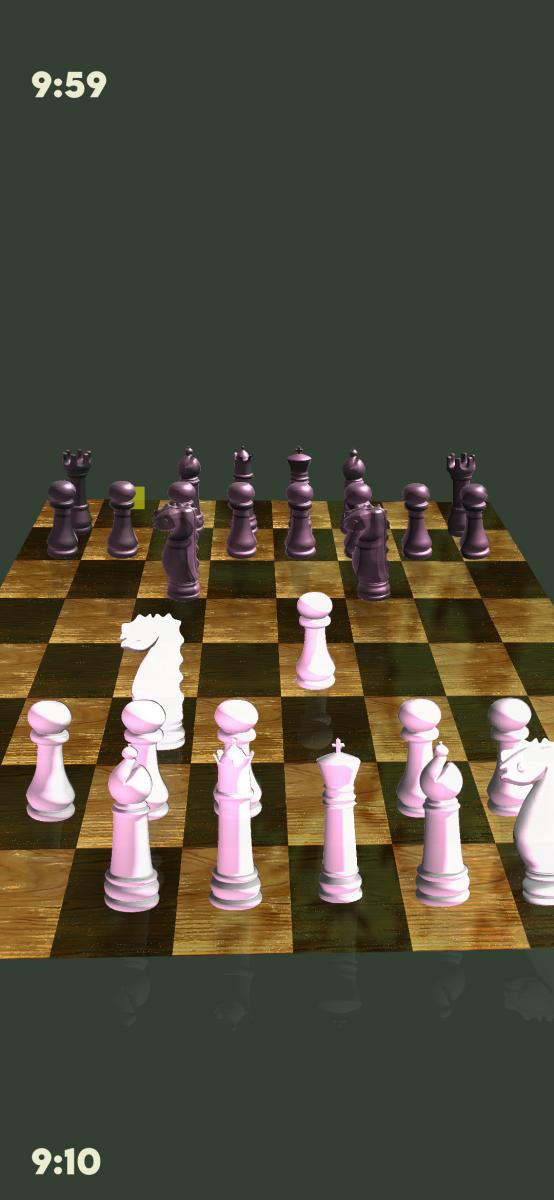
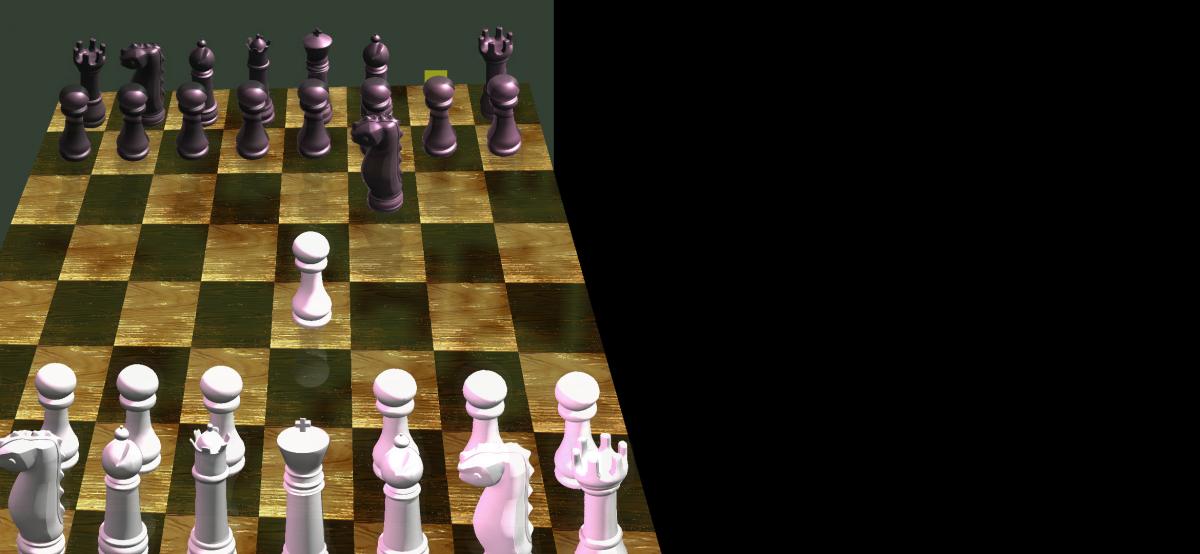
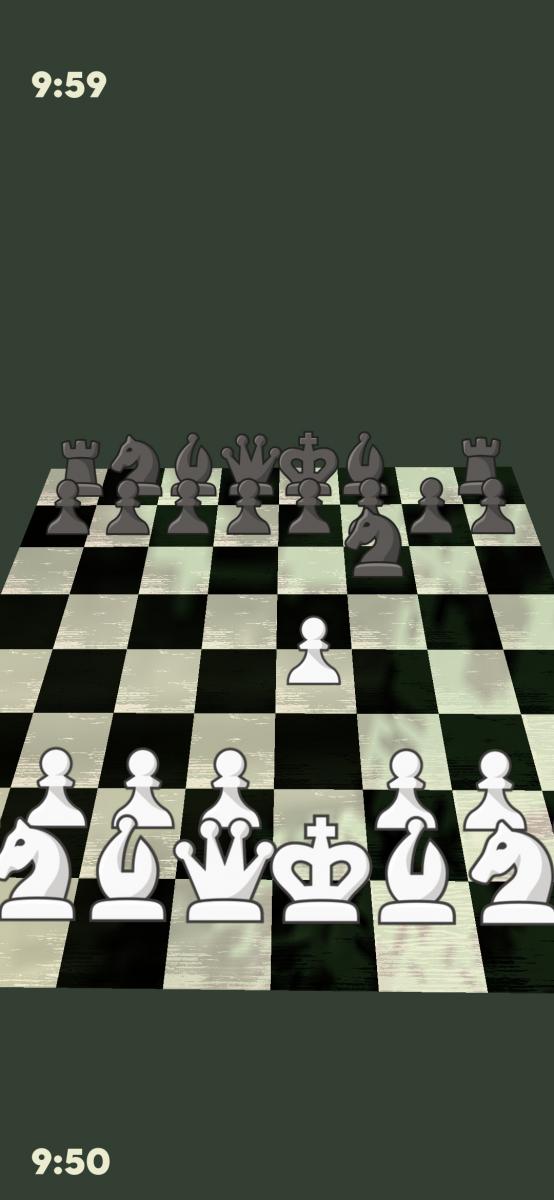
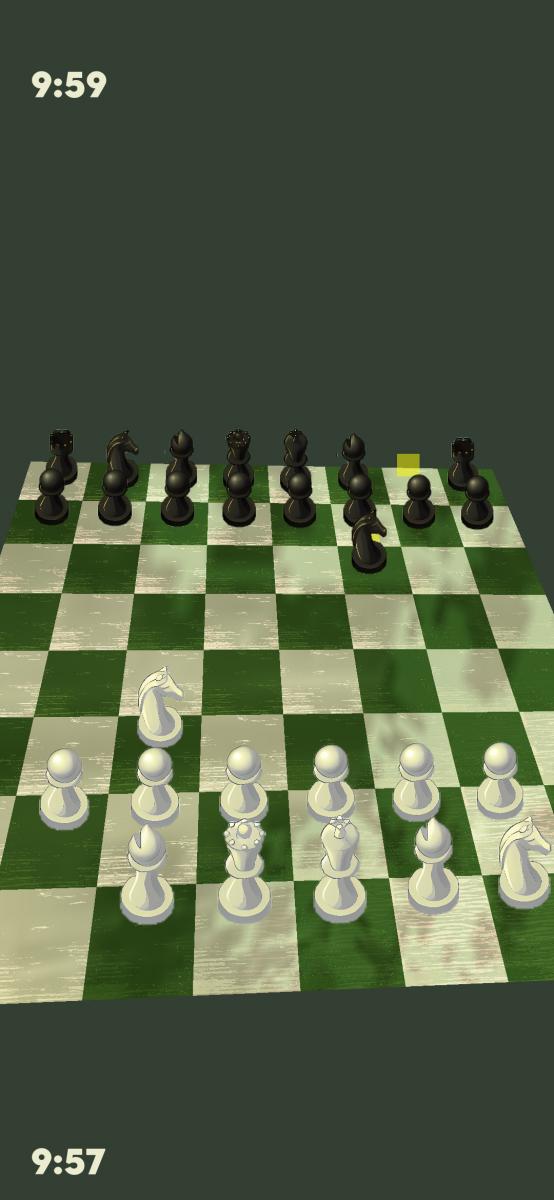
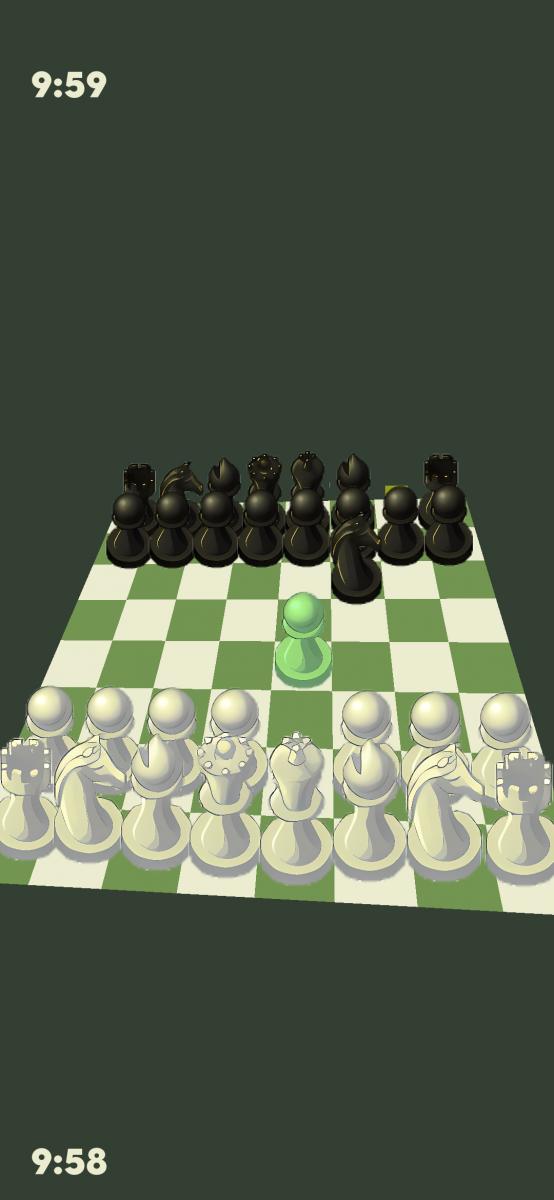
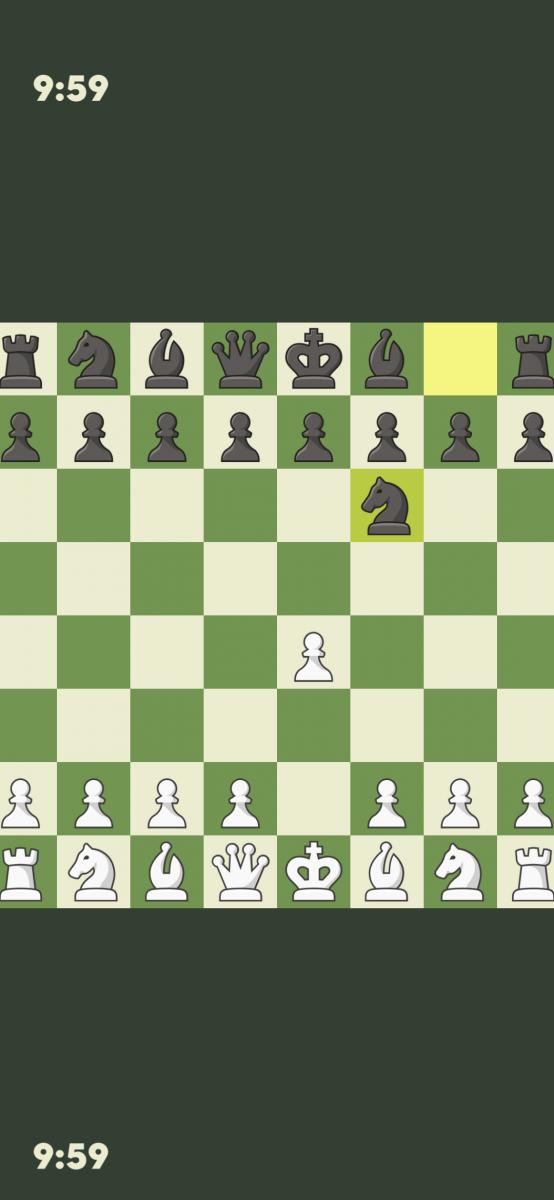
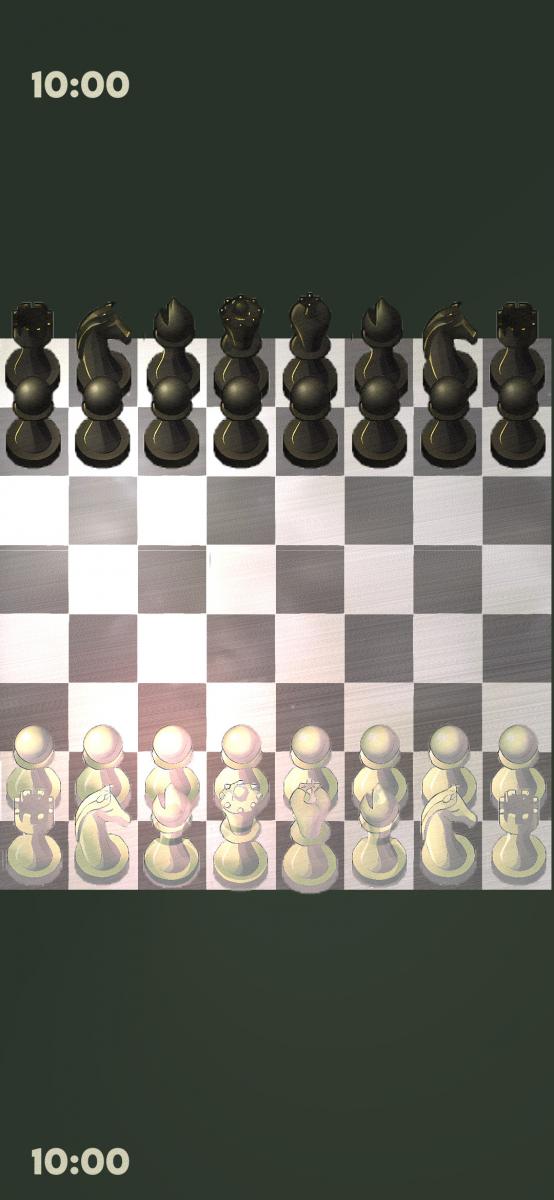
Screenshots:
Keywords:
Application versions:
| Attachment | Size | Date |
|---|---|---|
 chessengine-0.1-1.noarch.rpm chessengine-0.1-1.noarch.rpm | 2.14 MB | 29/09/2024 - 14:16 |
| chessengine-0.2-1.noarch.rpm | 11.34 MB | 11/11/2024 - 18:23 |
| chessengine-0.3-1.noarch.rpm | 14.84 MB | 28/02/2025 - 15:09 |
| chessengine-0.4-1.noarch.rpm | 16.41 MB | 10/10/2025 - 10:13 |
| chessengine-0.4.2-1.noarch.rpm | 16.41 MB | 12/10/2025 - 11:24 |
| chessengine-0.5-1.noarch.rpm | 16.41 MB | 07/03/2026 - 14:08 |
| chessengine-0.6-1.noarch.rpm | 53.41 MB | 08/03/2026 - 13:24 |
| chessengine-0.7-1.noarch.rpm | 64.24 MB | 09/03/2026 - 18:25 |
| chessengine-0.8-1.noarch.rpm | 69.77 MB | 10/03/2026 - 02:54 |
| chessengine-0.9-1.noarch.rpm | 70.32 MB | 11/03/2026 - 12:47 |
| chessengine-1.0-1.noarch.rpm | 83.51 MB | 11/03/2026 - 21:15 |
| chessengine-2.3.2-1.noarch.rpm | 125.66 MB | 23/03/2026 - 14:09 |
| chessengine-2.4-1.noarch.rpm | 125.67 MB | 09/05/2026 - 13:08 |
Changelog:
Chess Engine v2.4
New: Experimental VR Mode
Chess Engine v2.4 introduces an experimental VR mode.
Current Status
- VR mode is almost fully playable.
- Currently supports portrait mode only.
- Players must manually position the in-game camera using a two-finger gesture.
- The game camera is independent from the VR camera — the game runs inside a floating virtual screen.
Controls
- A gamepad is required for proper VR gameplay, since the screen should not be touched while wearing the headset (or the phone in a cardboard).
- Full gamepad support is included in the game.
- The pull menu remains accessible and can still be used to enable or disable VR mode.
Platform Support
- Desktop (x86_64): Fully supported and currently the recommended platform for VR play.
- ARM devices: Functional but still requires tuning. Camera centering may be inaccurate.
- Android: Potentially supported through LÖVR integration, but untested.
- Sailfish OS: No official LÖVR builds are available, so VR support is currently uncertain.
Technical Notes
LÖVE2D does not provide native VR APIs. VR support is implemented through a custom bridge called “LÖVR 2 LÖVE”, which retrieves sensor data from LÖVR and forwards it to the game.
LÖVR 2 LÖVE Modes
Two VR communication modes are available:
- Shared Memory Mode (default)
- Recommended mode
- No latency
- No network configuration required
- Sensor data is shared directly in memory
- Network Mode
- Intended mainly for platforms where native sensor access is unavailable
- Requires configuring an IP address for sensor data transmission
- Introduces some latency
- May be the only viable option on Sailfish OS
Additional Information
All games using this VR system share the same VR engine. For setup instructions and technical details, refer to the documentation for Spinny the Runner.
Recent comments