
3Dream Engine

A fork of https://github.com/3dreamengine/3DreamEngine
This project took a significant amount of effort to port to ARM, and I’m excited to share it. If, like me, you enjoy cutting-edge 3D engines, you’ll probably get a lot out of this.
This is the 3Dream Engine — one of the most advanced 3D engines ever made for LÖVE2D — and now, for the first time, running on ARM. It’s also very likely the most advanced 3D engine you’ll ever see on Sailfish OS (feel free to prove me wrong).
Among its many incredible features, the engine includes:
- Metalness workflow (albedo, normal, roughness, metallic, ao, emission)
- HDR with bloom
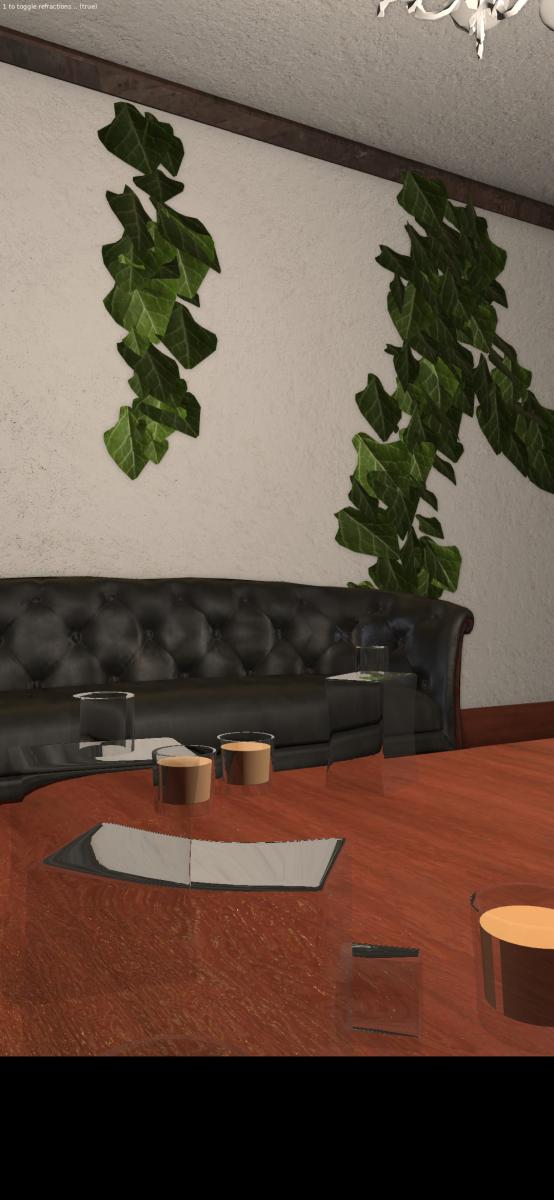
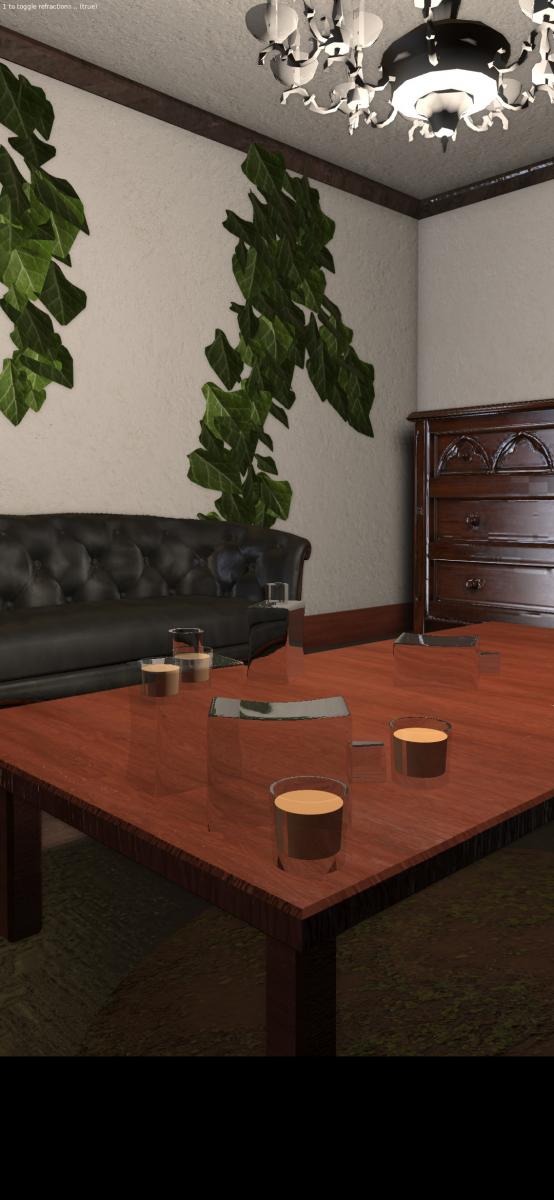
- Refractions, specular and diffuse reflections
- Screen space ambient occlusion (ssao)
- Particle batches and sprites
- Particle/foliage systems
- Simple custom shaders
- Eye adaption effect
- Cascade directional shadow mapping
- Point shadow mapping
- Smooth shadows
- Distance fog
- Godrays
- Included shaders for wind animation, water, ...
- Supports .obj, .glb, .gltf, .dae and .vox
- Threaded texture loading
- Optional high performance file format to minimize loading times
- Included optimized vec2, vec3, vec4, mat2, mat3 and mat4 library
- Box2D extension to support basic 3D physics
- Dynamic clouds, sun, moon, stars and rainbows
The possibilities with this engine are substantial if you have the skills and time to fully harness its power. For now, enjoy the included demos.
The engine has now Vr support (Work in progress, it requires LÖVR 2 LÖVE bridge) (Toggle Vr mode with key 'v' and toggle in / out mode with key 'i')
Note: You need a keyboard to move the camera (angle of the camera can be moved with touch input)
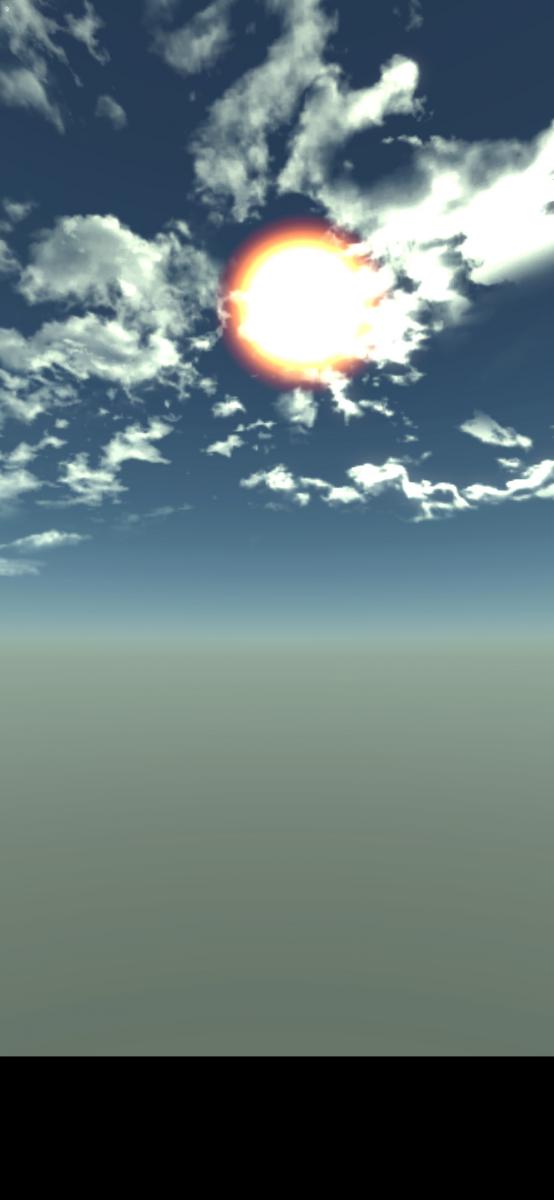
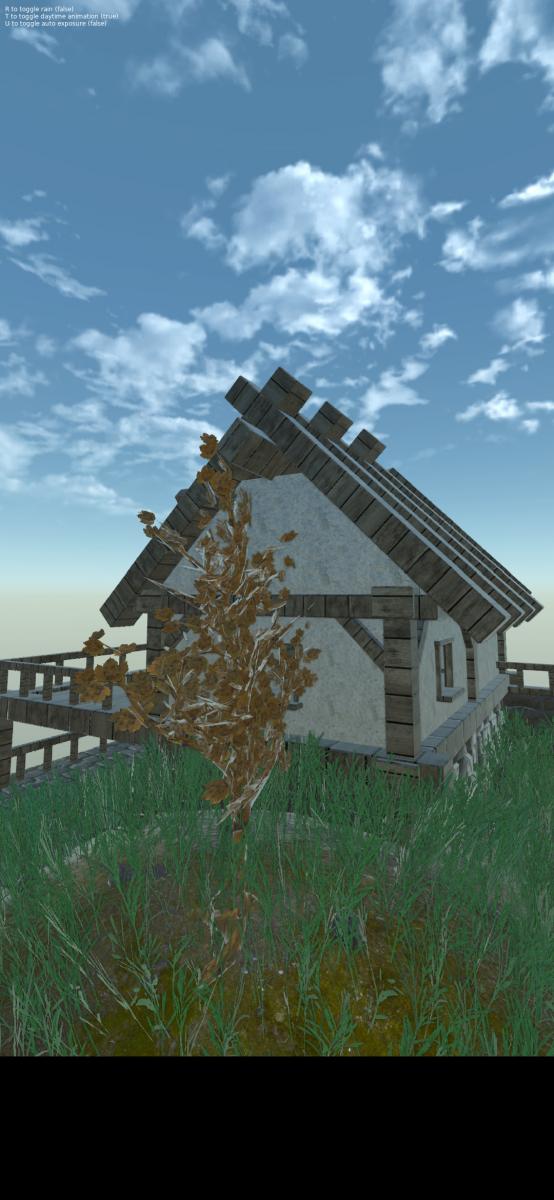
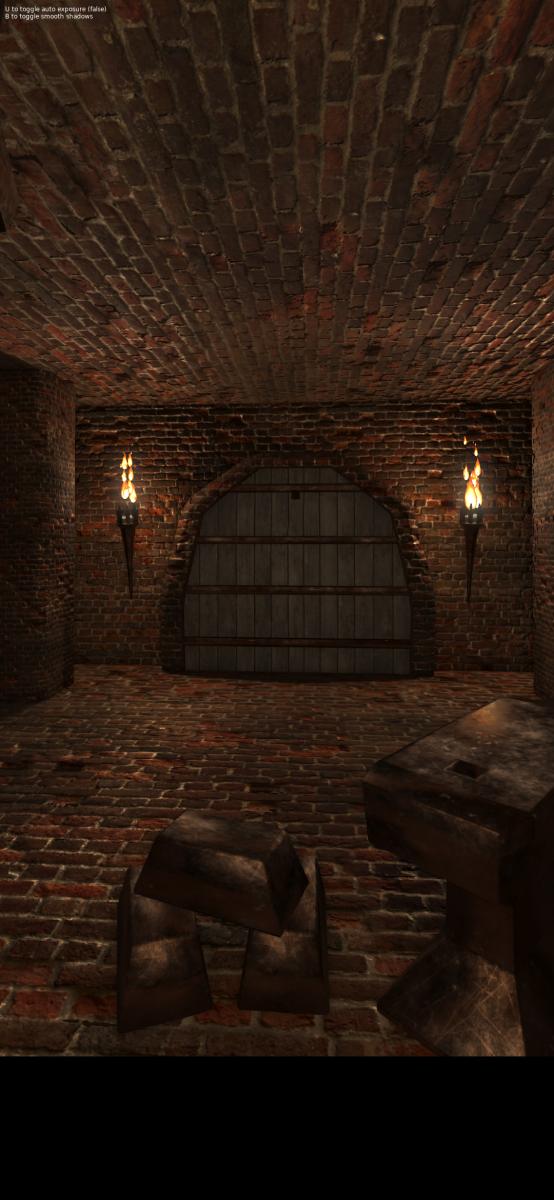
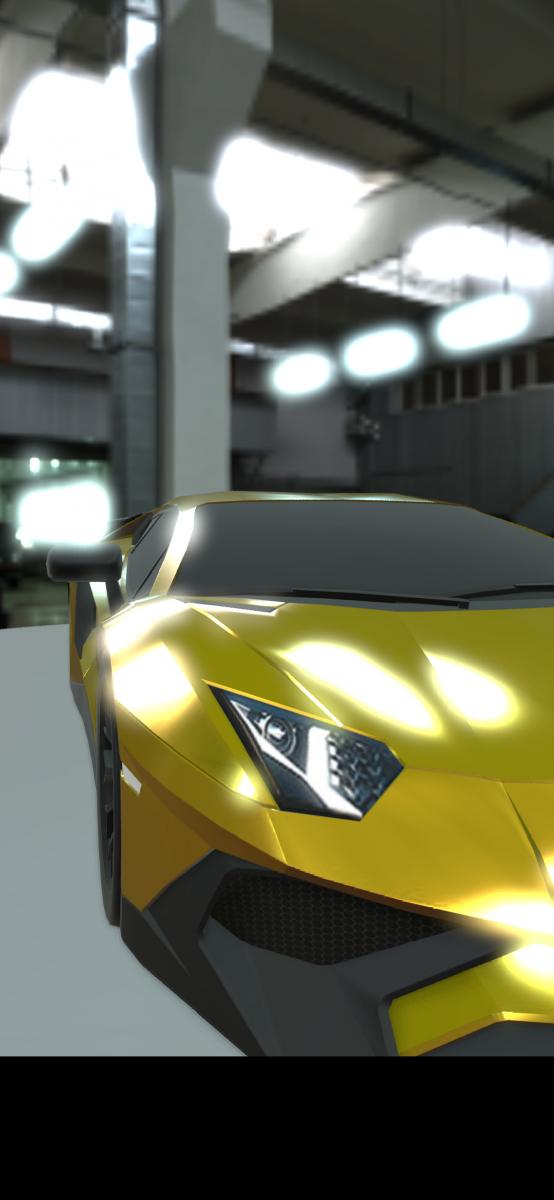
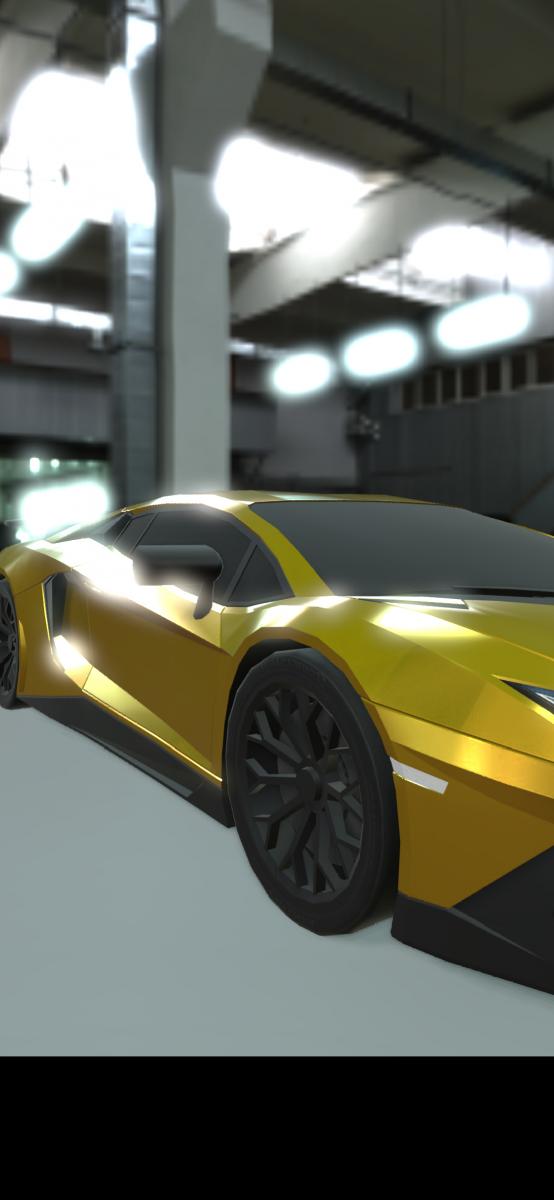
Screenshots:
Application versions:
| Attachment | Size | Date |
|---|---|---|
 3dreamengine-0.1-1.noarch.rpm 3dreamengine-0.1-1.noarch.rpm | 48.92 MB | 29/05/2026 - 11:35 |
Changelog:
first release
Note: You need a keyboard to move the camera (angle of the camera can be moved with touch input)
The engine has now Vr support (Work in progress, it requires LÖVR 2 LÖVE bridge) (Toggle Vr mode with key 'v' and toggle in / out mode with key 'i')
Recent comments