
SailSCQ


SailSCQ controls Soundcore headphones, earbuds and speakers on Sailfish OS.
Features:
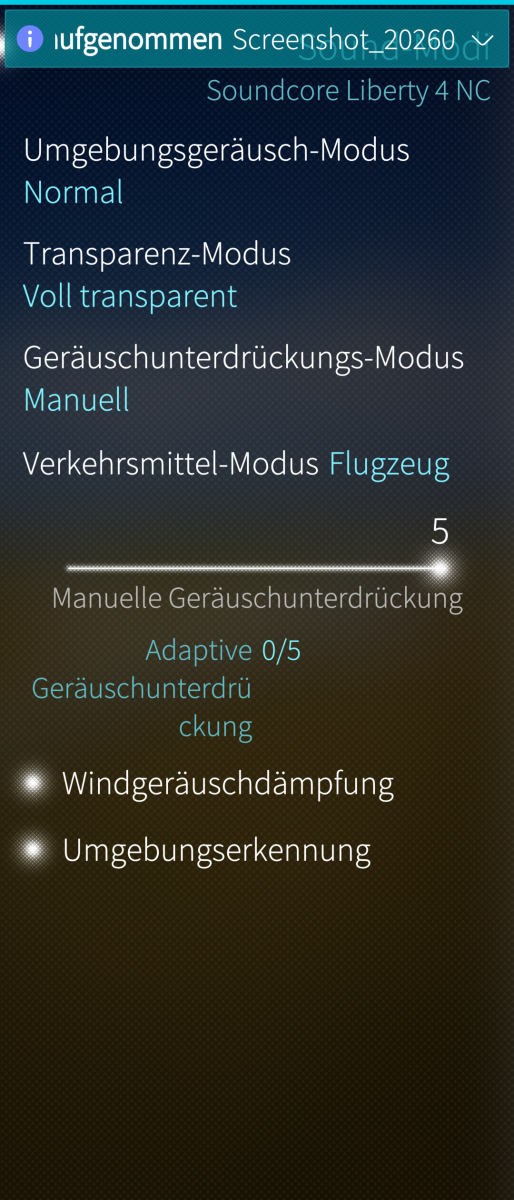
- Sound modes: noise canceling, transparency, normal
- Equalizer with presets and your own profiles, import and export
- Button configuration, volume limit, dual connection and more
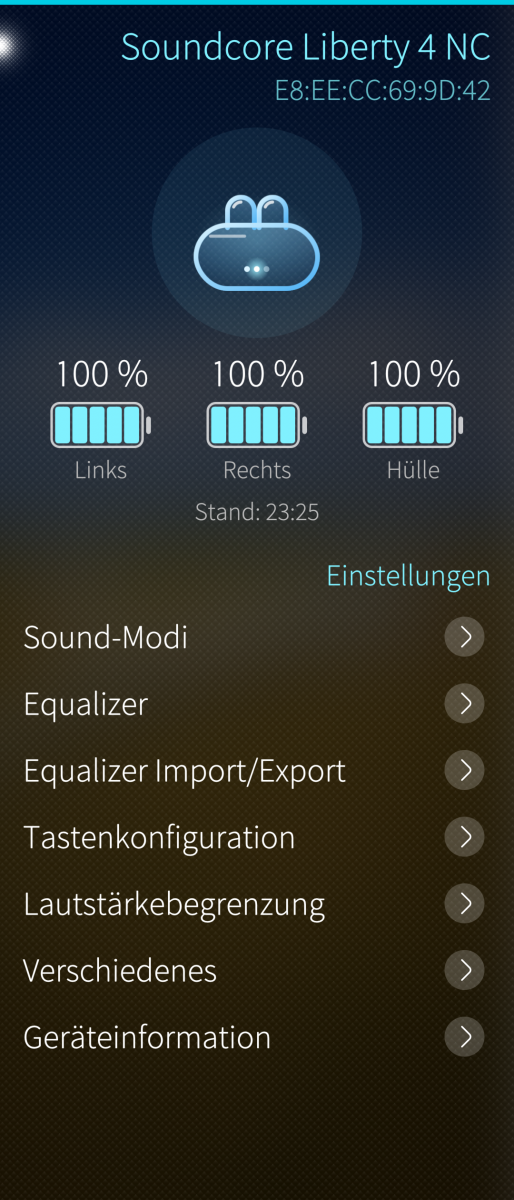
- Battery levels for left, right and case, with charging indicator
- App cover shows battery and sound mode and switches the mode with one tap
- Opens your last used device automatically on start
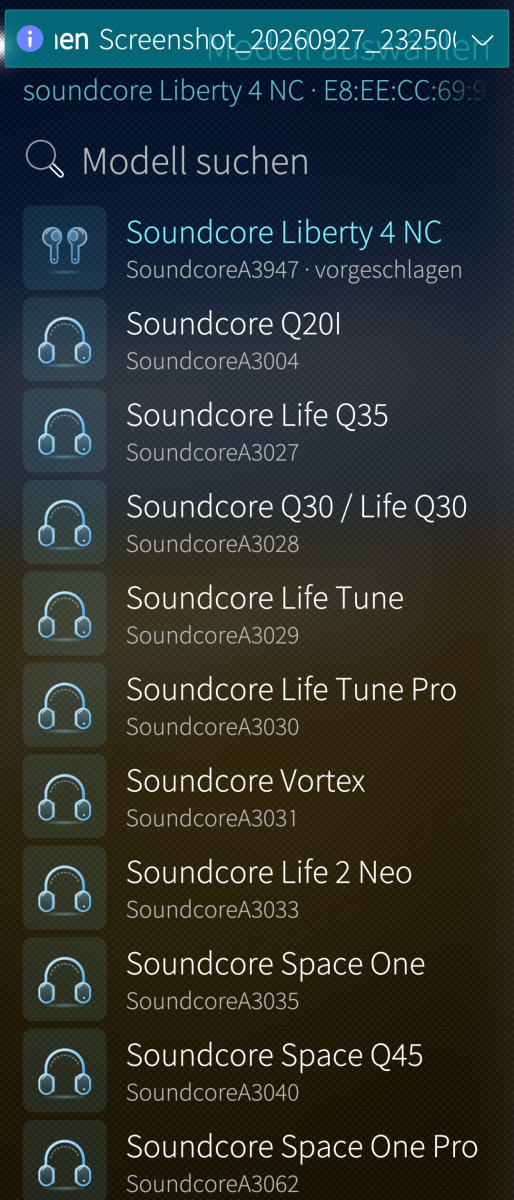
- Demo mode: see every setting of a model without owning it
- Translated into all 39 Sailfish OS languages
Supports 36 models, including Liberty 4 NC, Liberty 4 Pro, Liberty 5, Liberty 3 Pro, Space One, Space One Pro, Space Q45, Space A40, Life Q30, Life Q35, Life P3, Life Note 3, Sleep A30, Sport X20 and Motion+. The full list is in the app under "Supported devices".
Getting started: pair your headphones in the Sailfish Bluetooth settings first, then open SailSCQ, pull down and choose "Add device".
SailSCQ is an unofficial user interface for OpenSCQ30 by Kyle Scheuing. The OpenSCQ30 command line tool (version 2.12.0) is included unchanged. Not affiliated with Anker or Soundcore.
Requirements: 64-bit device (aarch64), Sailfish OS 5.x.
Translations were mostly created with the help of an AI. Corrections from native speakers are very welcome on GitHub.
License: GPL-3.0-or-later
Source code: https://github.com/denis-robel/SailSCQ
OpenSCQ30: https://github.com/Oppzippy/OpenSCQ30
Screenshots:
Category:
Application versions:
| Attachment | Size | Date |
|---|---|---|
 harbour-sailscq-0.21-1.aarch64.rpm harbour-sailscq-0.21-1.aarch64.rpm | 3.61 MB | 28/09/2026 - 00:31 |
| harbour-sailscq-0.22-1.aarch64.rpm | 9.93 MB | 30/09/2026 - 18:35 |
Changelog:
Fixes since the test versions
- No more automatic reconnection attempts after a connection failure; repeated failing connections can disturb the phone's Bluetooth stack. Reconnect by hand or restart the app.
- Charging state is now detected (the CLI reports "Yes"/"No")
- Setting values are translated; the CLI always reports them in English
- Version number on the About page is now updated with every build
- Long action labels no longer overflow the screen
Known issues
- Life P2 Mini: some units use a different protocol variant that OpenSCQ30 cannot read yet, so connecting fails. Reported upstream.
- Q20i: in some cases the headphones do not answer. Under investigation.
- aarch64 devices only.
Recent comments