
Flightgear


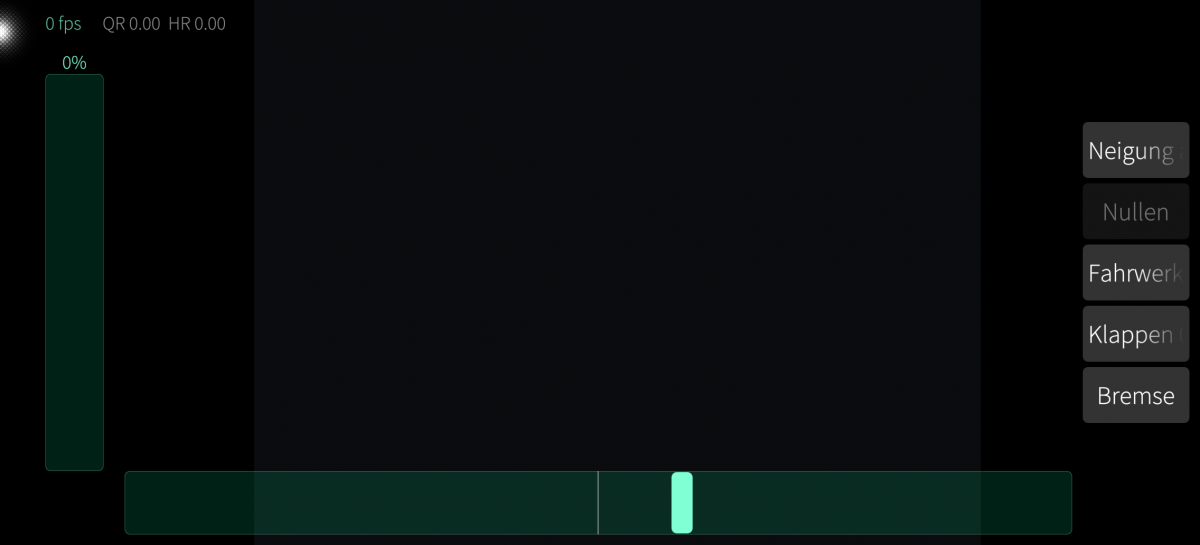
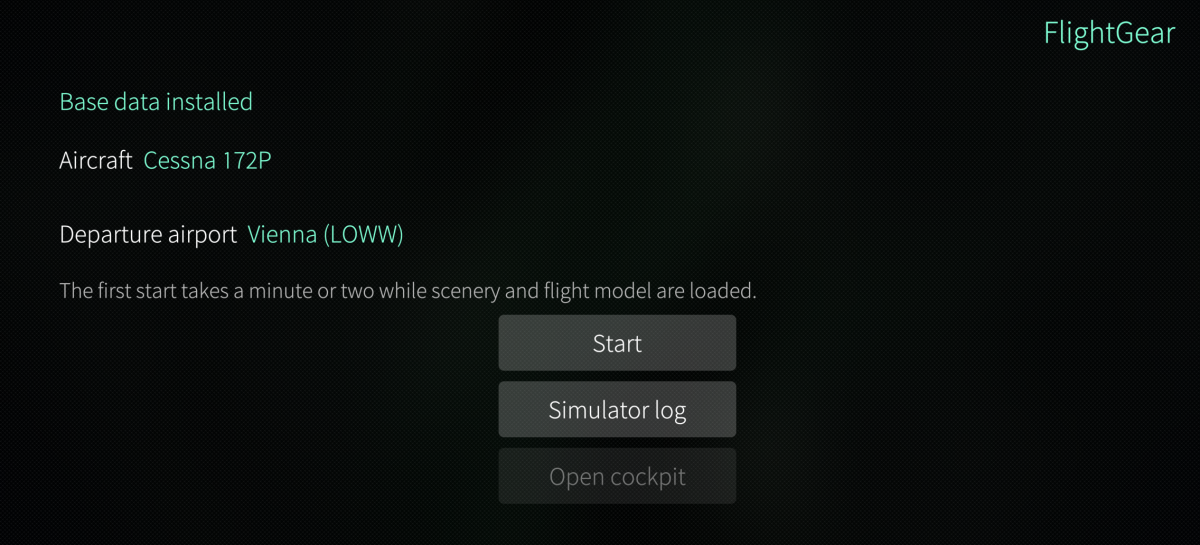
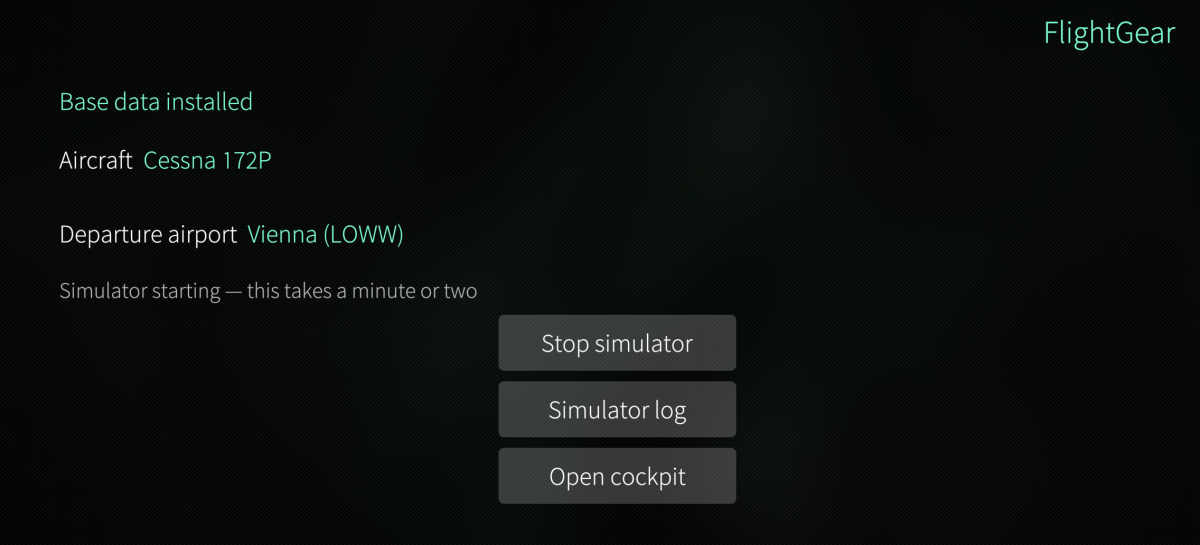
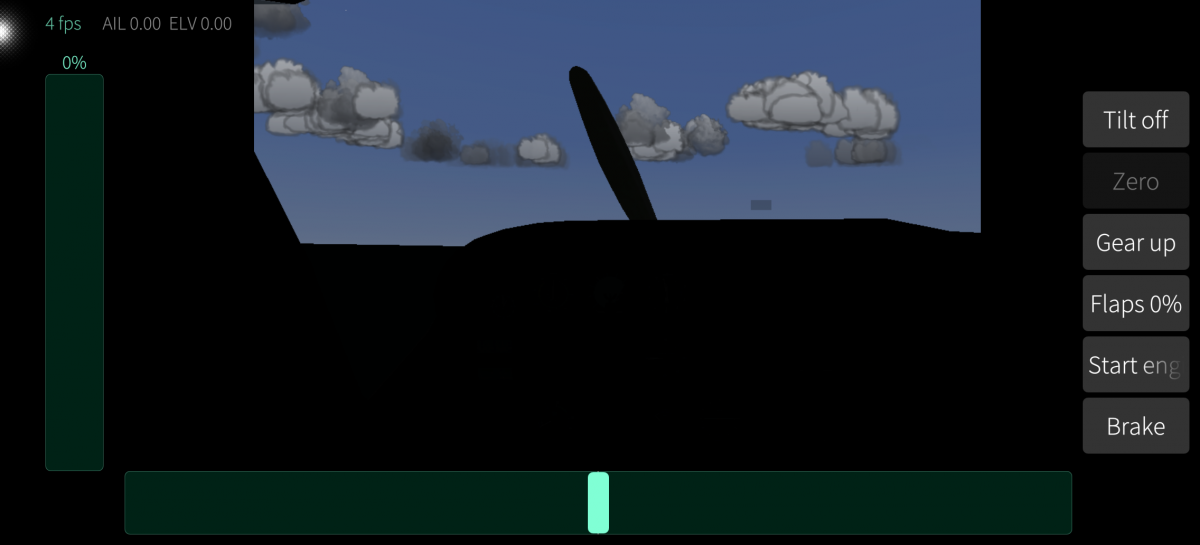
FlightGear flight simulator for Sailfish OS. This is a full port of FlightGear 2020.3.19 — not a remote viewer, not a streaming client. The simulator runs on the device. ### Why this was hard Sailfish OS has no desktop OpenGL. The GPU only speaks OpenGL ES through libhybris and the proprietary vendor blob. FlightGear and OpenSceneGraph need desktop GL including the fixed-function pipeline — glBegin, matrix stack, display lists. The way around it is Mesa Zink, which translates OpenGL to Vulkan, and Vulkan is reachable through libhybris. On the Jolla Phone (2026) this yields: GL_VERSION: 3.2 (Compatibility Profile) Mesa 24.2.8 GL_RENDERER: zink Vulkan 1.3(Mali-G610 MC2 (ARM_PROPRIETARY)) That is enough for FlightGear's classic render pipeline. ### Two packages fgfs-sailfish (about 23 MB) contains the simulator, OpenSceneGraph, SimGear, PLIB and the Mesa/Zink graphics stack under /opt. Nothing in /usr is touched — the Mesa libraries are never placed ahead of hybris' EGL, so the rest of the system is unaffected. harbour-fgview is the interface: it displays the rendered frames and provides the controls. Install both. The base data (FGData, about 1.7 GB) is downloaded on first start with aria2 using eight parallel connections; the download can be interrupted and resumed. It lands in your home directory, not in /opt. Total disk space needed: roughly 5 GB during installation, 3 GB afterwards. ### Controls - Tilt steering for ailerons and elevator, with a calibration button that takes the current position as neutral — so you can fly lying down as well - Throttle lever on the left, self-centering rudder at the bottom - Buttons for gear, flaps and brake - USB OTG joysticks and Bluetooth gamepads work through FlightGear's own event input layer ### What to expect Frame rate is currently around 5 fps at 1024x768. The bottleneck is the synchronous readback from the framebuffer, which forces a pipeline flush on a tile-based GPU. This is the next thing being worked on — PBO ping-pong and a smaller render resolution should improve it considerably. The first start takes a minute or two while scenery and flight model are loaded. Tested on Jolla Phone (2026), jp2601, Mali-G610 MC2, SFOS 5.2. Reports from other devices are welcome — please include device model and SFOS version. Adreno devices have working Vulkan but the stack is untested there. ### Known limitations The Mali-G610 does not support shaderClipDistance. Without gl_ClipDistance, Mesa caps the compatibility profile at GL 3.2 even though the hardware can do more — tessellation, compute shaders and DSA are available as extensions, just not through the version number. ALS and the new compositor are therefore unavailable; you would not want them on a tiler anyway. No wireframe mode (fillModeNonSolid missing). This is alpha software. ### Sources Application: https://github.com/smatkovi/harbour-fgview Graphics stack patches — Mesa/Zink, libglvnd, an EGL backend for OpenSceneGraph, GLX-to-EGL conversions in SimGear and PLIB, plus the build script for the runtime package: https://github.com/smatkovi/fgfs-sailfish The README there documents every change and why it was necessary. The Mesa patch in particular is an upstream candidate: the dmabuf check before Zink initialisation is wrong on any device without dmabuf, not just this one. FlightGear itself: https://www.flightgear.org (GPLv2+) This is an unofficial port, not affiliated with the FlightGear project. ### Support this work This port was built in the author's free time. If you find it useful: https://www.paypal.me/smatkovi https://liberapay.com/smatkovi
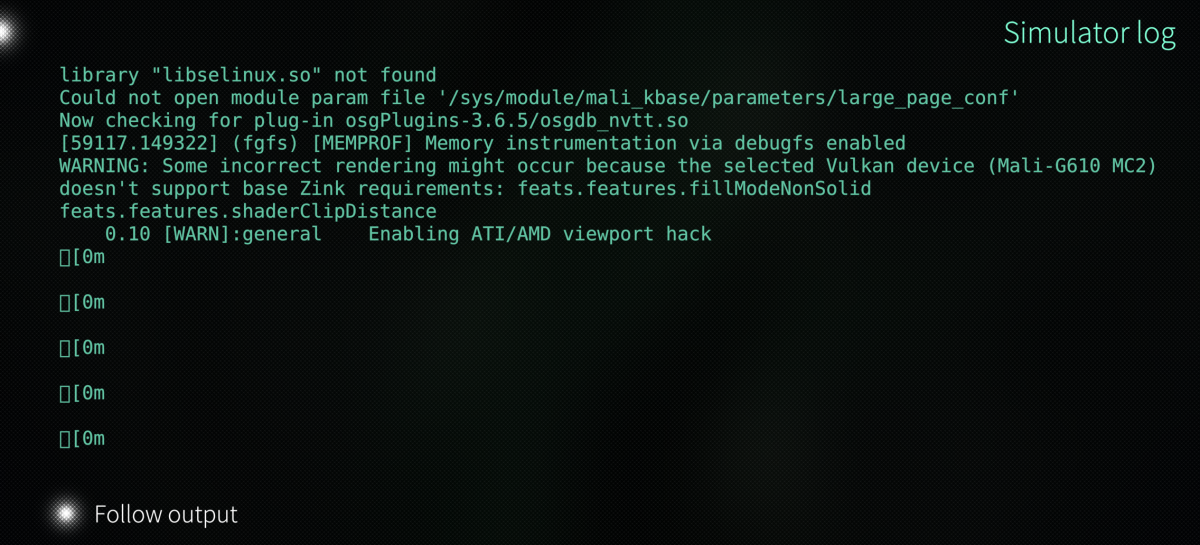
Screenshots:
Keywords:
Application versions:
| Attachment | Size | Date |
|---|---|---|
 fgfs-sailfish-2020.3.19-1.aarch64.rpm fgfs-sailfish-2020.3.19-1.aarch64.rpm | 22.39 MB | 24/08/2026 - 18:40 |
| harbour-fgview-0.1.0-1.aarch64.rpm | 73.49 KB | 24/08/2026 - 18:40 |
| harbour-fgview-0.2.0-1.aarch64.rpm | 75.92 KB | 24/08/2026 - 19:51 |
| harbour-fgview-0.2.2-1.aarch64.rpm | 78.75 KB | 24/08/2026 - 20:30 |
| harbour-fgview-0.3.0-1.aarch64.rpm | 82.23 KB | 24/08/2026 - 21:27 |
| fgfs-sailfish-2020.3.19-5.aarch64.rpm | 22.03 MB | 04/09/2026 - 12:22 |
| harbour-fgview-0.8.0-1.aarch64.rpm | 93.62 KB | 04/09/2026 - 17:08 |
| harbour-fgview-0.8.4-1.aarch64.rpm | 97.01 KB | 10/09/2026 - 08:27 |
| harbour-fgview-0.10.1-1.aarch64.rpm | 649.57 KB | 11/09/2026 - 17:02 |
| fgfs-sailfish-2020.3.19-9.aarch64.rpm | 22.03 MB | 11/09/2026 - 17:02 |
| harbour-fgview-0.12.0-1.aarch64.rpm | 793.57 KB | 12/09/2026 - 20:18 |
| fgfs-sailfish-gles-2020.3.19-13.aarch64.rpm | 184.95 MB | 12/09/2026 - 20:30 |
| harbour-fgview-0.13.0-1.aarch64.rpm | 1.28 MB | 13/09/2026 - 21:11 |
Changelog:
- The VASI/PAPI approach lights are drawn under GLES. FlightGear paints them as GL_POINTs in immediate mode, sized by a point sprite effect - none of which exists under OpenGL ES, so the lights were missing. They are now ordinary geometry in the scene: one camera-facing quad per light with a round sprite, its size following the distance so a light stays a few pixels wide from miles out, and a cull callback that writes the colour every frame - red below the glide path, white above, nothing when seen from behind. That is how X-Plane and MSFS draw their airport lights too (sg_vasi_gles.py; BEFUNDE P55). Measured on the LOWW 29 approach: four red lights from below the path, four white from above. - The lights hang in a plain geode instead of under the point sprite effect: with that effect nothing reached the raster, whatever the geometry said.
Recent comments